

AI Image Editor
Edit an existing image with plain-language instructions
3 credits per generation
What is AI Image Editor?
Upload an image and describe the change you want. Magic Edit applies text-guided edits while keeping the rest of the image as the visual context. Each edit costs 3 credits.
How to use AI Image Editor
01
Upload an image
Choose the image you want to change so the editor can use its subjects, composition, and lighting as context.
02
Describe the edit
Write a direct instruction covering what should change and what should stay untouched.
03
Generate the edited version
Run the 3-credit edit, review the result, and refine the instruction if the first version needs adjustment.
Pricing
Start free. Scale anytime.
One credit system across Studio, Flow and every tool. Cancel anytime.
| Plan | Per month | Credits |
|---|---|---|
| Free | $0 | 3 credits per day |
| Plus | $7.99 | 50 credits per month |
| Pro | $19.99 | 200 credits per month |
| Max | $44.99 | 500 credits per month |
Questions, answered.
What is Magic Edit?
Magic Edit is Lovino's text-guided AI image editor. You upload an existing image and describe the change in plain language.
How much does an edit cost?
Each Magic Edit generation costs 3 credits.
Is this the same as Magic Eraser?
No. Magic Eraser focuses on removing a selected object. Magic Edit accepts broader text instructions for changing an existing image.
What should I put in the instruction?
State the desired change clearly and mention important elements to preserve, such as the person's face, camera angle, or background.
Does the original image get overwritten?
No. The generated edit is a new result, so your uploaded source remains available as the starting reference.
Do I need design software?
No. The workflow uses a source image and a written instruction rather than layers or a manual editing timeline.
More AI tools
- AI Background ChangerPut your photo in a new scene described in words
- AI Outfit ChangerTry a different outfit on your own photo
- AI Interior DesignRedesign a room from a photo in a new style
- AI Hairstyle ChangerTry a new hairstyle on your own photo
- AI Magic EraserRemove unwanted objects from any photo
- AI Background RemoverRemove backgrounds from any image instantly
Related guides
- AI Photo Editing Prompts: Change One Thing, Keep the RestCopy-paste AI photo editing prompts with real before-and-after examples: add an object, change the season or time of day, and keep everything else the same.
- Remove Objects From Photos With AI: 3 Methods ComparedRemove people, objects or a whole background with AI: Magic Eraser brush, instruction edit or cut-out, with a real before-and-after and what each costs.
- AI Photos for Restaurants: Style Real Dishes, Never Invent ThemAI photos for restaurants should polish the dish you really serve: better light, a cleaner background, a menu board that reads right. Plus what never to fake.
Try a template

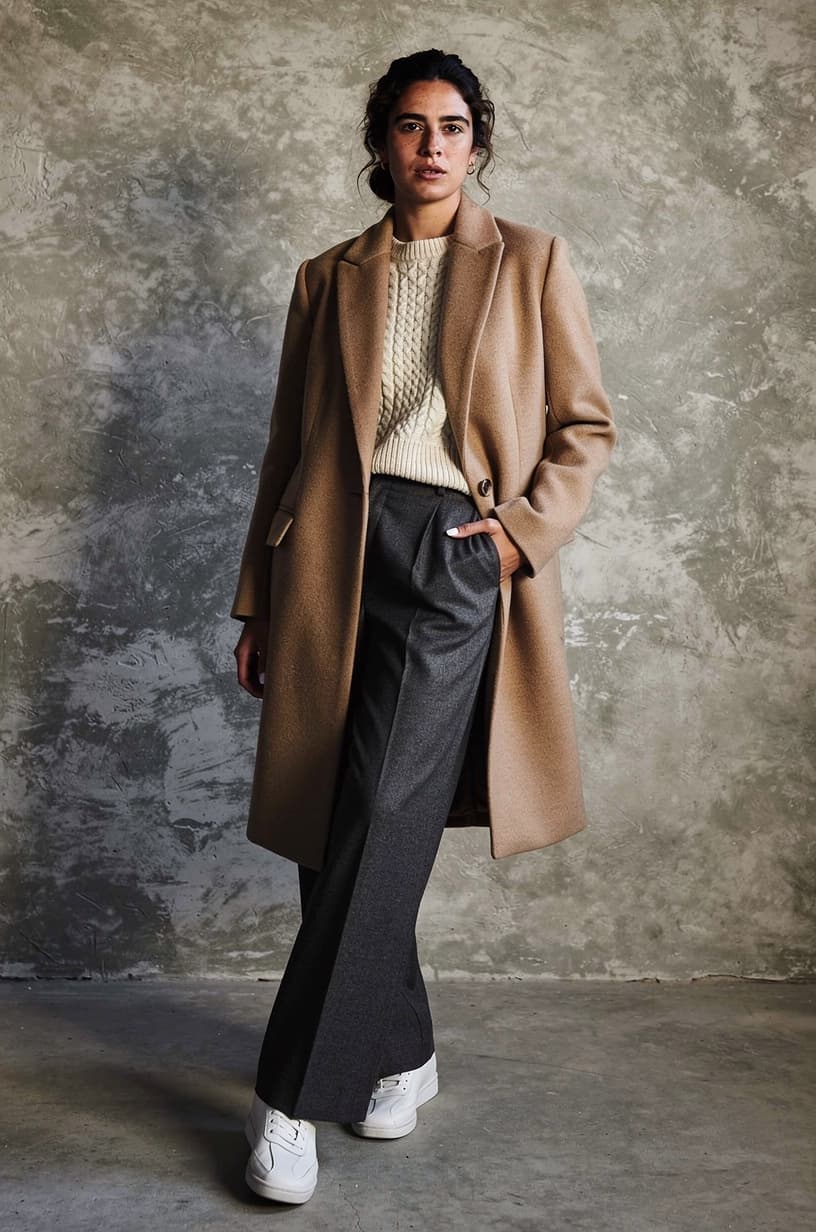


Ready to try AI Image Editor?
3 credits per generation. No purchase is made until you confirm a generation.