

AI influencer generator with a face that stays the same
Pick a preset character or build your own, shoot them in any scene, outfit or pose, and they come back looking like themselves every time. Then animate a photo into a short video.
3 credits per photo. Unused daily credits can cover one preset shoot.
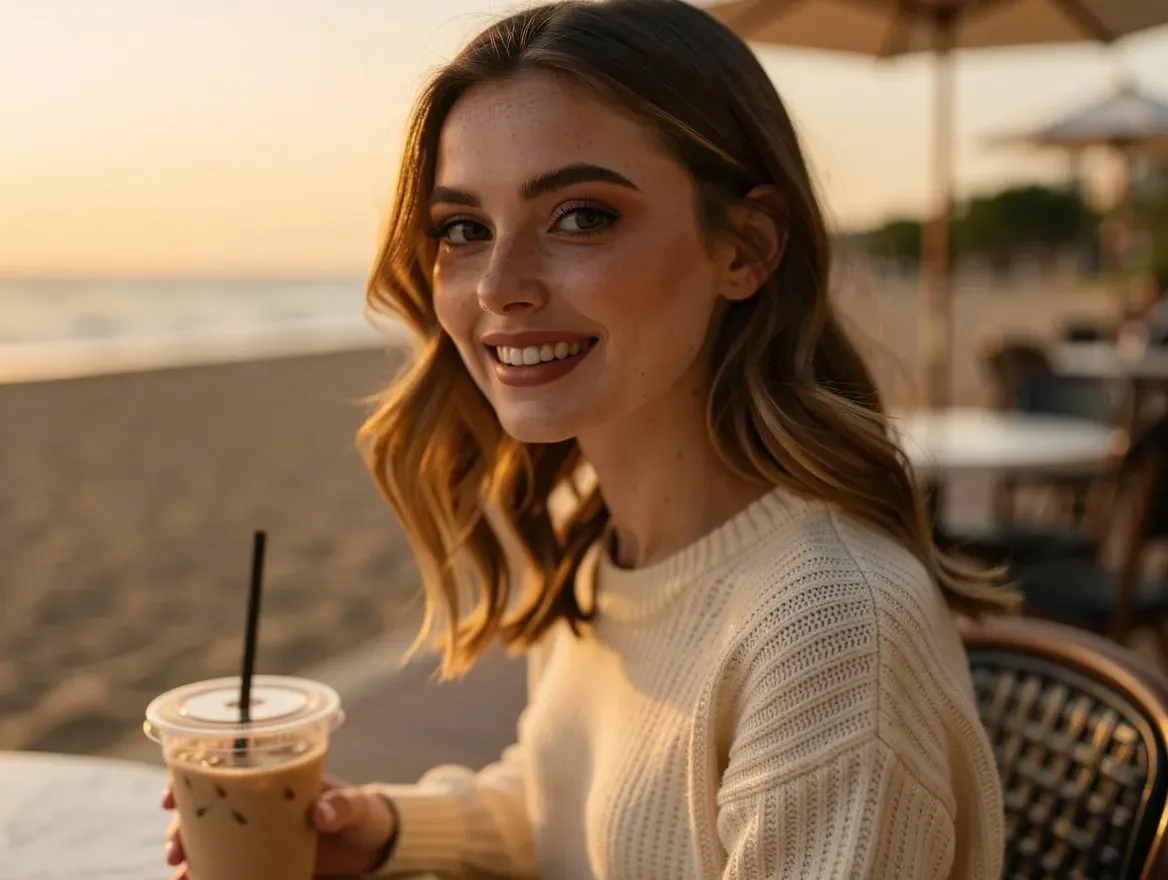 Maya · Beach café, golden hour
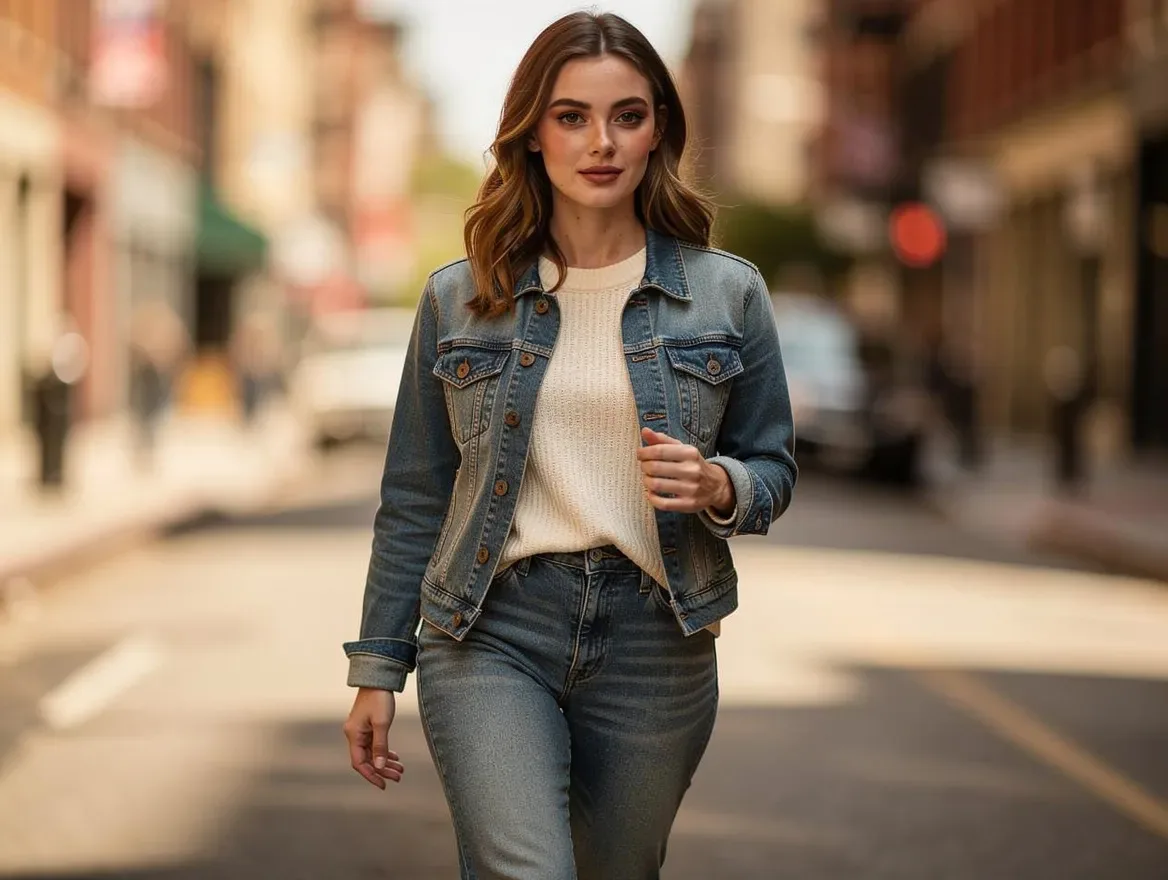 Maya · City street, denim jacket
What is an AI influencer generator?
An AI influencer generator creates a virtual person you can photograph and animate without a camera, a model or a studio. Lovino builds it on Lens ID, a saved character that every photo references, so the face stays recognizable across scenes. It is made for creators, brands and e-commerce teams that need the same person to show up repeatedly. A photo costs 3 credits, and a preset character can use your unused free daily credits.
Two scenes, the same person.
Prompt a generic image model twice and you get two different people, and an AI influencer only works if the audience recognizes the face post after post. A Lens ID references a saved character on every generation, so the face survives the change of scene. The two photos at the top of this page are the proof: Maya, a preset character, in two unrelated scenes. The scene, the outfit and the light changed; she did not.
Reference-based
No custom model, no LoRA, no training run. The character's saved reference set conditions each generation directly.
Photos first
Generate as many photos of the character as you need — 3 credits each — across scenes, outfits, poses and aspect ratios.
Then motion
Animate any photo into a short video. Motion and B-roll only — there is no lip-sync or speech.
A campaign in three steps
Pick a character, run the photoshoot, animate the frame you like best.
01
Pick a character — or build your own
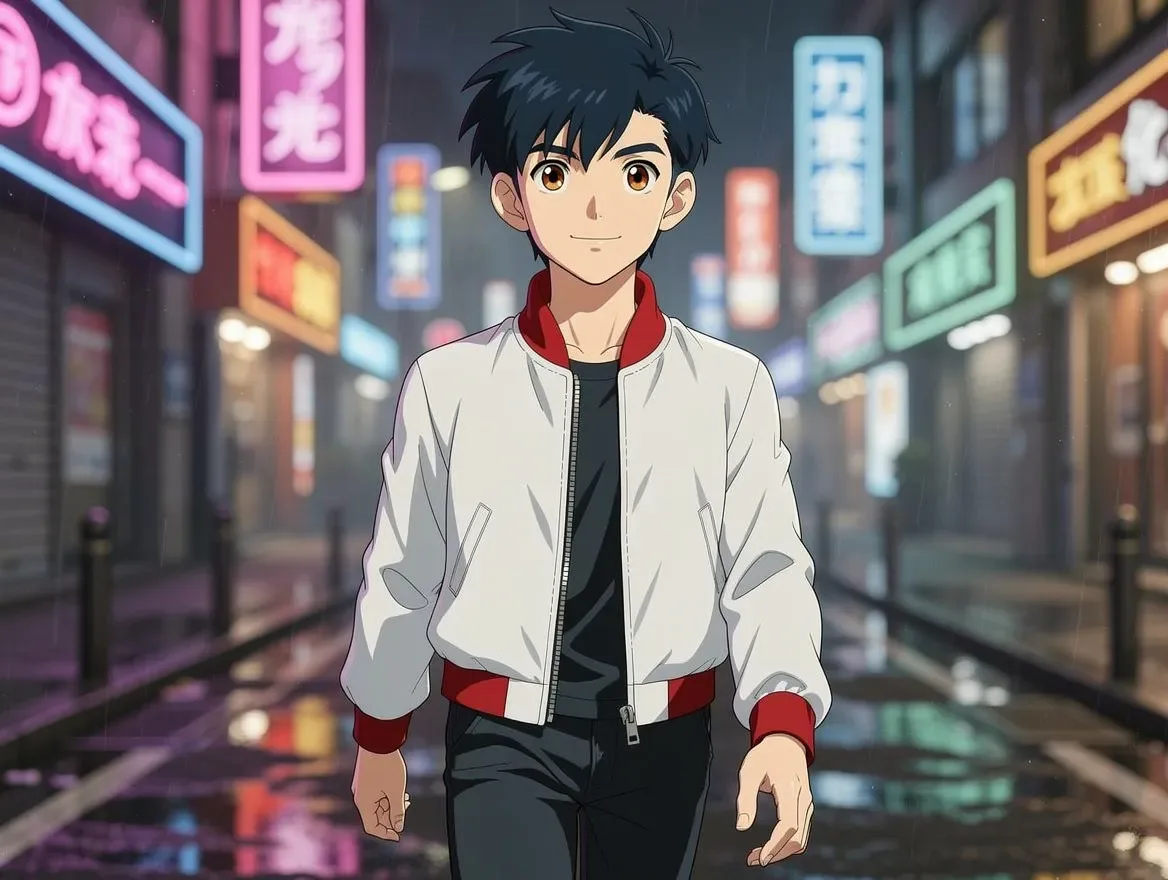
Start from one of five preset Lens IDs — Maya, Sofia and Amara for lifestyle, Diego for fitness, Kenji for stylized — or design your own: choose the look, shuffle until the face is right, and save her to your cast for 5 credits. Either way the character is saved, and she stays the same every time you come back.
02
Run the photoshoot
Describe a scene, an outfit or a pose and generate a new photo of the same character — 3 credits each, in whichever aspect ratio the channel needs. Repeat it as often as the calendar demands.
03
Animate a photo
Turn any photo of your character into a short video — camera movement, motion, B-roll. The cost is shown before you spend it.
Want your character to dance? Make your character dance with Motion Control
The launch cast
Five preset characters
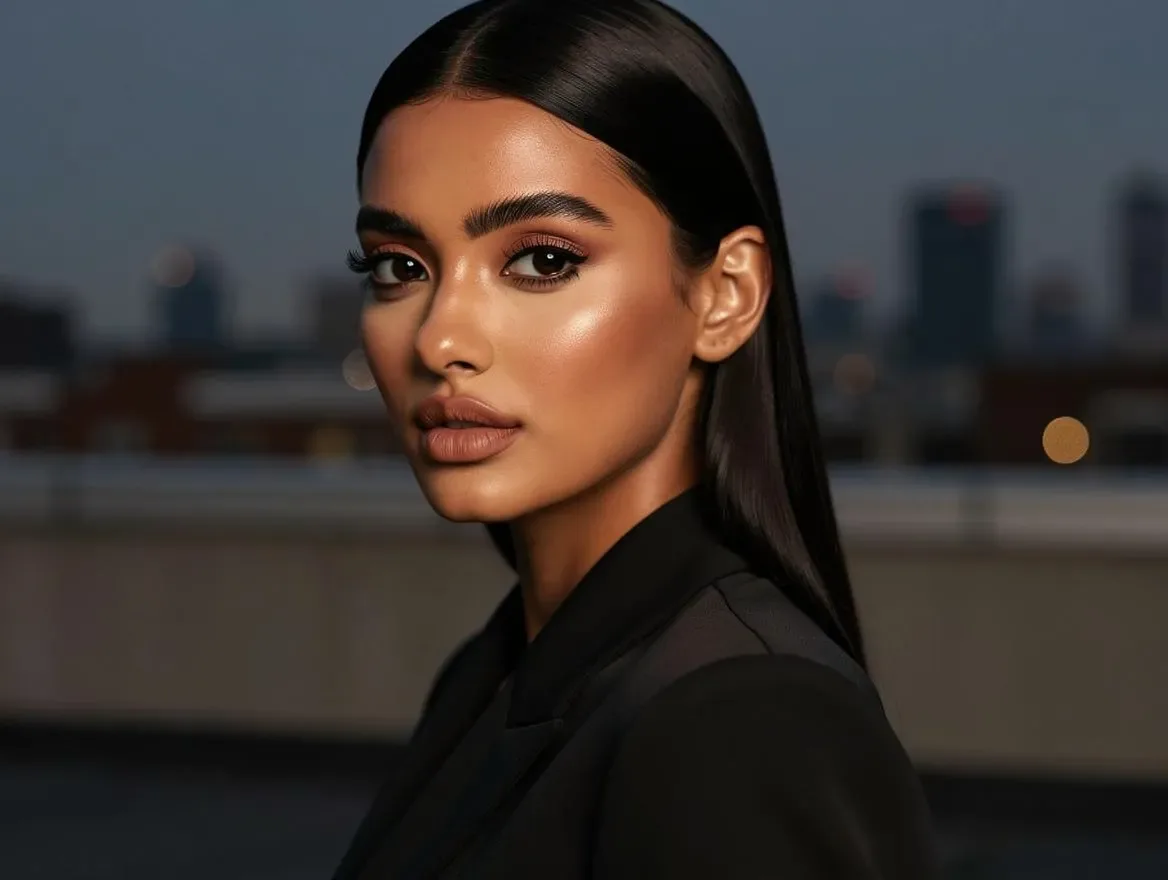
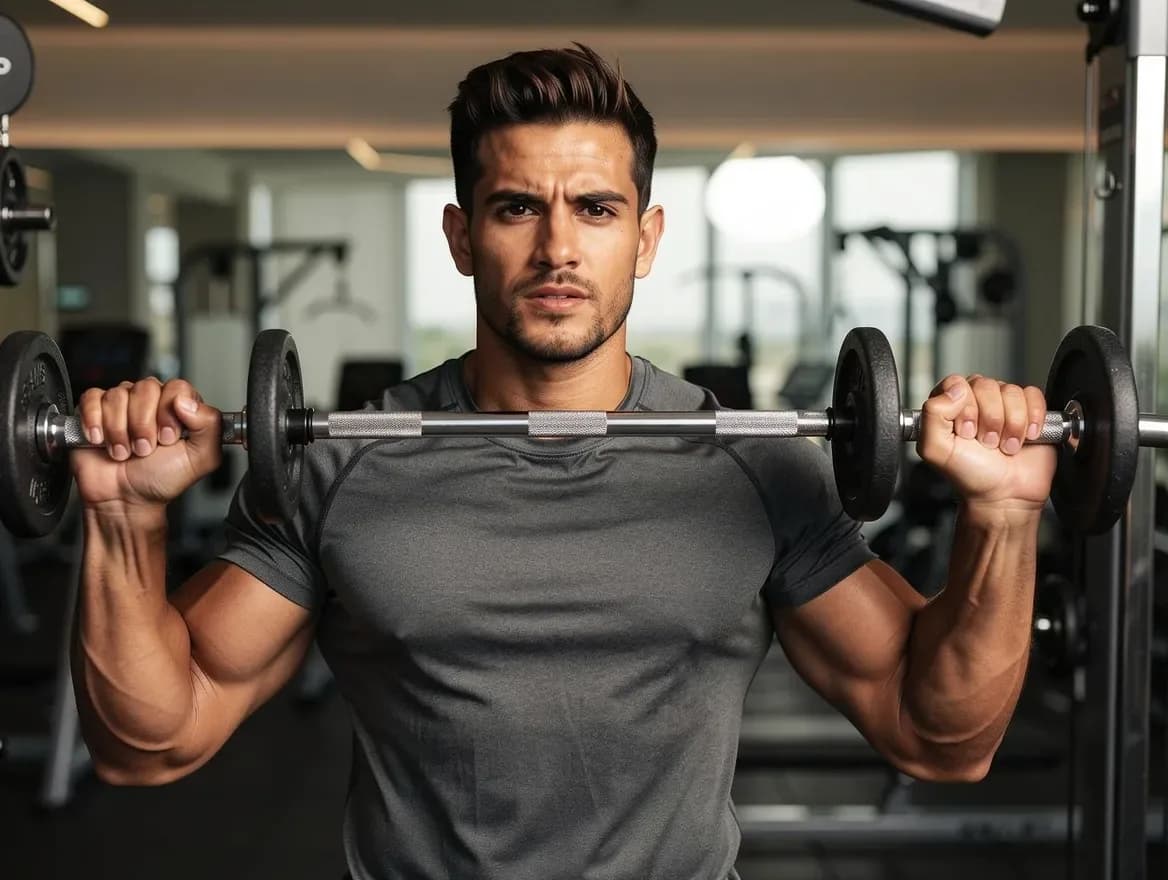
Five characters ship with the product, and you can build your own. Every shot below was generated in Lovino, and each one carries the exact prompt that made it.

Scene templates
One character, every scene
Templates are one-tap scenes inside the studio: pick one and your character is shot straight into it, with no prompt to write. Every frame below is the unretouched output of that exact pipeline, starring the same preset characters, template after template.
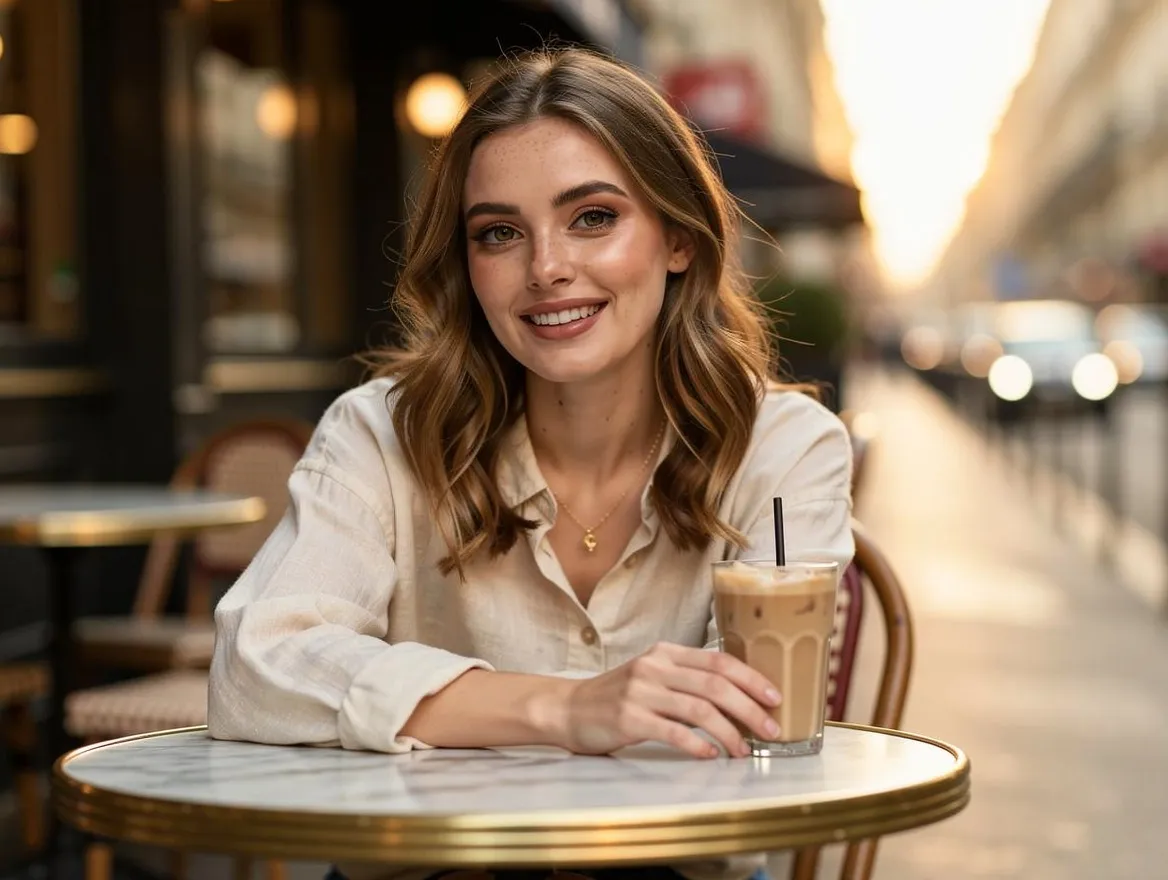
Golden-hour café
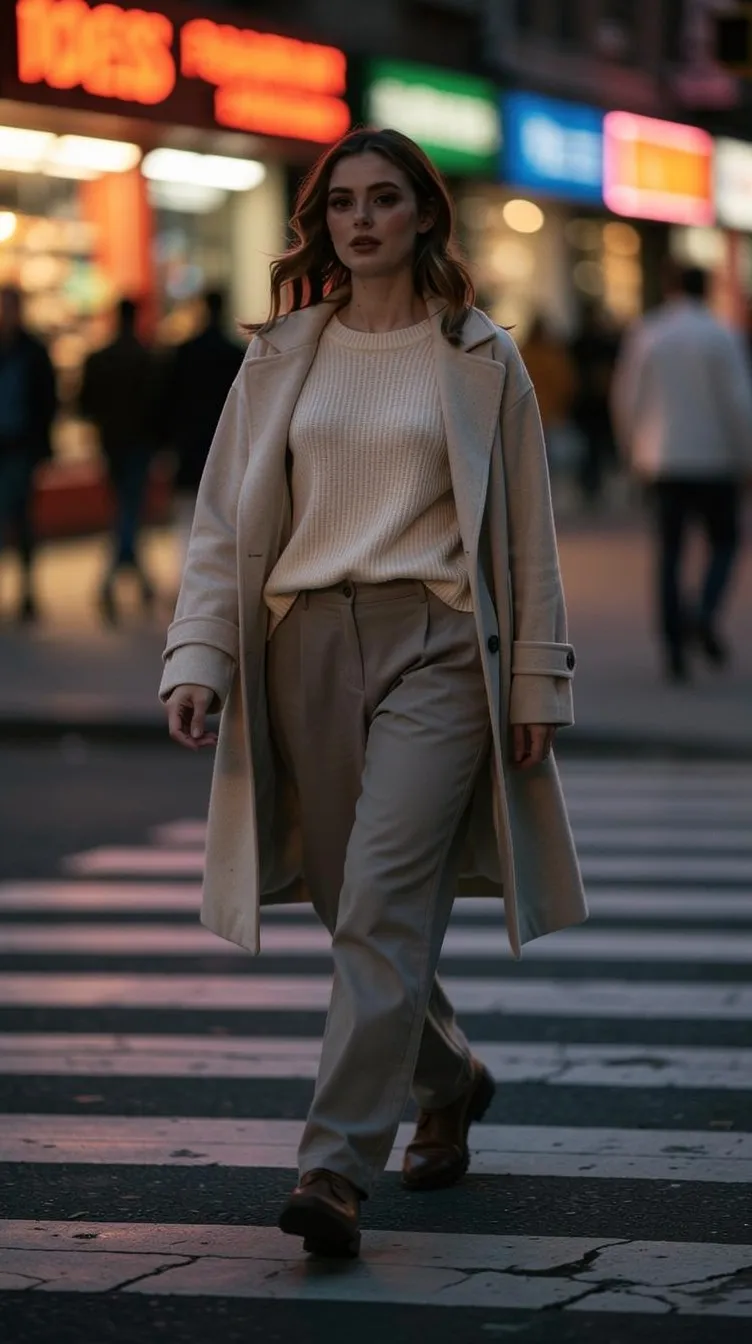
City at dusk
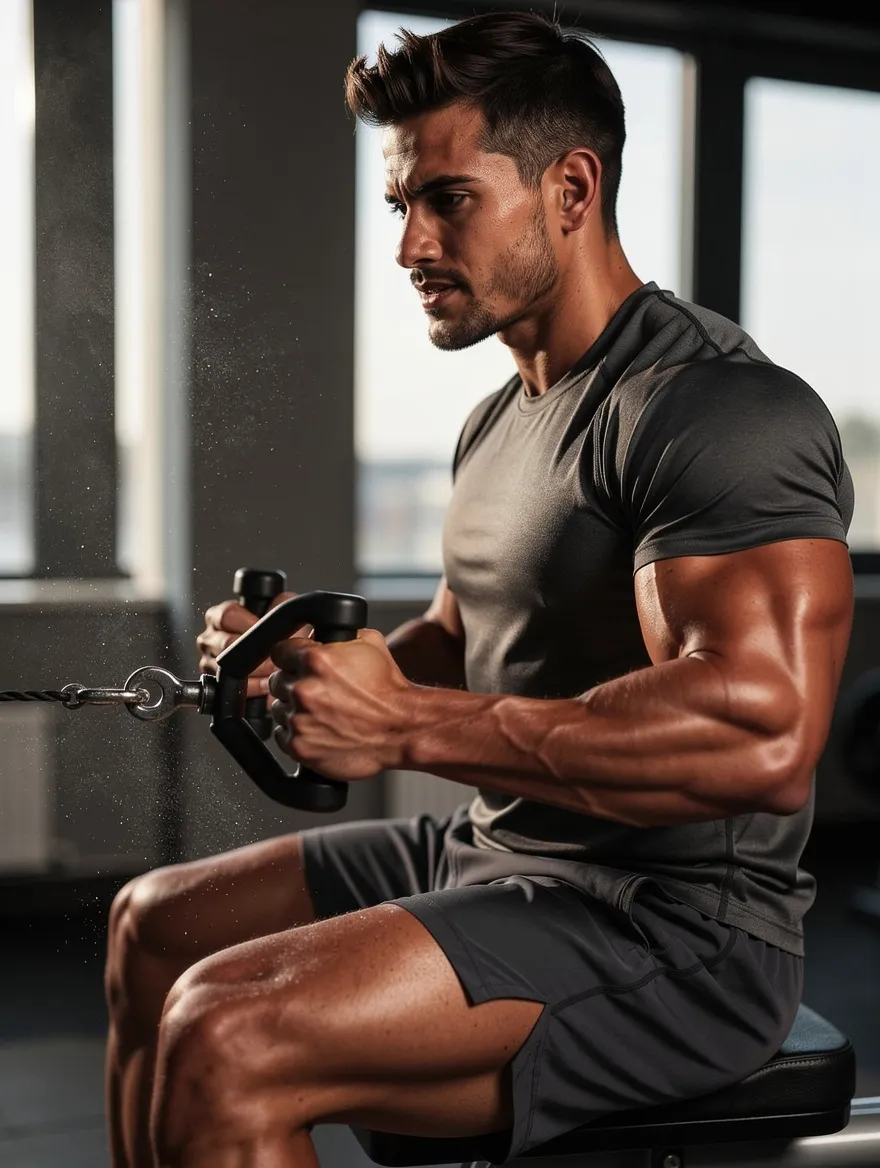
In the gym
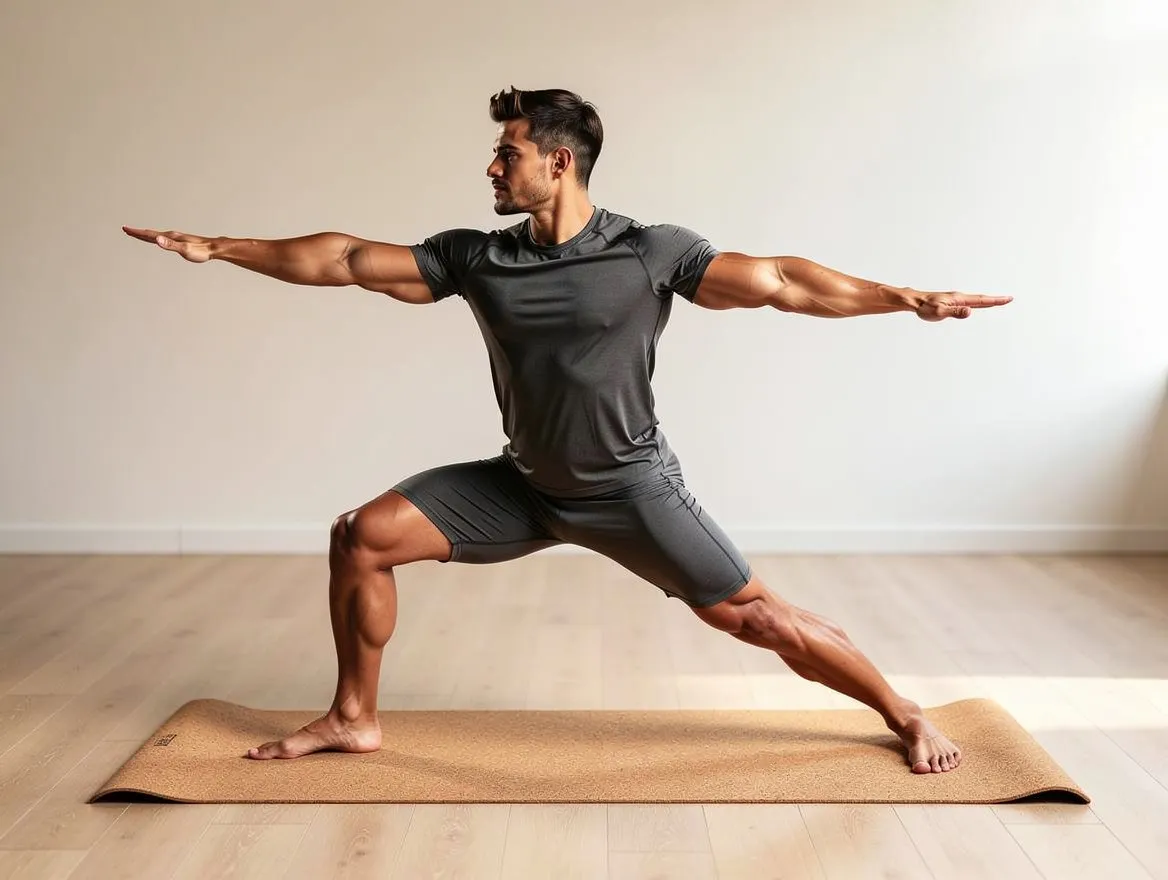
Studio flow
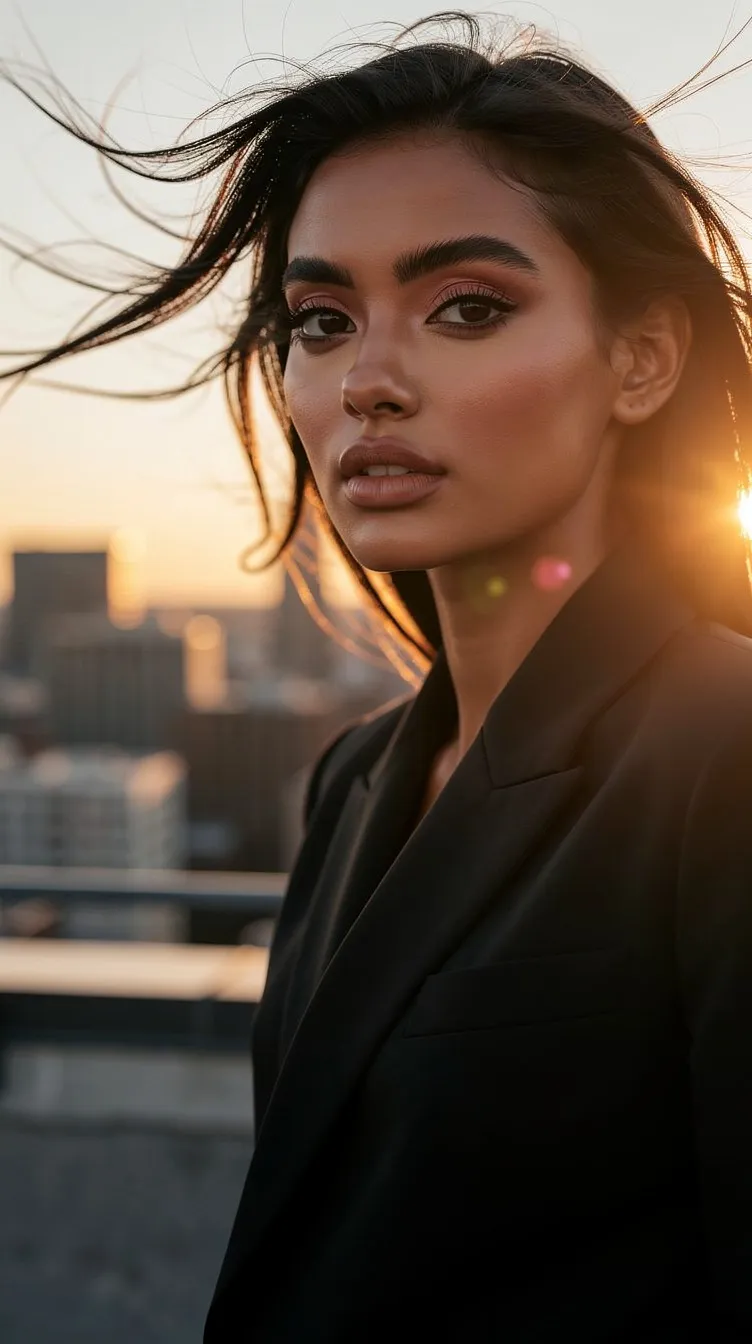
Rooftop editorial
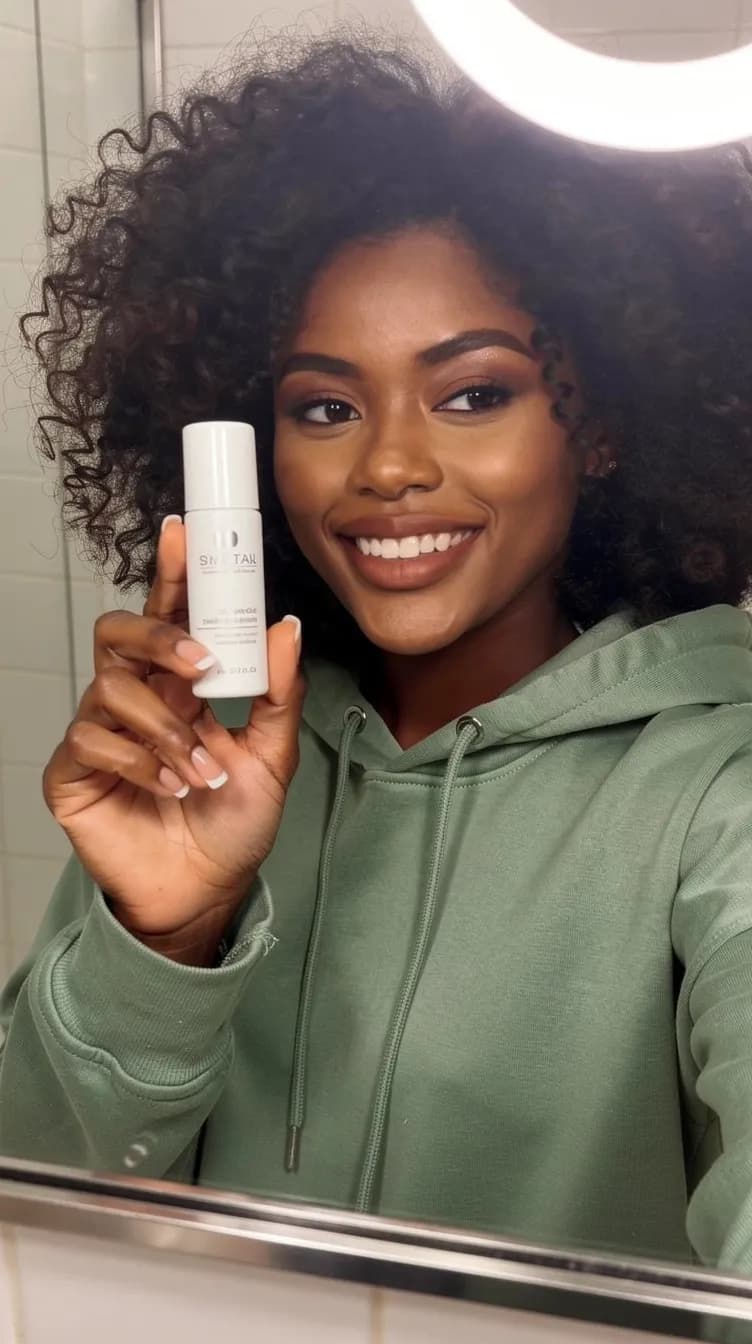
Skincare moment
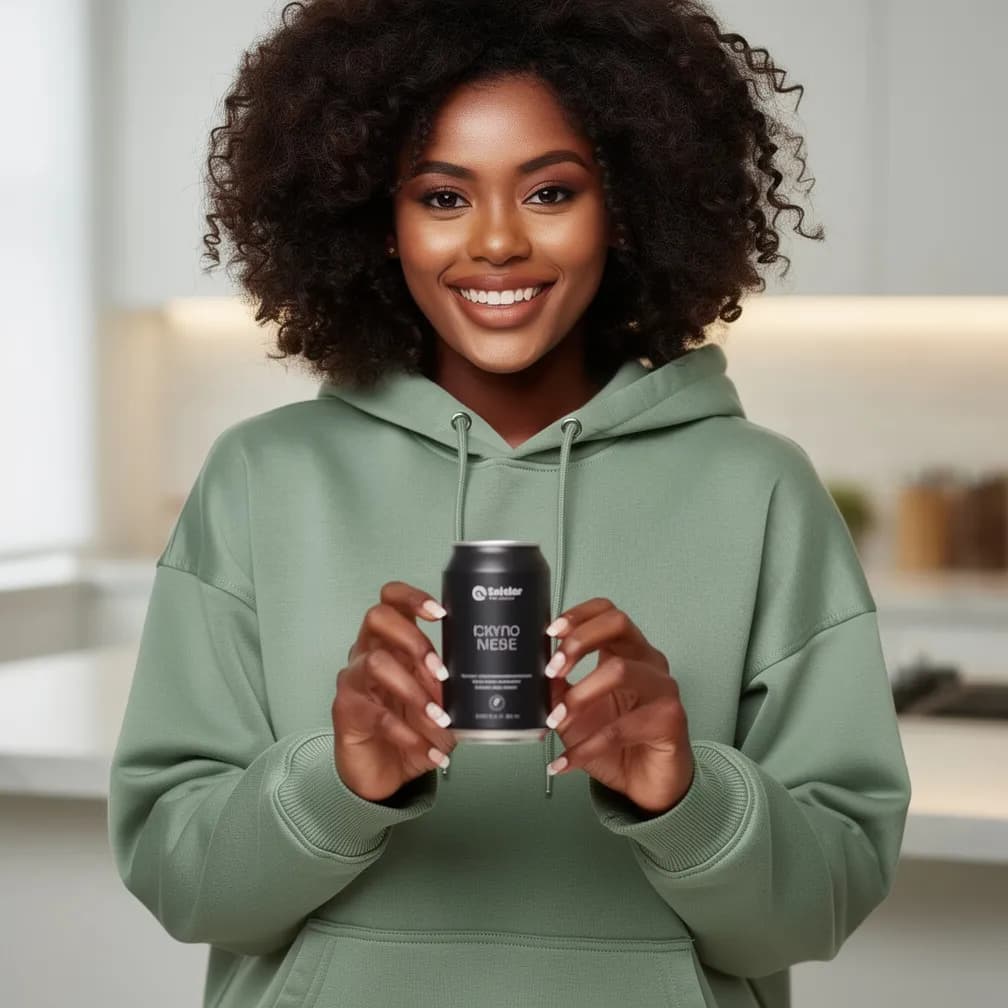
Product in hand
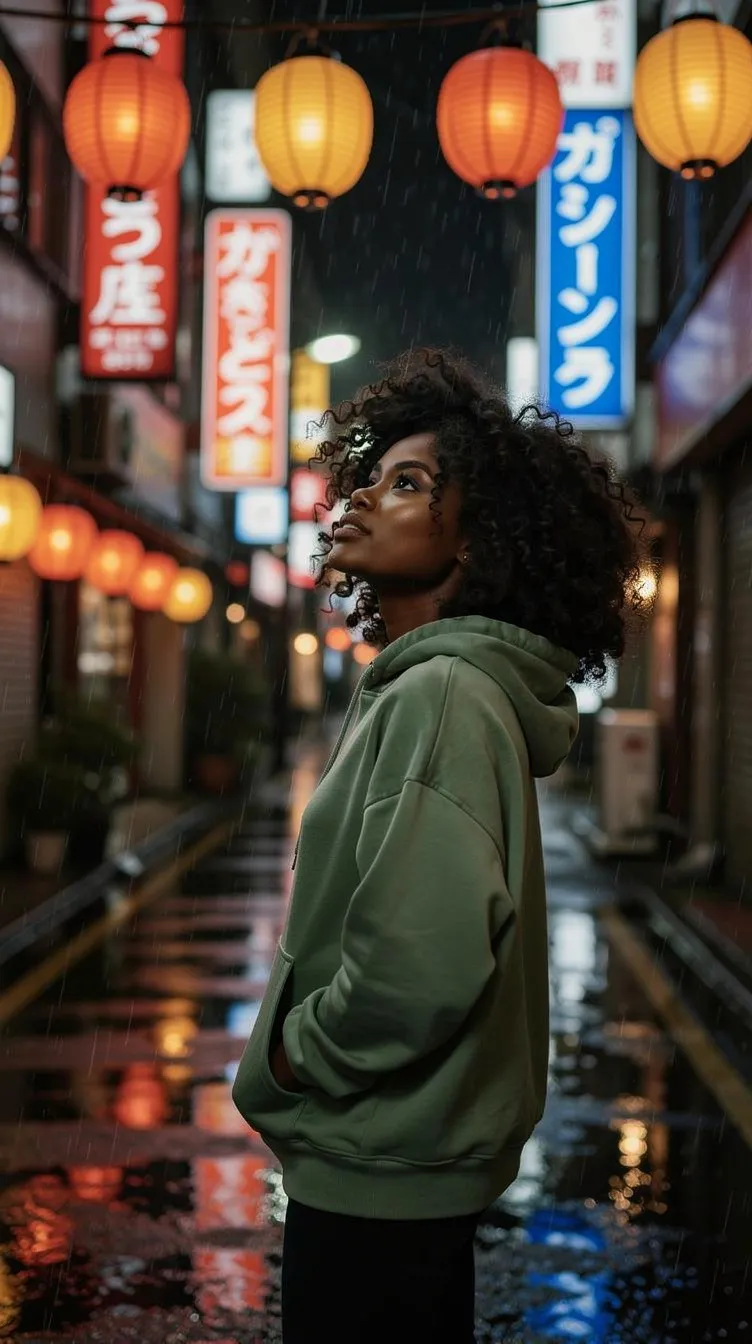
Tokyo nights
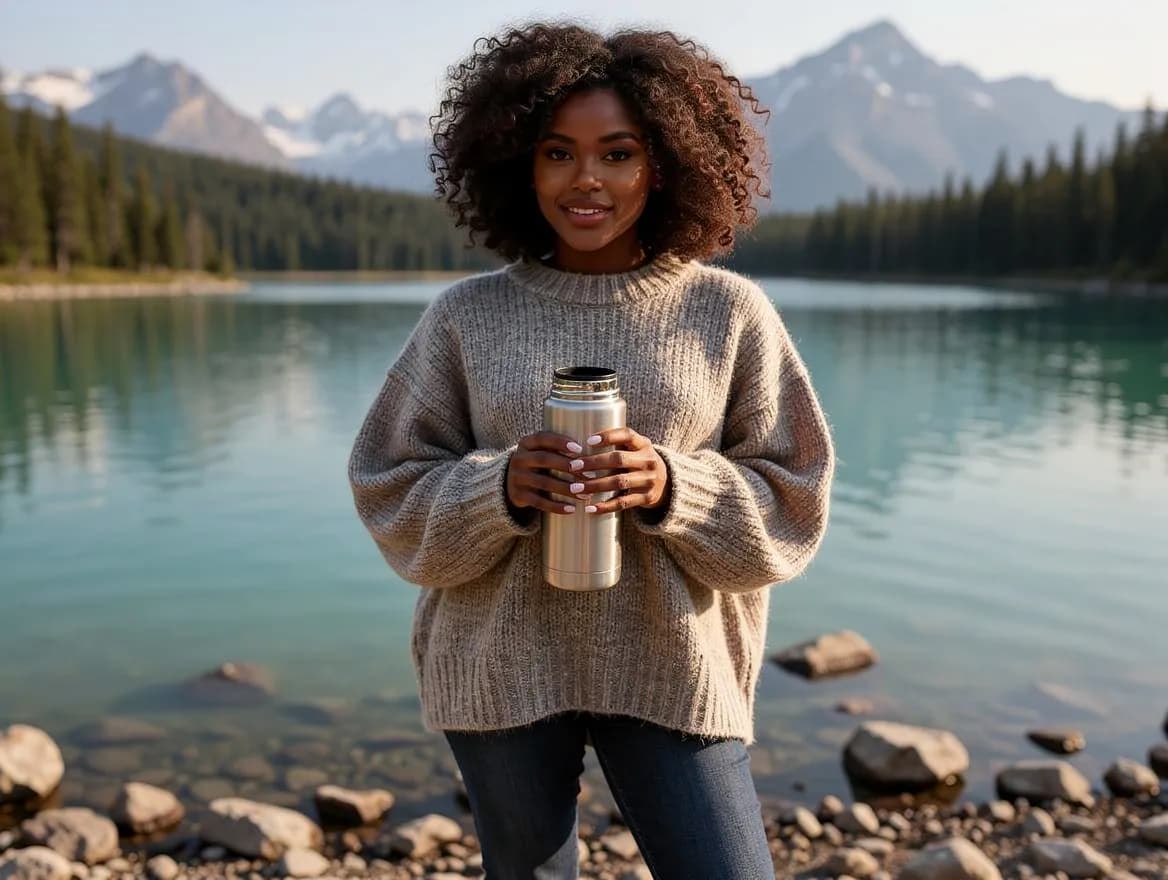
Alpine lake

Slow morning
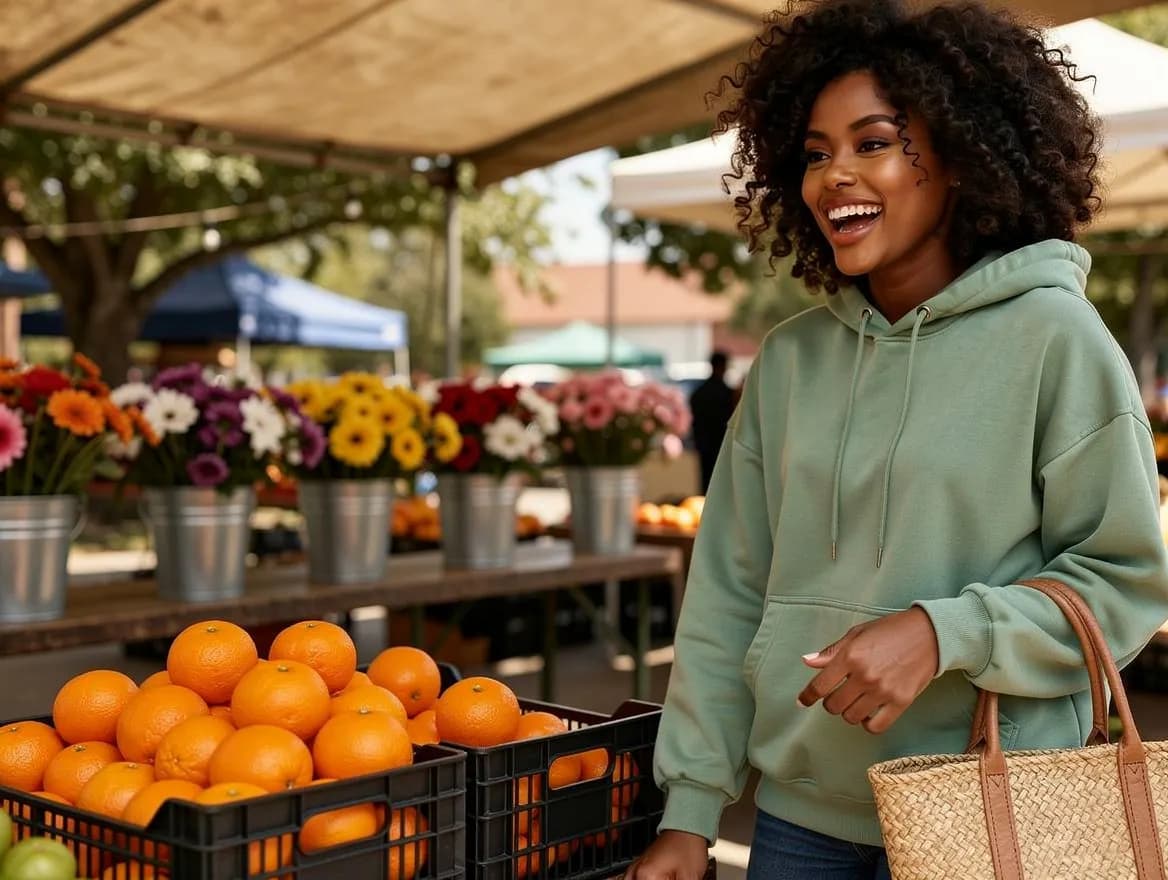
Farmers market
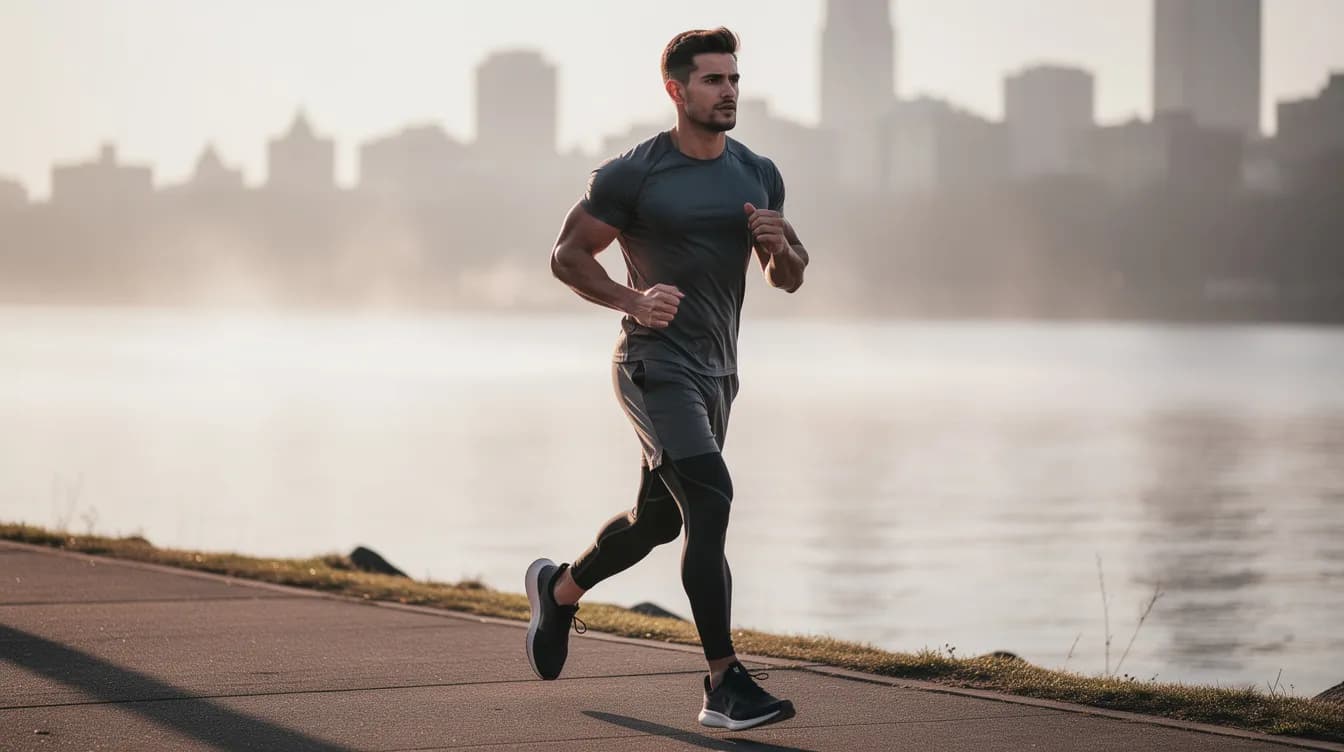
Sunrise run
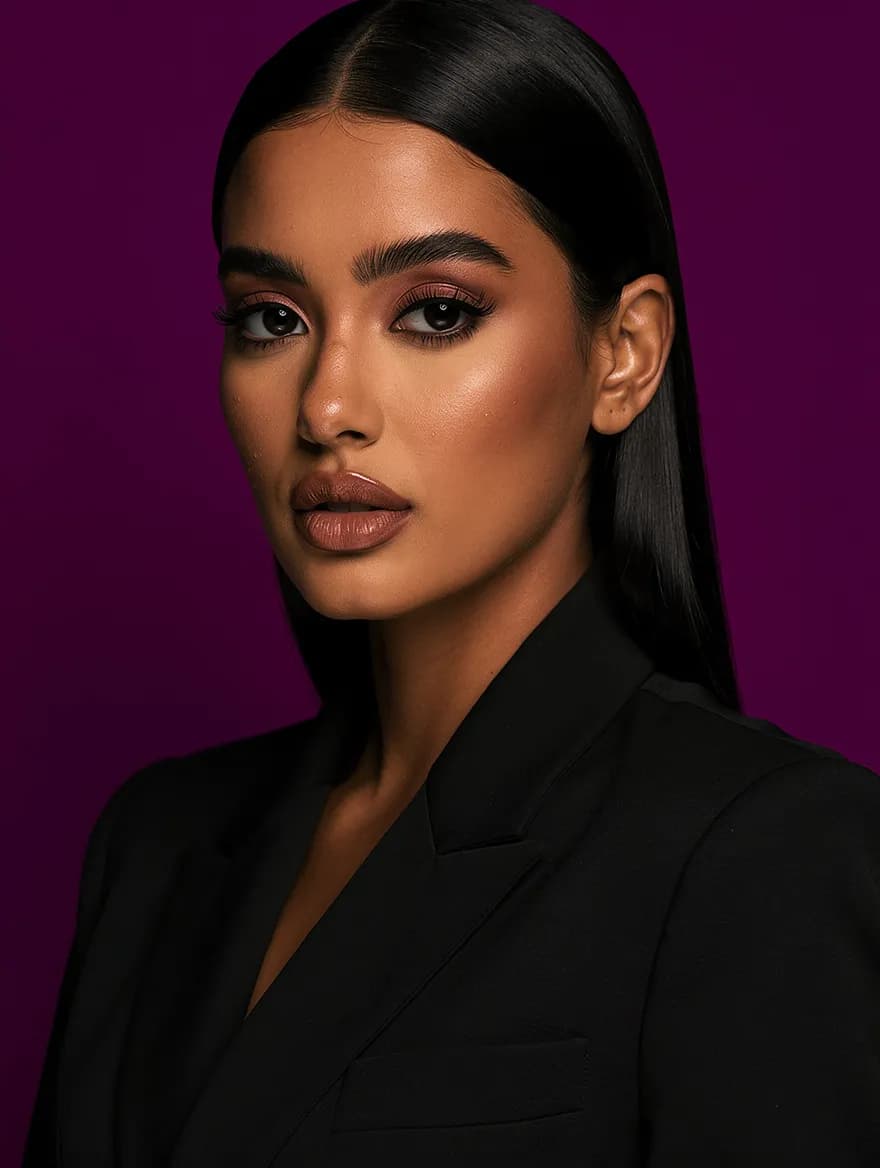
Color-block studio
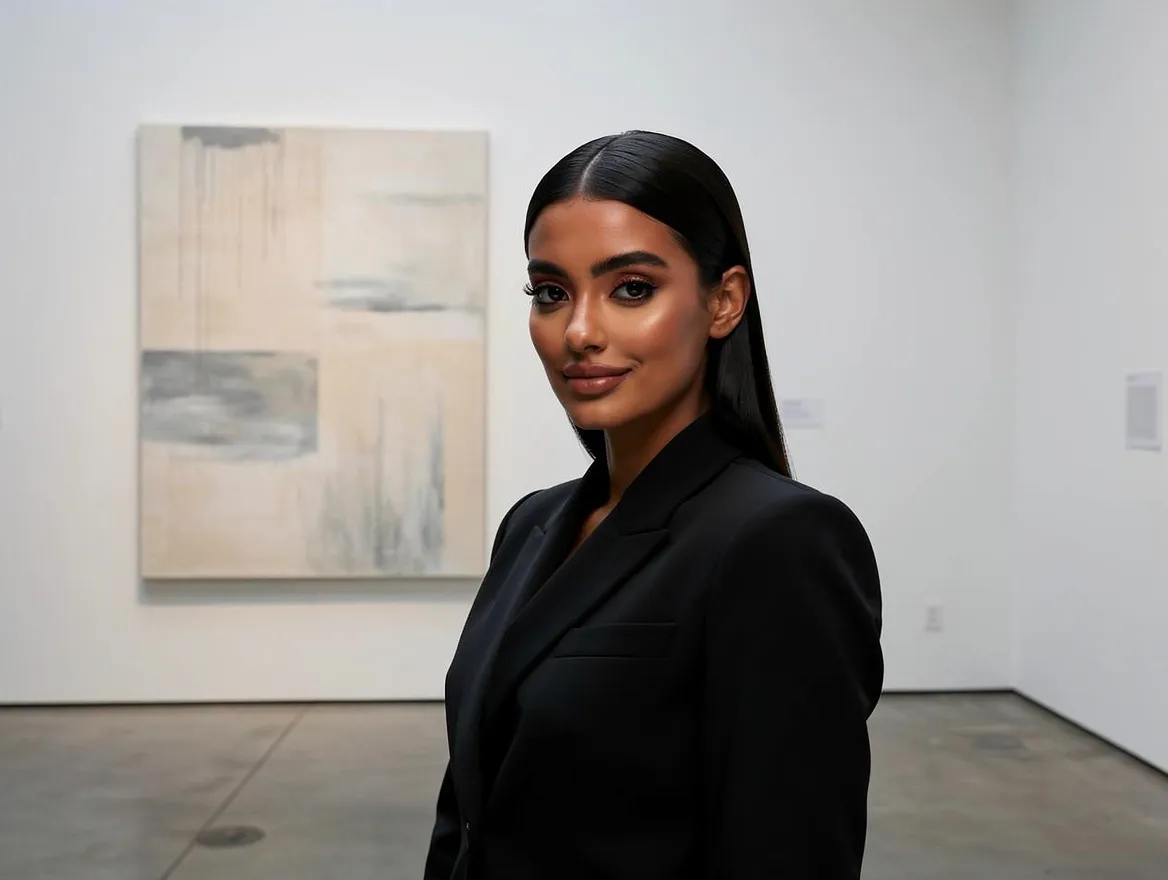
Gallery minimal
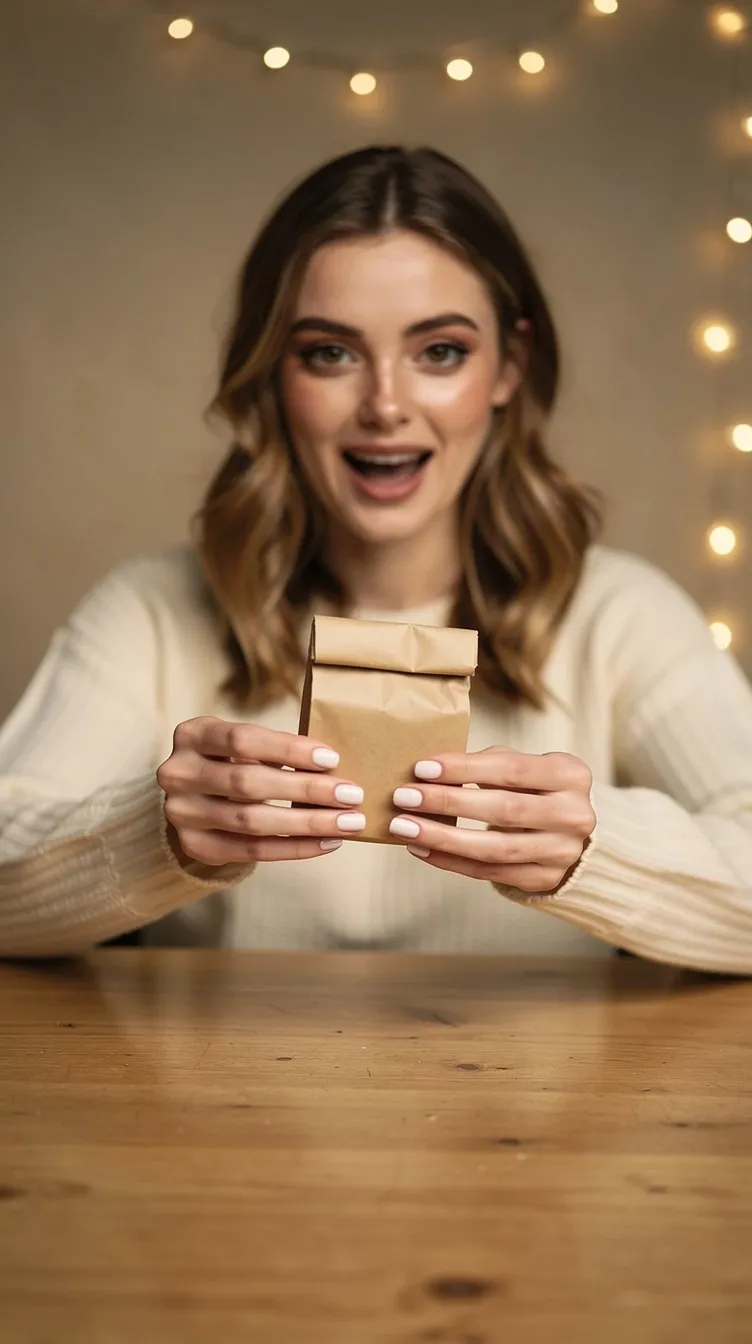
Unboxing
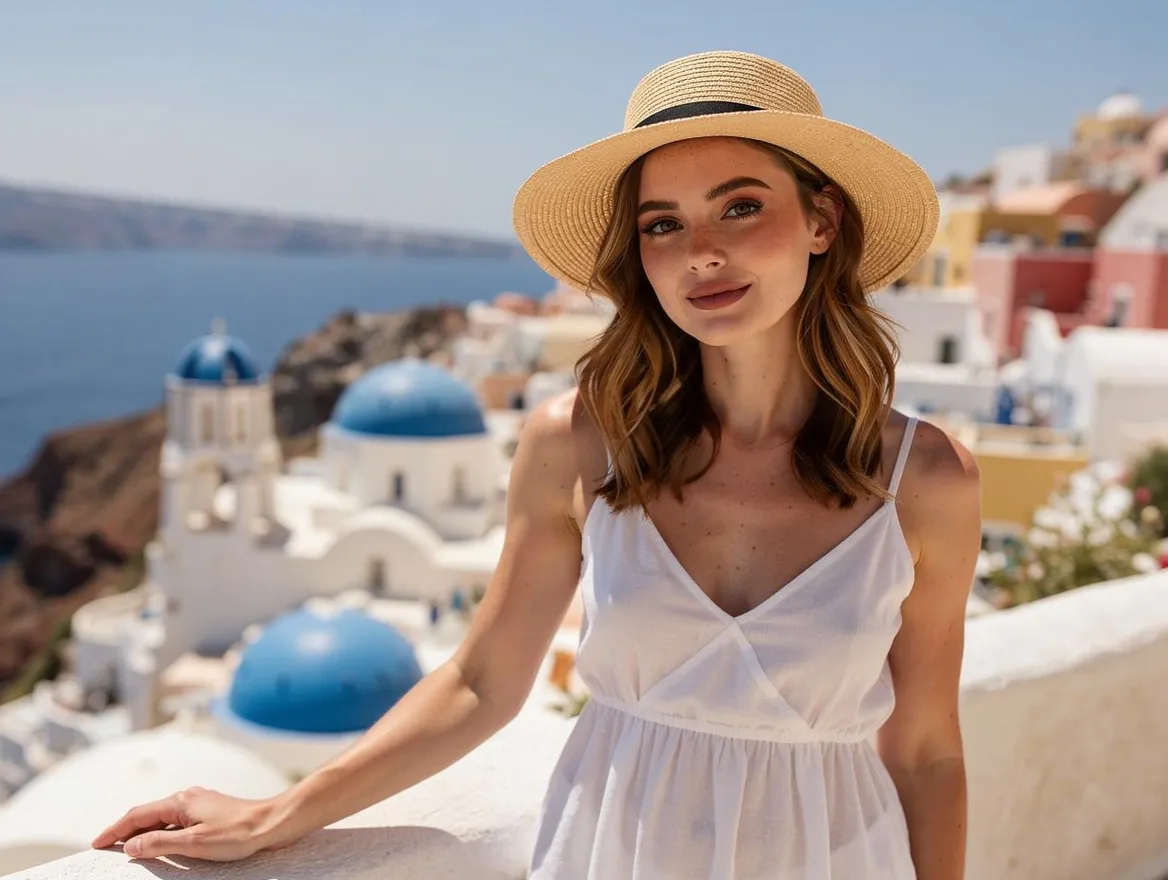
Santorini blue
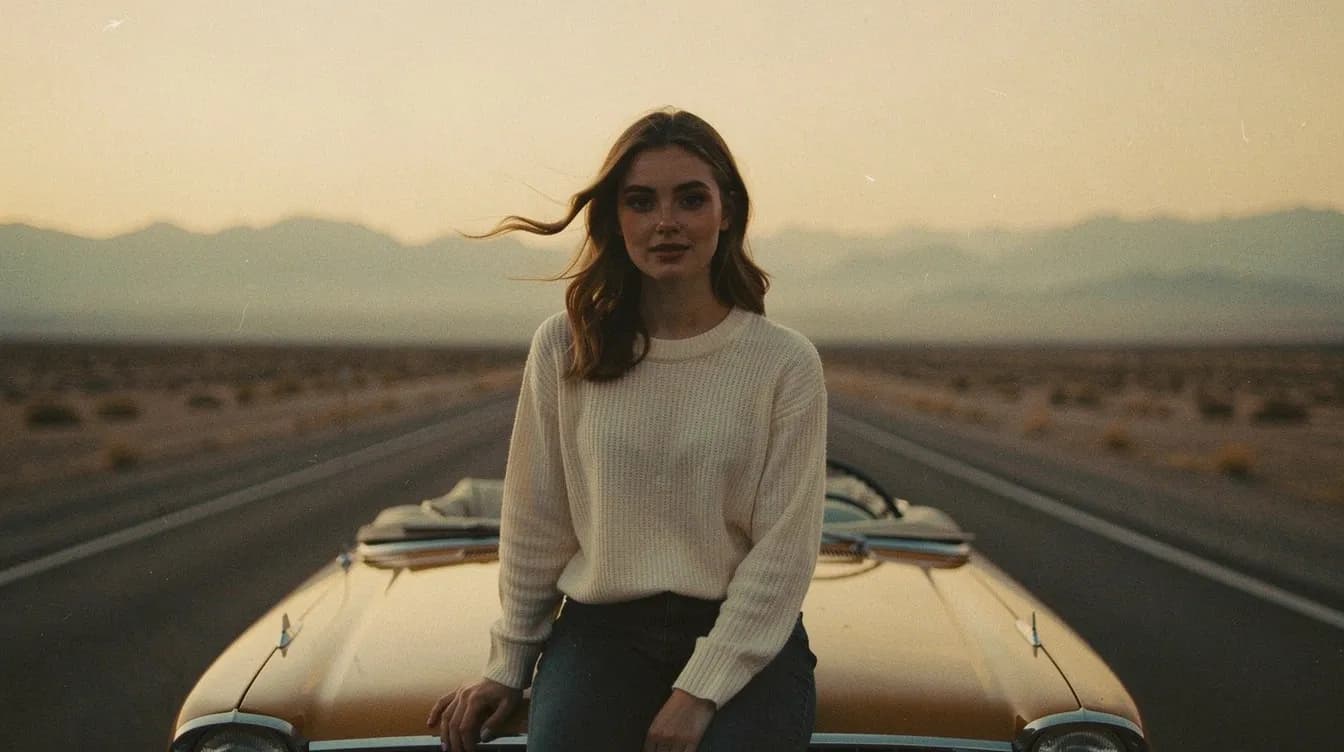
Desert road trip
Cast a creator
Every tool, one face
Your character does not stay in the studio. Cast them as the creator in a UGC product ad: pick a face from your cast, add your product shot, approve the on-brand ad still, then animate it.
Pick a creator
Choose a character from your cast — the same saved face that runs your feed fronts the ad.
Add your product
Upload a product shot and get an on-brand ad still of your creator with it. You approve the frame before anything moves.
Animate the still
Turn the approved frame into a short 5–10 second silent b-roll clip, ready for the feed.
Cast clips are motion-only — no lip-sync or speech — so pair them with the built-in script generator for a voiceover. Casting uses paid credits: a 4-credit casting step plus normal UGC video pricing.
Built for teams that need a recurring face
A virtual influencer earns their keep anywhere a campaign needs the same person to show up twice.
Creators
Build a recurring on-screen persona and post as them every day, without ever being on camera yourself.
Brands
Give the brand a face that shows up in every campaign — the same person on the rooftop, in the gym and in the café.
E-commerce
Put the same model in front of each new drop and every seasonal outfit, without re-booking a talent day.
UGC ads
Generate a creator-style character, shoot them with your scene, and animate the frame that stops the scroll.
Working with clients? See the brands and agencies breakdown
Questions, answered.
What is an AI influencer generator?
An AI influencer generator creates a virtual person you can photograph and animate without a camera, a model or a studio. The hard part is consistency — an AI influencer only works if the face is recognizable post after post — which is why Lovino builds the generator on Lens ID, a saved character that every photo references.
What is a Lens ID?
A Lens ID is a saved, reusable character. Once you pick one, every photo you generate references the same saved face — so the character stays recognizable across scenes, outfits and poses.
Can I create an AI influencer for free?
Partly. With a preset character, your unused free daily credits can cover a shoot — those shots carry the standard free-tier watermark. Building a custom character, animating photos into video and the Builder use paid credits.
How do I keep an AI influencer's face consistent? Does Lovino train a custom model?
On Lovino, you don't have to do anything — consistency is the default. Lens ID is reference-based, not a custom model or LoRA: the character's saved reference images condition each generation directly, so the same face comes back in every scene, outfit and pose without seed tricks, LoRA training, prompt engineering or a training step to wait for.
Which characters can I use, and can I use my own face?
Five presets ship with the product — Maya, Sofia and Amara (lifestyle), Diego (fitness) and Kenji (stylized, anime) — and you can build your own: pick gender, age, look, hair and eyes, shuffle until the face is right, then save her to your cast. Using your own face or a client's model is not possible yet: there is no photo upload, and a custom character is generated from the look you choose, not from a photo of a real person. Bringing your own reference photos is on the roadmap, but it is not in the product today.
Can the character speak or lip-sync?
No. Animation produces motion and B-roll only — there is no lip-sync or speech.
What does it cost?
A photo is 3 credits — and with a PRESET character, your unused free daily credits can cover one shoot. Daily credits are shared with Lovino's other free tools, so availability depends on what you have already created that day. Building your own character costs 5 credits in total (1 credit per face you preview, 4 to save her to your cast). Custom-character photos, video and the Builder use paid credits; animating a photo into a short video scales with duration and resolution, and the exact cost is always shown before you spend it.
Can I use the results commercially?
Yes — anything generated on a paid plan is watermark-free and yours to use commercially. Shoots covered by free daily credits carry the standard free-tier watermark, like everywhere else on Lovino.
Keep them forever.
Every photo is 3 credits from the same balance that runs the rest of Lovino. There is no separate subscription for the character.