

More formats. One creative workspace.
Move from a thumbnail concept to image and short-video assets without rebuilding the brief in a different production stack.
- Thumbnail workflow
- Image and video generation
- Social-ready aspect ratios
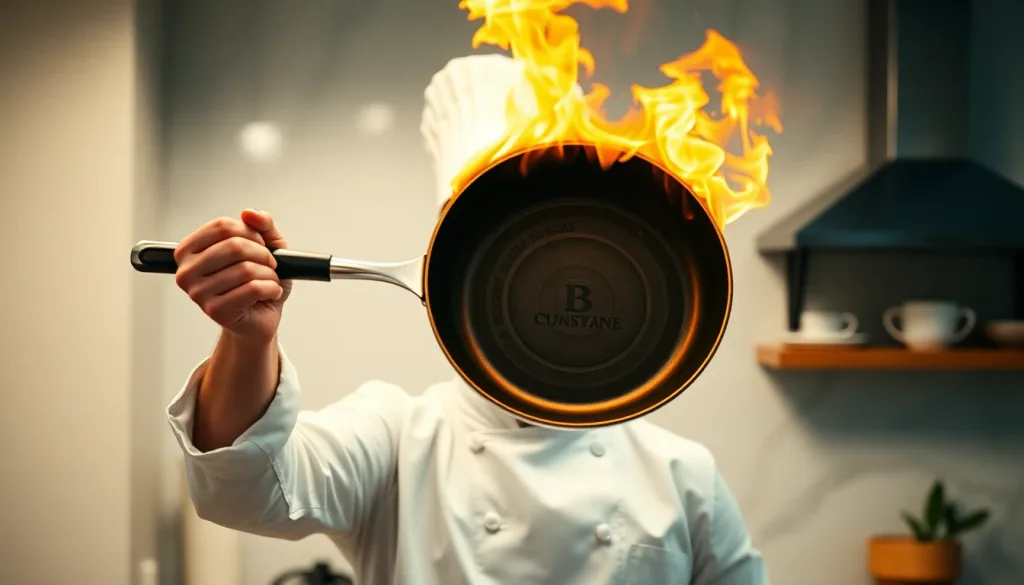
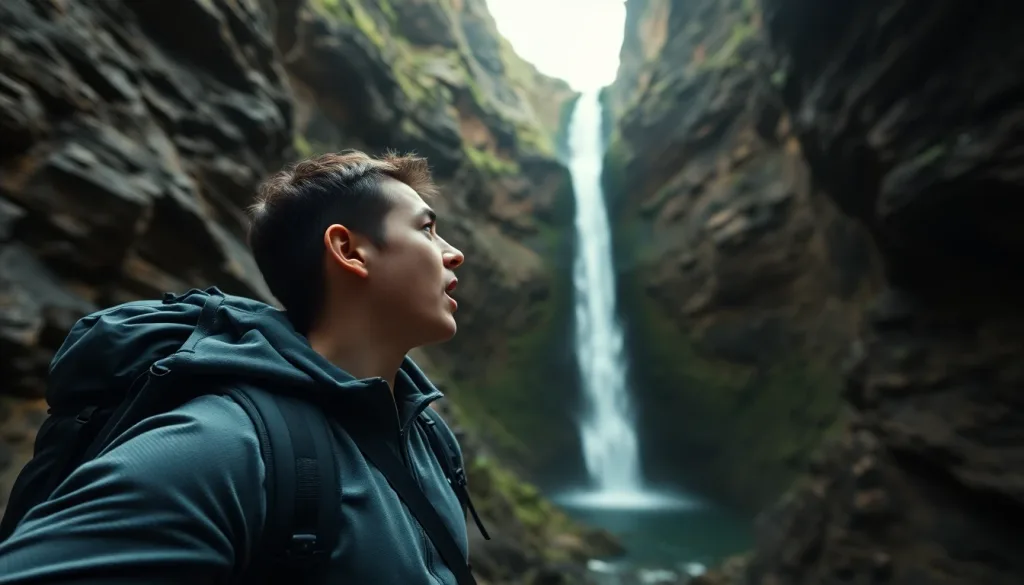
The feed asks for everything.
Creators need recognisable covers, frequent posts, and video assets across several formats.
Every platform frames differently.
A YouTube thumbnail, vertical Reel, and square feed post are different creative jobs.
Publishing cadence is relentless.
The asset backlog grows faster than a manual production workflow can clear it.
Generic output loses the channel voice.
Useful creative needs a clear brief, intentional format, and room to iterate.
Tools organised by creator job solution.
Use a focused owner for the cover, image, or motion asset you are making.
YouTube thumbnails
Generate thumbnail concepts around a subject and visual direction.
Create a thumbnailAI image generation
Build post artwork and visual concepts in common social aspect ratios.
Generate an imageAI video generation
Create short text-to-video or image-to-video clips for social edits.
Generate a videoVideo effects
Apply focused motion effects to an uploaded image.
Explore effects
Brief once, publish in formats.
01
Define the hook
Write the one idea the post or video needs to communicate.
02
Make the cover
Create a thumbnail or lead image with a clear focal point.
03
Add motion
Generate a short clip or effect when the channel needs video.
04
Review per platform
Check framing, text safety, and format before publishing.
Questions, answered.
Which platforms can I create for?
Lovino supports common square, landscape, and vertical workflows used across YouTube, TikTok, Instagram, and other social channels; available ratios vary by model.
Does Lovino publish to my accounts?
No. Lovino creates downloadable assets; you review and publish them through your own channel workflow.
Are all video tools free?
No. Costs and access vary by tool and selected model. Lovino shows the credit cost in the product workflow before generation.
More workflows
- For agenciesGenerate complete destination packs — images, captions, hashtags, SEO metadata — in minutes instead of days. No shoots, no retainers, no design backlog.
- For bloggers & creatorsCompete with AI Overviews by publishing more, better content. Generate hero images, article visuals, and SEO outlines in minutes — not afternoons.
- For hotels & short-term rentalsProperty Pack turns one description into five professional property shots — with SEO descriptions and alt text included — in a single download.
Related guides
- How to Batch Create 30 Days of Social Media Content With AICreate a month of social media content in one session using AI. Step-by-step batching system for creators who want to post consistently without burning out.
- How to Batch Generate AI Images: A Workflow for CreatorsLearn efficient batch AI image generation workflows to create dozens of consistent images quickly, for product catalogs, social content, and creative projects.
- AI Content Disclosure: What to Tell Your Audience in 2026Navigate AI content disclosure requirements for Instagram, TikTok, YouTube, and other platforms — practical guidance for creators using AI image tools.
Make the next channel asset.
Choose the focused tool for the job, then build from one clear brief.