

AI Background Remover
Remove backgrounds from any image instantly
1 credit per generation


What is AI Background Remover?
Lovino AI Background Remover instantly removes the background from any image in one click. Upload a JPG, PNG, or WebP — the AI detects the subject and removes the background in under 5 seconds. Free to try with 3 daily credits.
How to use AI Background Remover
01
Upload your image
Any photo — product shots, portraits, objects, or full scenes.
02
AI removes the background
Our AI instantly detects and removes the background, leaving a clean cutout.
03
Download transparent PNG
Get a high-quality PNG with transparent background. Use anywhere.
Pricing
Start free. Scale anytime.
One credit system across Studio, Flow and every tool. Cancel anytime.
| Plan | Per month | Credits |
|---|---|---|
| Free | $0 | 3 credits per day |
| Plus | $7.99 | 50 credits per month |
| Pro | $19.99 | 200 credits per month |
| Max | $44.99 | 500 credits per month |
Questions, answered.
What file format is the output?
Transparent PNG — ready to use in any design tool, website, or marketplace listing.
Does it work on complex backgrounds?
Yes. The AI handles complex scenes, hair, fur, and semi-transparent objects like glass.
Can I use it for product photos?
Absolutely — this is the #1 use case. Remove backgrounds for Amazon, Shopify, Etsy, and other marketplace listings.
How many removals are free?
3 credits per day. Each removal costs 1 credit, drawn from your balance — a paid plan gives you a larger monthly balance, not an unmetered one.
How long does background removal take?
Under 5 seconds for most images — upload, and the clean cutout is ready to download.
Can I put a new background behind the cutout?
Yes — use our AI Product Photography tool to place the subject in a professional scene like white studio, marble, or lifestyle settings.
Do I need Photoshop or design skills?
No. It's one click — the AI detects the subject automatically, with no masking or manual selection.
More AI tools
- AI Product PhotographyPut your product in a studio, marble or lifestyle scene
- AI Magic EraserRemove unwanted objects from any photo
- AI Image UpscalerUpscale any image to crystal-clear HD
- AI Background ChangerPut your photo in a new scene described in words
- AI Sticker GeneratorMake custom die-cut stickers from a text prompt
Related guides
- AI Background Remover: Remove Any Background in SecondsRemove backgrounds from any photo instantly with AI. Free online tool for product photos, portraits, and creative projects.
- White Background Product Photos With AI: The 2026 RulesWhite background product photos with AI: what marketplaces ask for, when a soft white studio shot is enough, and how to get a pure white main image.
- Remove Objects From Photos With AI: 3 Methods ComparedRemove people, objects or a whole background with AI: Magic Eraser brush, instruction edit or cut-out, with a real before-and-after and what each costs.
Try a template
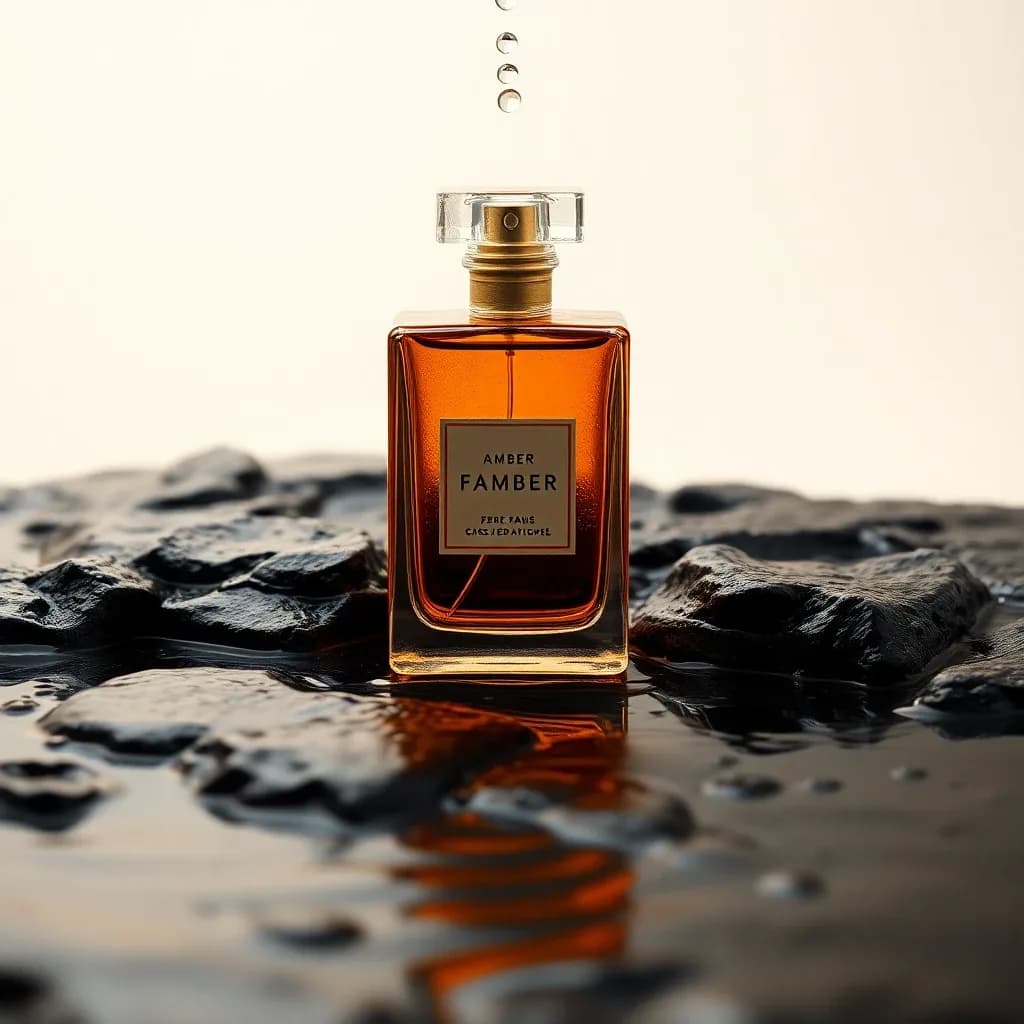

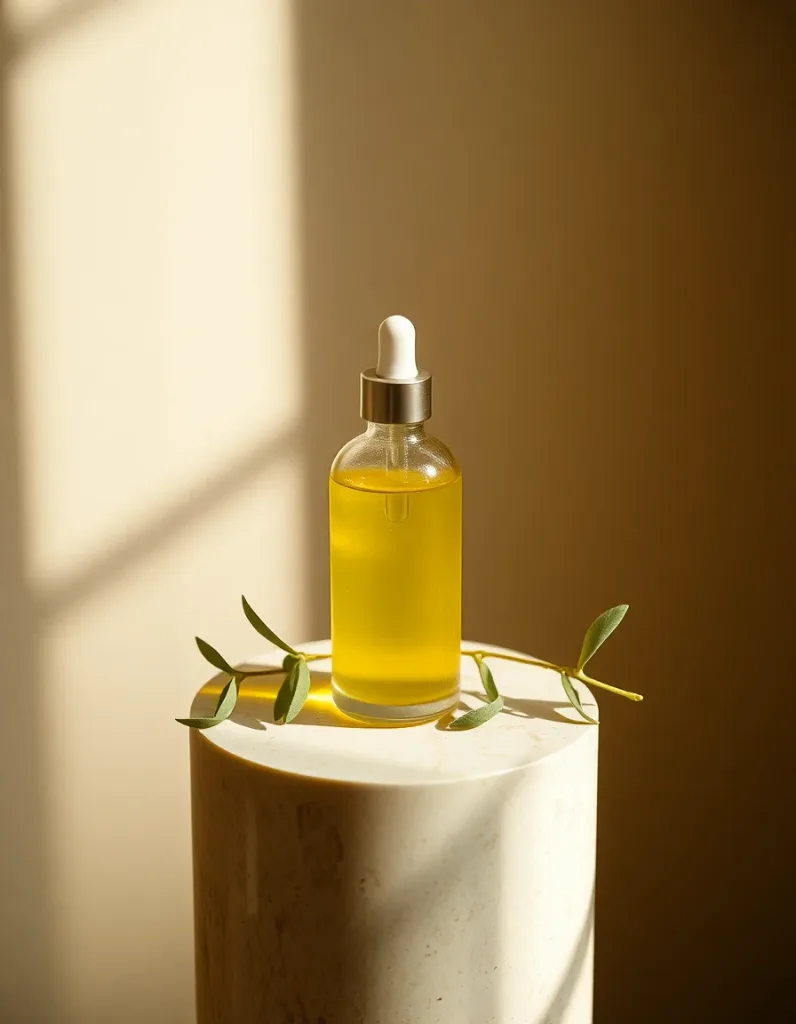
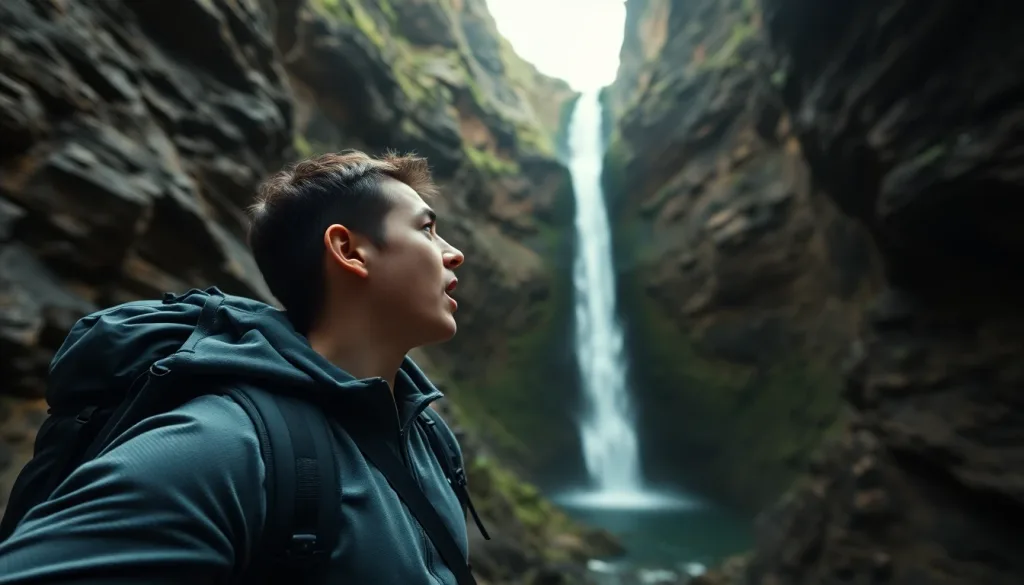
Ready to try AI Background Remover?
1 credit per generation. No purchase is made until you confirm a generation.