

AI Hairstyle Changer
Lovino's AI hairstyle changer edits the hair in a portrait while the face, clothes and background stay. Name a style such as a bob, soft curls or box braids, and compare looks on your own photo. An edit costs 2 credits, and the 3 free daily credits cover 1 a day.
2 credits per edit · FLUX Kontext Fast · free daily credits work
What is AI Hairstyle Changer?
Upload a portrait, name a hairstyle such as a bob, soft curls or box braids, and Lovino changes the hair while the face, clothes and background stay. An edit costs 2 credits on FLUX Kontext Fast, and the 3 free daily credits cover 1 a day.
How to use AI Hairstyle Changer
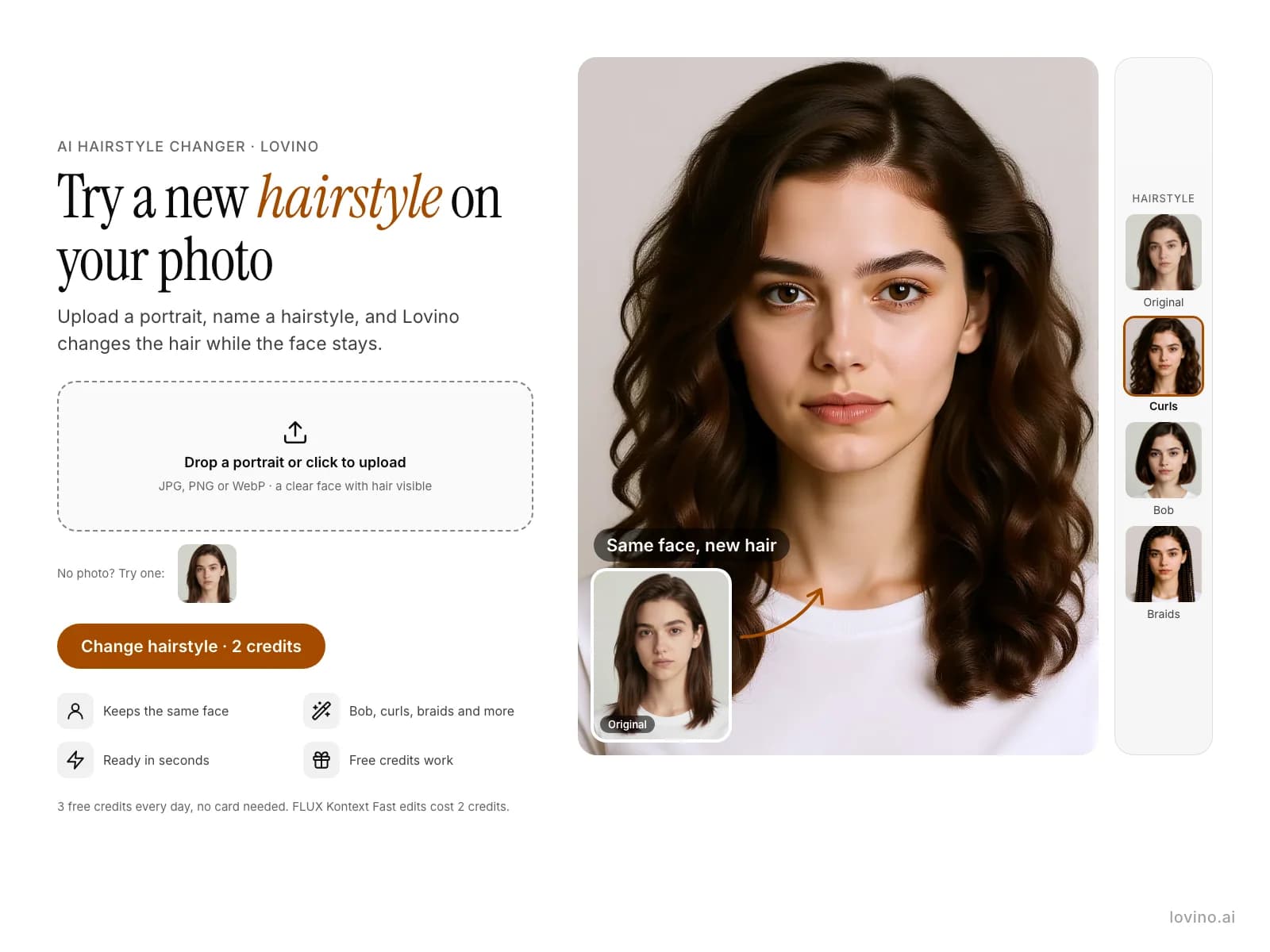
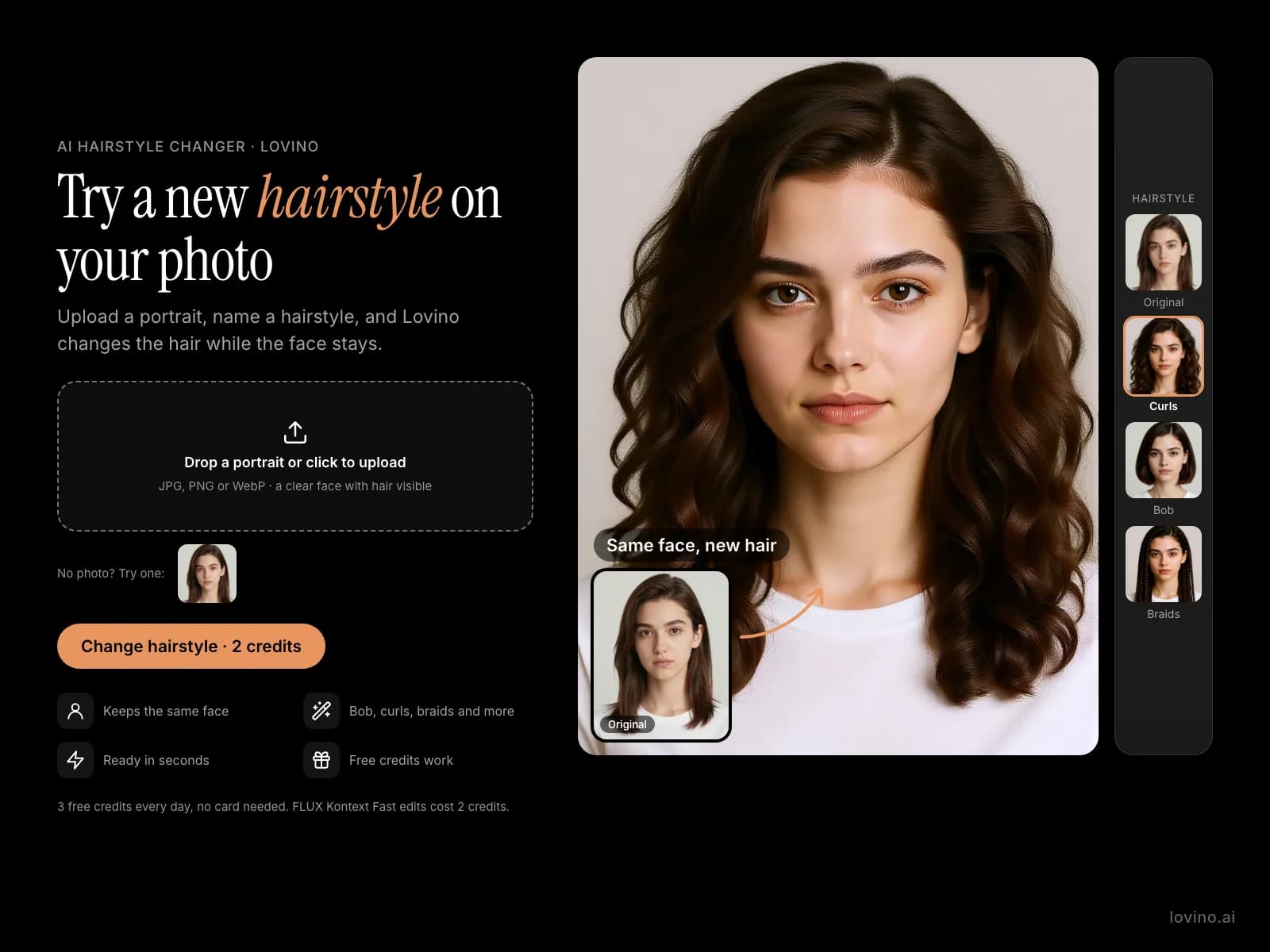
- 01
Upload a portrait
Add a clear photo of a face with the hair visible. JPG, PNG and WebP files work.
- 02
Name a hairstyle
Write the style you want, then ask for the rest to stay: "Change her hairstyle to a sleek chin-length bob. Keep her face, expression, clothing and the background exactly the same."
- 03
Generate and compare
Generate the edit, then run the same photo again with a different style and compare the results.
One portrait, three hairstyles
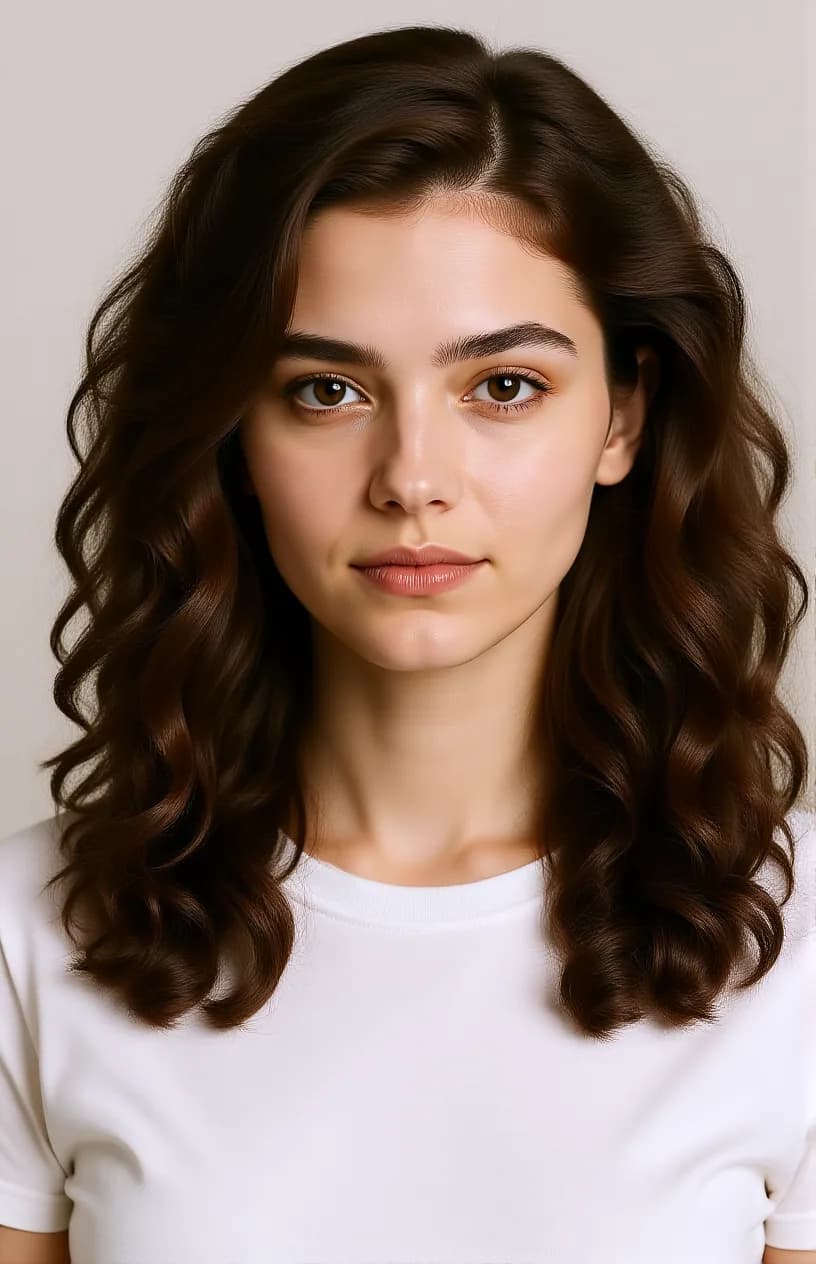
The portrait is an AI-made test picture, not a real person. Each hairstyle was made with FLUX Kontext Fast in Studio, from the exact prompt shown.
 FLUX Kontext Fast
2 credits
Hairstyle: soft curls. Same face.
Change her hairstyle to voluminous natural curls. Keep her face, expression, clothing and the background exactly the same.
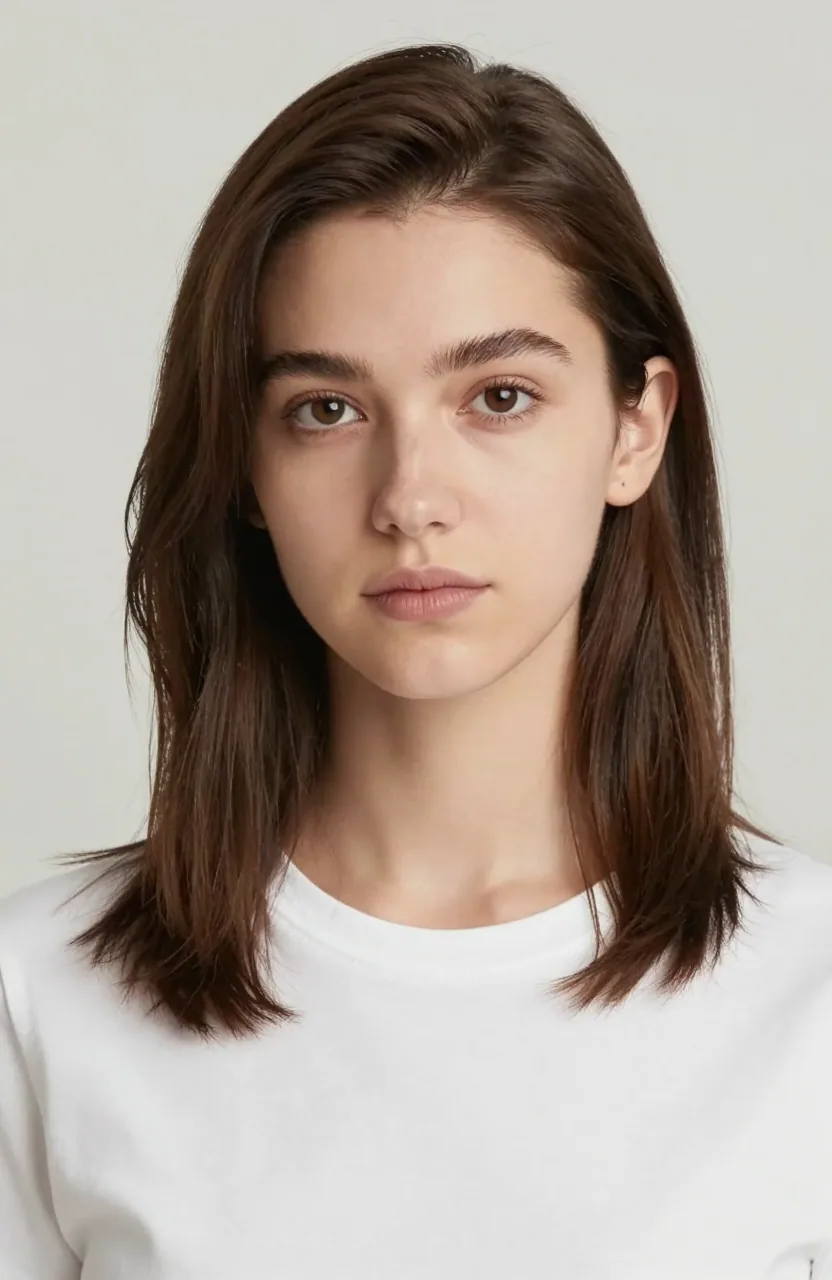
The input: an AI-made portrait.
 FLUX Kontext Fast
2 credits
Hairstyle: sleek bob.
Change her hairstyle to a sleek chin-length bob. Keep her face, expression, clothing and the background exactly the same.
 FLUX Kontext Fast
2 credits
Hairstyle: box braids.
Change her hairstyle to long box braids. Keep her face, expression, clothing and the background exactly the same.



Try hairstyles on my photo before the salon
A preview helps you decide between a bob and curls before you book. Upload your own portrait and ask for each style in turn. Every edit starts from the same photo, so the results are easy to compare.
The preview is an AI picture. It shows the idea of a style, not how your hair will fall, so use it as a conversation starter with your stylist.
AI haircut ideas: bob, curls and braids
The examples here change one thing at a time: soft curls, a sleek chin-length bob and long box braids. Name the cut, the length and the texture, and keep each request to a single style.
- Say the length, for example chin-length or shoulder-length.
- Say the texture, for example sleek, wavy or tightly curled.
- Ask for one hairstyle per run, then try the next.
A prompt that keeps your face
Every example ends with the same sentence: "Keep her face, expression, clothing and the background exactly the same." That sentence tells the model what must not change. Use it as it is, and swap the hairstyle at the start.
What the hairstyle changer does and does not do
| Task | Does Lovino do it? | Detail |
|---|---|---|
| Change the hairstyle in a portrait | Yes | FLUX Kontext Fast, 2 credits per edit, free daily credits work |
| Keep the face, clothes and background | Mostly | The prompt asks for it and the examples kept them. Compare with your original |
| Show how your real hair will look after a cut | No | It is an AI picture of a style, not a prediction |
| Invent a new person | No | It needs your portrait as the input |
| Change hair in a video | No | This page covers photos only |
What it can't do
- The preview is an AI picture. Length, thickness and texture are the model's guess, not a prediction of your real hair.
- The face usually stays, but an AI edit can shift small details. Compare the result with your original.
- It works best on a clear portrait with the hair visible.
- Free-plan images carry a watermark. Paid-plan images do not.
- Use your own photo, or one you have permission to edit. Moderation checks every request.
Pricing
Start free. Scale anytime.
One credit system across Studio, Flow and every tool. Cancel anytime.
| Plan | Per month | Credits |
|---|---|---|
| Free | $0 | 3 credits per day |
| Plus | $7.99 | 50 credits per month |
| Pro | $19.99 | 200 credits per month |
| Max | $44.99 | 500 credits per month |
Questions, answered.
Is the AI hairstyle changer free?
Partly. FLUX Kontext Fast charges 2 credits per hairstyle edit, so the 3 free daily credits cover 1 a day. Free images carry a watermark, and a paid plan removes it.
How do I try a hairstyle on my photo?
Upload a portrait in Studio, choose FLUX Kontext Fast, and write the hairstyle you want. Ask for the face, clothing and background to stay the same, then generate.
Will my face stay the same?
That is what the prompt asks for, and in the examples the face, clothes and background stayed. It is an AI edit, so check small details against your original.
Which photos work best?
A clear portrait with the face visible and the hair showing. The examples use a head-and-shoulders photo on a plain light background.
Can I try several hairstyles on one photo?
Yes. Run the same photo once per style and compare the results side by side.
Can it change hair colour only?
You can ask for a colour and tell it to keep the cut and everything else. We have not published a colour-only example, so check the result against your original.
Is the result what my hair will look like?
No. It is an AI picture of a hairstyle. Use it to compare ideas, then talk to a stylist about what suits your hair.
Can I use a photo of someone else?
Only with their permission. Moderation checks every request, and edits that break the rules are blocked.
More AI tools
Related guides
- AI Photo Editing Prompts: Change One Thing, Keep the RestCopy-paste AI photo editing prompts with real before-and-after examples: add an object, change the season or time of day, and keep everything else the same.
- Nano Banana AI Explained: Google's AI Image Editing ModelWhat is Nano Banana AI? A practical guide to Google's image editing model — natural-language edits, character consistency, and the best use cases.
- AI Photos for Your Dating Profile (That Look Good)Improve your dating profile photos with AI: polish a real photo of you, keep it authentic, and skip the photographer.
Try a template




Ready to try AI Hairstyle Changer?
2 credits per edit · FLUX Kontext Fast · free daily credits work. No purchase is made until you confirm a generation.