Image to Video AI
Animate a photo into a short AI video clip
Video uses paid credits · from 2 credits per clip, shown before you generate
A real Lovino clip from a still image
The first image is the starting frame, and it is AI-made, not a photograph. The first clip is what MiniMax H3 produced from it with the prompt shown, in a single run. The other two clips start from text only, to show what the same families of models can do.
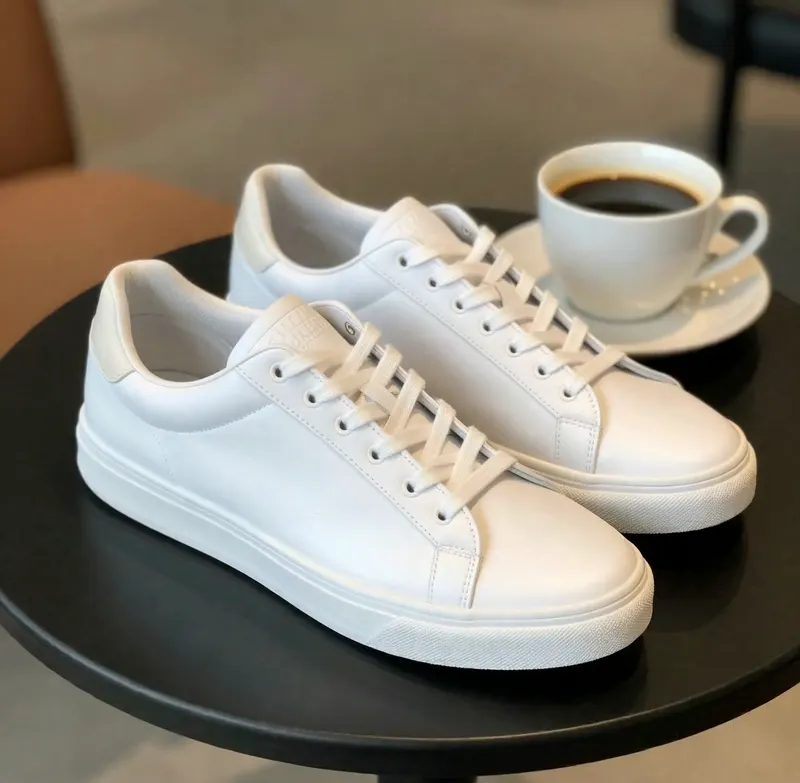
Starting frame: white sneakers and a coffee cup on a small cafe table.
Input still image
Result: a slow push-in on the sneakers while steam rises from the cup. It took roughly three minutes to render.
MiniMax H3 · 5 s · 2K · 17 credits
Prompt: Slow cinematic push-in on a white sneaker on a cafe table, soft morning light, steam rising from a coffee cup
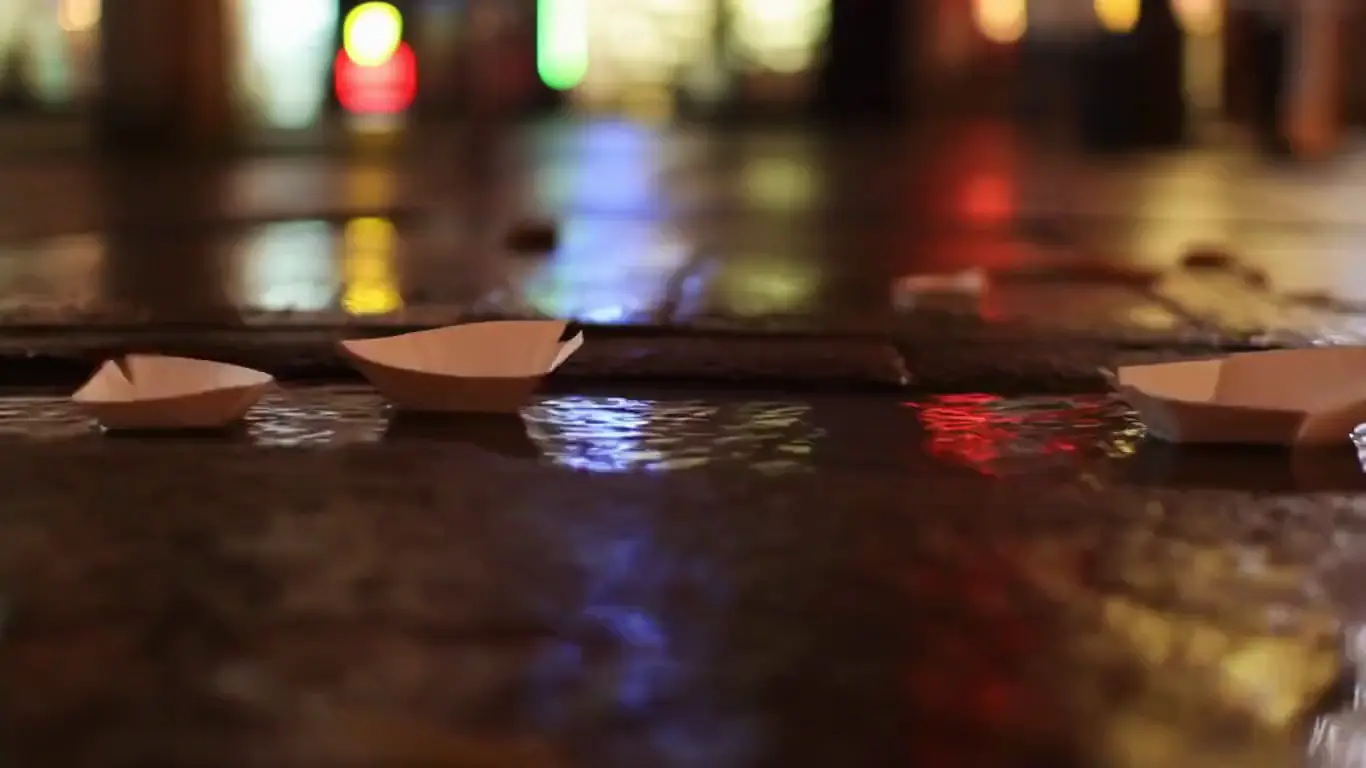
Same family of tools, text only: drifting paper boats in a rain-fed gutter.
Hailuo 02 · text to video · from 3 credits
Prompt: Paper boats drifting down a rain-fed gutter stream past reflected shop lights, cinematic warm-neutral color grade, soft directional key light, 35mm lens, shallow depth of field, natural skin tones, subtle film grain
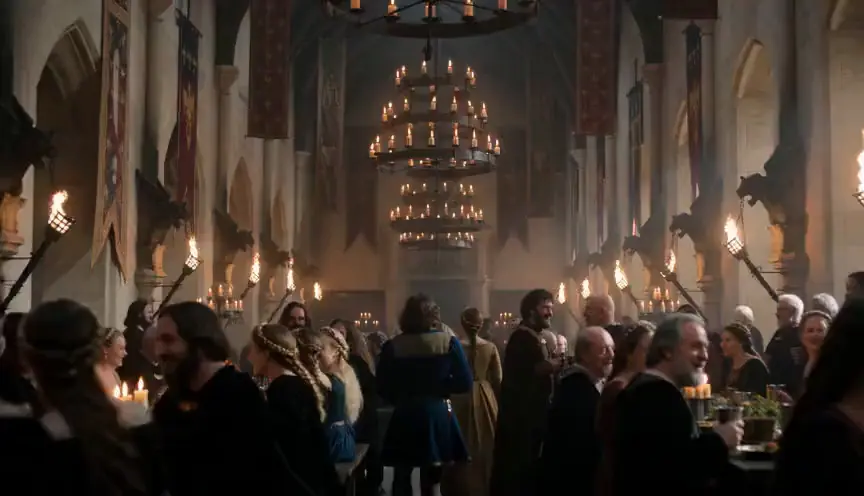
Same family of tools, text only: a dolly through a candlelit hall.
Seedance 2.0 Fast · text to video · from 9 credits
Prompt: Cinematic dolly through a candlelit medieval feast hall, banners swaying, fire crackling, cinematic warm-neutral color grade, soft directional key light, 35mm lens, shallow depth of field, natural skin tones, subtle film grain
How It Works
Upload a still image, describe the motion, and Lovino animates it into a 4 to 15 second video clip. The photo becomes the first frame, so your subject and framing stay put. It uses paid credits, and the cost is shown before you generate.
Upload your photo
Pick one sharp image with a clear subject. It becomes the first frame of the clip.
Describe the motion
Say what should move and how the camera behaves. The photo already sets the subject, so the prompt is about motion and mood.
Choose a model and generate
Pick a model, length and resolution, check the credit cost, then generate and download the MP4.
How image to video works
You give the model a still image and a short prompt. The image is used as the first frame, so the subject, the colours and the composition come from your photo. The model then invents the motion that follows: a camera move, drifting steam, moving water, a turning head.
That is why photo-first clips tend to look more consistent than text-only ones. With text to video the model decides what the subject looks like. With image to video you have already decided.
Pick a photo that animates well
The model can only move what it can see clearly, so the source image matters more than the prompt.
- One clear subject with room around it in the frame, so a camera move has somewhere to go.
- Sharp and well lit. Blur and heavy noise in the photo tend to carry into the clip.
- Avoid photos that rely on readable text or logos; small lettering often warps as things move.
- Only use photos you have the right to use, and only people who have agreed to it.
Write the motion, not the picture
Skip describing what is already in the photo. Name the movement and the camera instead, as in the example above: Slow cinematic push-in on a white sneaker on a cafe table, soft morning light, steam rising from a coffee cup. One move per clip works better than a list of actions.
If the first result drifts, shorten the prompt, ask for a slower move, or try a different model with the same photo. Cheaper models are good for checking the idea before you spend on a longer, higher-resolution render.
What it costs
Image to video uses paid credits, like all video on Lovino. The 3 free daily credits cover image tools only. Credits come from a plan (from $9.99 a month). Credit packs are for subscribers only in the US, Canada, the UK, the EU and EEA, Switzerland, Australia, New Zealand and Japan; elsewhere a pack can be bought on its own. A starter pack is $8 for 50 credits. Prices start at 2 credits per clip and rise with length, resolution and model. The example clip above cost 17 credits.
Photo to video: which models can do it
All of these accept a still image as the starting frame. Credits are per clip, lowest to highest price.
| Model | Clip length | Credits per clip | Needs a paid plan |
|---|---|---|---|
| Wan 2.2 5B Fast | 5 / 8 s | 2 | No, paid credits |
| P Video | 5 / 10 s | 2–8 | No, paid credits |
| Hailuo 2.3 | 6 / 10 s | 7–14 | No, paid credits |
| Seedance 2.0 Fast | 5 / 10 / 15 s | 9–57 | No, paid credits |
| Veo 3.1 Fast | 4 / 6 / 8 s | 10–20 | Yes |
| MiniMax H3 | 5 / 10 / 15 s | 10–30 | Yes |
Models marked Yes need an active paid plan on top of credits.
Starting from a photo or from text
| Image to video | Text to video | |
|---|---|---|
| Subject and look | Set by your photo | Invented by the model |
| Consistency across clips | Higher: same photo, same subject | Lower: each run reinvents the subject |
| Best for | Products, portraits you have permission to use, artwork, scenes you already have | Establishing shots, mood clips, ideas with no source image |
| Main risk | Faces and hands can drift once they move | The subject may not match what you pictured |
What it can't do
- It is not free. Video needs paid credits, and there is no free video allowance today.
- Clips are 4 to 15 seconds. It does not turn one photo into a minute-long film.
- It animates; it does not preserve exact detail. Fine text, logos and hands can change shape as they move.
- You steer with words. There is no timeline or keyframe editor, so results vary from run to run.
- Sound depends on the model. Some produce audio and some do not.
Start free. Scale anytime.
One credit system across Studio, Flow, and every tool. Cancel anytime.
Free
- 3 credits per day
- 21 free AI image models
- Watermark on outputs
- Community support
Creator
- No watermark on downloads
- Up to 4K resolution
- All 50+ AI models
- Studio + Flow access
- 120 credits per month
- Priority support
Studio
- Up to 4K resolution
- 500 credits per month
- API private beta — request access
- Priority chat support
Yearly billing saves 20% · See all plans →
Frequently Asked Questions
Related guides
- Image to Video AI: Which Model to Pick and What It CostsTurn a photo into a clip: the image-to-video models Lovino offers, what the cheapest 5-second clip costs, and why there is no free unlimited option.
- How to Turn an Image Into a Video With AI: Step-by-Step 2026Learn how to turn any image into a video with AI. A step-by-step image-to-video guide covering the best models, motion prompts, and common mistakes.
- AI Video Generator: Create Videos From Photos & TextGenerate stunning AI videos from photos or text prompts. Create cinematic travel videos, product demos, and social media content in seconds.
Ready to try Image to Video AI?
Video uses paid credits · from 2 credits per clip, shown before you generate. Create an account to open the tool; no purchase is made until you confirm a generation.