

AI Photo Enhancer
Enhance, sharpen, and restore any photo with AI
1 credit per generation
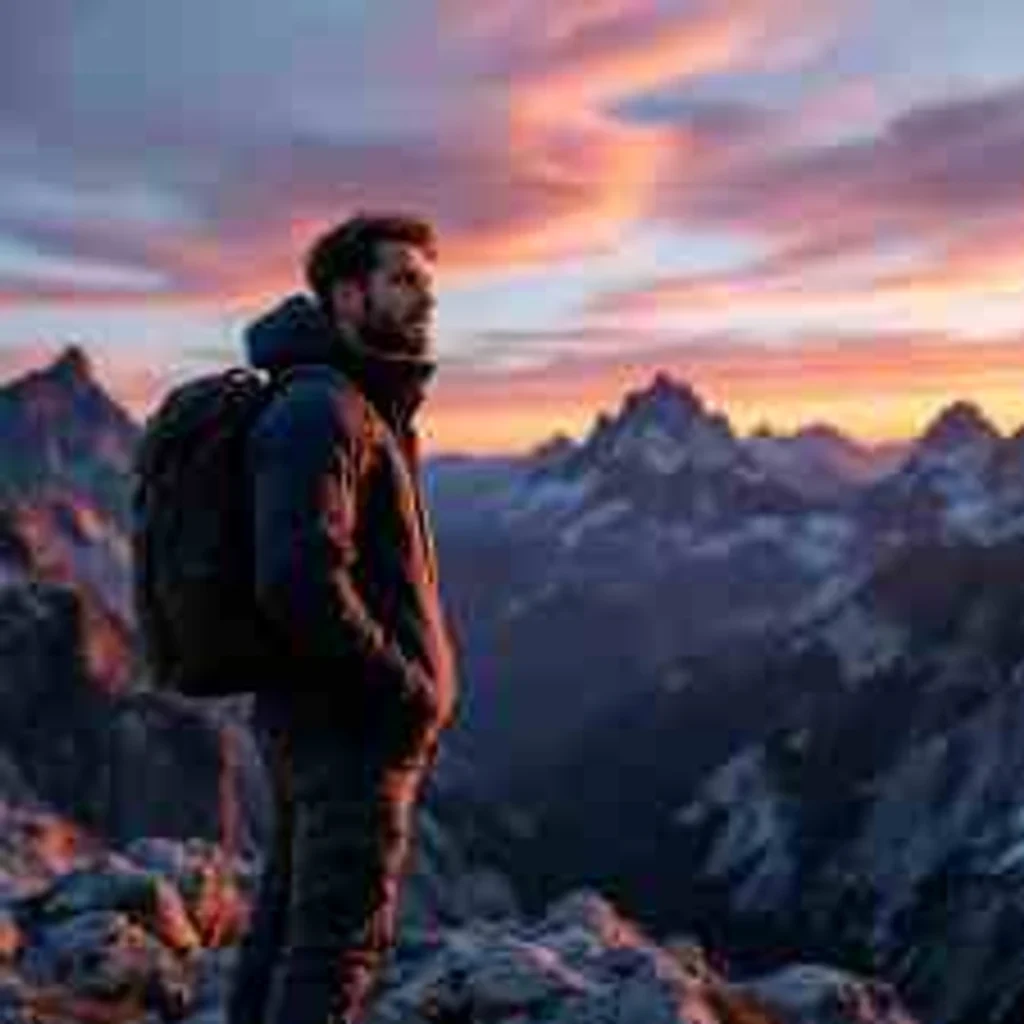
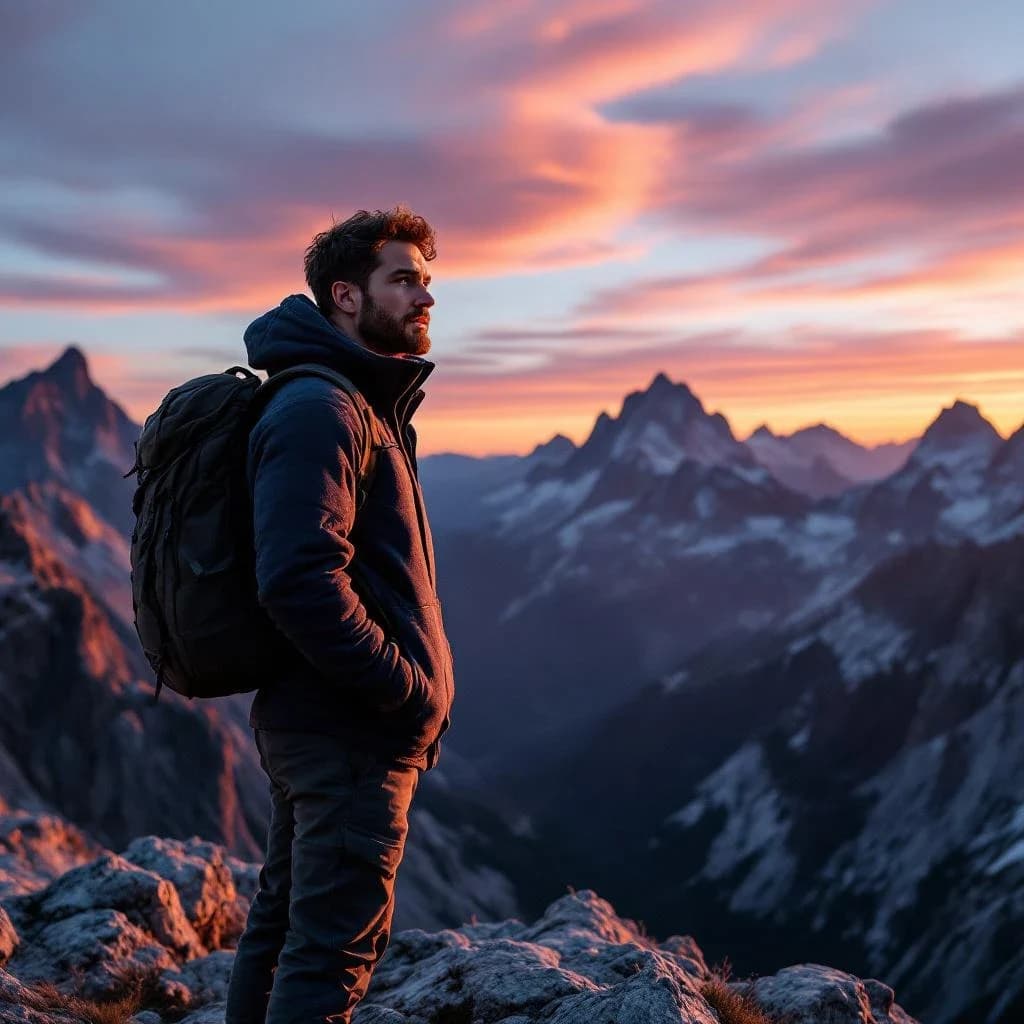
What is AI Photo Enhancer?
Lovino AI Photo Enhancer upscales, restores, and denoises images using AI. Four modes: Upscale (up to 4x resolution), Enhance (sharpen and add detail), Face Restore (fix blurry faces), and Denoise (remove grain). To repair scratches and tears in old prints, use Old Photo Restoration AI. Free to try with 3 credits per day.
Made with AI Photo Enhancer
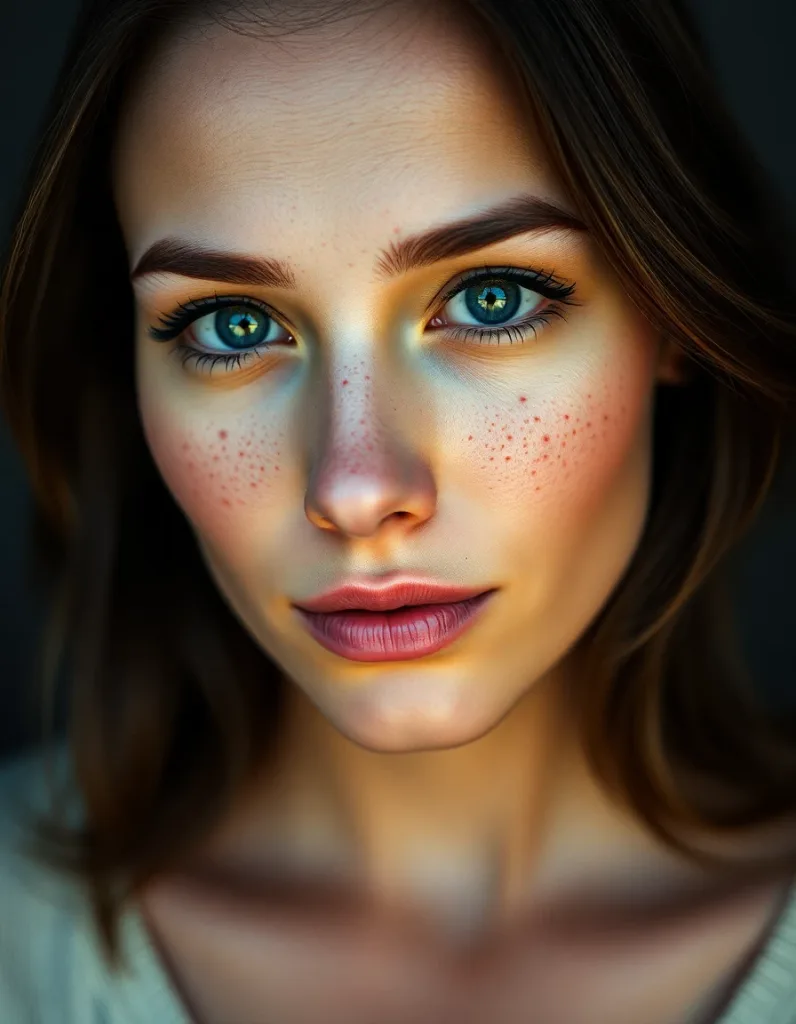 flux-schnell
Crisp high-detail portrait of a woman with freckles, sharp catchlights, studio clarity, cinematic warm-neutral color grade, soft directional key light, 35mm lens, shallow depth of field, natural skin tones, subtle film grain
 flux-schnell
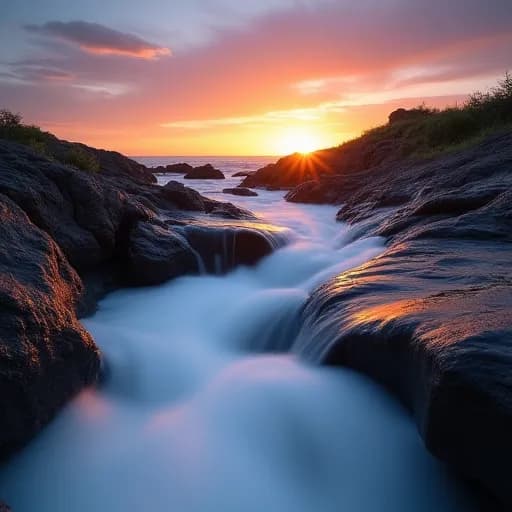
Ultra-sharp mountain lake vista with crisp reflections and fine texture detail, cinematic warm-neutral color grade, soft directional key light, 35mm lens, shallow depth of field, natural skin tones, subtle film grain
How to use AI Photo Enhancer
01
Upload your photo
Any photo that needs enhancing — blurry shots, noisy photos, low-resolution images.
02
Choose enhancement mode
Upscale (4x resolution), Enhance (sharpen), Face Restore (fix faces), or Denoise.
03
Download enhanced result
Compare before and after. Download the enhanced version.
Pricing
Start free. Scale anytime.
One credit system across Studio, Flow and every tool. Cancel anytime.
| Plan | Per month | Credits |
|---|---|---|
| Free | $0 | 3 credits per day |
| Plus | $7.99 | 50 credits per month |
| Pro | $19.99 | 200 credits per month |
| Max | $44.99 | 500 credits per month |
Questions, answered.
What enhancement modes are available?
4 modes: Upscale (increase resolution up to 4x), Enhance (sharpen and improve), Face Restore (fix blurry faces), and Denoise (remove grain/noise).
Can it fix very old photos?
Face Restore mode is trained to reconstruct facial details in low-quality photos. For scratches, creases and tears, use Old Photo Restoration AI.
How much can I upscale?
Up to 4x resolution. A 512x512 image becomes 2048x2048.
Is the photo enhancer free?
Yes — you get 3 free credits per day to try it. Paid plans start at $7.99/month for 50 credits.
Will enhancement change how people look?
No — the AI sharpens and reconstructs detail while preserving identity, expressions, and the photo's original character.
Can I enhance AI-generated images?
Yes. Enhancing or upscaling AI art before printing or posting is a very common workflow.
How long does enhancement take?
Most photos are ready in seconds, with a side-by-side before/after so you can judge the result immediately.
More AI tools
Related guides
- AI Photo Enhancer: Improve Any Photo in SecondsHow to use AI photo enhancement to fix blurry images, improve quality, boost resolution, and make old photos look new. Free online tool.
- How to Restore Old Photos With AI: Repair, Sharpen & UpscaleRestore old photos with AI in minutes — repair damage, sharpen blurry faces, and upscale low-resolution scans. A practical family-photo restoration guide.
- Lovino (formerly LensGo) vs Remini: Which AI Enhancer Is Better?Lovino (formerly LensGo) vs. Remini, compared on photo enhancement, face restoration, features, pricing, and use cases — which tool fits 2026?
Try a template

Ready to try AI Photo Enhancer?
1 credit per generation. No purchase is made until you confirm a generation.