

AI Image Generator
Create stunning images from text in seconds
Images from 1 credit each · the price is shown before you generate
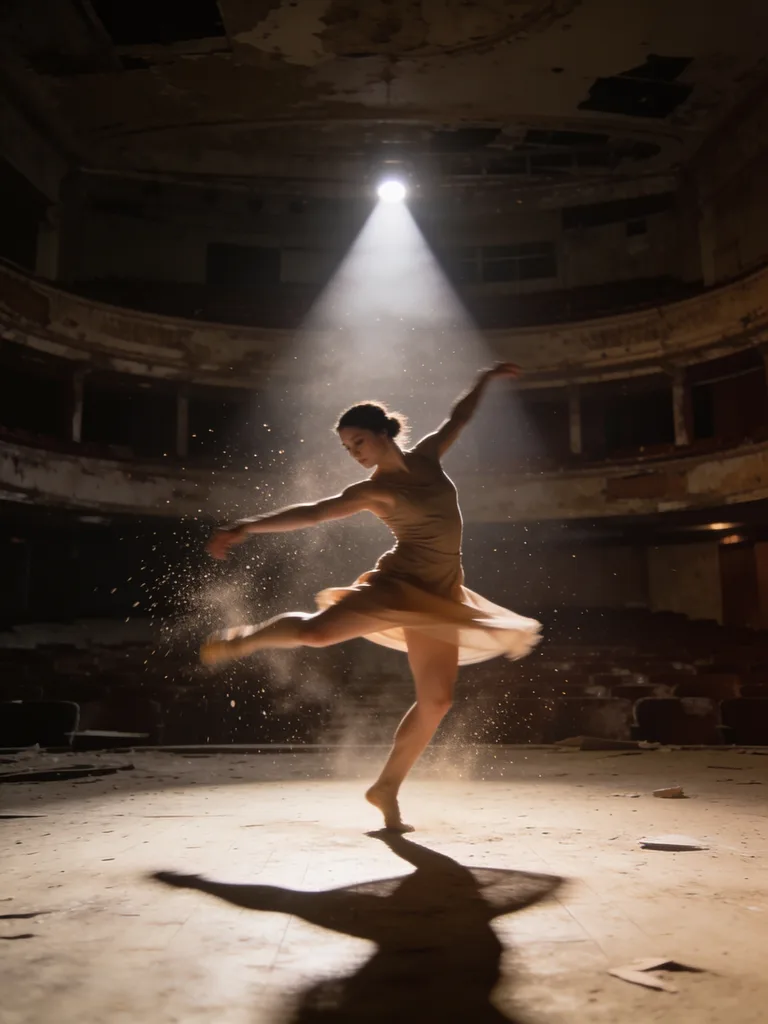
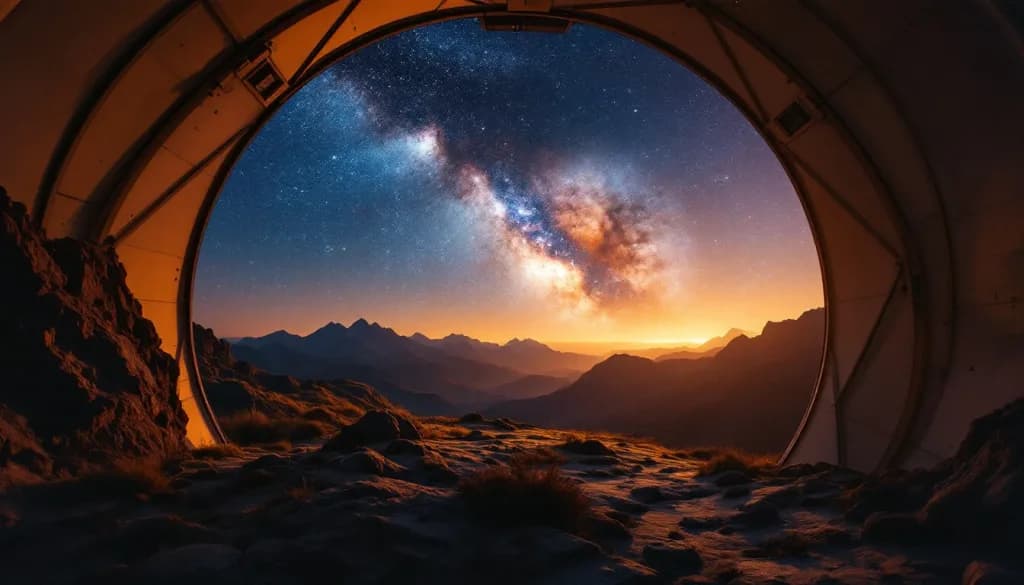
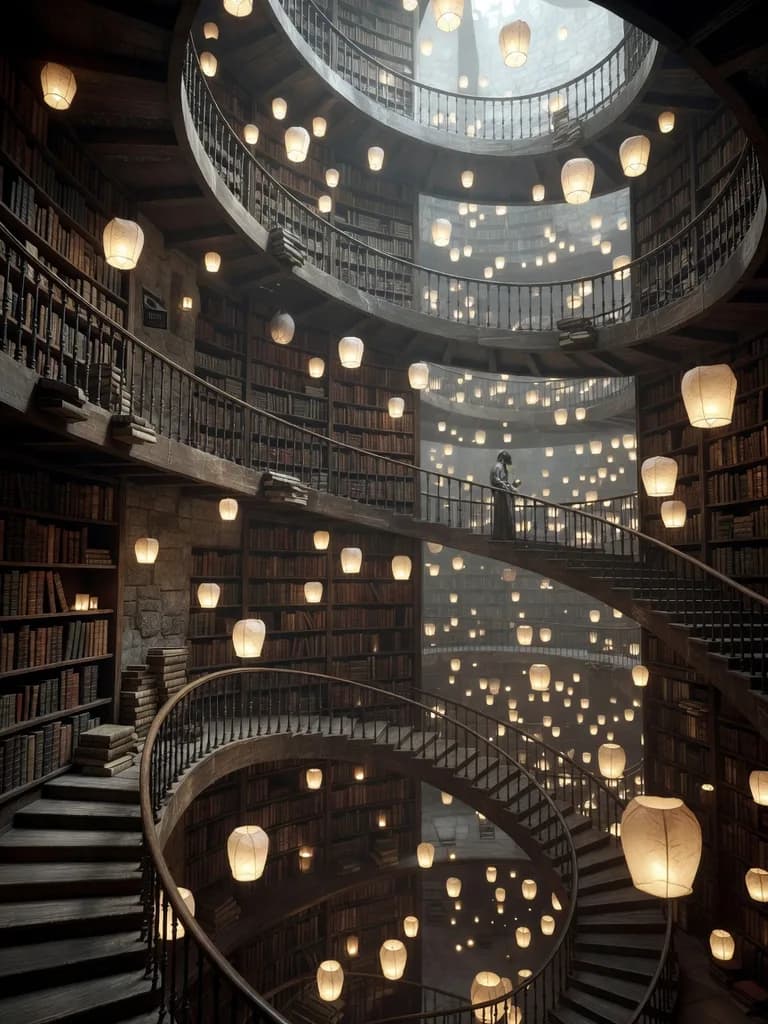
AI image generator
Text to image from 1 credit, priced before you generate.
Lovino AI Image Generator creates images from a text description with a choice of models, from fast 1-credit drafts to premium models on a paid plan. Your 3 free daily credits cover up to 3 images a day on the cheapest models. Free-plan output carries a watermark.
Examples
Real images from 6 models, each with its prompt.
Each image was generated in Lovino with the model named under it, from the exact prompt shown. The label says what the model costs and whether the free daily credits cover it.
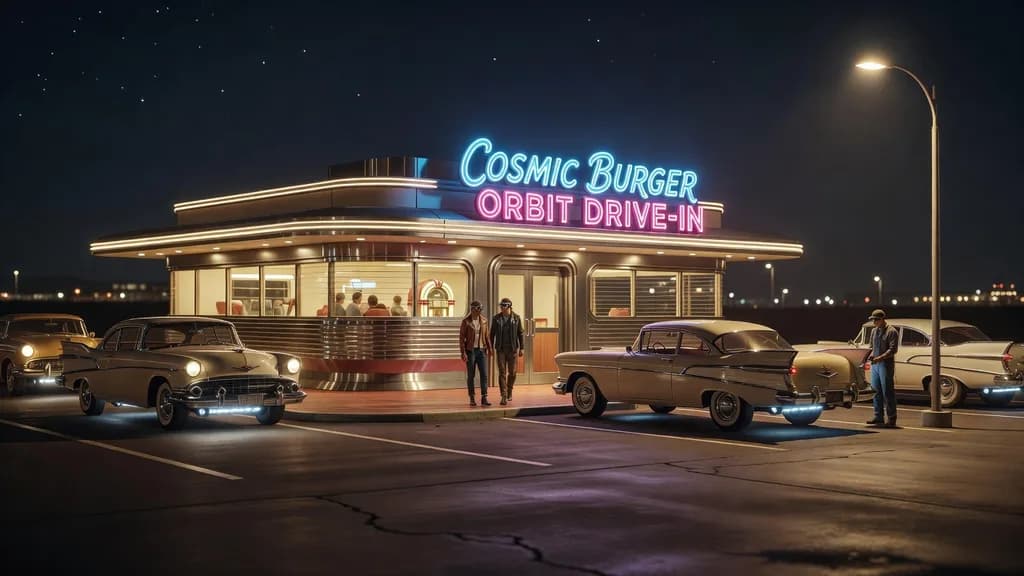 Grok Imagine
3 credits · free daily credits
A retro-futuristic scene in a single prompt.
Retro-futuristic roadside diner at night with hovering vintage cars, chrome and neon, cinematic warm-neutral color grade, soft directional key light, 35mm lens, shallow depth of field, natural skin tones, subtle film grain
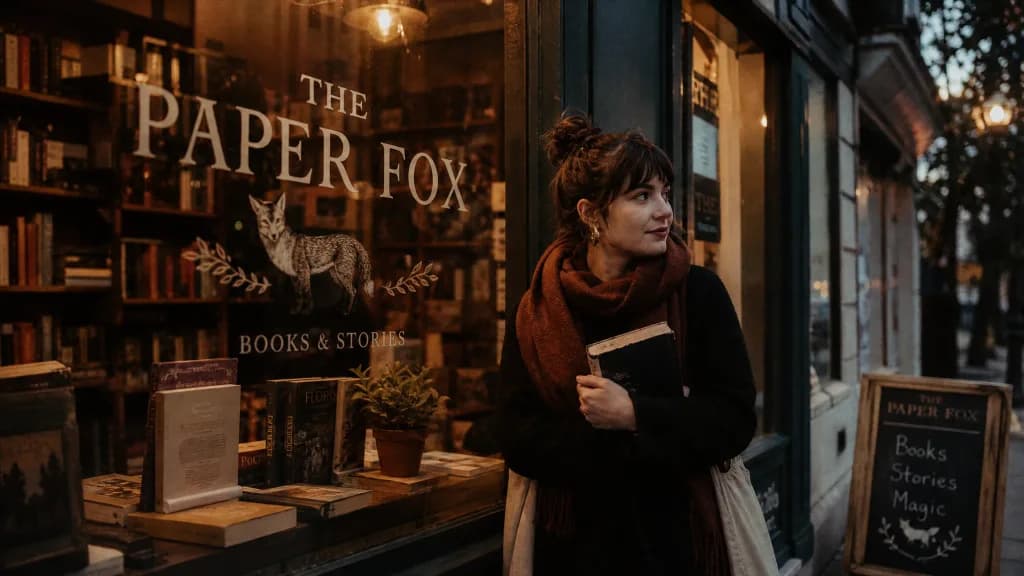 GPT Image 2
3–7 credits · low quality on free daily credits
Readable lettering on a shop window.
Cozy bookshop storefront at dusk with the sign 'THE PAPER FOX' painted on the window, warm light inside, cinematic warm-neutral color grade, soft directional key light, 35mm lens, shallow depth of field, natural skin tones, subtle film grain
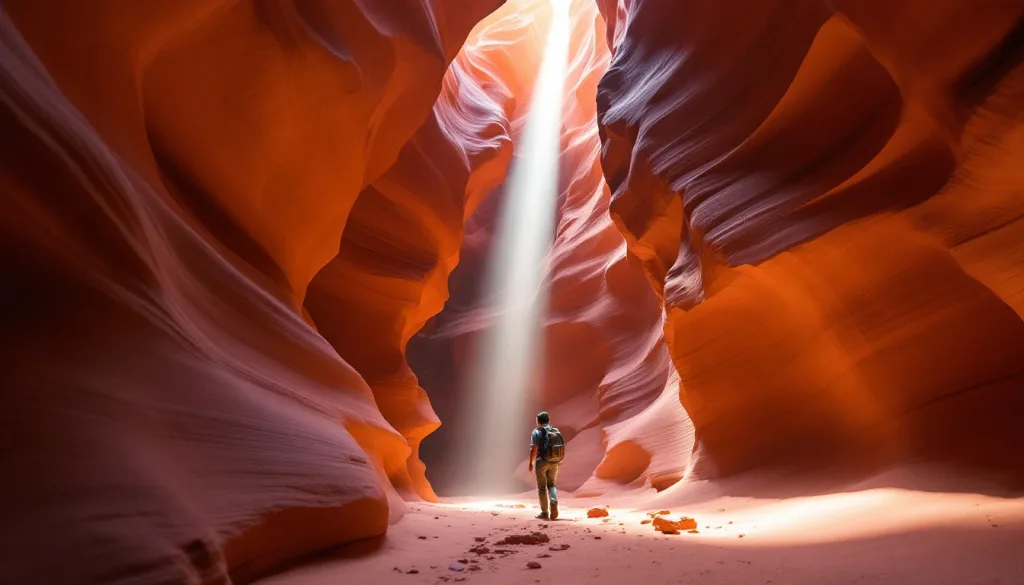 FLUX 1.1 Pro
2 credits · needs a paid plan
Light, texture and scale in a landscape.
Slot canyon light beam hitting red sandstone waves, lone hiker for scale, cinematic warm-neutral color grade, soft directional key light, 35mm lens, shallow depth of field, natural skin tones, subtle film grain
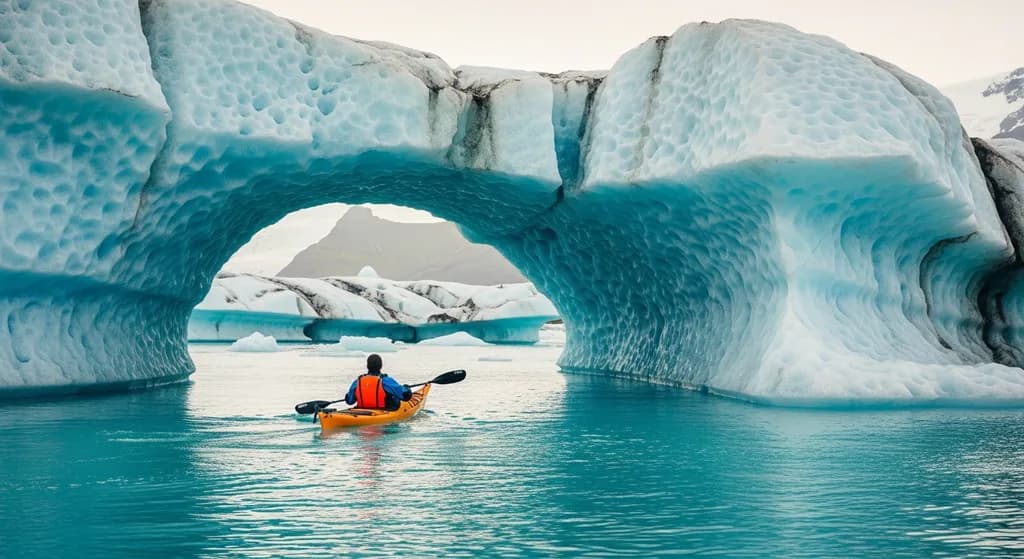 Imagen 4
3–5 credits · needs a paid plan
A wide scene with natural colour.
Kayaker gliding through a turquoise glacier lagoon, towering ice arch, Iceland, cinematic warm-neutral color grade, soft directional key light, 35mm lens, shallow depth of field, natural skin tones, subtle film grain
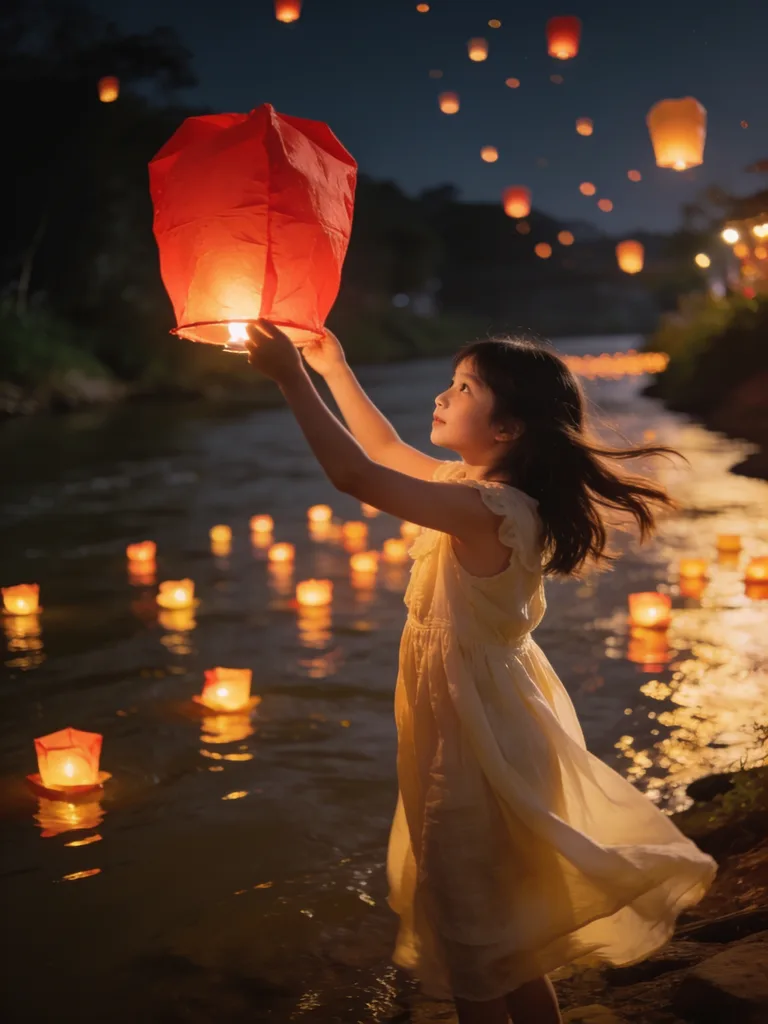 Seedream 4.5
4–6 credits · needs a paid plan
A night scene with many small light sources.
Girl releasing a paper lantern over a night river festival, hundreds of lights on the water, cinematic warm-neutral color grade, soft directional key light, 35mm lens, shallow depth of field, natural skin tones, subtle film grain
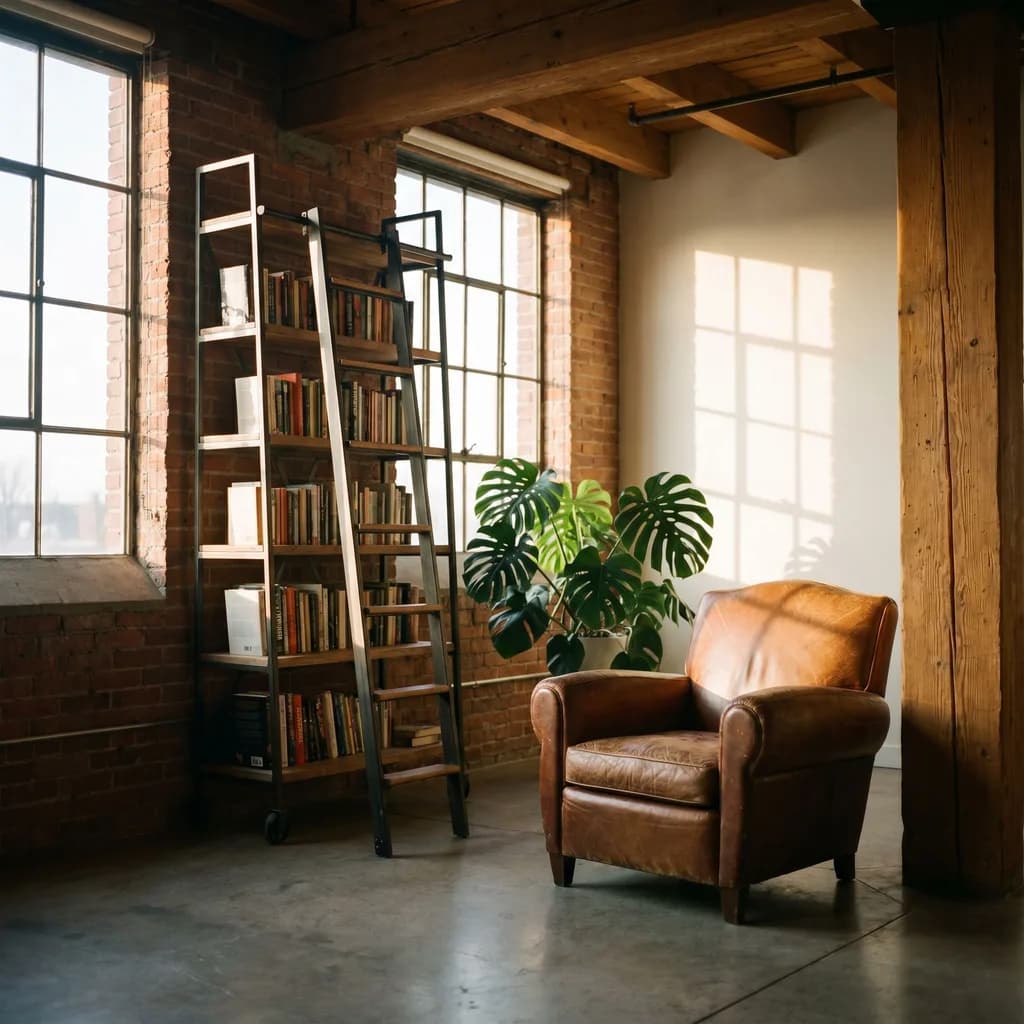 Nano Banana Pro
3–6 credits · needs a paid plan
An interior with several objects placed as asked.
Industrial loft reading corner with a leather armchair, ladder bookshelf and monstera, late sun, cinematic warm-neutral color grade, soft directional key light, 35mm lens, shallow depth of field, natural skin tones, subtle film grain
How to use AI Image Generator
Describe it, pick a model, download.
01
Describe the image
Write the subject, the setting and the light. Be specific about style, mood and framing.
02
Choose a model and shape
Pick a model for the job, from fast drafts to premium quality, then a ratio such as square, portrait or widescreen.
03
Generate, refine, download
Change one thing at a time in the prompt, or add a reference image on models that take one. Download when it is right.
Models you can use here
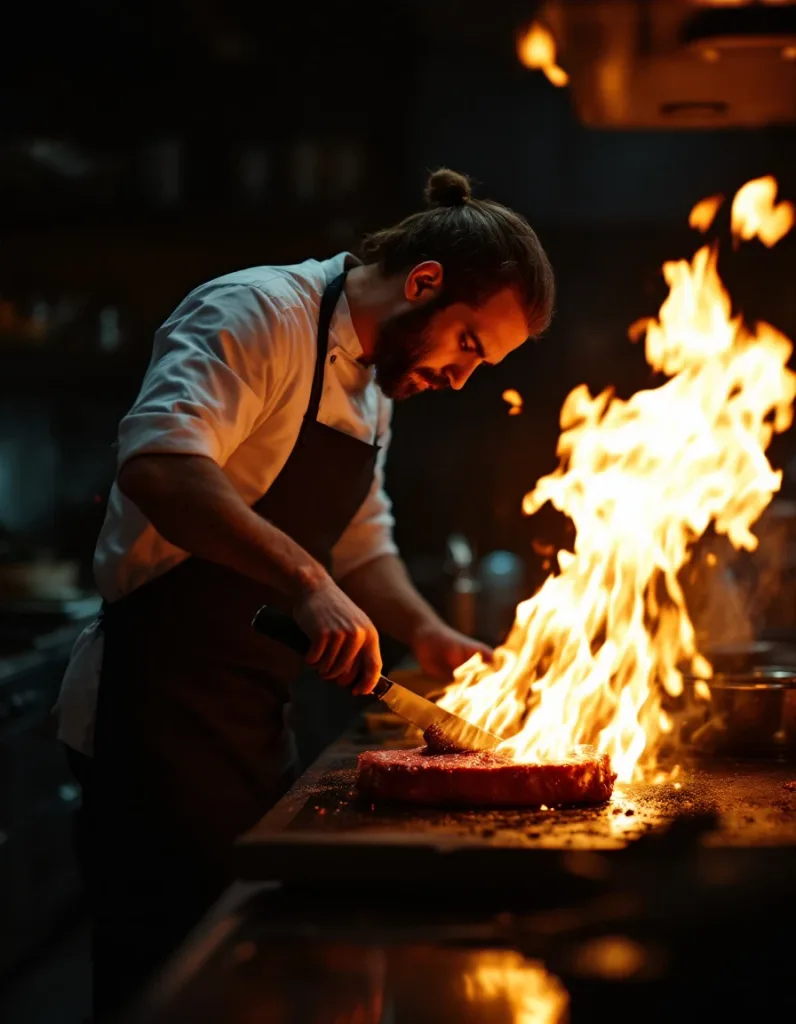 FLUX 1.1 Pro
From 2 credits
See FLUX 1.1 Pro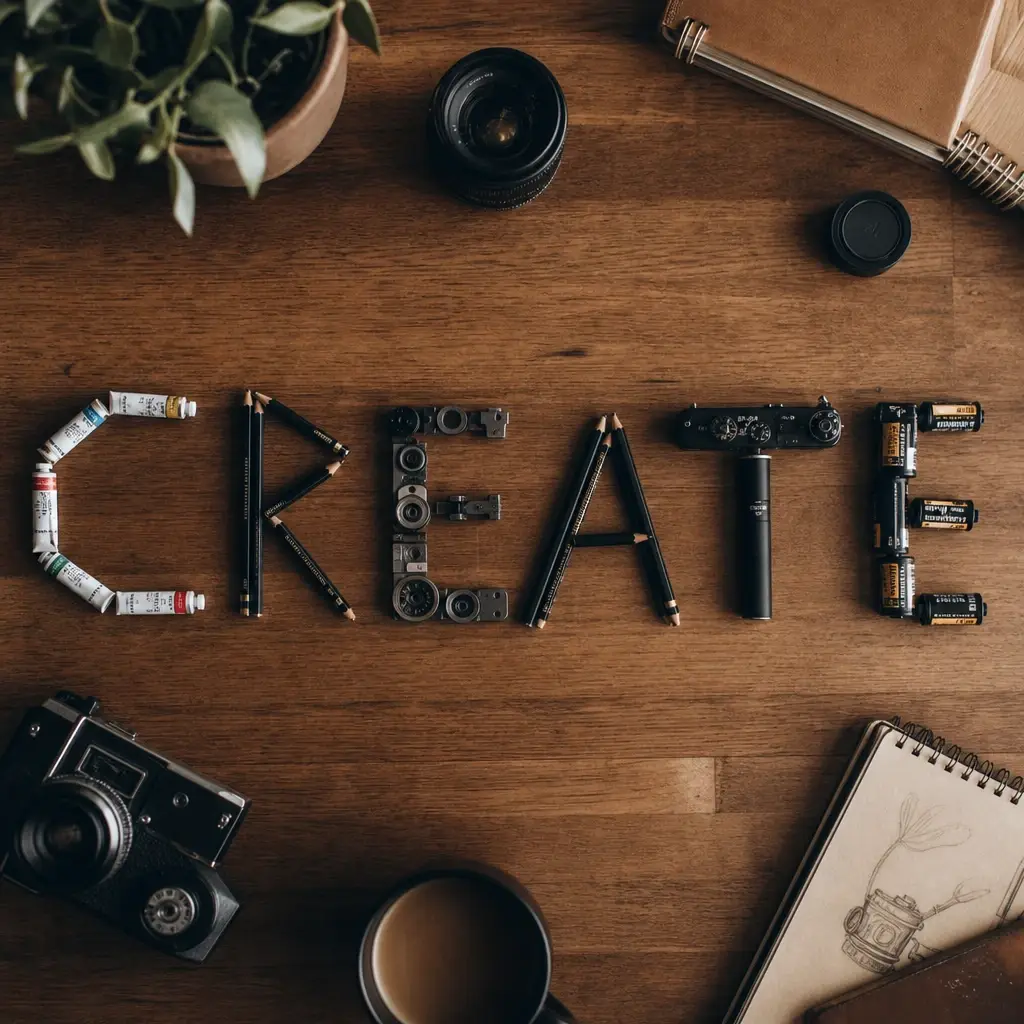 GPT Image 2
From 3 credits
See GPT Image 2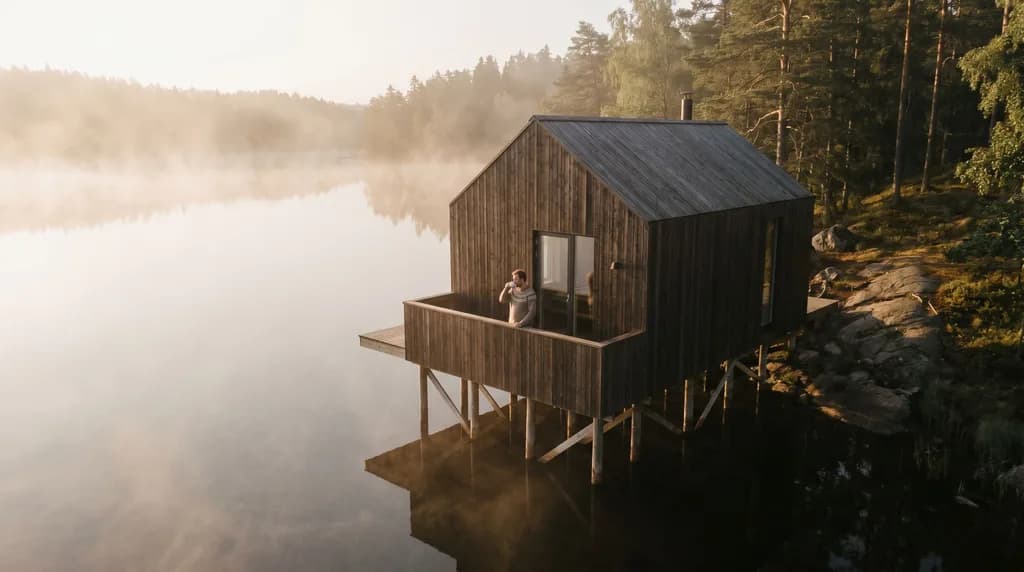 Nano Banana Pro
From 3 credits
See Nano Banana Pro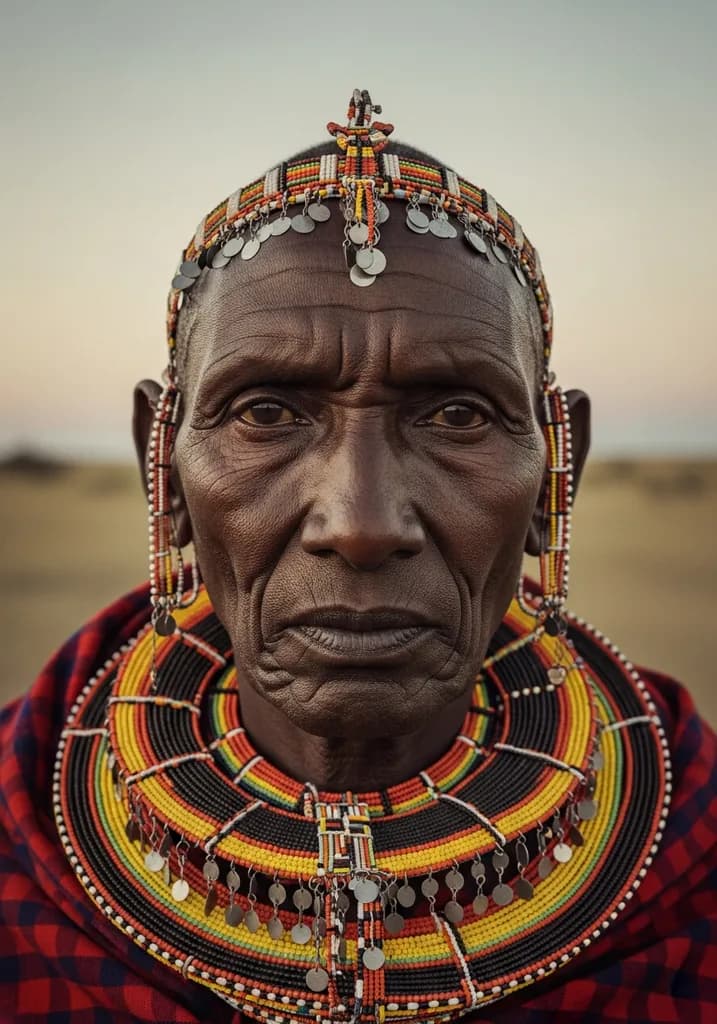 Imagen 4
From 3 credits
See Imagen 4
Choosing a model
Cost, speed and strengths differ, so match the model to the job.
| When you need | Reach for |
|---|---|
| Fast drafts |
|
| Edits with references |
Both accept reference images and run on free credits. |
| Text inside the image | GPT Image 2 is free at low quality. Ideogram V3 Turbo needs a paid plan. |
| Premium detail | All three need a paid plan. |
How the AI image generator works
You type a description, pick a model and an aspect ratio, and the model draws the image. Lovino puts 50 image and video models behind one prompt bar and one credit balance, so switching from a quick draft to a premium render is a dropdown, not a new account.
Some models also take a reference image. That lets you edit or restyle a picture you already have instead of starting from words alone. The table below shows which ones do.
What the free credits buy
3 free credits a day: up to 3 images.
Every account gets 3 free credits a day. On a 1-credit model that is up to 3 images. On a 2 or 3-credit model it is one image, with a credit left over. A few models are reserved for paid plans (from $7.99 a month); the free credits do not unlock them.
Free-plan output carries a watermark. Any paid plan removes it.
Writing prompts that work
Lead with the subject, then the setting, then the light and the camera. A line like storm waves crashing against a lighthouse at dawn, spray frozen mid-air says more than a paragraph of adjectives. Change one element per attempt so you can tell what helped.
Image models at a glance
Credits are per image, from the lowest to the highest price each model offers.
| Model | Credits per image | Free daily credits | Reference image |
|---|---|---|---|
| Z-Image Turbo | 1 | Yes | No |
| FLUX.2 Klein | 1 | Yes | Yes |
| SDXL | 1 | Yes | Yes |
| Nano Banana 2 | 2–4 | Yes | Yes |
| Imagen 4 Fast | 2 | Yes | No |
| Seedream 4 | 3 | Yes | Yes |
| Grok Imagine | 3 | Yes | Yes |
| GPT Image 2 | 3–7 | Low quality only | Yes |
| FLUX 1.1 Pro | 2 | No, paid plan | Yes |
| Ideogram V3 Turbo | 2 | No, paid plan | No |
| Imagen 4 | 3–5 | No, paid plan | No |
| Seedream 4.5 | 4–6 | No, paid plan | Yes |
Some models cost more at higher resolutions or quality settings. The price is shown before you generate.
More questions
Do free images have a watermark?
Yes. Free-plan output includes a watermark, and any paid plan removes it.
Do I need an account?
Yes. A free account takes seconds and unlocks your daily credits. No credit card is needed.
Is this the LensGo AI image generator?
It is the product that ran at lensgo.ai as LensGo until it was renamed Lovino in August 2026. It is not the earlier LensGo style-transfer app (2023 to 2025), which we did not make.
What it can't do
- The free tier is small: 3 credits a day is up to 3 images on the cheapest models, or one on most others.
- No model does everything. Each is stronger at some things, such as text, speed or editing, and weaker at others.
- Small lettering and hands can still come out wrong. Re-run before you rewrite the prompt.
- It will not reliably give you the same person twice from a text prompt. Each run tends to invent a new face.
- Free-plan images are watermarked, and the premium models are not covered by free credits.
Pricing
Start free. Scale anytime.
One credit system across Studio, Flow and every tool. Cancel anytime.
| Plan | Per month | Credits |
|---|---|---|
| Free | $0 | 3 credits per day |
| Plus | $7.99 | 50 credits per month |
| Pro | $19.99 | 200 credits per month |
| Max | $44.99 | 500 credits per month |
Questions, answered.
Is the AI image generator free?
You can start free. Every account gets 3 credits a day with no credit card, which covers up to 3 images on the 1-credit models. Some models need a paid plan, which starts at $7.99 a month.
How many free images do I get per day?
3 credits a day, so up to 3 images on a 1-credit model, or one image on a 2 or 3-credit model. The daily credits renew each day.
Which AI models are available?
50 image and video models in total. For images that includes Z-Image Turbo, FLUX.2 Klein, Nano Banana 2, GPT Image 2, Seedream 4, Imagen 4 Fast and Grok Imagine on free credits, and FLUX 1.1 Pro, Imagen 4, Seedream 4.5 and Ideogram V3 Turbo on a paid plan.
Which model is best for text inside images?
GPT Image 2 is a good place to start, and its low quality tier is free. Ideogram V3 Turbo is built for typography and needs a paid plan. Put the exact words in quotes either way.
Can I edit an existing image?
Yes, on models that take a reference image, such as Nano Banana 2, Seedream 4, FLUX.2 Klein and GPT Image 2. Upload the image and describe what to change.
Can I use the images commercially?
Yes. Images generated on Lovino are yours to use commercially. Paid plans remove the watermark. Styles inspired by copyrighted characters or brands should be cleared before you use them commercially.
What image sizes can I generate?
Most models offer square, portrait and widescreen ratios such as 1:1, 3:4, 4:3, 9:16 and 16:9. Some go wider, and GPT Image 2 offers three native shapes. Available ratios are listed for each model.
How long does an image take?
Usually seconds, and up to about half a minute on the heavier models. The fast draft models are quickest.
More AI tools
- GPT Image 2OpenAI's flagship image model — generate & edit with precision
- Nano Banana 2 FreeGoogle's image model for editing with plain instructions
- FLUX.2 Klein FreeThe fast FLUX.2 model, on free daily credits
- AI Video GeneratorTurn text or images into cinematic videos
- AI Logo MakerGenerate professional logos with AI
- AI Wallpaper GeneratorMake phone and desktop wallpapers from a description
Related guides
- Best Free AI Image Generators in 2026 (Ranked & Compared)The best free AI image generators in 2026, compared honestly — free tiers, limits, watermarks and signup rules, plus the top pick for every use case.
- Best AI Image Models in 2026: Which One for Which JobThere is no single best AI image model in 2026. GPT Image 2 leads on text, FLUX and Seedream on photorealism. Real examples with prompts and the limits that remain.
- On-Brand in One Prompt: AI Carousels, Thumbnails and PostersCarousels, thumbnails and posters each have their own rules. Iris skills handle consistency, readable text and hierarchy so your designs come out on-brand.
Try a template
Ready to try AI Image Generator?
Images from 1 credit each · the price is shown before you generate. No purchase is made until you confirm a generation.