

AI Background Changer
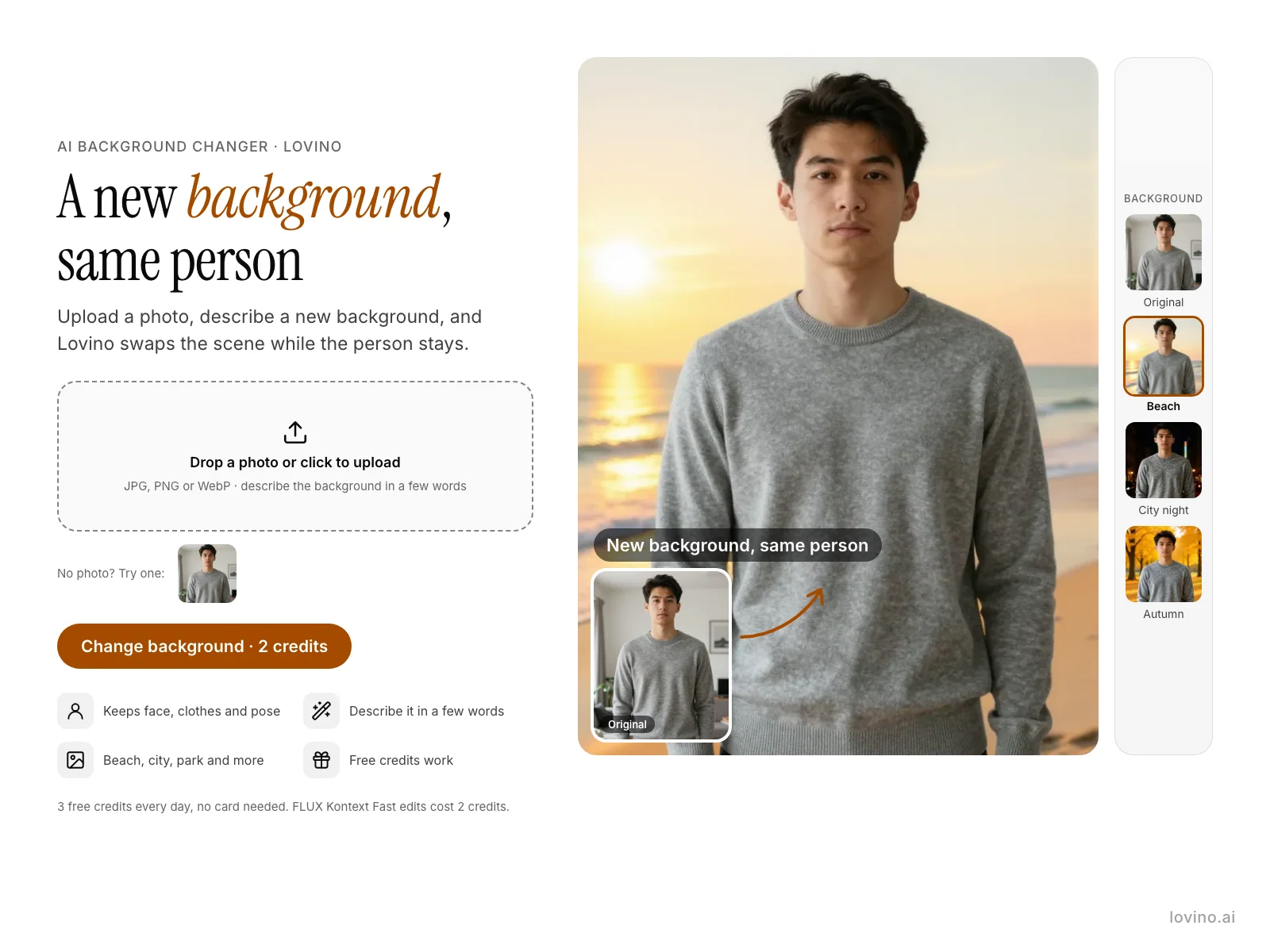
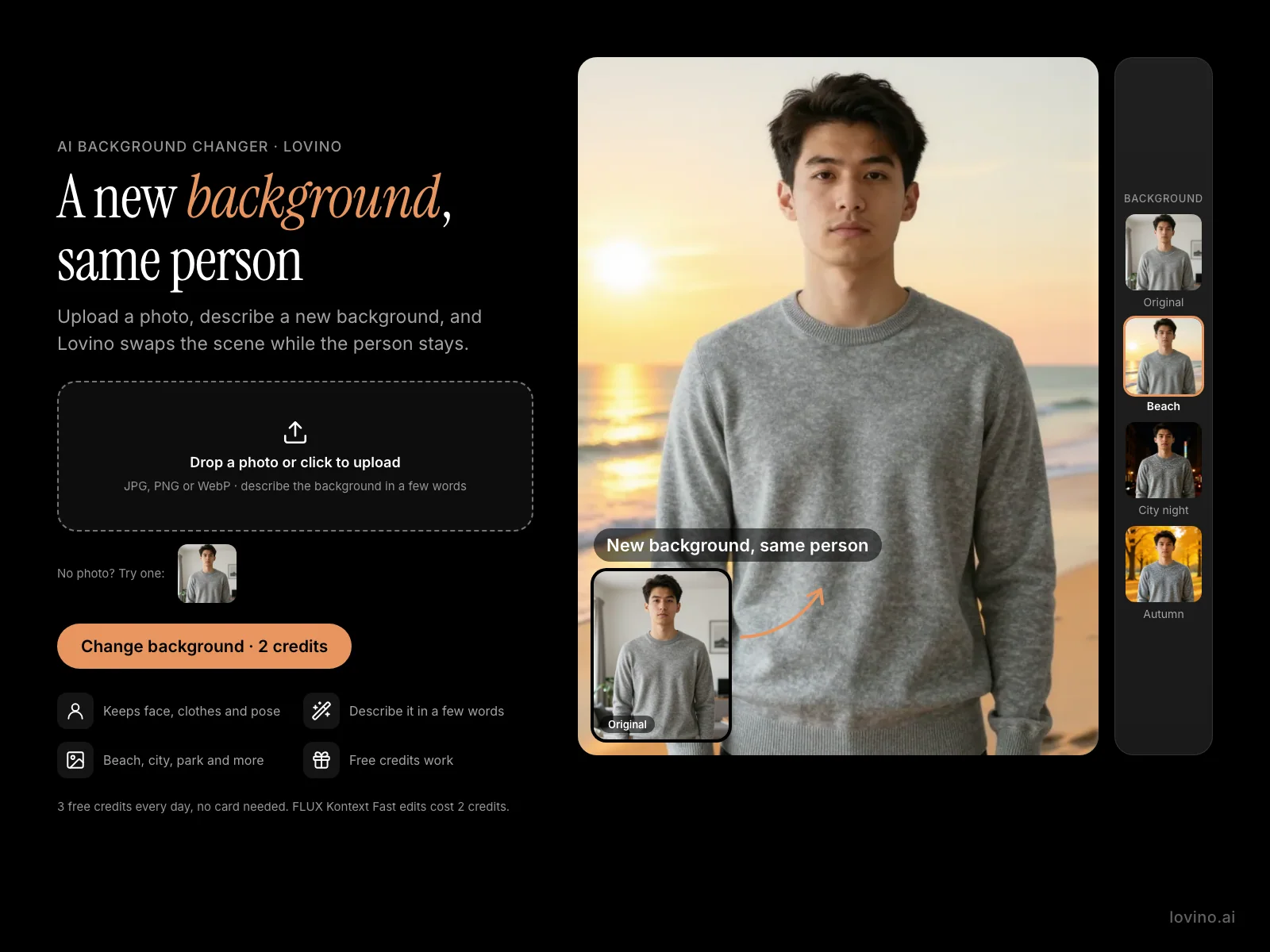
Lovino's AI background changer replaces the background of a photo with a scene you describe in words, while the person, clothes and pose stay the same. Use it on portraits and social photos. An edit costs 2 credits, and the 3 free daily credits cover 1 a day.
2 credits per edit
What is AI Background Changer?
Upload a photo, type the background you want in a few words, and FLUX Kontext Fast edits the picture to match. It is an instruction editor, so you describe the change instead of painting a mask. It works best when you also ask it to keep the person the same, as in the examples below.
How to use AI Background Changer
- 01
Upload a photo
The Try button opens Studio with FLUX Kontext Fast selected. Add your photo as the reference image. JPG, PNG or WebP works.
- 02
Describe the new background
A few words are enough, for example a sunny beach at golden hour. Add "Keep the person exactly the same." so the edit leaves them alone.
- 03
Generate the edit
Lovino swaps the scene and keeps the person.
- 04
Download or try another scene
Run it again with a different background and compare the results.
One photo, three backgrounds
The man is an AI-made test photo, not a real person. Every edit below uses the same photo and the prompt shown under it. They were made with FLUX Kontext Fast in Studio, not with a dedicated button. Examples are shown without the watermark that free-plan results carry.
 FLUX Kontext Fast
2 credits
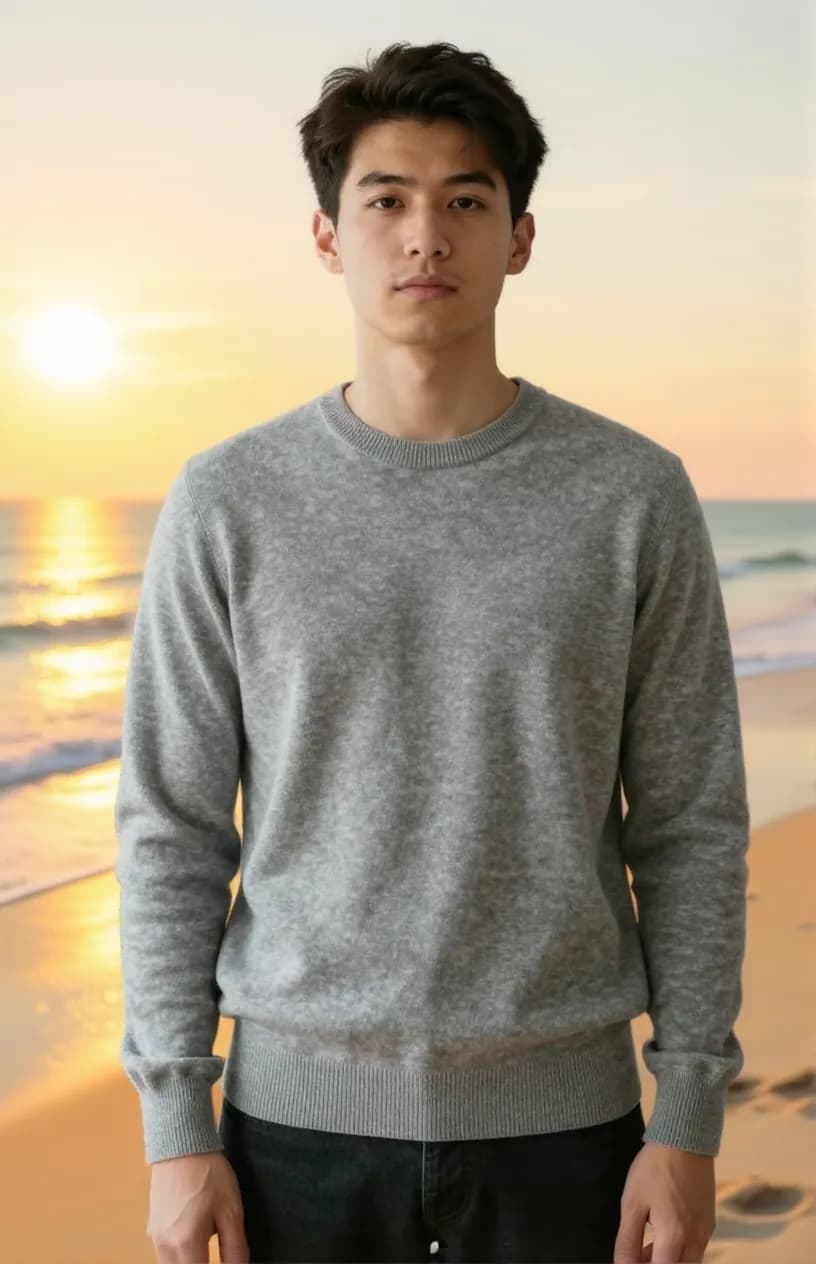
New background: a beach at golden hour. Face, sweater and pose stay.
Replace the background with a sunny beach at golden hour with gentle waves. Keep the person exactly the same.
 Z-Image Turbo
The input: an AI-made test photo.
 FLUX Kontext Fast
2 credits
New background: a city at night.
Replace the background with a city street at night with soft out-of-focus lights and no signs or writing. Keep the person exactly the same.
 FLUX Kontext Fast
2 credits
New background: an autumn park.
Replace the background with a park in autumn with golden and orange leaves and soft light. Keep the person exactly the same.
Change photo background and keep the person
Most background tools cut the person out and paste them onto something new. This one works the other way. FLUX Kontext Fast reads your instruction and redraws the picture, and the line "Keep the person exactly the same." tells it to leave the face, clothes and pose alone.
In the examples, the sweater, the face and the stance carried across all three scenes. Hair edges and the light on the person can still differ from the new scene, so look closely before you post.
AI background generator: describe the scene in words
You do not pick from a fixed list. Name a place, then add a time of day or the kind of light.
- A sunny beach at golden hour with gentle waves.
- A city street at night with soft out-of-focus lights.
- A park in autumn with golden and orange leaves.
- Say "no signs or writing" if you do not want text in the scene.
Where a new background helps
People use it for profile pictures, social posts, invitations and travel-style photos, and to rescue a good shot taken in a messy room. For a product on a shelf, the Product Photo tool has six preset scenes made for that job.
What Lovino does and does not do
| Lovino does | Lovino does not |
|---|---|
| Replace the background with a scene you describe in words | Give you a transparent PNG. Background Remover does that for 1 credit |
| Ask the model to keep the person, clothes and pose | Promise a perfect match. Edges and light on the person can differ from the new scene |
| Run on the 3 free daily credits (1 edit a day, watermarked) | Remove the watermark on free-plan results. Paid-plan results have none |
| Take your photo plus a text description | Use a second photo as the background. FLUX Kontext Fast takes one image, so describe the scene instead |
What it can't do
- The picture is redrawn, not cut and pasted. The person is usually kept, but small details can shift, so check faces and hands before you share.
- The model may not re-light the person to suit the new scene, so a bright daylight photo placed on a night street can look off. Pick scenes that fit the light in your photo.
- It takes one photo and words. You cannot upload a second picture to use as the background with this model.
- Free-plan results carry a watermark. Paid-plan results do not.
- Only edit photos of yourself or of people who agreed.
Pricing
Start free. Scale anytime.
One credit system across Studio, Flow and every tool. Cancel anytime.
| Plan | Per month | Credits |
|---|---|---|
| Free | $0 | 3 credits per day |
| Plus | $7.99 | 50 credits per month |
| Pro | $19.99 | 200 credits per month |
| Max | $44.99 | 500 credits per month |
Questions, answered.
Is the AI background changer free?
Partly. You get 3 free credits a day, and a background edit with FLUX Kontext Fast costs 2 credits, so the free tier covers 1 edit a day, with a watermark. Paid plans start at $7.99 a month, and results made on a paid plan have no watermark.
How do I change the background of a photo?
Open Studio with FLUX Kontext Fast, add your photo, and describe the new background. Say "Keep the person exactly the same." and generate. It takes one run.
Will the person stay the same?
The instruction asks the model to keep them the same. In the examples the face, sweater and pose did stay. It is an AI edit, so check the result before you use it.
Can I get a transparent background?
Not here. For a transparent PNG use Background Remover, which costs 1 credit.
What should I write in the prompt?
A place, plus a time of day or the light. For example: a sunny beach at golden hour with gentle waves. Say "no signs or writing" if you want a clean scene.
Which AI model does this?
FLUX Kontext Fast, an instruction-based image editor. You describe the change and it edits the photo.
Does it work on product photos?
It can. For products, the Product Photo tool has six preset scenes and an instruction to keep the product's shape and colours. It costs 2 credits.
Does the lighting match the new scene?
Not always. The person keeps the light from your original photo, so a bright daylight shot placed on a night street can look off. Pick a scene that fits the light you already have.
More AI tools
Related guides
- AI Photo Editing Prompts: Change One Thing, Keep the RestCopy-paste AI photo editing prompts with real before-and-after examples: add an object, change the season or time of day, and keep everything else the same.
- AI Product Photo Prompts for E-commerce: Copy-Paste TemplatesCopy-paste AI product photo prompts for studio shots, backdrop swaps and selfie-style ads, with the real prompts and results behind five examples.
- Remove Objects From Photos With AI: 3 Methods ComparedRemove people, objects or a whole background with AI: Magic Eraser brush, instruction edit or cut-out, with a real before-and-after and what each costs.
Try a template


Ready to try AI Background Changer?
2 credits per edit. No purchase is made until you confirm a generation.