Photo Dump Reel Ideas: 10 Easy Formats That Feel Effortless
Photo dump reel ideas that feel effortless: 10 easy formats, how to order the photos, and how AI can polish your shots without faking the day. Start here.
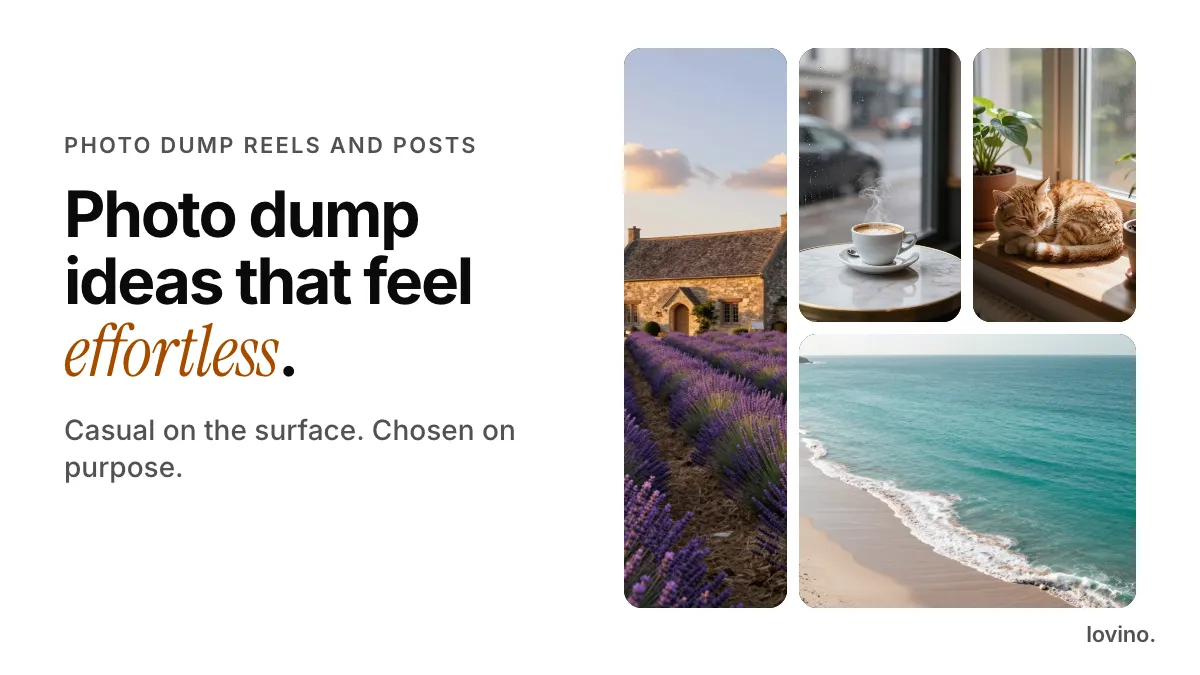
Photo dump reel ideas that feel effortless all come down to one rule: pick a mood, then give every photo a job. The casual look is the point. The planning simply stays out of sight.
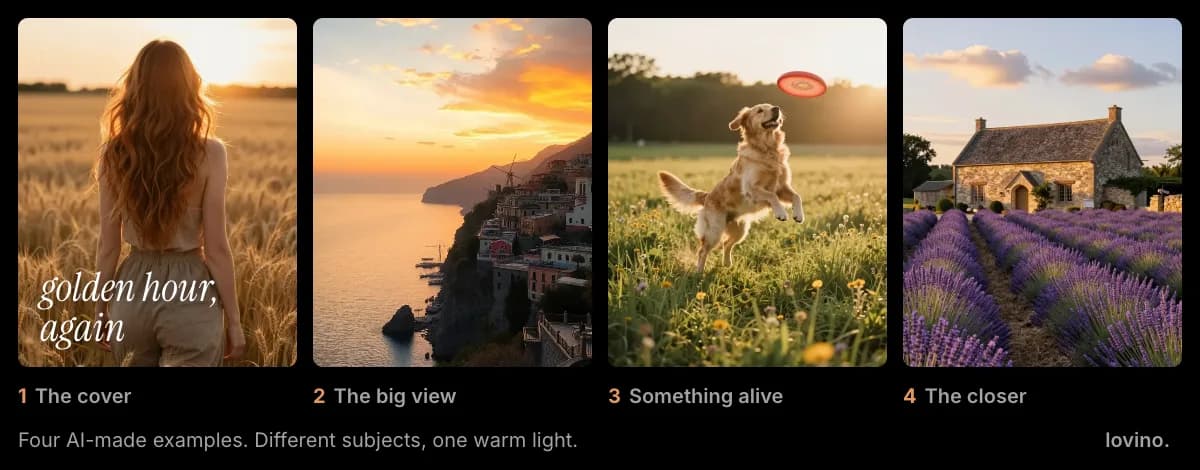
Below are ten easy formats, a swipe order that suits most of them, and an honest look at where AI helps and where it should stay out. Every photo in this post is an AI-made example, so none of them shows a real day out.
What is a photo dump?
A photo dump is a set of casual photos posted together, either as a carousel or as a Reel with audio over the pictures. It reads like a camera roll someone happened to scroll through, which is why it feels relaxed.
It is also one of the easiest Reels to make. Instagram's creator page says a reel can be as simple as adding audio to a series of photos or video clips from your camera roll. No filming, no script.
What are the best photo dump reel ideas?
Ten formats, each with a mood, a few photo types and a tip for the order.
| Format | What goes in | Order tip |
|---|---|---|
| Weekend recap | A coffee, a walk, a meal, a friend, a view | Start with your best light, end on the quietest shot |
| Café crawl | Cups, window seats, one pastry close-up | Alternate wide and close |
| Pet-led dump | Your pet in a few moods and the things around them | Open on the funniest face |
| Golden hour set | Only photos from warm evening light | Keep the color the same all the way through |
| One place, many angles | The same street or beach from far, near, up and down | Wide first, details after |
| Film roll | Photos in a contact-sheet or film-strip layout | Let the layout do the grouping |
| Seasonal dump | First snow, autumn leaves, summer fruit | End on the cozy shot |
| Month in photos | One photo per weekend | Keep it in date order |
| Messy on purpose | A blurry sky, a sign, a snack, a shadow | Slip one odd frame into the middle |
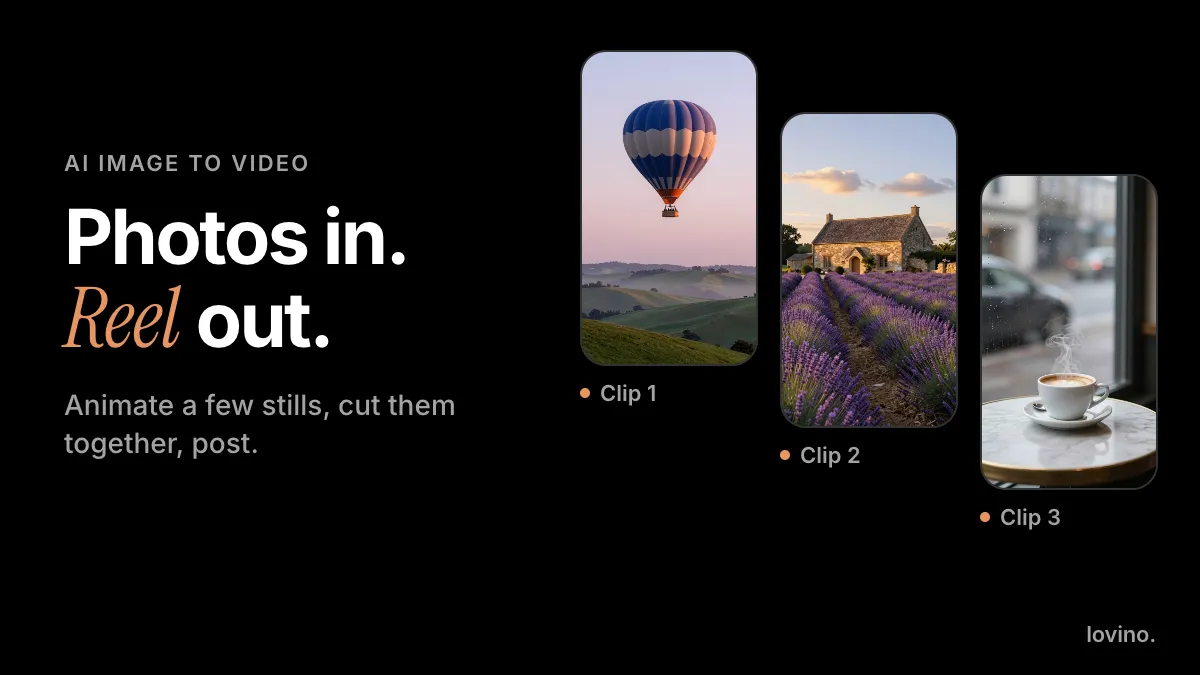
| Photos plus one moving moment | Stills with one short clip among them | Put the clip third or fourth, as a surprise |
Pick one format and stay in it. A dump with one mood feels intentional; a dump with six moods feels like a camera roll.
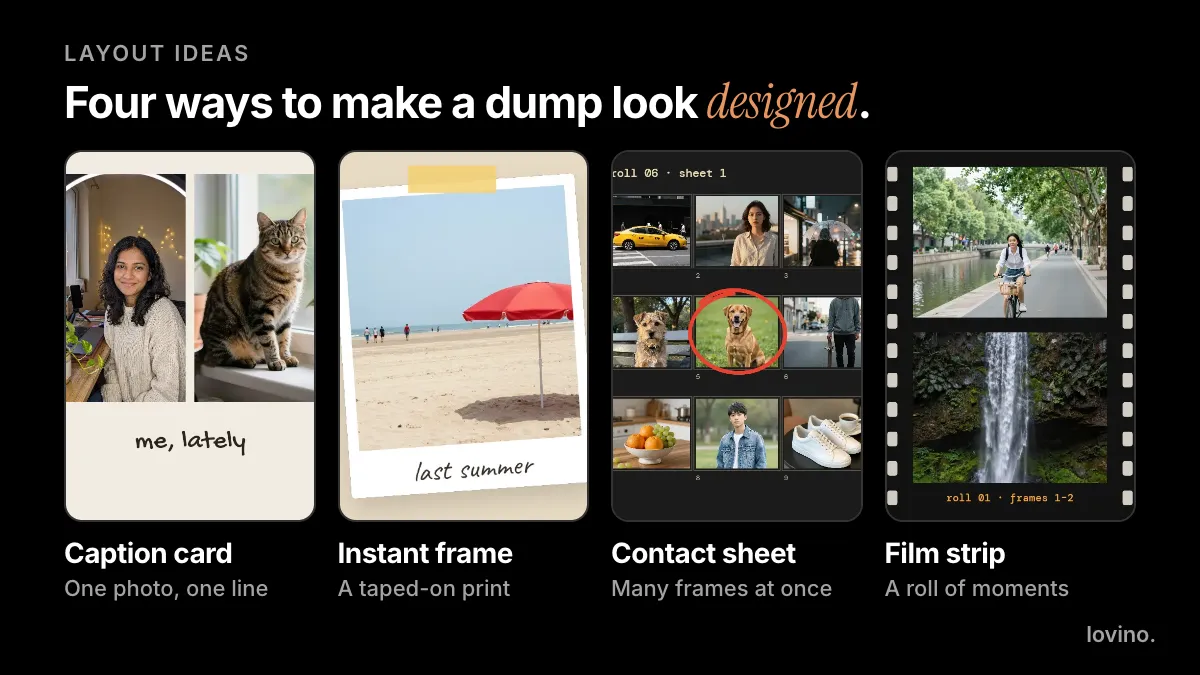
Layouts like these give a plain set of photos a look, and you can build them in any design or video editor.
A golden hour set shows how much one shared light does on its own. The subjects below have nothing in common except the warm evening sun, and they still read as one post.
Which photo dump ideas fit different moments?
You do not need a trip to make a dump. Any week has enough material.
| Moment | Photos to collect | Caption idea |
|---|---|---|
| A birthday week | The cake, the table, one candid laugh, the gift wrap | "thirty, apparently" |
| A day trip | The road, the snack, the view, a ticket stub | "out of office" |
| A cozy weekend | A mug, a blanket, rain on the window, the pet | "slow sunday" |
| A season change | The first leaves, the first coat, a low sun | "hello, autumn" |
| A work week | The desk, the lunch, one good sky from the window | "in the middle of things" |
Keep a running folder through the week. Dumps feel effortless because the photos were never staged.
How do you keep a photo dump looking consistent?
Mixed lighting is the usual reason a dump looks messy. Three small habits fix it:
- Pick one light. Warm evening, grey morning or bright noon. Leave out the odd one.
- Edit the set together. Give every photo the same small adjustments, so the colors agree.
- Let the variety live in the subjects, not the color. A coffee, a cat and a coastline sit together fine when the palette matches.
How do you order the photos in a photo dump?
Give every slide a job and the dump swipes well.

- A scene-setter. Where we are.
- A close detail. Something to taste or touch.
- Something alive. A pet, a person, a hand in the frame.
- A big view. Room to breathe.
- The closer. The one you would frame.
You do not need all five. You need a strong first photo and a last one that feels finished. The first photo is your hook, and our Reel hook ideas show what makes one work.
How do you make a photo dump Reel?
- Choose a mood. Light, color, a place or a season.
- Pick six to eight photos. There is no official number. Start there and cut the weakest.
- Put them in order. Use the swipe order above.
- Add audio and timing. Instagram's editor can set photos to music. Change photos on the beat, one photo per beat.
- Check the size. Vertical, 9:16, with the subject away from the edges. The numbers are in our Instagram Reels size guide.
- Write a short caption. Then pick a cover, because the first frame is not always the best cover.
What captions suit a photo dump? Short and lowercase tends to fit the mood:
weekend, mostly
me, lately
things i noticed
slow sunday, in photos
Can AI help with a photo dump?
Yes, in two places: it can polish the photos you already have, and it can add one moving moment.
- Fix a soft or noisy shot. Photo Enhancer sharpens, removes grain and can restore blurry faces.
- Remove the stray thing. Magic Eraser takes out a bin, a cable or a bystander.
- Enlarge a small photo. The Upscaler adds pixels to a low-resolution shot.
- Add one moving moment. Image to video animates a single photo so one frame moves, which suits the last format in the table. The photo to Reel guide shows how.
The free daily credits cover the enhancer and the eraser. The Upscaler and video use paid credits, and the price is shown before you generate. See pricing. Free results carry a watermark and paid results do not. Uploaded photos are processed by the third-party AI providers that run the models, so skip any photo you would not want a provider to process.
What should you never fake in a photo dump?
A photo dump works because it feels like real life, and real life is exactly what you cannot invent.
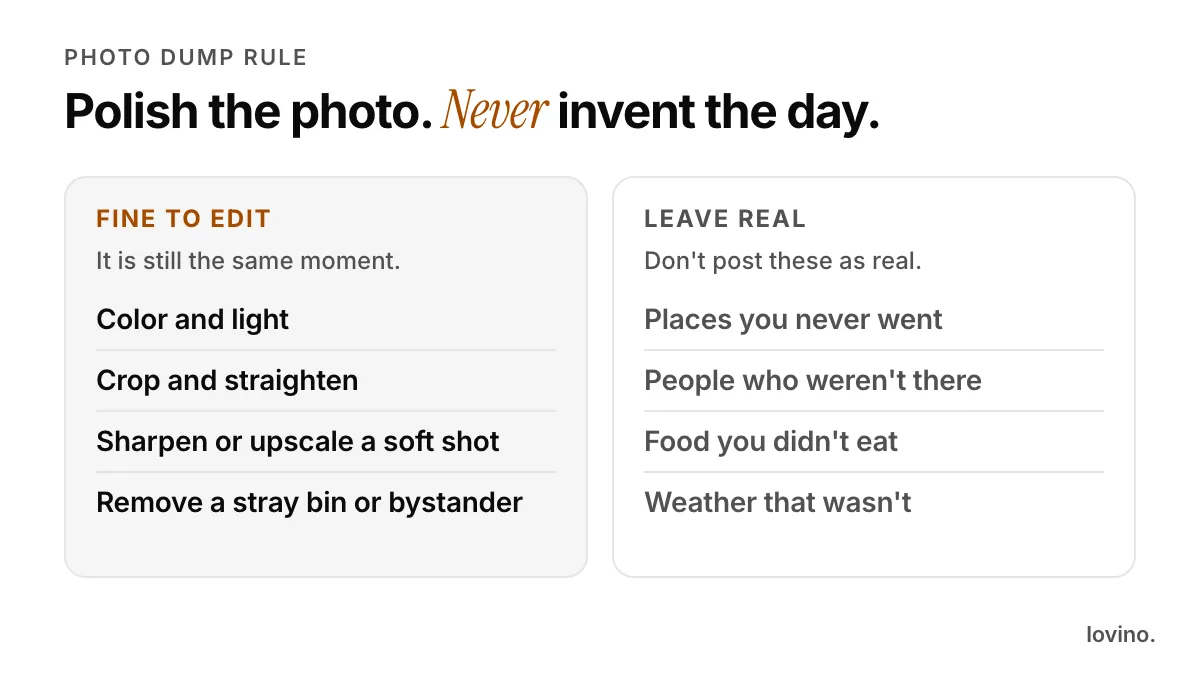
- Edit the photo, not the day. Color, crop, sharpness and a stray object are fine.
- Do not invent places. A set of AI-made beach photos posted as your trip is a fake trip.
- Do not add people who were not there. That includes a "friend" who never came.
- Say so when you style. If you restyled the set or animated a frame, a line in the caption keeps it honest.
Our guides on AI travel photo transparency and AI content disclosure go further. The simple version is this: AI can polish and present what happened. It should not stand in for it.
Make your first dump
Choose one format and eight photos, and polish only the weak ones. Open Photo Enhancer on the softest shot, then put the set in order and add audio.
Questions, answered.
How many photos should a photo dump have?
There is no official number. Start with six to eight photos and cut the weakest. A short, well-ordered dump feels more intentional than a long one.
What is the difference between a photo dump post and a photo dump Reel?
A photo dump post is a carousel that people swipe through. A photo dump Reel sets the photos to audio in a timed video. Instagram says a reel can be as simple as adding audio to a series of photos from your camera roll.
Can I use AI to improve photos for a photo dump?
Yes, for polish. Photo Enhancer and Magic Eraser can sharpen a shot or remove a stray object, and the free daily credits cover them. The Upscaler and video use paid credits. Keep the places and people real, and say so if you restyle or animate a photo.
Do I need captions on a photo dump?
No, but a short caption sets the mood. Lowercase one-liners like 'weekend, mostly' fit the format. Add any context that keeps the post honest, such as a note that a frame was restyled with AI.