Which AI Video Model for Your Photo? Face, Product, Place (2026)
Which AI video model fits your photo? Pick by what is in it: a face, a product, a place, sound or an end photo. Nine Lovino models, side by side.
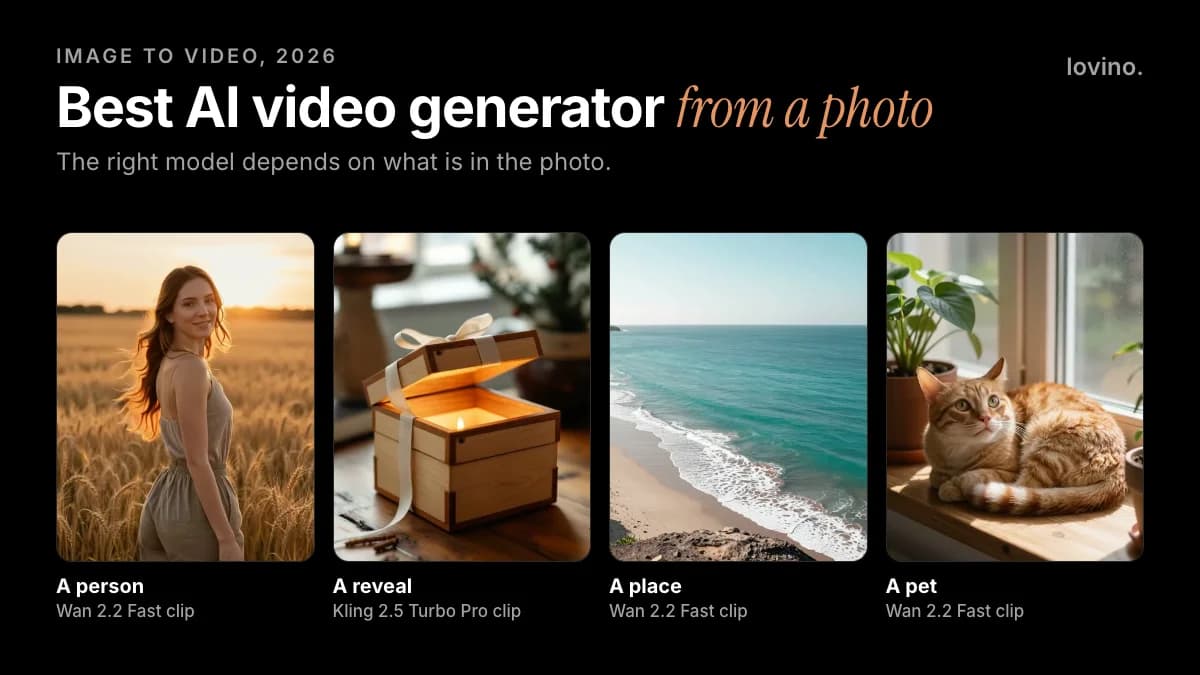
There is no single best AI video model for a photo, and anyone who names one without asking what is in your photo is guessing. A face, a product, a landscape and a pet each favour a different model. For a face, start with Hailuo 2.3, Kling 2.5 Turbo Pro or MiniMax H3. For a product or a place, Seedance 2.0 Fast or Veo 3.1 Fast. For sound, Veo or Seedance. For the cheapest test, P Video or Wan. All of them run from one Lovino account, so this guide ranks them by job, not by hype.
This is the chooser. To animate a photo now, open the image to video tool. For what each clip costs, read the image to video cost guide, and for the full workflow, how to turn an image into a video.
How do you choose an AI video model for a photo?
Ask five questions about the photo before you pick a model:
- Is there a face? Seedance 2.x rejects photos with human faces. Hailuo, Kling and MiniMax H3 accept them.
- Does the clip need sound? Some models have a switch, two always add sound, and the rest are silent.
- Do you have an end photo? A reveal needs a model that accepts one.
- How long should the clip be? Lengths run from 4 seconds to 15.
- Is this a test or a keeper? Test cheap, then pay for the winner.
Which image-to-video models does Lovino offer?
You need a Lovino account to generate, and video always spends paid credits. "A paid plan" below means Plus, Pro or Max. "Paid credits" means plan credits or a credit pack.
| Model | Clip lengths | End photo | Sound | Needs | Shortest clip |
|---|---|---|---|---|---|
| Hailuo 2.3 | 6, 10 s | No | No | Paid credits | 7 credits |
| Hailuo 2.3 Fast | 6, 10 s | No | No | Paid credits | 5 credits |
| Kling 2.5 Turbo Pro | 5, 10 s | Yes | No | A paid plan | 9 credits |
| MiniMax H3 | 5, 10, 15 s | Yes | Always on | A paid plan | 10 credits |
| Seedance 2.0 Fast | 5, 10, 15 s | Yes | Optional | Paid credits | 9 credits |
| Seedance 2.5 | 5, 10, 15 s | Yes | Optional | A paid plan | 13 credits |
| Veo 3.1 Fast | 4, 6, 8 s | No | Optional | A paid plan | 10 credits |
| Wan 2.2 Fast | 5 s | No | No | Paid credits | 2 credits |
| P Video | 5, 10 s | No | Always on | Paid credits | 2 credits |
Credits are for the shortest clip at the lowest resolution with sound off. Longer clips, higher resolutions and sound cost more, and the exact price shows before you generate. For current plan and pack prices, see the pricing page.
Which model is best for each kind of photo?
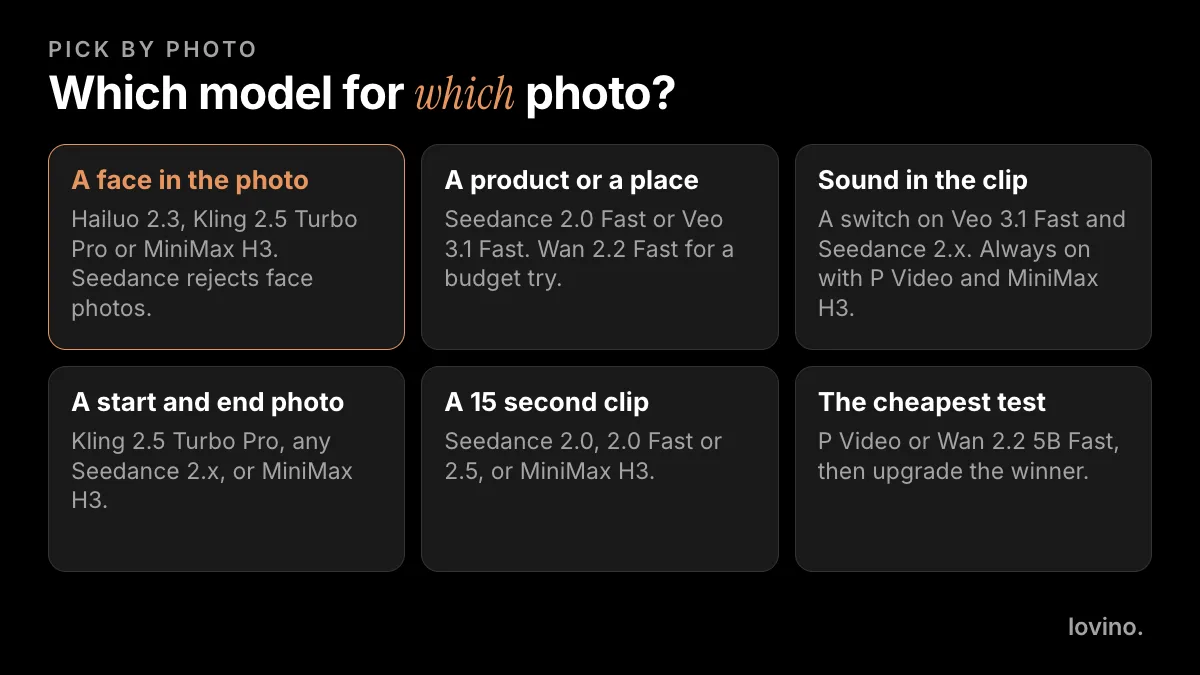
A portrait or any photo with a face
Start with Hailuo 2.3. MiniMax says it improves facial micro-expressions and body movement, and Lovino's model picker labels it for people and expressions. Kling 2.5 Turbo Pro is a good second take on the same photo. For the same face across several clips, use MiniMax H3 with the Face chip, which reuses one of your saved Characters.
Do not use Seedance 2.0, 2.0 Fast or 2.5 for a face photo. The provider's filter rejects it. And only animate faces you have permission to use, because uploaded photos are processed by third-party AI providers.
A product or still life
Seedance 2.0 Fast makes a good draft: it is the quickest Seedance, it takes 9:16, and it runs on any paid credits. Lovino's Veo 3.1 Fast page describes it as following the prompt closely, which helps when the motion must be precise. For repeat takes of the same product photo, Hailuo 2.3 Fast costs less than Hailuo 2.3 (5 credits against 7 credits for the shortest clip).
One rule: the product must stay real. Animate the light, the steam, the camera. Do not let the model change the shape, the label or what the product can do.
A landscape or a place
Seedance 2.0 Fast, Veo 3.1 Fast and Wan 2.2 Fast all handle a place photo. Pick Veo or Seedance if you want ocean or street sound, and Wan if you are testing on a budget. Wide scenes with clear depth, such as a coast or a street, give the model something to push into. The cove example further down is exactly that.
A photo that needs sound
Veo 3.1 Fast and the Seedance 2.0, 2.0 Fast and 2.5 models have a sound switch. It is off by default, and switching it on adds a surcharge and some waiting time. P Video and MiniMax H3 always add sound. Hailuo 02, Hailuo 2.3, Kling 2.5 Turbo Pro and Wan 2.2 Fast make silent clips on Lovino.
Two photos: a start and an end
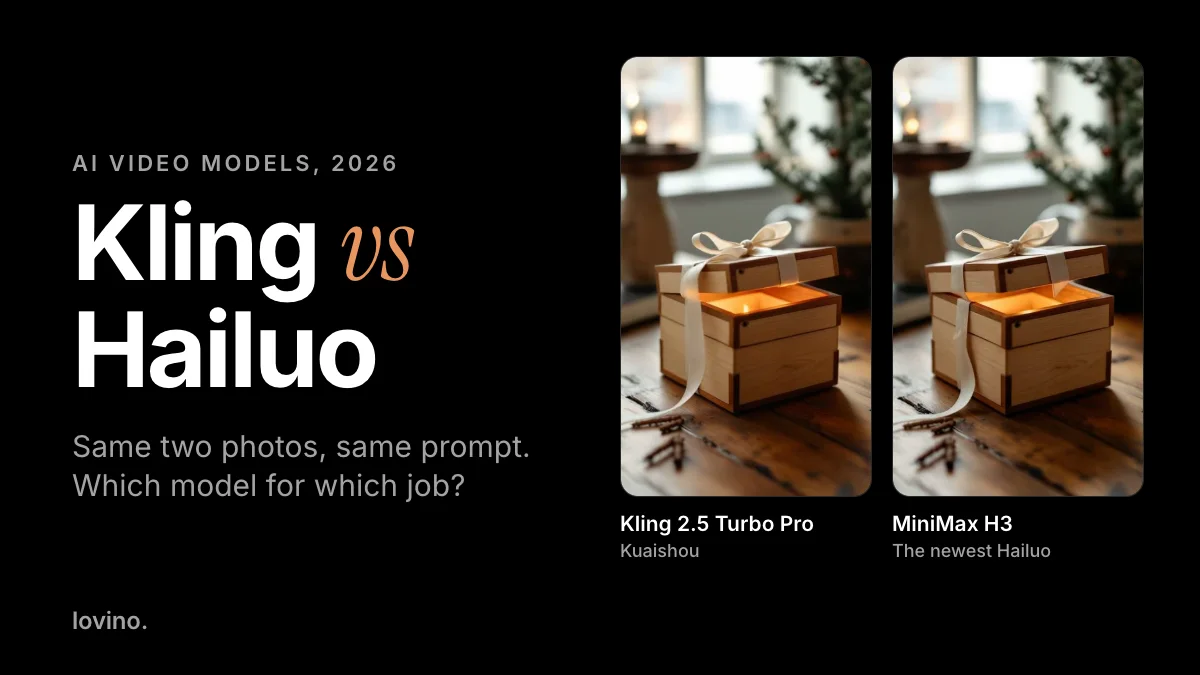
Kling 2.5 Turbo Pro, MiniMax H3 and the Seedance 2.x models accept an end photo. That is how you make a reveal. Lovino's first and last frame tool shows one reveal made on three models, and our Kling vs Hailuo comparison looks at how two of them differ.
A cheap test
P Video and Wan 2.2 5B Fast are among the cheapest entry clips. Use them to check that a motion idea works, then redo the winner on a better model.
How do you animate a photo step by step?
- Pick a sharp photo with one clear subject, in the ratio you will post in: 9:16 for Reels and TikTok, 16:9 for YouTube.
- Open the AI video generator, upload the photo and choose a model from the table.
- Write a motion prompt, not a scene prompt. The model already sees the photo. Say what moves, and add one camera move.
- Start at the shortest length and lowest resolution.
- Watch the whole clip. Keep it, or change one thing and run it again.
Two prompts you can adapt:
The cat's ear twitches, it slowly opens its eyes and stretches
Slow aerial push forward over the cove, waves rolling onto the sand
Here is the second prompt at work. On the left, a still of a turquoise cove made with Z-Image Turbo. On the right, the 5-second clip Wan 2.2 Fast made from it at 720p.

This is the result you are aiming for. The waves roll in, the foam spreads, and nothing new appears. It works because the photo has clear depth and one obvious thing to move. Not every run is this clean.
What goes wrong when you animate a photo?
Here is a run that went wrong. On the left, a still of a coffee cup beside a rain-streaked window. On the right, the clip Wan 2.2 Fast made from it at 720p, with the prompt "steam rises from the cup, raindrops run down the window glass".

Watch the right-hand clip to the end. Halfway through, a hand reaches in and lifts the cup off its saucer. The prompt never mentioned a hand. That is the most useful thing to know about animating a photo: the model adds motion you did not ask for.
- The model invents things. A hand, a second person, a new object. Review the whole clip before you post it.
- Faces drift. Features can shift over a long clip. Shorter clips and calmer motion help.
- Text on signs and labels warps. If a label matters, check it frame by frame.
- Too many instructions. One subject action and one camera move.
- A busy photo. Crowds and clutter blur first.
- Passing it off as filmed footage. You can animate a photo. You cannot make a real place, product or person do something they did not do. If you post AI video, follow each platform's label rules. Our AI content disclosure guide covers them.
What about AI video generators outside Lovino?
Plenty exist, and their models, limits and prices change quickly, so we do not rank tools we do not run here. Some makers also sell their models in their own apps. As of October 2026, Kling's own site promotes Kling 4.0, which is newer than the Kling 2.5 Turbo Pro on Lovino, while MiniMax's newest video model, H3, launched in July 2026 and is on Lovino. Check any other tool's current pricing page before you pay. Our free AI video generators guide lists the questions to ask.
The short list: which model for which photo
- People: Hailuo 2.3, then Kling 2.5 Turbo Pro. MiniMax H3 for one face across clips.
- Products and places: Seedance 2.0 Fast, then Veo 3.1 Fast.
- Sound: Veo 3.1 Fast or a Seedance 2.x model with the switch on.
- Reveals: Kling 2.5 Turbo Pro or a Seedance 2.x model with an end photo.
- Cheap tests: P Video or Wan.
Want one family in depth? Read the Hailuo AI review or the Seedance AI review.
Ready to try it? Upload a photo to the image to video tool and run your first 5-second clip. For the full workflow, read how to turn an image into a video with AI.
Questions, answered.
What is the best AI video model for a photo?
It depends on the photo. On Lovino, use Hailuo 2.3 or Kling 2.5 Turbo Pro for faces, Seedance 2.0 Fast or Veo 3.1 Fast for products and places, and Veo or Seedance when you want to switch sound on. Test cheap first, then pay for the winner.
Can AI turn a photo of a person into a video?
Yes. Hailuo 2.3, Kling 2.5 Turbo Pro and MiniMax H3 accept a photo of a person. Only use faces you have permission to use, because uploaded photos are processed by third-party AI providers. Seedance 2.x models reject photos with human faces.
Can I animate a photo with AI for free?
Not on Lovino. Video always spends paid credits, and the free daily credits cover image tools only. You can make the still for free as an image, then spend credits on a short clip. Our guide to free AI video generators explains the options.
How long can an AI video from a photo be?
It depends on the model. Veo 3.1 Fast makes 4, 6, 8 second clips, Hailuo and Kling make 5 to 10 seconds, and Seedance 2.x and MiniMax H3 reach 15 seconds.
Why did my AI video add something that was not in my photo?
Image-to-video models guess at motion and can invent objects, such as a hand reaching in. Keep prompts short, describe one movement, and review the whole clip before you post it.