Best Free AI Video Generators (2026): What Free Really Means
Looking for the best free AI video generators in 2026? Here is what free means in practice, what Lovino does and does not give away, and the cheapest routes.
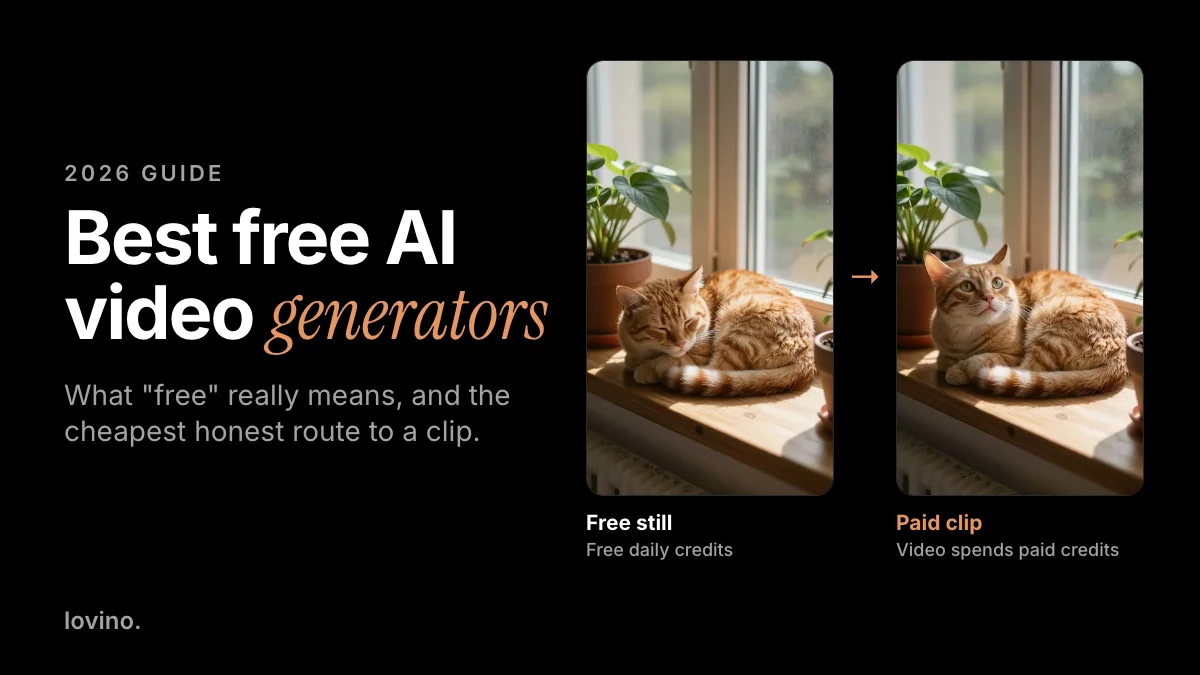
The honest answer first: free AI video almost always comes with a catch, and on Lovino video is not free at all. The free plan covers image tools. Video always spends paid credits, from a plan or a credit pack. So this guide to the best free AI video generators does something more useful than a list of logos. It explains the five shapes "free" takes, what Lovino gives away and what it does not, and the cheapest honest route to a finished clip. The AI video generator shows each model's price before you spend.
Is there a truly free AI video generator?
Usually "free" means one of five things. These are the common shapes, not named tools, because offers change month to month:
| Shape of free | What you get | The catch |
|---|---|---|
| One-time trial credits | A few clips to try | They run out, and terms can change |
| Daily free credits | A small refill each day | The allowance may cover only some tools. On Lovino it covers images, not video |
| A free tier with a watermark | Repeated tries | The watermark, and often caps on length and resolution |
| An open-source model on your computer | No per-clip fee | Needs a strong graphics card and setup time |
| Free stills, paid clips | A free image, then a short paid clip | The video step costs credits |
Lovino mixes the second and fifth rows: daily free credits for images, then paid credits for video. Check any other tool's current terms before you count on its free tier.
What is free on Lovino, and what is not?
| Free plan | Paid | |
|---|---|---|
| Account | Signup required | Signup required |
| Images | Free daily credits, image tools only | Plan credits or a credit pack |
| Watermark | Free outputs carry a watermark | Paid plans remove it |
| Commercial use | Yes, for everything you make | Yes |
| Video | Not included | Paid credits, from a plan or a pack |
As of October 2026 there is no free video allowance on Lovino, and the free daily credits do not work on video. Uploaded photos, free or paid, are processed by third-party AI providers.
What is the cheapest way to make an AI video on Lovino?
Make the still for free, then pay for the shortest clip on a cheap model.
- Make the image on your free daily credits. Z-Image Turbo costs 1 credit and is available on the free plan.
- Animate it with a budget model. One of the cheapest clips that can animate a photo is 2 credits for 5 seconds on P Video. Wan 2.2 Fast costs 3 credits for 5 seconds at 720p.
- Buy credits only when you need them. Anyone can buy a credit pack, with or without a plan. In US dollars, the $2.99 starter pack gives 15 credits, enough for 7 of those clips.
Here is that route in practice. The sleeping cat was made with Z-Image Turbo. The clip on the right was made from it with Wan 2.2 Fast at 720p for 5 seconds, using the prompt "the cat's ear twitches, it slowly opens its eyes and stretches".

Notice what happened. The cat opens its eyes and lifts its head, but it never stretches. Models often follow the gist of a prompt rather than every word, which is one more reason to test short before you pay for more. The still was free to make. The clip was not. Prices change, so the pricing page has the current numbers.
What is the best free route if you want zero fees?
Run an open-source model yourself. Wan 2.2 is published on GitHub, and its README says the models are licensed under Apache 2.0. The same README says its 5B text-and-image-to-video model can run on consumer graphics cards such as the RTX 4090, and can make a 5-second 720p clip in under nine minutes on a single consumer-grade GPU.
That is free of fees, not free of effort. The README's command for that model calls for a GPU with at least 24 GB of memory, you install everything yourself, and you wait. If you do not already own that card, it is not free.
Makers also run promotions. When MiniMax announced Hailuo 2.3 in October 2025, it offered daily free trial credits during the launch period. Offers like that come and go, so read the maker's current terms.
Best free AI video generators: the short list
- An open-source model on your own computer. Zero per-clip fees, if you already own a strong GPU.
- A maker's trial credits, when offered. Good for a first test. Check how long they last and what they allow.
- Free stills on Lovino, then the cheapest paid clip. The lowest-cost way to a finished clip without hardware.
- A watermarked tier for private tests. Fine for learning, not for a client.
How do you judge any free AI video tool?
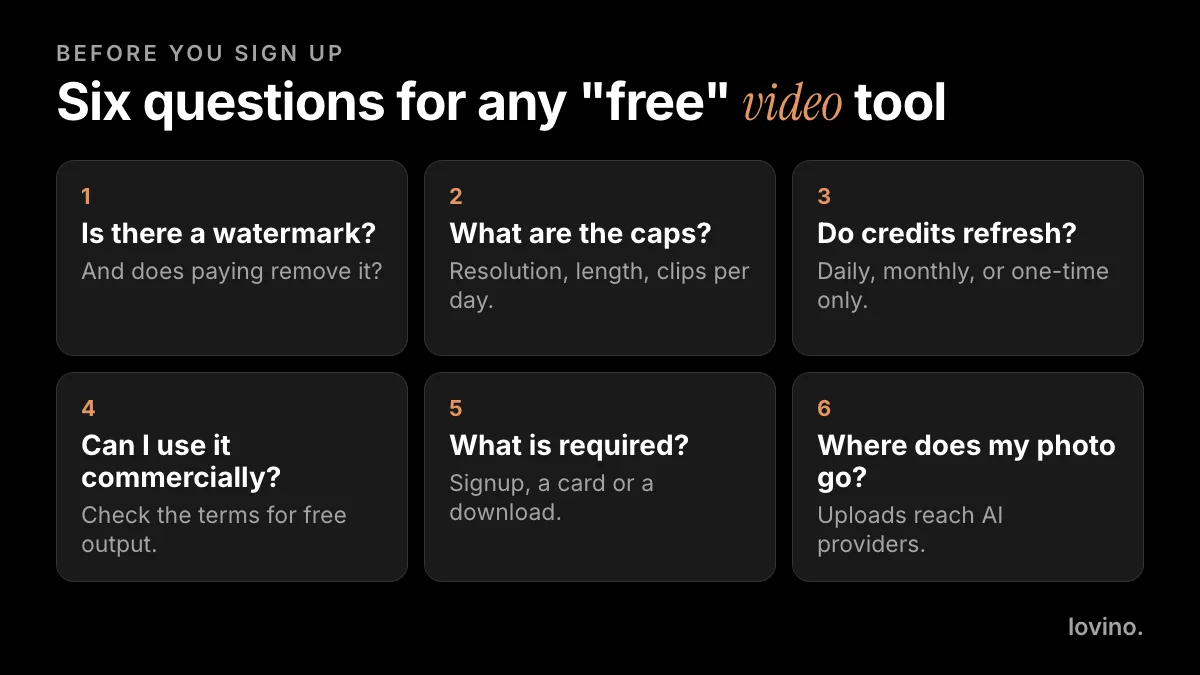
- Is there a watermark? And does paying remove it? On Lovino, free outputs carry one and paid plans remove it.
- What are the caps? Resolution, clip length and clips per day decide whether the output is usable.
- Do credits refresh? A daily or monthly refill is different from a one-time bonus.
- Can you use it commercially? Some free tiers limit this. On Lovino, everything you make is yours to use commercially.
- What does it require? Signup, a card or a download. Lovino requires signup to generate.
- Where does your photo go? Uploads reach AI providers. Do not upload a face you do not have permission to use.
How do you stretch your credits?
- Draft at the lowest resolution and the shortest length. Pay for more only on a keeper.
- Fix the still first. Images are cheap. A good start photo saves expensive reruns.
- Change one thing per run. Re-rolling the same prompt rarely helps.
- Check the price before you generate. Lovino shows the credit cost first, and on many models a 10-second clip costs about twice a 5 or 6 second one.
- Use a text prompt only when you have to. A start photo gives you more control than text alone.
What should you not expect from free AI video?
- Long, sharp, watermark-free clips at no cost. Video costs more to generate than an image, so free offers often start with images.
- A free pass for client work. Read the terms before you use free output in paid work.
- Real footage. AI video is generated, not filmed. Label it where a platform requires it. Our AI content disclosure guide explains the rules.
- Someone else's face. Only animate people who said yes. Uploaded photos are processed by third-party providers.
For model-by-model costs, read our image to video cost guide. To pick a model for a specific photo, see which AI video model fits your photo.
Ready to start? Make a free image in the AI image generator, then see plans and credit packs when you want to animate it.
Questions, answered.
Is there a free AI video generator with no watermark?
Rarely. Free tiers usually watermark their output. On Lovino, free outputs carry a watermark and paid plans remove it, and video itself needs paid credits.
Can I make an AI video from a photo for free on Lovino?
No. You can make the photo for free, as an image, on your free daily credits. Turning it into a video spends paid credits, from a plan or a credit pack.
Can I use free AI video commercially?
On Lovino, everything you generate is yours to use commercially, on free and paid plans alike. Other tools differ, so read each tool's terms before you use free output in paid work.
Is open-source AI video really free?
There is no per-clip fee, but you need hardware. Wan 2.2's README says its 5B model can run on consumer graphics cards like the RTX 4090, and the models are licensed under Apache 2.0. Without a strong GPU, it is not free.
Does Lovino have a free trial for video?
Not as of October 2026. Video always spends paid credits, and the free daily credits cover image tools only. Anyone can buy a credit pack, with or without a plan.