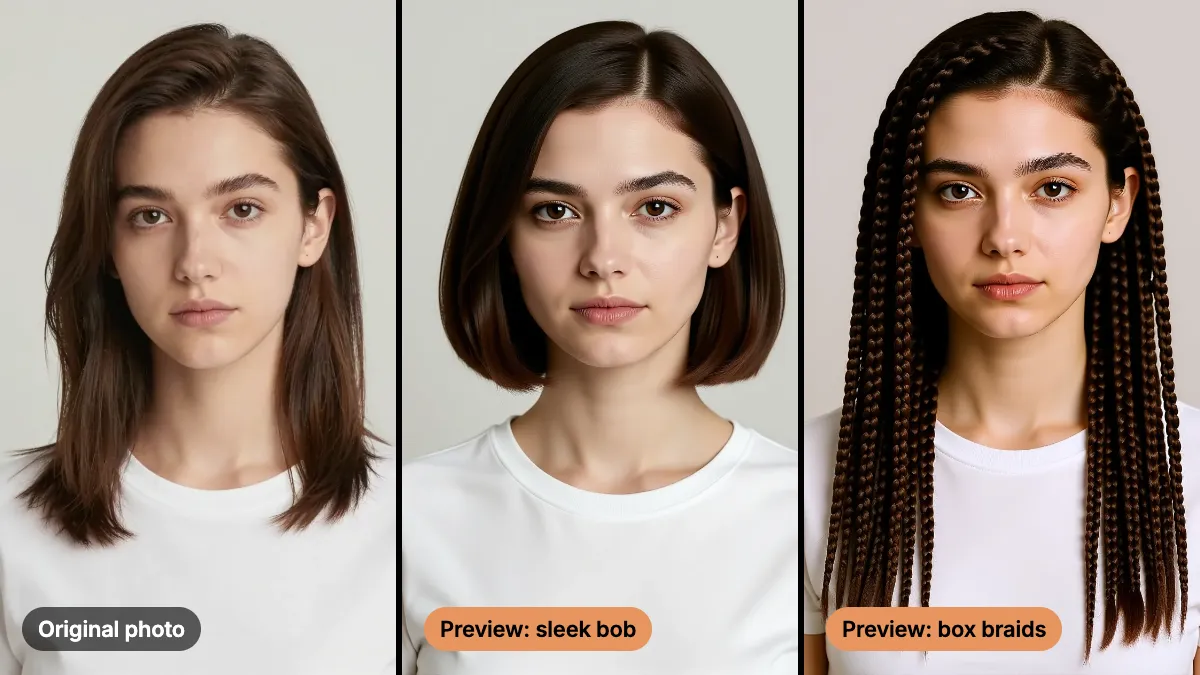
AI Content for Personal Trainers: Save Time, Never Fake Results
AI content for personal trainers can take over banners, posters and captions. Client results, before-and-afters and your own coaching have to stay real.
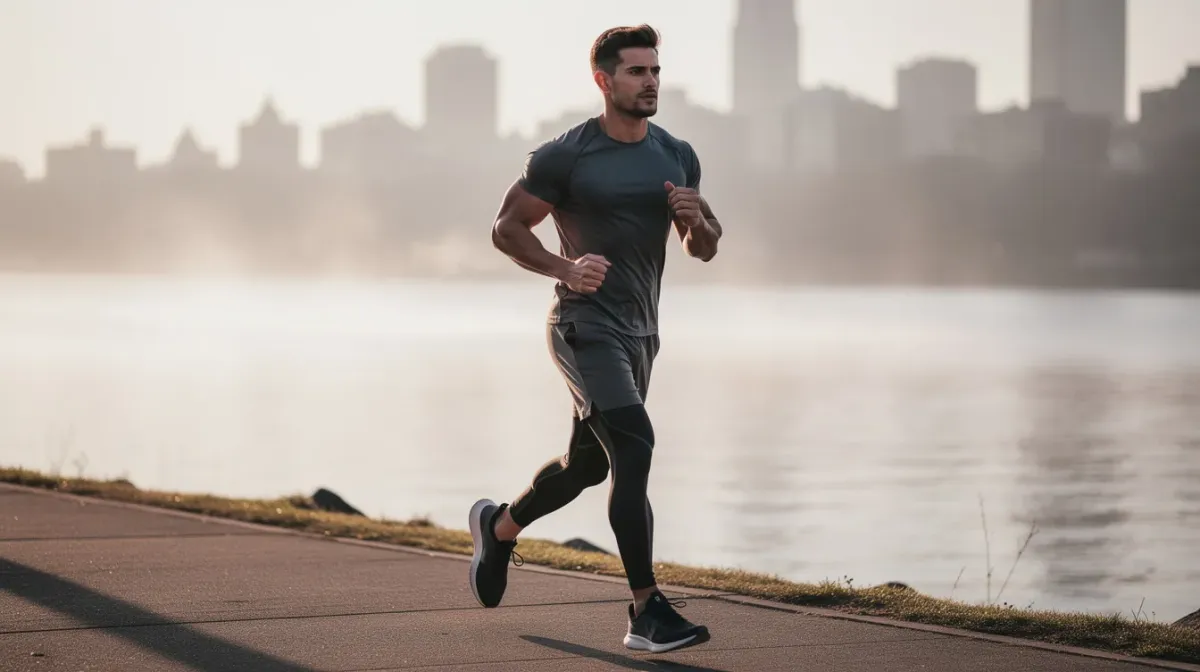
AI content for personal trainers should do one job: give you back the hours you lose to graphics, captions and schedules. It should never touch the proof. Client results, before-and-afters and your own coaching are what people pay for, and they have to stay real.
That split keeps this guide short. Automate the packaging. Film the work. Here is how.
What can AI content for personal trainers cover?
Anything that is design or words. Nothing that is evidence.
| Task | Tool | Note |
|---|---|---|
| Class timetable or offer poster | AI Poster Generator | Keep the headline short, add times by hand |
| Logo or badge | AI Logo Maker | Check it at small sizes |
| Video thumbnails | YouTube Thumbnail Maker | Use your real face or a clean graphic |
| Exercise-name cards and myth posters | AI Image Generator | Proofread the lettering |
| Captions and post ideas | Any text assistant | Edit until it sounds like you |
| Background cleanup on a gym photo | AI Image Editor | Keep the person and equipment unchanged |
How do you build a week of content from one session?
Film once. Make the rest. A real session gives you clips, a talking point and a client moment, and AI wraps them.

- Film one real session on your phone. Ask permission from anyone in frame. Thirty seconds of a real cue is enough.
- Pull three moments. A form tip, a short answer to a question you hear often, and a client moment that the client has agreed to share.
- Make the graphics with AI. A myth poster, an offer banner, a timetable. This is the work that used to eat an evening.
- Draft captions. Write the first line yourself, because that is where your voice lives. Let a tool fill in the rest and edit hard.
- Schedule it. A steady week beats a perfect one-off. How to batch AI content creation covers the routine.
A prompt for the poster step:
A clean gym poster in charcoal and warm orange, a single kettlebell on a concrete floor, headline "Mobility Monday", subline "20 minutes, no equipment". Leave the bottom fifth empty for a sign-up link.
Type the real time, address and link in afterwards. AI can misspell or drop words, especially in small print, and it does not check facts. It draws what you give it.
The rule of thumb for the whole week: if a task needs your judgment or your face, do it yourself. If it needs patience and layout, hand it over.
How do you keep AI captions sounding like you?
A caption tool will happily write in a voice that belongs to nobody. Give it yours.
- Talk, then transcribe. Record a 30-second voice note after a session and paste the transcript in.
- Show it three of your best old captions. Ask it to match the tone, not the topics.
- Ask for five options. Pick the closest one, then rewrite the first line yourself.
- Delete every claim. If a line promises a result, a timeline or a number you cannot back up, cut it.
What should a personal trainer never fake with AI?
This is the section that protects your business.
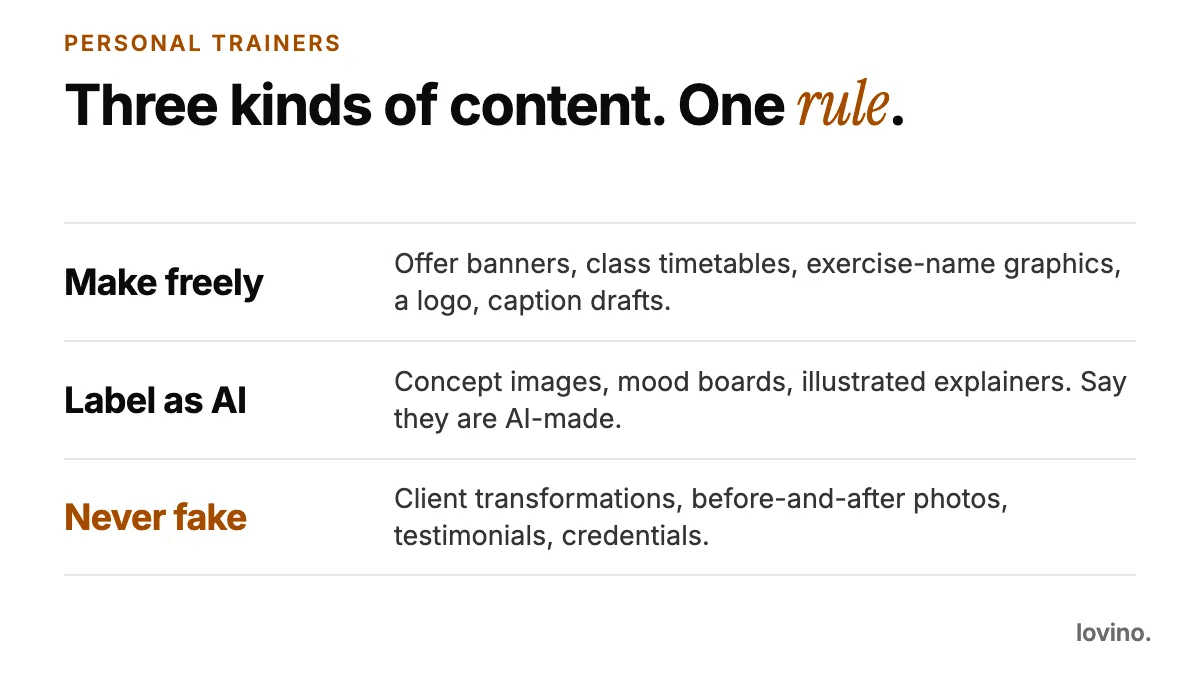
- Client transformations. No AI-generated "client" and no AI-edited real client. A body that was changed by software is not a result.
- Before-and-after photos. If either half is generated or edited to look better, it is not a before-and-after. Use real photos, real dates and written consent.
- Testimonials and reviews. The US Federal Trade Commission has a final rule on fake reviews and testimonials that includes AI-generated ones. Rules differ by country, so check yours.
- Your credentials and outcomes. No invented certifications, no outcome promises.
- Your own body. Do not slim, bulk or smooth yourself in a promo photo and present it as you.
- Your gym. As of October 2026, Google's Business Profile guidelines ask for photos with "no significant alterations or excessive use of filters", and sum it up as "the image should represent reality". Do not use an AI gym for your listing.
A useful test: would the client recognize this picture as them, or the gym as theirs? If not, it should not be in your feed as proof.
Can you use an AI character in your fitness content?
You can, if you say so. Concept visuals, mascots and mood boards are a legitimate use, and AI-made characters help when a client has not agreed to be in the photo.
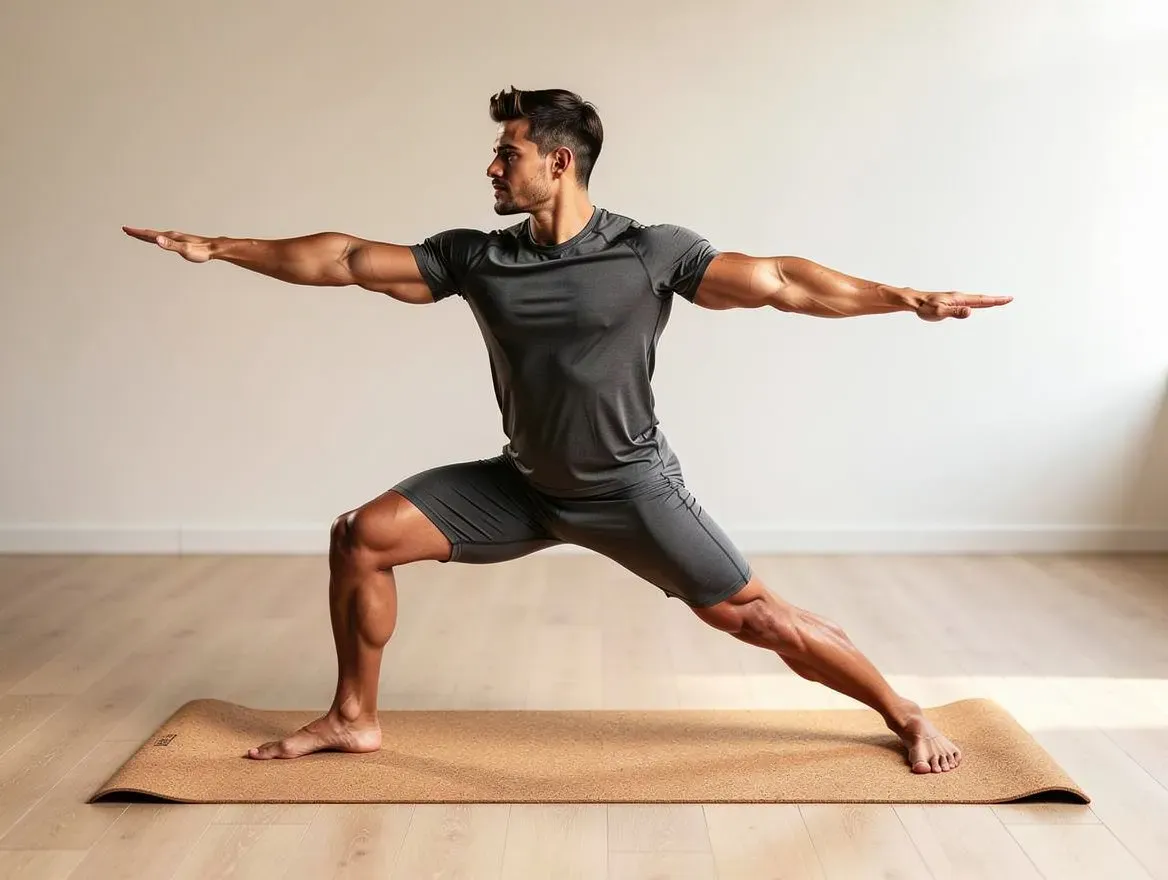
That figure is an AI-made character. It is a fictional example, not a client and not a trainer. Three rules keep it honest: label it as AI-made, never call it a client or a result, and never use it to demonstrate technique.
Can AI make exercise demo videos?
Not reliably, and form is a safety matter, so do not try. Video models can drift on hands, limbs and fast action, and they animate rather than preserve exact detail. An AI person who loads a bar slightly wrong is teaching your clients a bad habit.
Film your demos yourself. Use AI for the supporting cast: a title card, a background plate, a short loop behind a quote. If you animate a still with Image to Video AI, keep it to scenery and graphics. Video uses paid credits, and there is no free video allowance today.
What mistakes make AI fitness content backfire?
- Bodies that all look the same. AI-made bodies tend to look alike and idealized. That reads as fake, and it sets a standard no real client can meet.
- Posters with too much text. The headline should land in a second.
- Captions that do not sound like you. Keep your own first line and your own sign-off.
- Quiet claims in the caption. "Lose X in Y weeks" is a promise, and an AI draft will happily write one. Delete it.
- Treating an AI figure as a client. If it is not a person who agreed, never call it one.
What should trainers know before they upload a client photo?
- Tell the client first. Uploads are processed by third-party AI providers. Do not send a picture that shows health information.
- You need an account to generate. Free daily credits cover some tools and others need paid credits. See pricing.
- Free results carry a watermark, paid ones do not. Every user, free included, can use what they make commercially.
Start with the poster, keep the proof
Pick the one graphic that costs you the most time each week, hand it to AI, and spend the saved hour filming something real. Salons and barbers draw the same line between packaging and proof, and AI photos for hair salons shows it in another trade. When you are ready, open the AI Poster Generator and make the first one.
Questions, answered.
Can a personal trainer use AI for marketing?
Yes, for design and words: posters, banners, logos, thumbnails and caption drafts. Do not use it to create or edit client results, before-and-after photos, testimonials or credentials. Those have to be real.
Is it okay to use AI-generated before-and-after photos?
No. A before-and-after is evidence of a real client's result. If either picture is generated or edited to look better, it is not that, and it can mislead people. Use real photos with written consent.
Can I post AI-made fitness content commercially?
Yes. All users, including free users, can use what they make commercially. Free results carry a watermark, and paid results do not.
Can I upload photos of my clients?
Only with their permission. Photos you upload are processed by third-party AI providers, so tell them first. Many trainers will prefer to keep client photos out of AI tools entirely.