

AI Baby Generator
Lovino's AI baby generator draws a baby portrait with features from both parents, from one photo of each. It is a fun guess at what your baby could look like, not a prediction. A portrait costs 3 credits, and the 3 free daily credits cover 1 a day.
3 credits per generation
What is AI Baby Generator?
Upload one clear photo of each parent. The tool asks Runway Gen-4 Image Turbo to draw a photorealistic baby with eyes, nose shape and smile that combine both faces, in a soft studio style on a white blanket. It is made for fun and for sharing. A different run gives a different blend, and none of them is a forecast of a real child.
How to use AI Baby Generator
- 01
Upload a photo of the first parent
One clear face, facing the camera, in even light. No sunglasses or heavy filters.
- 02
Upload a photo of the second parent
The same kind of photo. You need both photos before you can generate.
- 03
Generate the baby portrait
Lovino asks the model to blend features from both faces into one baby. A portrait costs 3 credits.
- 04
Download it or try another blend
The result is a square portrait. Run it again for a different blend, at 3 credits a run.
Baby portraits made with Lovino
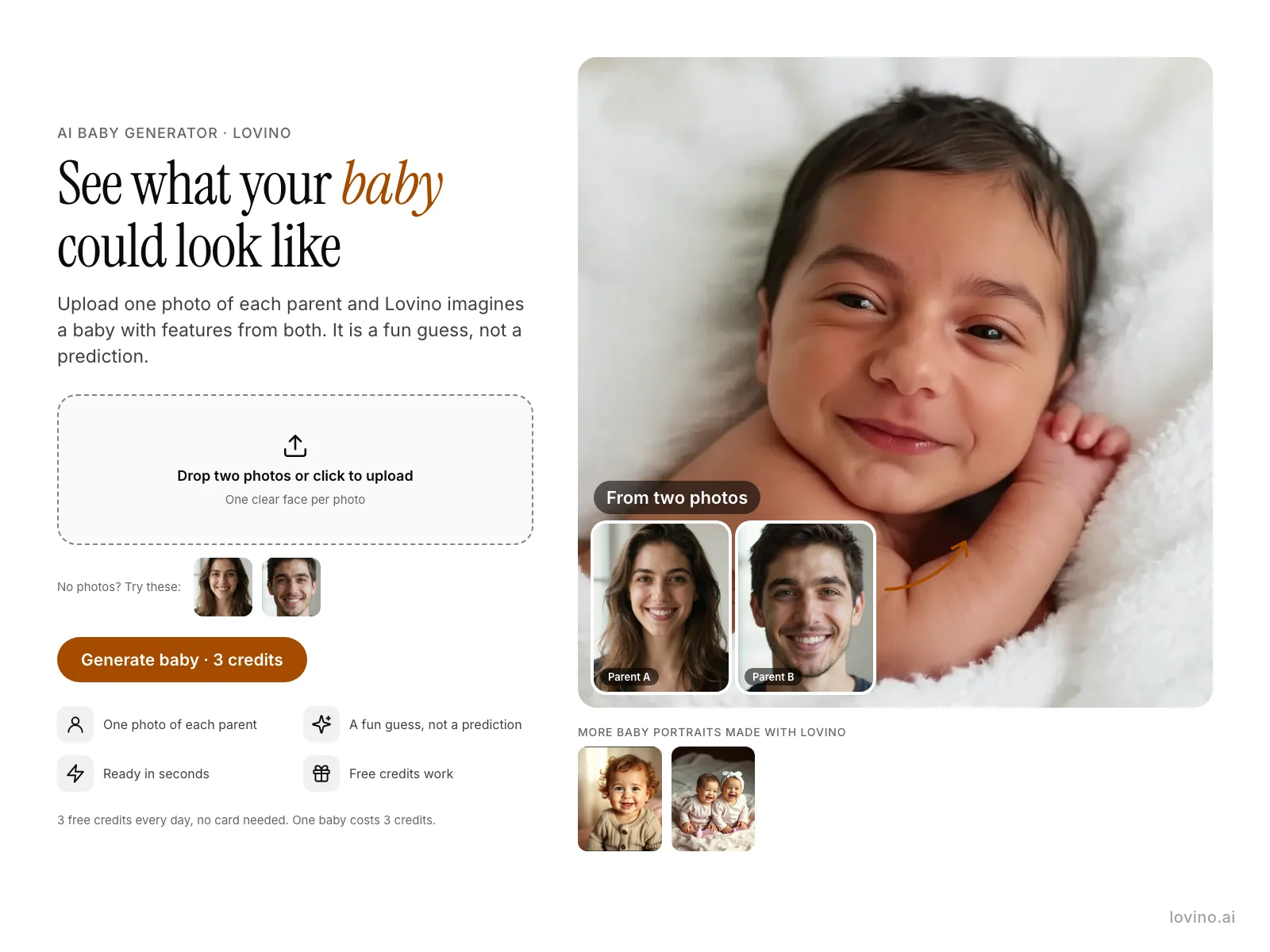
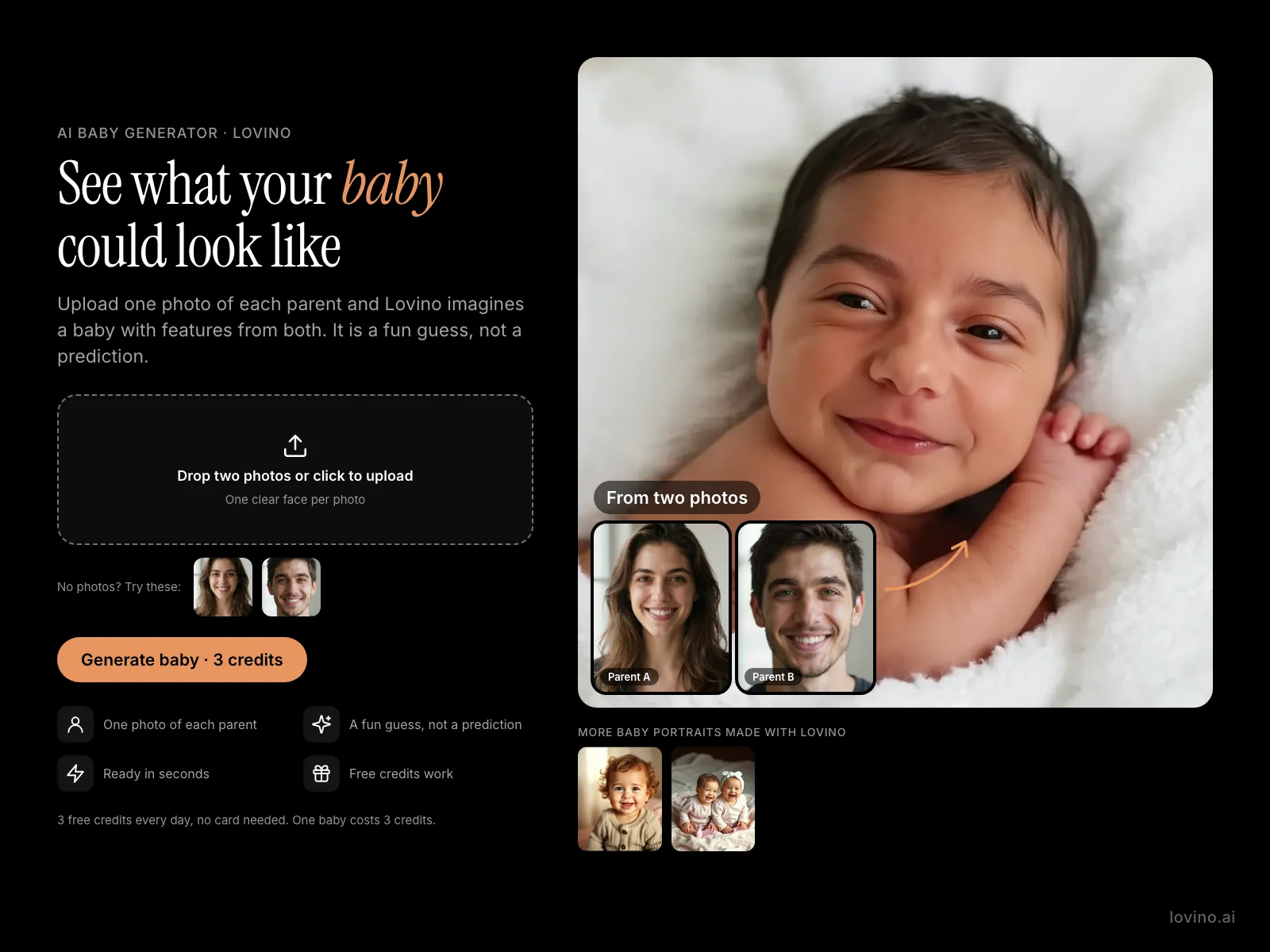
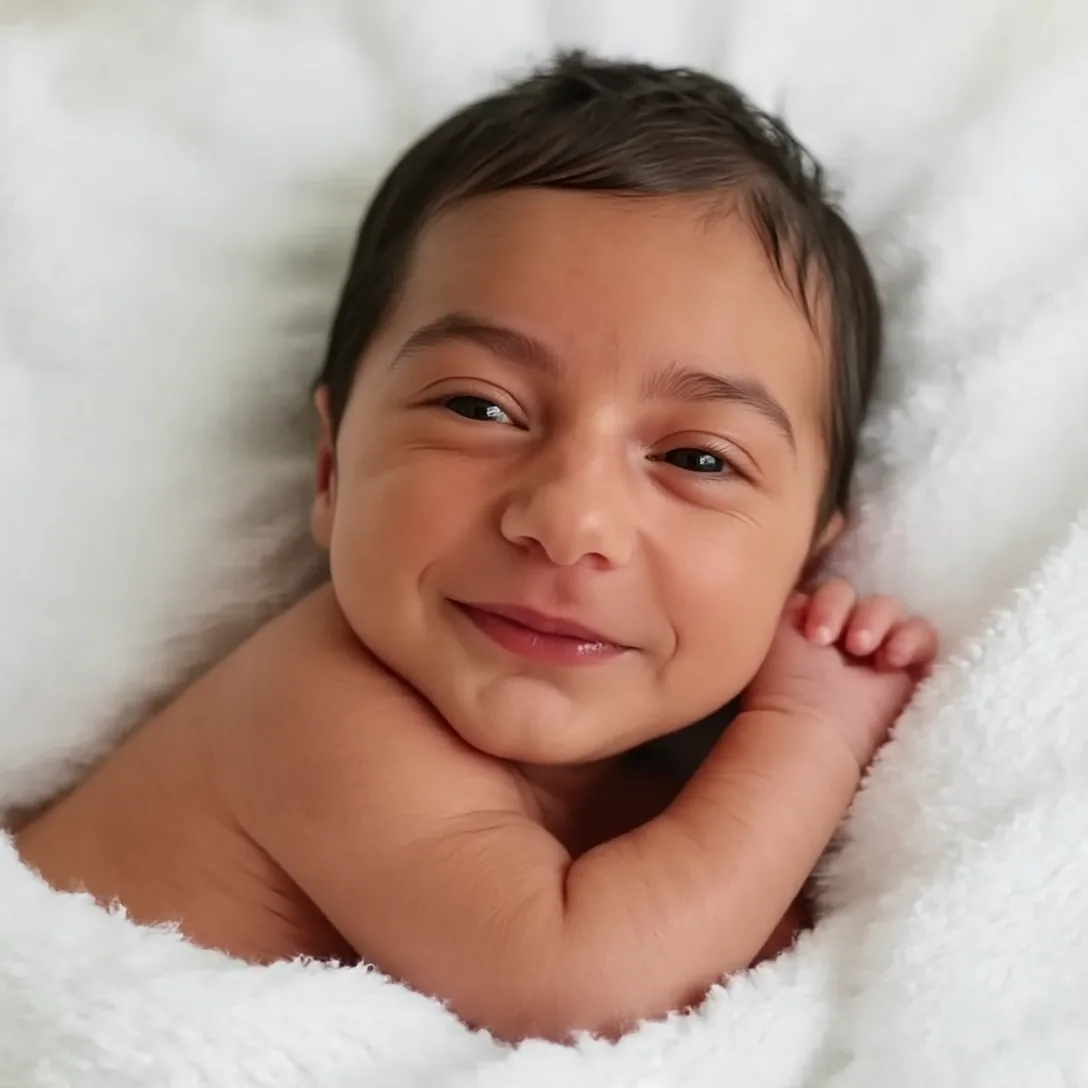
The two parents are AI-made faces, not real people, so no real person's photo appears on this page. The first baby is the tool's real result for that pair. Results vary from run to run. The last two babies were made with Lovino from a text prompt, not from parent photos. Examples are shown without the watermark that free-plan results carry.
 Runway Gen-4 Image Turbo
3 credits
Baby Generator result from the two test parents. Results vary from run to run.
Adorable baby portrait photo, photorealistic, natural skin texture, soft studio lighting. The baby has blended facial features from @personA and @personB — eyes, nose shape, and smile that combine both parents naturally. Clean white blanket background, professional newborn photography style.
 Z-Image Turbo
Parent A: an AI-made face, not a real person.
Candid portrait photo of a smiling woman in her late twenties with wavy brown hair and brown eyes, soft window light, head and shoulders, plain light background
 Z-Image Turbo
Parent B: an AI-made face, not a real person.
Candid portrait photo of a smiling man in his late twenties with short dark hair, light stubble and green eyes, soft window light, head and shoulders, plain light background
 FLUX Schnell
Made with Lovino from a text prompt, not from parent photos.
Adorable smiling baby with soft curls in a knit onesie, gentle nursery light, tender portrait, cinematic warm-neutral color grade, soft directional key light, 35mm lens, shallow depth of field, natural skin tones, subtle film grain
 FLUX Schnell
Made with Lovino from a text prompt, not from parent photos.
Two giggling baby twins in matching pastel outfits on a soft blanket, warm daylight, cinematic warm-neutral color grade, soft directional key light, 35mm lens, shallow depth of field, natural skin tones, subtle film grain
What will my baby look like? A fun guess from two photos
Nobody can tell you that from photos, and this tool does not try. What it does is simple. You upload one photo of each parent, and an image model draws a baby that borrows eyes, nose shape and smile from both faces.
The model is Runway Gen-4 Image Turbo. It takes both photos as references and returns one square portrait in a soft studio style, on a white blanket. Treat the result as a keepsake or a conversation starter, in the same way as a face filter.
What will our baby look like? Photos that give a better blend
The model can only combine what it can see, so the two photos decide most of the result.
- One face per photo, facing the camera, in even light.
- No sunglasses, heavy filters or hats that hide the eyes and forehead.
- Similar photo quality for both parents, so neither face dominates.
- Adults who have agreed to be used. Do not upload photos of other people without permission.
Couple baby generator: what happens to your photos
Both parent photos are one-shot inputs. They are used for this run and deleted when it finishes, whether it works or fails. The baby portrait is saved to your Library like any other result, and you can delete it there.
What it costs
A portrait costs 3 credits. Your 3 free credits a day cover 1 portrait, and free-plan results carry a watermark. To try several blends in one day you need credits from a paid plan or a credit pack. Plans start at $7.99 a month, and results made on a paid plan have no watermark.
What Lovino does and does not do
| Lovino does | Lovino does not |
|---|---|
| Blend features from two parent photos into one baby portrait | Predict a real child. It is a guess by an image model, and a real baby may look different |
| Give a square portrait in a soft studio style on a white blanket | Let you choose the baby's age, gender, hair or backdrop. These are fixed |
| Give a new blend each time you run it again | Give several blends from 3 free credits. Free credits cover 1 portrait a day |
| Delete both parent photos when the run finishes | Keep the parent photos for later runs. Upload them again each time |
| Work with two clear single-face photos | Handle group photos or more than two people |
More questions
Can I make a baby from any two pictures?
Technically yes, but only upload photos of adults who have agreed to be used. Do not upload photos of people without their permission.
Can I get a different result?
Yes. Run it again and the blend changes. Each run costs 3 credits.
What it can't do
- It is entertainment. The result is not a prediction of a real child, and it can look nothing like the baby you eventually have.
- Free credits cover 1 portrait a day, not several. Each run costs 3 credits.
- You cannot choose the baby's age, gender, hair or backdrop. The portrait style is fixed.
- Blends are only as good as the photos. Blurry, angled or heavily filtered photos give weaker results.
- It is built for exactly two single-face photos, not group photos or more than two people.
Pricing
Start free. Scale anytime.
One credit system across Studio, Flow and every tool. Cancel anytime.
| Plan | Per month | Credits |
|---|---|---|
| Free | $0 | 3 credits per day |
| Plus | $7.99 | 50 credits per month |
| Pro | $19.99 | 200 credits per month |
| Max | $44.99 | 500 credits per month |
Questions, answered.
Is the AI baby generator free?
Partly. A portrait costs 3 credits and you get 3 free credits a day, so the free tier covers 1 portrait a day, with a watermark on the result. More portraits use credits from a paid plan or a credit pack.
What will our baby look like? Can this tell us?
No. It draws one plausible baby with features from both photos. That is for fun. It is not a genetic or medical prediction, and a real child may look different.
What will my baby look like? How accurate is an AI baby generator?
It is not accurate in a genetic sense, because a photo cannot show how a child's features will combine. The tool draws one plausible baby with features from both photos. Use it for fun and sharing, and expect a different blend each run.
What is an AI baby generator?
It is a tool that takes one photo of each parent and draws a baby portrait that borrows features from both. Lovino's runs on Runway Gen-4 Image Turbo, costs 3 credits a portrait, and needs both photos before you can generate.
How many photos do I need?
Two: one clear photo of each parent.
What photos work best?
Front-facing, evenly lit photos with one clearly visible face each, and no sunglasses or heavy filters. Similar quality for both photos helps.
Are my photos kept?
No. The two parent photos are used once and deleted when the run finishes. The baby portrait is saved to your Library until you delete it.
Can I choose boy or girl, or the baby's age?
No. The tool takes two photos and gives one baby portrait in a fixed soft studio style. It has no age, gender or hair controls.
More AI tools
Related guides
- What Will Our Baby Look Like? How AI Baby Blends WorkWhat will our baby look like? How an AI baby generator blends two parent photos into a fun portrait, how to pick photos, and what it cannot predict.
- AI Caricature Generator: Create Hilarious Portraits in SecondsLearn how to use AI caricature generators to create funny, exaggerated portraits from any photo. Perfect for gifts, social media, and entertainment.
- How to Swap Faces in Photos: Steps, Tips and ConsentLearn how to swap faces in photos using AI. Step-by-step guide with tips for realistic results, creative use cases, and what to avoid.
Try a template

Ready to try AI Baby Generator?
3 credits per generation. No purchase is made until you confirm a generation.