

AI Cartoon & Ghibli Filter
Transform photos into Ghibli, anime, cartoon & art styles
2 credits per generation
What is AI Cartoon & Ghibli Filter?
Turn any photo into Studio Ghibli, Disney/Pixar, anime, cartoon, watercolor, or comic book art with AI. Upload a photo and pick your style — transformation takes seconds.
Made with AI Cartoon & Ghibli Filter
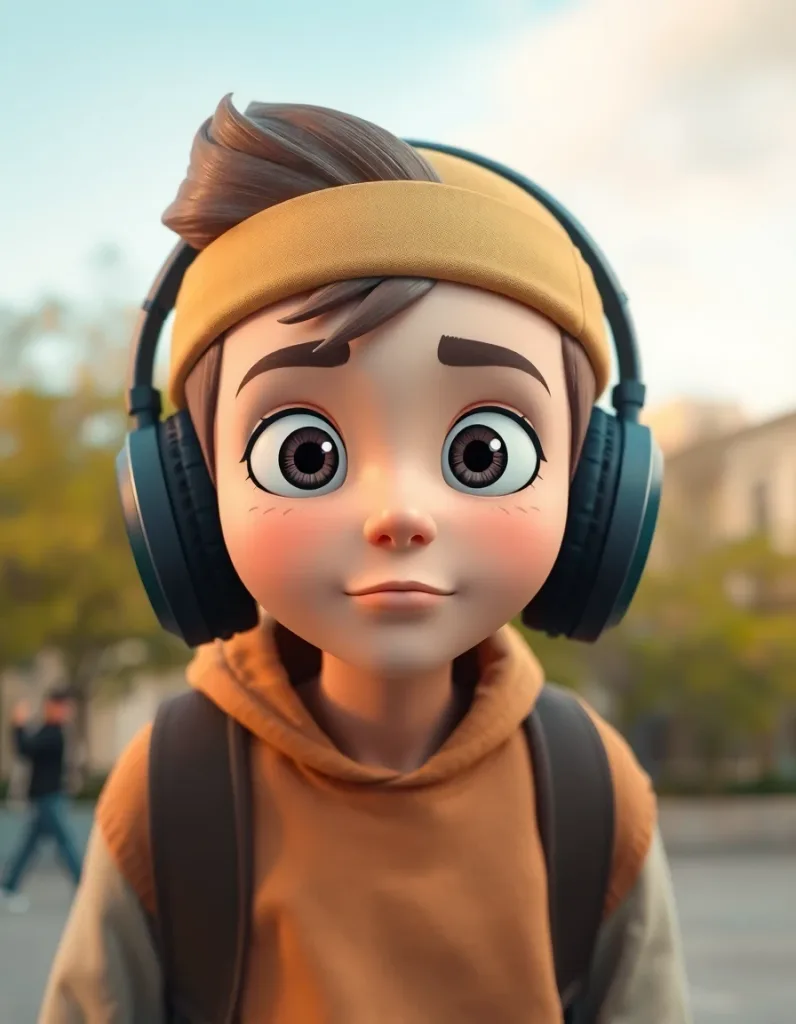 flux-schnell
3D animated film style portrait of a teenage skater with headphones, expressive big eyes, city park background, warm-neutral palette, soft diffused lighting, cohesive minimal background, premium editorial composition
 flux-schnell
Heartwarming 3D animation style portrait of a grandmother baking, flour dust, warm kitchen, warm-neutral palette, soft diffused lighting, cohesive minimal background, premium editorial composition
 flux-schnell
Playful 3D animated golden retriever puppy with a red bandana, tongue out, studio backdrop, warm-neutral palette, soft diffused lighting, cohesive minimal background, premium editorial composition
How to use AI Cartoon & Ghibli Filter
01
Upload any photo
Portraits, landscapes, pets, selfies — any photo works as input.
02
Choose an art style
Pick from Ghibli, Disney/Pixar, anime, cartoon, watercolor, or comic book.
03
Download your artwork
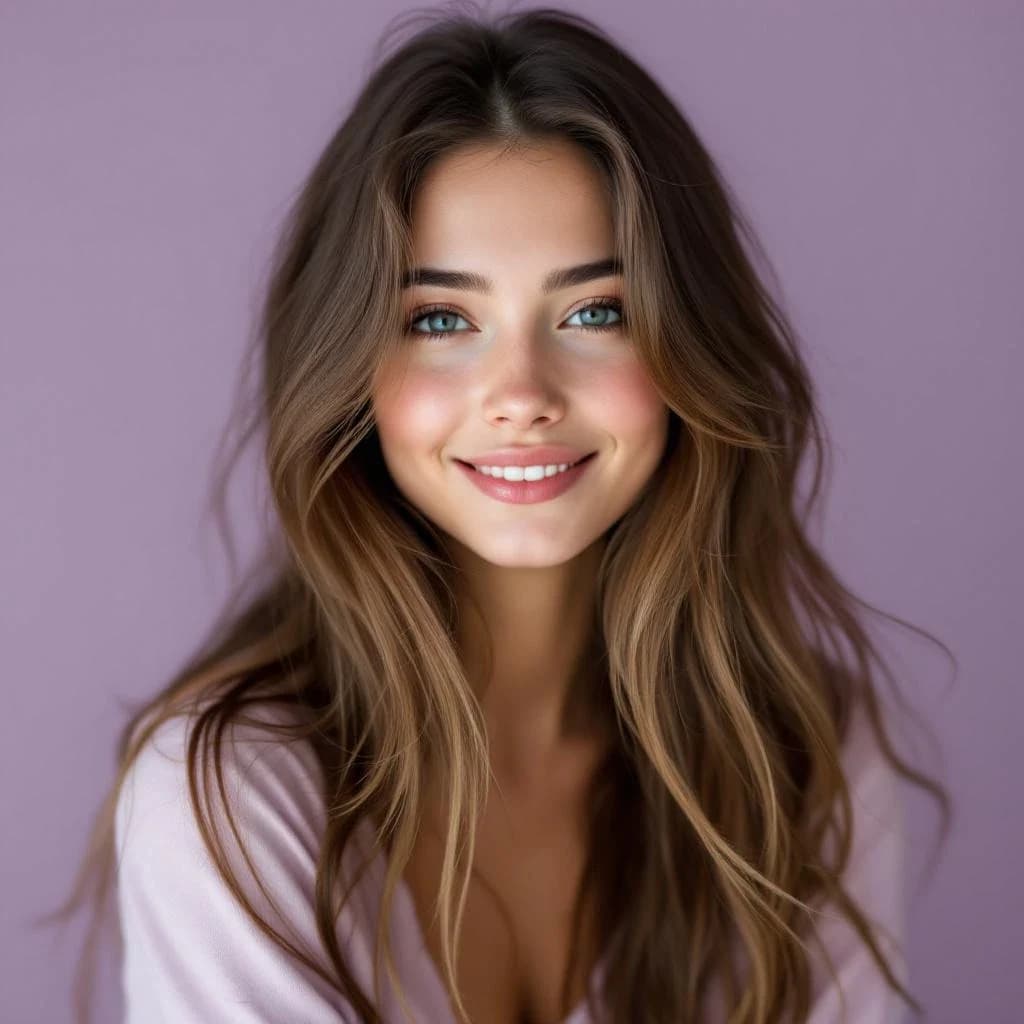
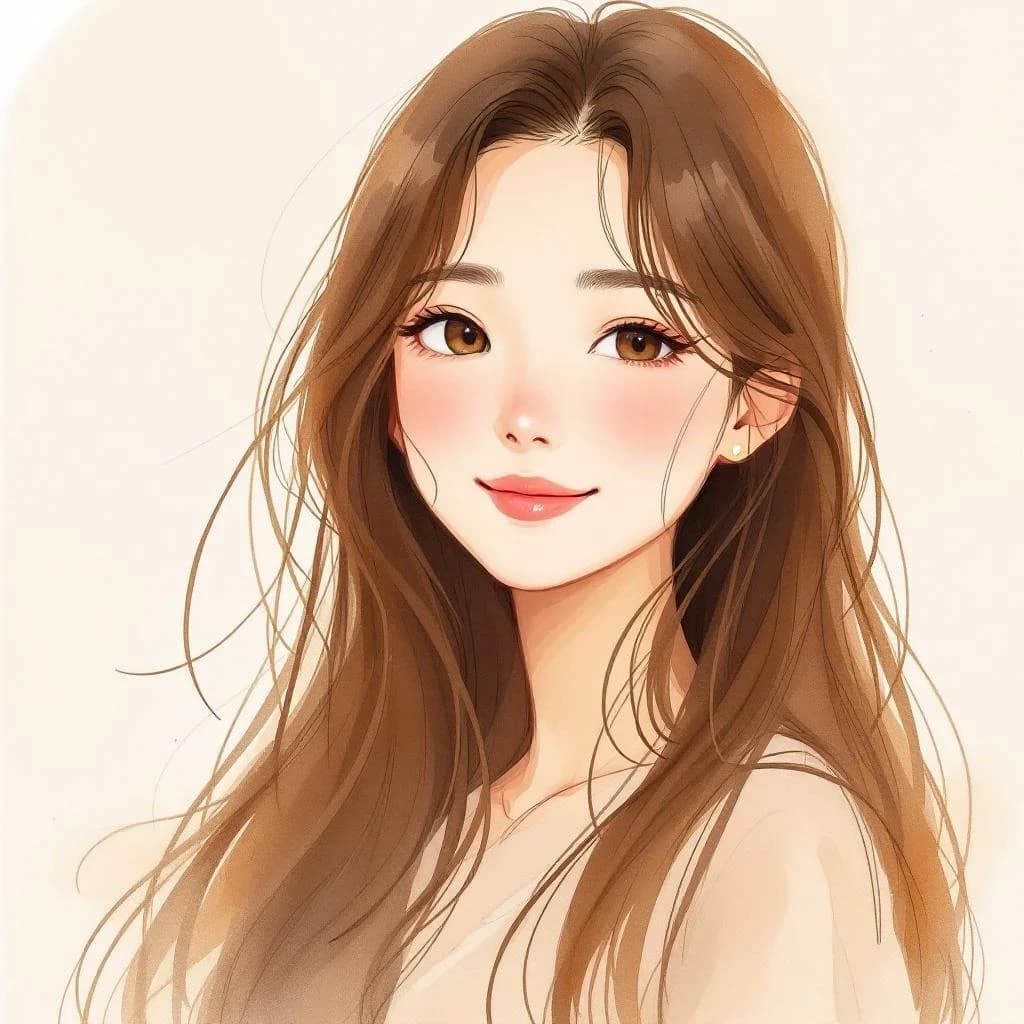
See the before/after comparison. Download your transformed image.
Pricing
Start free. Scale anytime.
One credit system across Studio, Flow and every tool. Cancel anytime.
| Plan | Per month | Credits |
|---|---|---|
| Free | $0 | 3 credits per day |
| Plus | $7.99 | 50 credits per month |
| Pro | $19.99 | 200 credits per month |
| Max | $44.99 | 500 credits per month |
Questions, answered.
What is the Ghibli filter?
It transforms your photos into the iconic Studio Ghibli anime style — soft watercolor tones, dreamy backgrounds, and the hand-painted aesthetic from films like Spirited Away and My Neighbor Totoro.
Does it work with selfies?
Yes! Selfie-to-cartoon/anime is one of the most popular uses. The AI preserves your likeness while applying the art style.
How many styles are available?
6 styles: Studio Ghibli, Disney/Pixar 3D, Japanese Anime, Western Cartoon, Watercolor Painting, and Comic Book.
Is the cartoon filter free?
Partly. Each transformation costs 2 credits and you get 3 free credits a day, so the free tier covers 1 a day. Paid plans start at $7.99 a month.
Can I use it on pet photos?
Absolutely! Pet photos in Ghibli or Disney style are incredibly popular for sharing on social media.
How long does the transformation take?
Seconds — upload, pick a style, and the before/after comparison is ready almost immediately.
Can I use cartoon images commercially?
Your generations are yours to use, but Ghibli, Disney/Pixar, and similar styles are inspired by copyrighted properties — verify commercial rights before using them in commercial projects. Personal and social use is fine.
More AI tools
Related guides
- AI Cartoon Filter: Ghibli, Pixar & Anime StylesTransform your photos into Studio Ghibli, Pixar, anime, and cartoon styles with AI. Instant results from any photo.
- AI Anime Character Generator: Turn Your Photo Into ArtTransform any photo into Studio Ghibli, shonen, or classic anime style with AI. Instant results, multiple anime styles, free to try.
- How to Make an AI Avatar of Yourself (2026): Photo to Profile PicLearn how to make an AI avatar of yourself from one photo: pick the right selfie, choose a style, check the likeness and size it for your profile picture.
Try a template
Ready to try AI Cartoon & Ghibli Filter?
2 credits per generation. No purchase is made until you confirm a generation.