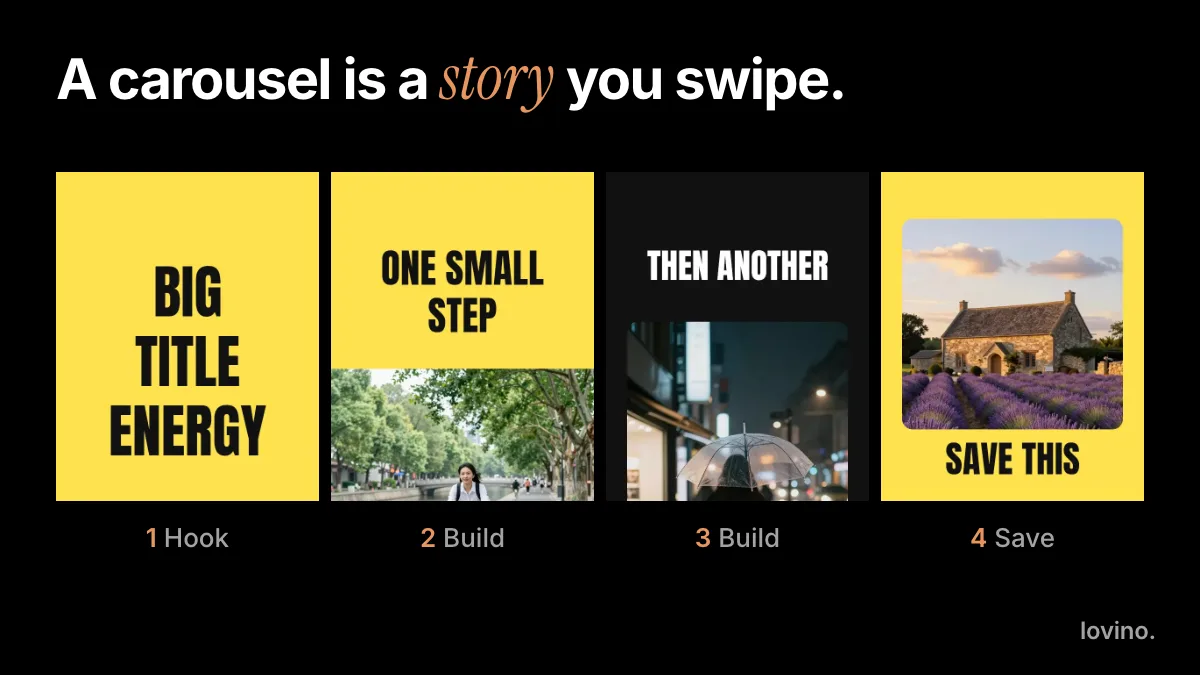
25 Carousel Post Ideas for Small Businesses (2026)
25 carousel post ideas for small businesses, grouped by goal: teach, show, prove, sell and connect. Each comes with a slide-by-slide outline you can copy.
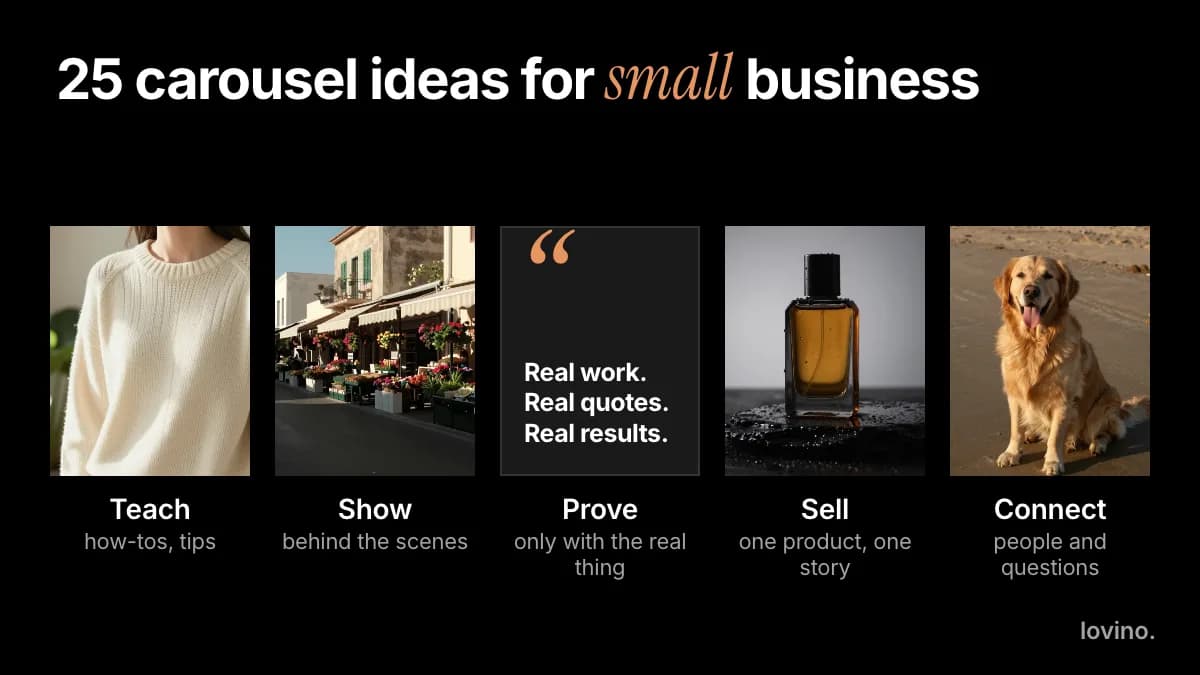
The best carousel post ideas for a small business do one of five jobs: teach, show, prove, sell or connect. Below are 25 of them, five per goal, each with a slide-by-slide outline you can copy this week. Swap in your own product, place or service, and keep every claim true.
Each outline runs five or six slides: enough for a story, short enough to stay consistent. Never made one? Start with how to make an Instagram carousel, then come back here for the idea.
How should a small business choose carousel post ideas?
Choose by goal, not by trend. Decide what you want the reader to do next, then pick the family that leads there.
| Goal | Use it when | Last-slide ask |
|---|---|---|
| Teach | You want to be the helpful expert | "Save this" |
| Show | People do not know how you work | "Visit" or "Follow" |
| Prove | Buyers hesitate and need evidence | "Book" or "Message us" |
| Sell | You have something to offer now | "Shop" or "Order" |
| Connect | You want replies and repeat visitors | "Tell us in the comments" |
One idea per carousel. If an outline below feels crowded, split it into two posts.
Which carousel post ideas teach customers something?
Teaching posts are the kind people save, because they stay useful after the scroll. A florist can teach tulip care, a plumber what to check before calling, an accountant what to keep for tax time.

- The mistake to avoid. Slide 1 names the mistake. Slides 2 to 4 say why it happens and the fix. Slide 5: "Save this."
- A five-step how-to. One step per slide, with the finished result on slide 6.
- Myth versus fact. Slide 1 states the myth. Each slide after it corrects one.
- A checklist before you buy or book. Slide 1: "Before you book a photographer, check these." Then one check per slide.
- Three terms customers mix up. One term per slide, in plain words, with an example.
Which carousel ideas show how your business works?
Show posts answer the question buyers rarely ask out loud: what is it like to deal with you?
- A day in the shop. Open, prep, busiest hour, last customer. One moment per slide.
- How it is made. Raw material, step one, step two, the finished item.
- Meet the team. One person per slide: a name, a role and one thing they love about the work.
- A tour of the space. Door, counter, workshop, the corner nobody sees.
- One scene, two looks. Show the same picture in two styles. This suits studios, print shops and designers.
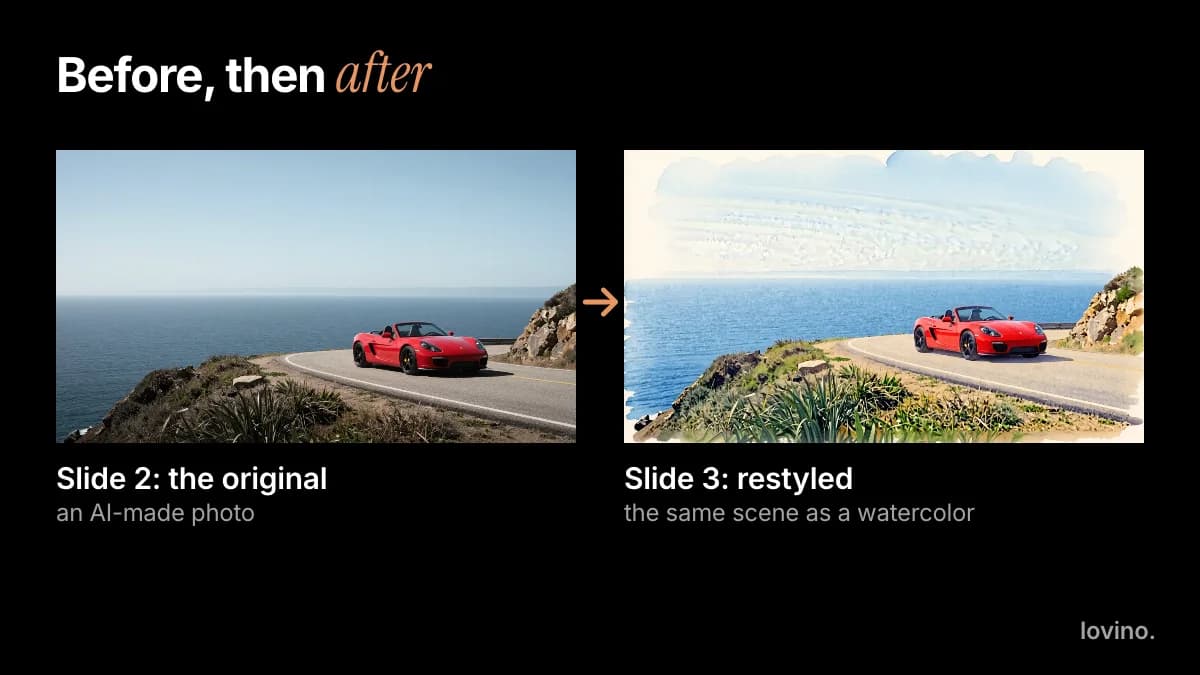
The pair above is an AI-made photo and a watercolor restyle of it: a style demo, not proof of a result. For real work, use your real photos.
Which carousel ideas prove your work?
Proof posts exist to build trust, so every part of them must be real: real projects, real quotes, real numbers. Nothing else belongs here.
- Before and after. Slide 1: the brief. Slide 2: before. Slide 3: after. Slide 4: what changed. Only with real work.
- A project story. The brief, the plan, the problem you hit, the result.
- A customer quote. One real quote per slide, with the customer's permission. Never write one yourself.
- The number behind the work. Only if you have a real, countable number, and you can say where it came from.
- Questions we get, answered with examples. One question per slide, answered with a real case.
Which carousel ideas sell without shouting?
The best selling posts feel like help with a decision, not an advert.
- One product, five angles. Front, detail, in use, scale, packaging. Slide 6: where to get it.
- Which one is right for you? Compare two or three options in plain terms, then recommend one for each kind of buyer.
- A small gift guide. Three or four picks, each for a different person.
- What is in the box. Show the contents slide by slide, then the price and how to order.
- A new arrival. Slide 1: what is new. Then detail, use, and an honest date for when it is available.


Both pictures above are AI-made styling examples. If you sell a real product, use your real product photo and let AI change the scene around it. The AI product photography tool places an uploaded product in a new scene and asks the image model to keep its shape, colors and printed text. The picture is redrawn, so check small print and fine detail against the real product before you post it.
Which carousel ideas start a conversation?
Connect posts invite replies, and the replies tell you what your audience cares about.
- This or that. Slide 1 asks the question. Slides 2 and 3 show each option. Slide 4: "Which one are you?"
- Questions you sent us. One real customer question per slide, answered.
- A local guide. Five places you recommend near your shop, with one line each.
- What we got wrong. A mistake, what it taught you and what you changed. Keep it specific.
- The month ahead. Dates, launches and events, one per slide.
How do you reuse one carousel in more places?
A good outline travels. The same five pages work as a LinkedIn document if you export them as one PDF with pages of the same size; the LinkedIn carousel guide covers the limits. A set you made for a feed post can also become a short series: one slide per day, each with the next one teased in the caption. Keep the facts identical in every version, and update them everywhere when something changes, such as a price or an opening time.
How do you make these carousels with AI?
You can build the pictures in Lovino in your browser. Brief Iris with the outline, the slide count and the ratio, and choose its Carousel Set skill to keep the style the same on every slide. The size guide for Instagram carousels explains why 4:5 is the usual ratio. Add exact words in a design tool if spelling matters, or quote them in your prompt and proofread every letter.
For a product-led set, start from your own photo. AI marketing visuals for small business and AI product photography for e-commerce go deeper.
Signup is required to generate. Free outputs carry a watermark that paid plans remove, and everything you make can be used commercially, free or paid. See pricing for the plans.
What must stay real in a small business carousel?
AI can style and present your work. It cannot supply the facts.
- Real results. Do not make up before and afters, testimonials, ratings or customer counts.
- The real product. A product image must show what you actually sell. Keep the AI changes to the scene, not the item.
- Permission. Get a customer's agreement before you feature their photo or words. Images you upload are processed by third-party AI providers, so upload only what you may share.
- Honest labels. Mark AI-made imagery where the platform or your market expects it. AI content disclosure on social media covers the basics.
Pick one idea and ship it
Choose the goal that matters this month, copy one outline and fill it with true details. Then open the AI image generator, set the ratio to 4:5 and make slide 1.
Questions, answered.
How many slides should a small business carousel have?
Five or six is a good starting point for most of these outlines. It is long enough to tell a story and short enough to keep the look consistent. Lovino's Carousel Set skill suggests three to five slides. Add more only when each slide carries a new point.
What is the best type of carousel for a small business?
It depends on your goal. Teaching carousels are easy to save, show carousels explain how you work, proof carousels help hesitant buyers, sell carousels help someone decide, and connect carousels earn replies. Pick the one that matches what you want the reader to do next.
Do I need design skills to make a carousel?
No. Write one line per slide, then brief Iris or Studio in Lovino with the slide count, the ratio and the style. Add exact wording in a design tool if the spelling must be perfect, and proofread every slide before you post.
Can I use AI-made images in business posts?
Yes, you can use what you make in Lovino commercially, including on free accounts, where outputs are watermarked. Keep proof posts real, make sure product images show the real product, and label AI imagery where your platform or market expects it.
Can these carousel ideas work on LinkedIn?
Yes. Teach, prove and show ideas translate well to a LinkedIn document post, which is a PDF people swipe through. The page limits and structure are different, so read the LinkedIn carousel guide before you export.