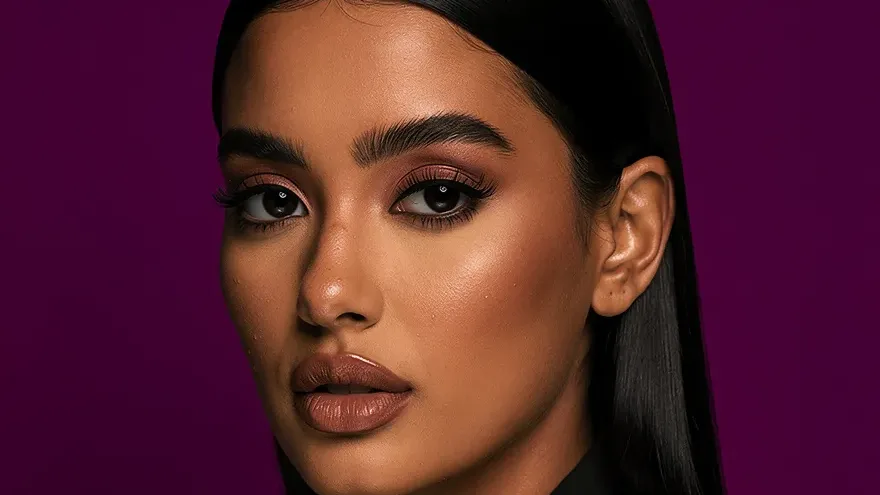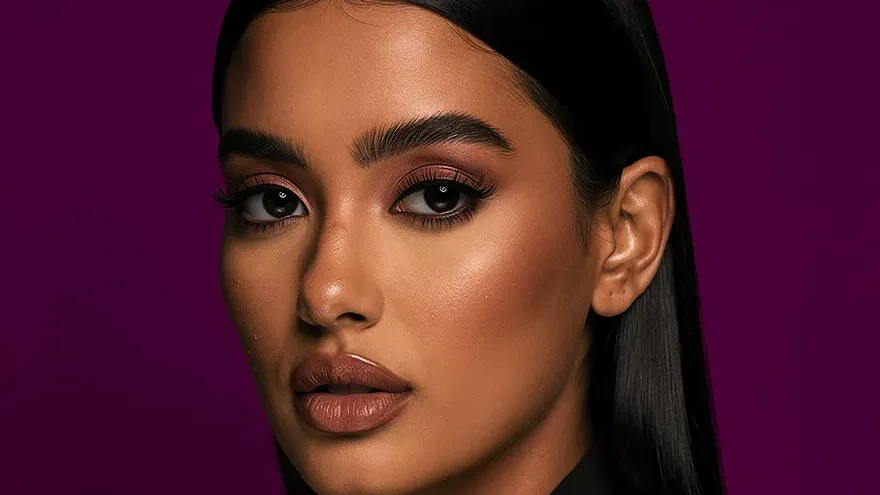
A professional headshot is one of the most valuable assets in a job search — and one of the most neglected. Many candidates submit applications with no photo, a low-quality selfie, or an old photo that no longer looks like them. In a competitive job market, a professional headshot on LinkedIn and a strong profile photo on applications communicates intentionality and seriousness before a recruiter reads a single word.
AI tools have made polishing a professional photo accessible to more job seekers. One rule comes first: the photo has to look like you.
Why Your Resume Photo Matters
LinkedIn Profile Views
LinkedIn profiles with professional photos consistently receive significantly more views than those without. For active job seekers, this difference matters — more profile views means more recruiter outreach and more opportunities to be found.
First Impressions
Recruiters often look at a LinkedIn photo before reading the headline or summary. A professional, current photo signals that you take your professional presentation seriously. A casual selfie or no photo creates an immediate (if unfair) impression about attention to detail.
Video Interviews and Remote Work
For roles where you'll be on video calls daily, a professional photo calibrates expectations. It shows what you look like in a professional context, not just in a personal one.
What Makes a Headshot "Professional"
A professional headshot isn't just "a photo where you look nice." It has specific characteristics:
- Clean, non-distracting background: Neutral gray, white, or solid color. No kitchen counters, bedroom walls, or outdoor backgrounds.
- Professional attire: Appropriate to your industry. Finance and law lean formal; tech and creative can be business casual.
- Good lighting: Soft, even lighting that shows your face clearly without harsh shadows or bright spots.
- Appropriate framing: Head and shoulders in frame, with your face taking up a substantial portion of the image.
- Neutral to slight smile: Confident, approachable, and professional. Not stiff; not overly casual.
You can get most of these from a good phone photo plus a little polish.
How to Polish Your Resume Photo With AI
Step 1: Start From Your Own Photo
Take a recent, well-lit, front-facing photo, ideally in soft daylight near a window. Key requirements:
- Recent (within the last year ideally)
- Clear, well-lit face
- A neutral, relaxed expression
- No sunglasses, masks, or heavy accessories covering your face
A phone photo works fine as the starting point.
Step 2: Refine It and Clean the Backdrop
On Lovino, Portrait HD refines face and detail on your portrait for 2 credits, without inventing anything about your likeness. Background Remover strips a busy backdrop for 1 credit, so you can place the portrait on plain gray or white. A portrait generated from a written brief shows a new person, so don't use one on an application.
Step 3: Check the Result
Review it for:
- Accuracy to your actual appearance
- Expression (does it look natural and professional?)
- Background (does it suit your industry?)
- Overall impression (would a recruiter see a professional person?)
Keep 1-3 favorites for different platforms.
Step 4: Use Consistently Across Platforms
Use the same photo (or a similar style) across:
- Resume or CV (if including a photo — common in many countries)
- Personal website or portfolio
- Email signature
Industry-Specific Guidance
Finance, Law, Consulting: Formal attire, neutral background, conservative expression. The traditional corporate headshot is the standard.
Tech and Startups: Business casual is acceptable. Slightly more relaxed expression. A clean, neutral background is still recommended.
Creative Fields: More flexibility in background and style. Can lean into creative environments or slightly more artistic compositions while maintaining professionalism.
Healthcare: Clean, professional, and approachable. Neutral backgrounds, professional attire appropriate to your role.
Sales and Client-Facing Roles: Warm, approachable expression. You're selling yourself — the headshot should feel genuine and trustworthy.
Updating Your Photo
A headshot should represent how you currently look. If significant time has passed (2+ years), significant changes to your appearance (weight, hair, age), or significant role changes (from entry-level to executive), update your photo.
Updating is simple: take a new photo and polish it the same way. It takes minutes.
For a milestone portrait rather than a job application, see AI Graduation Photos.
Polish your portrait — Studio portraits run on 3 free credits a day, with no credit card. Portrait HD, the polish step, uses paid credits.