AI Photos for Florists: Seasonal Campaigns Without Faking Stems
AI photos for florists can style scenes, flyers and seasonal campaigns around your real bouquets. Here is the workflow, and the stem-count rules to keep.
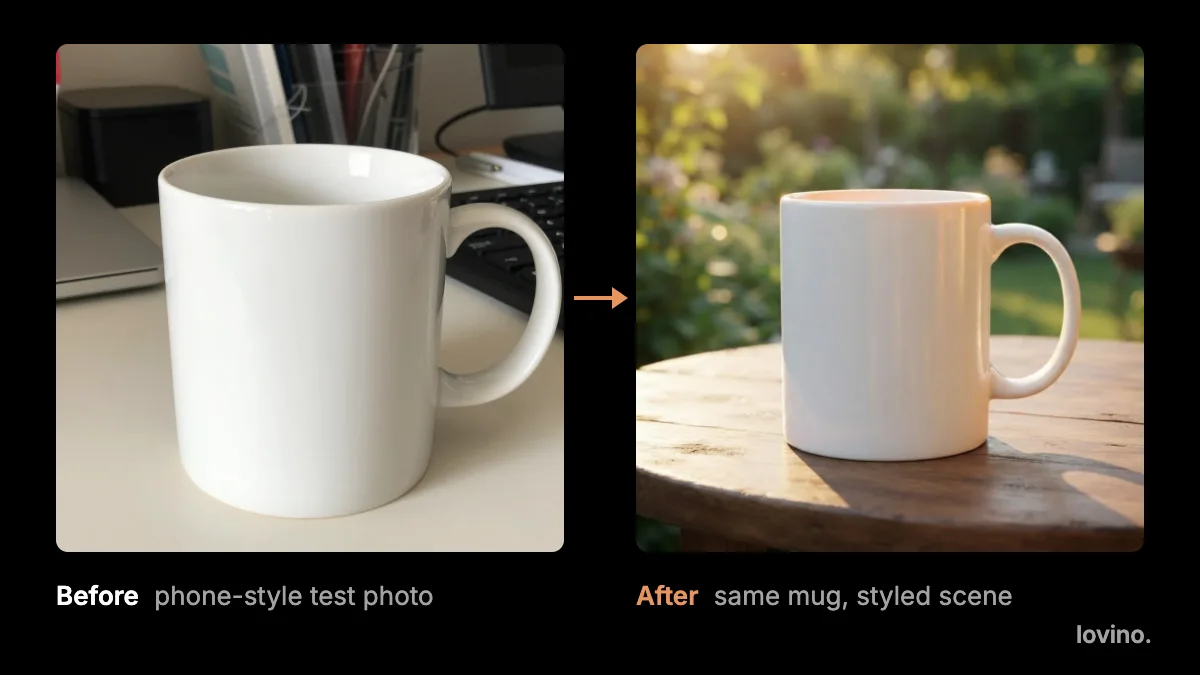
AI photos for florists are most useful around the bouquet, not instead of it. Use them for seasonal backdrops, flyers, listing scenes and short clips. The flowers in the box stay real. Stem count, colour and size are the promise you make to the customer, and an image model can quietly change all three.
Here is how to build a seasonal campaign with AI, and where to draw the line.
What can AI photos for florists actually do?
Five jobs in a florist's week can use AI without touching the promise you make about the bouquet.
- Seasonal mood images. Backdrops and headers for a spring, wedding-season or autumn campaign, made from a text prompt. They set a feeling. They are not product photos.
- Listing scenes. Take a real photo of this week's bouquet and place it in a clean scene for your shop page.
- Flyers and deadline posters. Order-by dates, delivery areas and event offers as a single image.
- Tidying real photos. Remove a bucket, a price tag or a stray cable from a real shot with Magic Eraser.
- Short clips. A slow push-in on a finished arrangement for a post or a story.
What must stay real in florist photos?
Flowers are not like mugs. They change by week, by supplier and by season. That is why the rules are stricter here.
| What you promise | How AI can break it | The rule |
|---|---|---|
| Stem count | A redrawn bouquet can gain or lose blooms | Count the stems in the result against the real bouquet |
| Flower type | A ranunculus can turn into a garden rose | Name only what you actually use |
| Colour | Warm light shifts pinks and corals | Match this week's flowers, not last month's |
| Size and fullness | Close scenes make a posy look grand | Add one real photo with a hand or a vase for scale |
| Availability | A model will happily draw peonies in December | Show only what you can supply |
| Extras | Props, ribbon and vases appear from nowhere | Leave them out or say they are not included |

The last row is the easiest to miss. A pretty vase in the scene is a promise too. If it is not in the order, say so in the listing.
How do you photograph a real bouquet for AI styling?
A good source photo makes every later step easier. The model works from your pixels, so a sharp, honest photo gives it less to guess.
- Shoot in daylight, near a window, with no flash.
- Use a plain surface and a plain wall behind the flowers.
- Keep the whole bouquet in frame, including the wrap and the tied stems.
- Take two angles, one straight on and one slightly from above.
- Shoot it the day it ships, so the colours are the colours the customer will get.
Keep the original photo too. It is your reference when you check the styled version.
How do you build a seasonal campaign with AI?
Start with the calendar, then work backwards from each date.
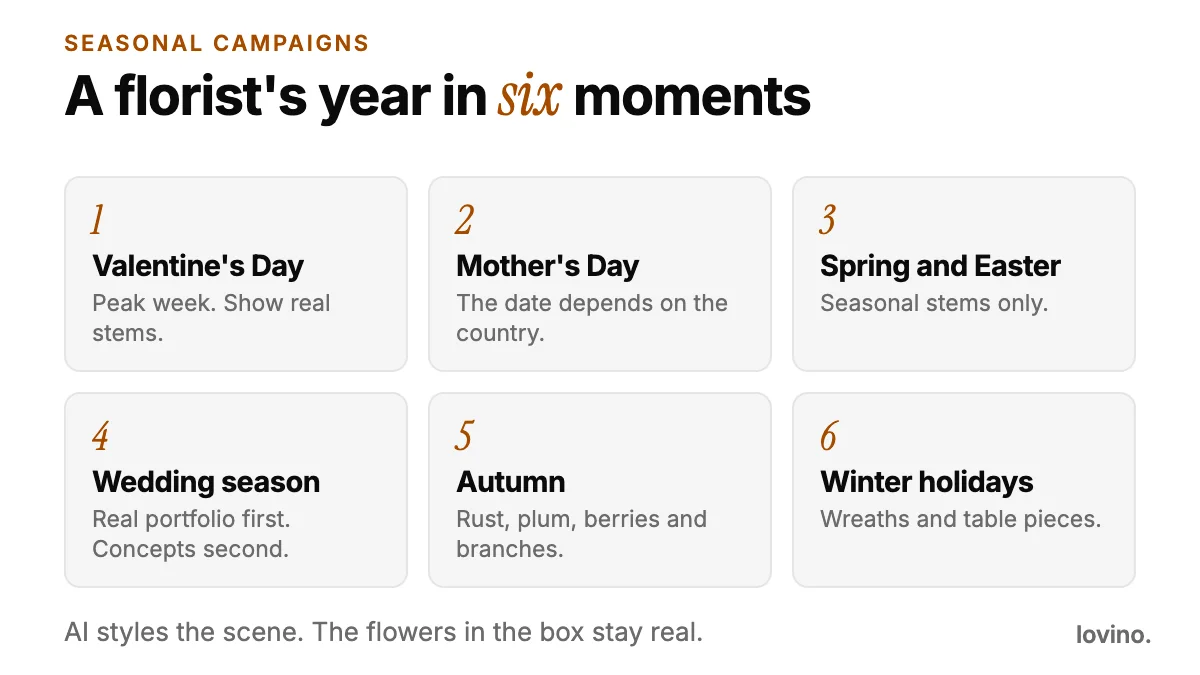
- Pick your moments. Mother's Day falls on different dates in different countries, so check yours before you plan.
- Photograph a real hero bouquet for each one. Use that week's flowers, in daylight, on a plain surface.
- Style it. The AI product photography tool places a photo in a white, marble, lifestyle, outdoor, kitchen or wooden scene. Run it once per hero bouquet, then count the stems in the result.
- Make the mood images. Use text prompts for headers and backdrops with no bouquet in them. Leave empty space for text.
- Add the words. The AI poster generator draws a flyer from a prompt that includes your text. Proofread every word, because AI can misspell or drop letters.
- Check, then schedule. Compare every image against the real arrangement before it goes out.
A mood-image prompt you can adapt:
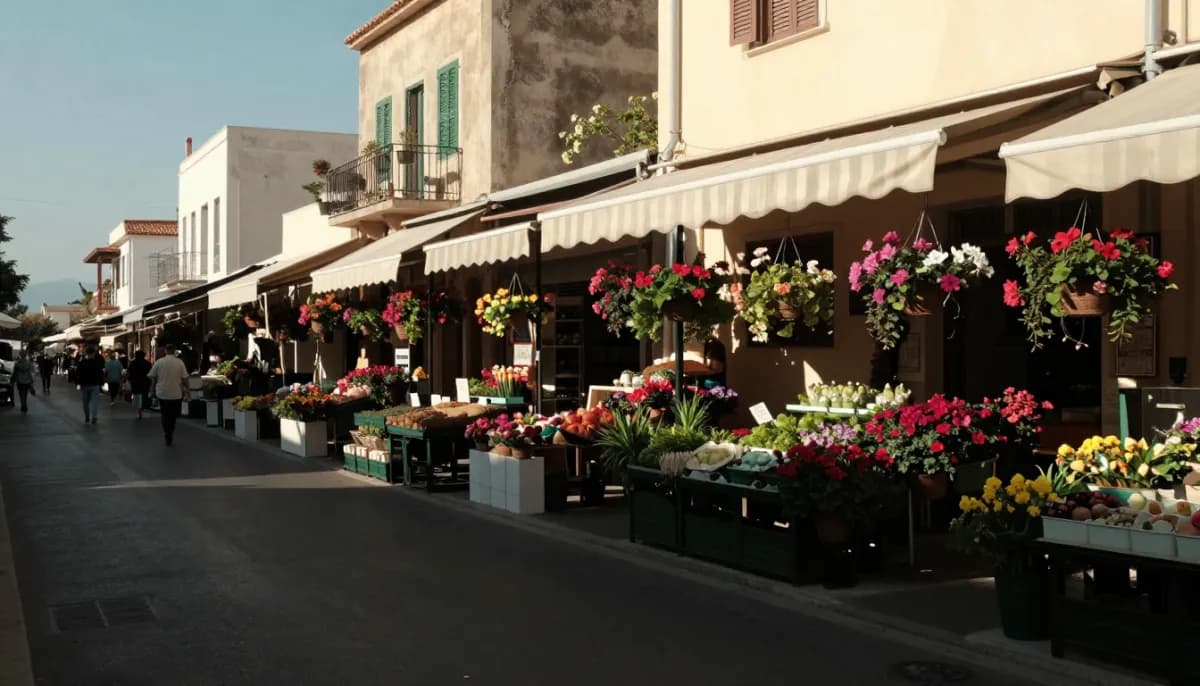
A quiet flower market stall in warm morning light, buckets of seasonal blooms in soft focus, empty space on the left for a headline. No text, letters, logos or signage.
And a flyer prompt:
Clean poster for a flower shop. Headline: "Order by Friday". Small line: "Local delivery". Cream background, a simple line drawing of tulips along the bottom, lots of empty space.
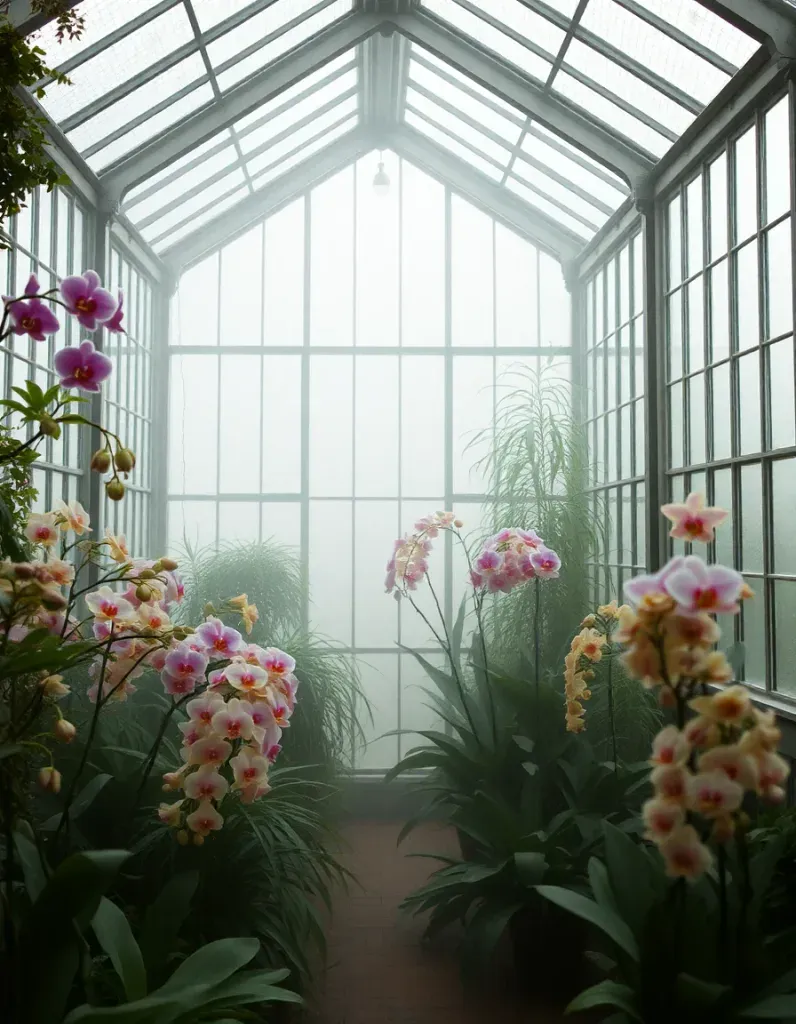
This glasshouse is a text-to-image mood picture. It shows a feeling for a header. It is not a photo of anything you sell, so it should never sit next to a price.
What about social posts and short clips?
A simple weekly rhythm works well. Post a real photo of this week's flowers, then a styled scene of the same bouquet a few days later. People see the real thing first, and the scene adds mood.
Image to video can turn a finished arrangement into a short clip with a slow push-in. Video uses paid credits, and any petal movement is invented. Use clips for atmosphere and keep the still photos as the proof of what you sell.
Can you use AI for wedding and event flowers?
Yes, with a label. A concept image helps a couple picture a colour palette, a table runner or an arch. But a couple who books from a concept will expect that arrangement. So put the words on the image itself: "Concept only. Final flowers depend on season and availability."
Lead with your real portfolio, then show concepts second. If you work with event planners, the same habit helps them too, and our guide for planners covers it: AI content for event planners.
What about sympathy flowers?
Show real arrangements, plainly. A concept picture is the wrong tool for a funeral order. People are choosing something specific for a person they have lost, and they deserve to see exactly what will be delivered.
Does it work for your online shop too?
If you list bouquets on a marketplace, the same rules apply with more force. Buyers cannot smell or touch the flowers, so the photo does all the persuading. Our guide to AI product photos for Etsy sellers covers the accurate-representation rules in detail, and AI marketing visuals for small business covers the wider mix of posts, flyers and listings.
What are the limits and privacy basics?
- You need an account to generate. Free results carry a watermark, and paid plans remove it. See pricing.
- Everything you generate can be used commercially, free plan included.
- Photos you upload are processed by third-party AI providers that run the models. Do not upload photos of customers or recipients without their permission.
- Results vary from run to run, so expect to generate a scene more than once.
Start with one bouquet
Pick this week's best seller and photograph it in daylight. Run it through one scene, count the stems in the result, and compare the colours with the flowers on your bench. If it passes, you have your template. Repeat the process for each hero bouquet, add one mood image and one flyer, and your next campaign is ready. When you are ready to try it, open the AI product photography tool and start with a single bouquet.
Questions, answered.
Can florists use AI photos for bouquet listings?
Yes, as long as the listing shows what the customer will receive. Use AI to style a real photo of the bouquet in a new scene, then count the stems and check the colours against the real arrangement. Do not use a generated bouquet you have not made.
How do I put my real bouquet into an AI scene?
Photograph it in daylight on a plain surface, upload it to the Product Photo tool and pick a scene. The tool redraws the picture around the bouquet, so compare the result with the real flowers before you post it.
Can I make Mother's Day flyers with AI?
Yes. The AI poster generator draws a flyer from a prompt that includes your headline and details. It produces one flat image, and it can misspell words, so proofread every line and re-run the prompt to fix a mistake.
Is it okay to show flowers I do not stock?
Only as a clearly labelled mood or concept image, never next to a price or an order button. Customers read a flower photo as a promise, so show what you can really supply.
Can I use the images commercially?
Yes. Everyone who generates on Lovino, including free users, can use the results commercially. Free results carry a watermark, and paid plans remove it.