Diwali Photo Ideas With AI: Diyas, Rangoli and Family
Diwali photo ideas with AI: style diya still lifes, rangoli close-ups and family portraits in warm light, and learn what to keep real and respectful.
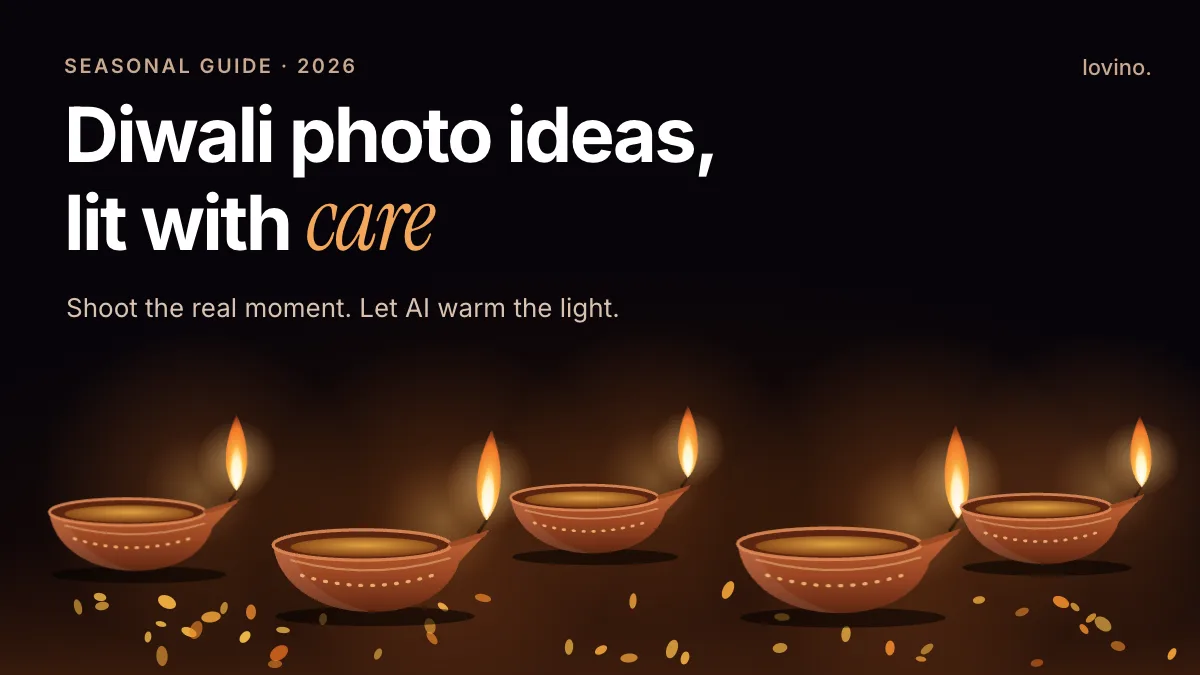
The best Diwali photo ideas with AI start from something real. Photograph your own diyas, rangoli and family, then let AI warm the light, tidy a background or build a greeting-card backdrop. When you have nothing to shoot, build a diya still life from a prompt. What AI should never do is invent your people or your moments. A festival of lights deserves real light on real faces.
Diwali is the Hindu festival of lights, and Jains, Sikhs and some Buddhist communities mark it in their own ways. Diwali falls in October or November, on a date set by the lunisolar calendar, and the day can differ by region and community. Check the date for yours before you plan posts. This guide gives you seven photo ideas, prompts you can copy, and a plain list of what to keep real and respectful.
What are the best Diwali photo ideas to make with AI?

The strongest set mixes real photos with a few generated ones. This table shows which is which, and what the AI is actually doing in each case.
| Idea | Real or generated | What AI does | Start with |
|---|---|---|---|
| Diya still life | Generated from a prompt | Builds the whole scene | AI image generator |
| Rangoli close-up | Your real photo | Sharpens detail, evens out noise | AI photo enhancer |
| Family portrait | Your real photo | Warms light and colour | Studio, with your photo as a reference |
| Sweets and gifts flat lay | Your real products | Places them in a new scene | AI product photography |
| Doorway or balcony lights | Your real photo | Tidies a cluttered background | AI background changer |
| Greeting card or story | Generated backdrop, your own text | Draws the backdrop only | AI image generator |
| Flickering diya clip | Animated from your still | Adds gentle motion | Image to video |
Keep the real and the generated apart in your head. A photo of the rangoli your aunt made at dawn is a record. A rangoli-style pattern behind a greeting is a design. Both are welcome, as long as you do not swap one for the other.
How do you photograph diyas and rangoli with AI?
Shoot first, then edit. AI cannot rescue a blurry photo of a moment, but it can rescue a good moment shot in poor light.
- Rangoli: shoot from directly above with the phone parallel to the floor. Keep your shadow out of the pattern. Take one frame in daylight and one at dusk with the diyas lit.
- Diyas: switch off the overhead light and let the flames be the key light. Rest the phone on a shelf or stack of books so it stays steady. Tap the flame on screen to set the exposure.
- Clean up: low-light photos are noisy. Run the best one through the AI photo enhancer. Its Denoise and Enhance modes are made for grain and softness.
- No scene to shoot? Generate a still life instead. Describe the objects, the light and what to leave out.
Here is a prompt for the still life:
Top-down still life of nine clay diyas on a dark slate surface, small steady flames,
scattered marigold petals, a brass tray in one corner, warm candlelight only,
shallow depth of field, calm and uncluttered, no people, no text
Two habits help. End with "no text" so the model does not invent lettering. And change one thing per attempt, such as the surface or the number of diyas, so you learn what each word does.
A generated rangoli-style backdrop works the same way:
Abstract rangoli-inspired floor pattern seen from above, symmetrical geometry,
marigold orange and deep pink powder, soft morning light,
empty centre left free for a caption, no text
The model invents that pattern. It is not a real rangoli, and it is not anyone's craft. Call it a backdrop, not a rangoli, if you share it.
How do you style a Diwali family portrait without faking it?
Start with a real photo where everyone looks like themselves. Then change the light, not the people.
The pair below shows the idea on an AI-made portrait. A plain daylight café shot was restyled with a golden-hour look: warm backlight and soft film warmth. The face, pose and framing stay. The light and colour change. It was made in Studio with FLUX.2 Klein, one of the models that accepts your photo as a reference and runs on the free daily credits. The AI image editor can make the same kind of edit from a written instruction, but it uses paid credits.
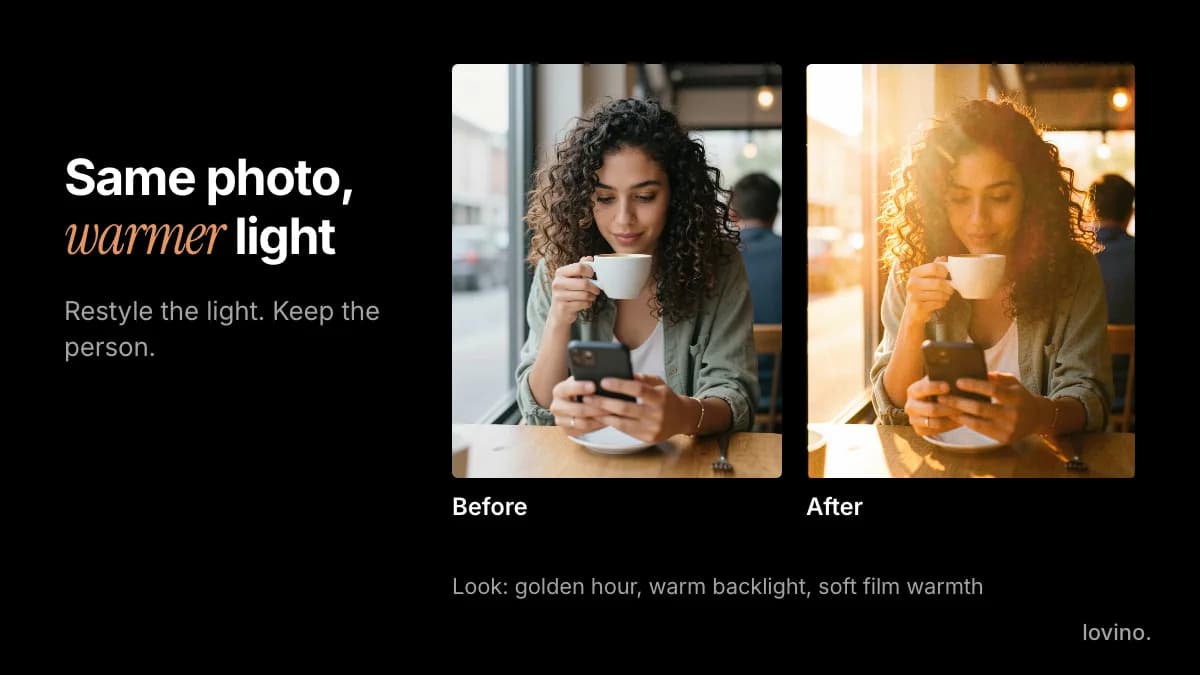
Some rules for family photos:
- Compare faces. Restyling can nudge a likeness. If anyone looks different, do not post it.
- Do not add people. An aunt who was not there stays out of the picture.
- Say so when a backdrop is generated. A courtyard of lanterns behind your family is a styled image, not a record of your evening.
- Use LED tea lights for portraits. Keep real flames away from sleeves, dupattas, curtains, children and pets. Put LED lights in the frame and let the edit add warmth afterwards.
- Mind consent and age. Lovino is for people aged 16 and over. Photos of children should only be uploaded by a parent or guardian.
Uploaded photos are processed by third-party AI providers to make the edit. Only upload pictures you are comfortable sharing that way, and only with the permission of the people in them. You need a free account to generate, and free-plan images carry a watermark that paid plans remove. See pricing for what each plan includes.
How do you make a Diwali greeting or post that looks good?
Decide the shape before you generate. In Studio the ratio menu includes 4:5 for feed posts, 9:16 for stories and reels, and 1:1 for squares. Generate in the shape you will post, because cropping later cuts into your composition. The guide to aspect ratios explains the trade-offs.
For a greeting, ask for a backdrop with room to write:
Vertical 4:5 festive backdrop, a single brass diya glowing at the bottom edge,
deep indigo wall, scattered marigold petals, soft warm light,
large empty space in the upper half, no text, no people
Then type the greeting yourself in any design app. AI lettering is unreliable, and tools built for text still say to proofread because AI can misspell. Treat any non-Latin script, Devanagari included, as something you set by hand.
Running a Diwali sale or gift guide? The product workflow in Black Friday product visuals works for any seasonal offer. Everything you make on Lovino, including on the free plan, comes with commercial rights.
For a little motion, turn your best diya photo into a clip with image to video. Describe only the movement, for example "the flame flickers gently, slow push-in". Video always uses paid credits; the free daily credits cannot be spent on it.
What should you never fake or get wrong?
Style the real moment. Do not fabricate it. The card below is the short version.
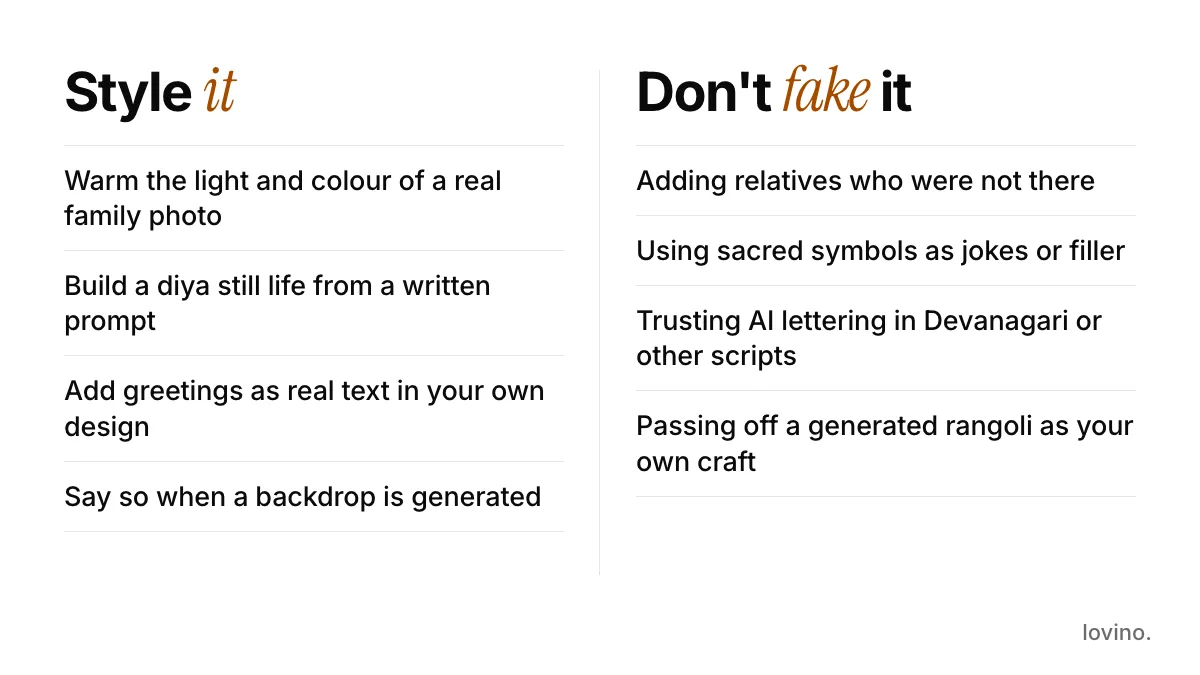
A few of those deserve a sentence more:
- Sacred imagery. Models guess at religious iconography and often get details wrong. Do not use deities or sacred symbols as decoration, jokes or filler. If you want them in a post, use artwork from your own community.
- Clothing as costume. Describe festive clothing plainly and accurately. Do not use traditional dress as a costume gag.
- Invented crowds and fireworks. If your evening was quiet, show a quiet evening.
- Passing off generated art as handwork. Rangoli, mehndi and sweets are craft. Credit the person who made them, and photograph the real thing.
If you are unsure whether something is respectful, ask someone in your family or community before you post.
Start with one real photo and one prompt
Pick one real photo from any Diwali you have celebrated and warm its light. Then generate one diya still life for the post that needs a calm opening frame. Two honest images beat a dozen invented ones. The AI image generator is the place to start, and the AI photo enhancer will tidy any low-light shot. Diwali falls in autumn in the northern hemisphere, so the warm-light prompts in autumn photo ideas with AI pair well with everything above.
Questions, answered.
What are good Diwali photo ideas for Instagram?
A diya still life, a rangoli close-up shot from above, a family portrait in warm light, a flat lay of sweets and gifts, lights on a doorway or balcony, and a greeting card with a plain backdrop. Mix real photos with a few generated backdrops, and type any greeting text yourself.
Can AI make rangoli designs?
AI can draw rangoli-style patterns, but it invents them. They are not traditional designs made by hand. If you are showing a family rangoli, photograph the real one. Use generated patterns only as backdrops and call them that.
Is it respectful to use AI for Diwali pictures?
Yes, for styling real photos, building backdrops and making cards. Keep people and moments real, avoid using sacred symbols as decoration or jokes, and ask someone in your community if you are unsure. Models often get religious imagery wrong.
What aspect ratio should Diwali posts use?
Use 4:5 for feed posts, 9:16 for stories and reels, and 1:1 for squares. Pick the ratio before you generate so the composition is not cropped afterwards.
Do I need an account, and can I use the pictures commercially?
You need a free account to generate. Free-plan images carry a watermark that paid plans remove, and all users, including free ones, get commercial rights to what they make. See the pricing page for plan details.