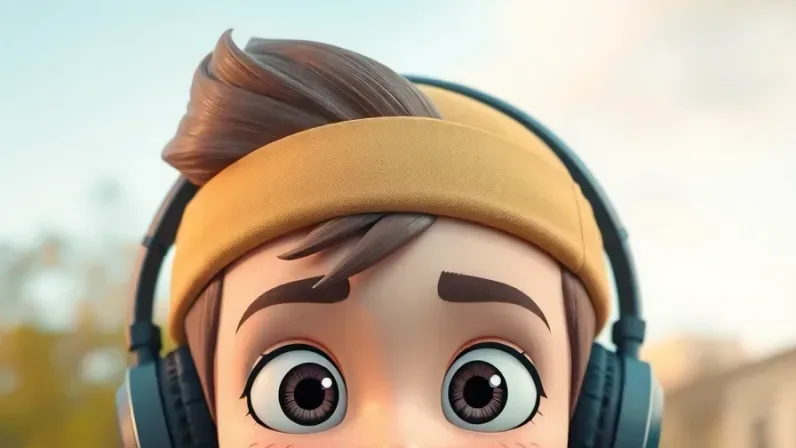
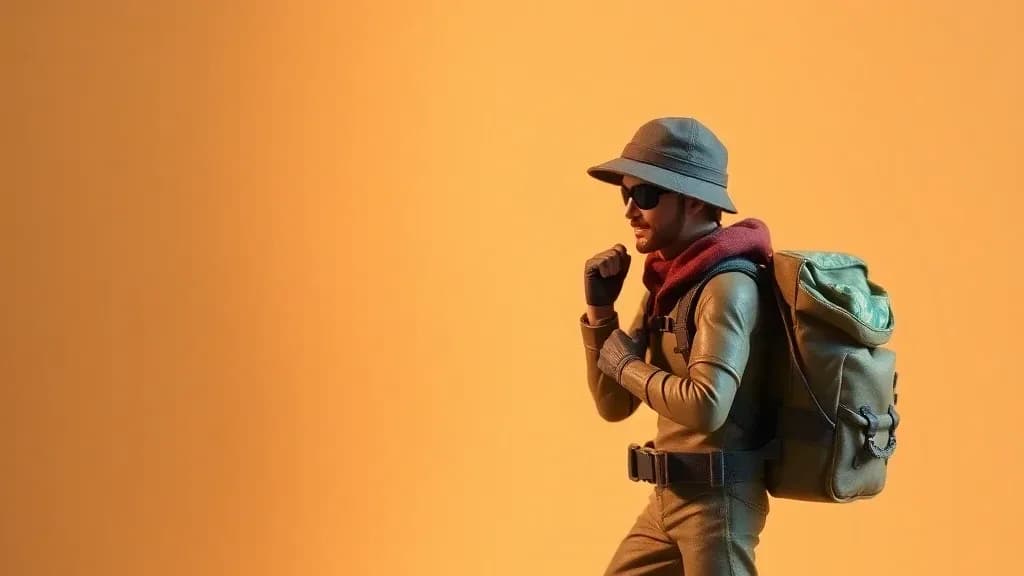
AI Anime Character Generator: Turn Your Photo Into Art
Transform any photo into Studio Ghibli, shonen, or classic anime style with AI. Instant results, multiple anime styles, free to try.

Short answer. To turn a photo into anime, upload a well-lit, front-facing photo to Lovino's AI cartoon filter and pick the Anime or Ghibli look. The filter has six fixed looks, costs 2 credits and works on the free daily credits. For other anime families, describe the look in Studio or use Style Transfer.
Anime-style character generation is a popular use of AI image tools, and it's easy to see why. The results are striking, immediately recognizable, and tap into a global fandom that spans all age groups. Whether you grew up watching Dragon Ball Z, fell in love with Studio Ghibli films, or discovered anime through Attack on Titan, seeing yourself rendered in your favorite art style is a deeply satisfying experience.
Other looks: Photo to Comic AI, Photo to 3D Cartoon AI and Ghibli Filter AI.
Anime Styles You Can Ask For
Lovino's Cartoon Filter has six fixed looks: Studio Ghibli, Disney/Pixar 3D, Japanese Anime, Western Cartoon, Watercolor and Comic Book. Other anime families, such as shonen, 90s and chibi, are looks you describe in your own words in Studio.
Dated table, checked against Lovino's tool pages on 15 October 2026.
| Anime look | A fixed look in the Cartoon Filter? | How to get it |
|---|---|---|
| Studio Ghibli-style | Yes | Cartoon Filter, Ghibli look |
| Japanese anime | Yes | Cartoon Filter, Anime look (see photo to anime) |
| Shonen / action | No | Describe it in Studio, or try Style Transfer's Anime preset |
| Classic / 90s | No | Describe it in Studio |
| Chibi | No | Describe it in Studio |
| Modern / seinen | No | Describe it in Studio |
Studio Ghibli
The best-known anime look. Ghibli-style transformations capture the studio's signature aesthetic: soft watercolor textures, luminous backgrounds, expressive eyes with genuine warmth, and that unmistakable feeling of quiet beauty that defines films like Spirited Away, My Neighbor Totoro, and Howl's Moving Castle.
What makes the Ghibli style so universally appealing is its warmth. Unlike some anime styles that go for dramatic intensity, Ghibli characters feel gentle, approachable, and deeply human. Portraits in this style look like they belong in a world where magic is real but kindness matters more.
Shonen/Action Anime
For fans of Dragon Ball, Naruto, My Hero Academia, and Jujutsu Kaisen, the shonen style transforms you into an action-ready anime hero. Expect:
- Bold, confident expressions
- Dynamic poses and energy lines
- Vibrant, saturated colors
- Dramatic lighting with strong shadows
- Background effects suggesting power or motion
This style works particularly well for full-body poses and action stances. It turns a casual selfie into a character that looks ready to deliver a finishing move.
Classic/90s Anime
The nostalgic aesthetic of 90s anime — think Sailor Moon, Evangelion, and Cowboy Bebop. This style features:
- Slightly more angular features than modern anime
- Soft shading with limited gradients
- Film grain and slightly muted color palette
- That distinctly retro feeling that triggers instant nostalgia
Chibi Style
Cute, super-deformed proportions with oversized heads, tiny bodies, and exaggerated expressions. Chibi versions of yourself are irresistibly charming and make excellent:
- Profile pictures and avatars
- Sticker designs
- Gift illustrations
- Social media reactions
Modern/Seinen
A more realistic and mature anime aesthetic — closer to what you'd see in Vinland Saga, Ghost in the Shell, or Violet Evergarden. Detailed rendering, sophisticated lighting, and proportions closer to photorealism while maintaining the anime aesthetic.
How to Get the Best Anime Transformation
Photo Selection
The anime generator works with any photo, but certain types produce dramatically better results:
Best: Well-lit, front-facing portraits with clear facial features. The AI needs to see your eyes, nose, and mouth clearly to translate them into anime proportions accurately.
Good: Slight angle shots (3/4 view) — these produce more dynamic-looking character portraits with depth.
Challenging: Profile shots, photos with heavy shadows, sunglasses, or masks covering significant portions of the face. The AI will attempt to fill in missing features, which can produce unpredictable results.
Tips for Each Style
For Ghibli: Use a photo with a gentle, natural expression. Slightly smiling or contemplative works better than intense or overly posed. The Ghibli style amplifies warmth and gentleness in expressions.
For Shonen: Use a photo with a confident or determined expression. Slightly narrowed eyes and a firm jaw translate well into the heroic anime archetype. If you can, photograph yourself with a slightly upward camera angle — it gives the character portrait a more powerful feeling.
For Chibi: Expression doesn't matter much — the chibi style exaggerates everything into cuteness regardless. But surprised, happy, or silly expressions produce the most entertaining results.
Creative Projects With Anime Portraits
Couple and Family Portraits
Anime-style couple and family portraits have become a popular gift and home decor item. The Ghibli style in particular creates portraits that feel warm, romantic, and timeless — the kind of artwork you'd frame and hang in your living room.
Consent reminder: Always get permission before creating or sharing AI transformations of other people's photos. Uploading photos of identifiable individuals without their consent may conflict with privacy laws (including GDPR in the EU, which treats any information about an identifiable person as personal data) and platform policies. Creating anime portraits of friends and family as gifts is a lovely idea — just make sure they're comfortable with it.
Custom Characters for Stories
Writers and game designers use anime generators to visualize characters from their stories. Upload reference photos (yourself, friends, or stock portraits) and transform them into characters that match your creative vision. The different anime styles let you match the character to the genre — shonen for action stories, Ghibli for fantasy, seinen for drama.
Avatar Systems
Many online communities, Discord servers, and gaming groups use anime-style avatars. AI generation creates unique, personalized avatars that are more distinctive than generic options and more consistently styled than hand-drawn commissions from different artists.
Social Media Content
Anime transformation posts are a familiar social format. Popular approaches:
- Transformation reveal: Start with the real photo, then reveal the anime version
- Style comparison: Same photo in 4-5 different anime styles
- Character card: Anime portrait with stats, abilities, and a character class — presented like a trading card
- Couples/friend group lineup: Everyone transformed into the same anime style
Merchandise and Prints
Print your anime portrait on:
- Canvas prints and posters for wall art
- Phone cases and laptop stickers
- Enamel pins and keychains (from chibi versions)
- Custom playing cards and bookmarks
- T-shirts and hoodies
The Art Behind the Technology
Anime style transfer isn't a simple filter — the AI genuinely reimagines your photo as an illustration. It understands anime art conventions: how eyes are drawn, how hair flows, how lighting creates mood, how backgrounds support the character. The result is original artwork inspired by your photo, not a Photoshop filter applied to your image. To repaint a photo in the look of a specific anime image, use Lovino's anime style transfer: it has an Anime preset and takes a style image. It uses paid credits.
This distinction matters because it means the output quality is genuinely high — solid fan-art quality. It's not a replacement for professional commissions, but it's impressive enough for personal use, social media, and casual creative projects.
Cartoon Filter or Style Transfer?
Two Lovino tools can make an anime picture from a photo. Dated table, checked 15 October 2026.
| Cartoon Filter | Style Transfer | |
|---|---|---|
| Cost | 2 credits | From 3 credits |
| Free daily credits | Yes | No, paid credits only |
| Looks | Six fixed looks, including Ghibli and Anime | Presets (Anime is one), your own words, or a reference image |
| Best for | A quick anime picture of a selfie | Matching a specific style or reference |
The Cartoon Filter is the fast route. Style Transfer gives you more control over the look.
Style names here refer to general artistic aesthetics. Lovino is not affiliated with or endorsed by Studio Ghibli, Pixar, Disney, or any other studio, and outputs should not be used commercially in ways that imply such affiliation. For the legal background on AI-generated works, see the U.S. Copyright Office's AI page.
Transform your photo into anime — Ghibli, Shonen, Chibi, and more. 3 free daily. To see real results and the credit cost first, read about photo to anime AI.
Questions, answered.
Which anime style should I start with?
Start with the Ghibli look for warmth and soft watercolor textures, or the Anime look for cel shading and large expressive eyes. Both are fixed looks in Lovino's Cartoon Filter, so you can try each on the same photo.
Can I turn a photo of someone else into anime?
Yes, as long as you have their permission. Anime portraits of friends and family make popular gifts, especially in the Ghibli style for couples and families.
What photo works best for anime transformation?
Well-lit, front-facing portraits with clear facial features produce the best results. The AI needs to see your eyes, nose, and mouth clearly to translate them into anime proportions.
Can I print anime portraits as wall art?
Often, if the file has enough pixels. Check the pixel size of your download and divide the width by 300 to get a print size in inches at 300 pixels per inch, a common print target. Use the Upscaler if you need more pixels.