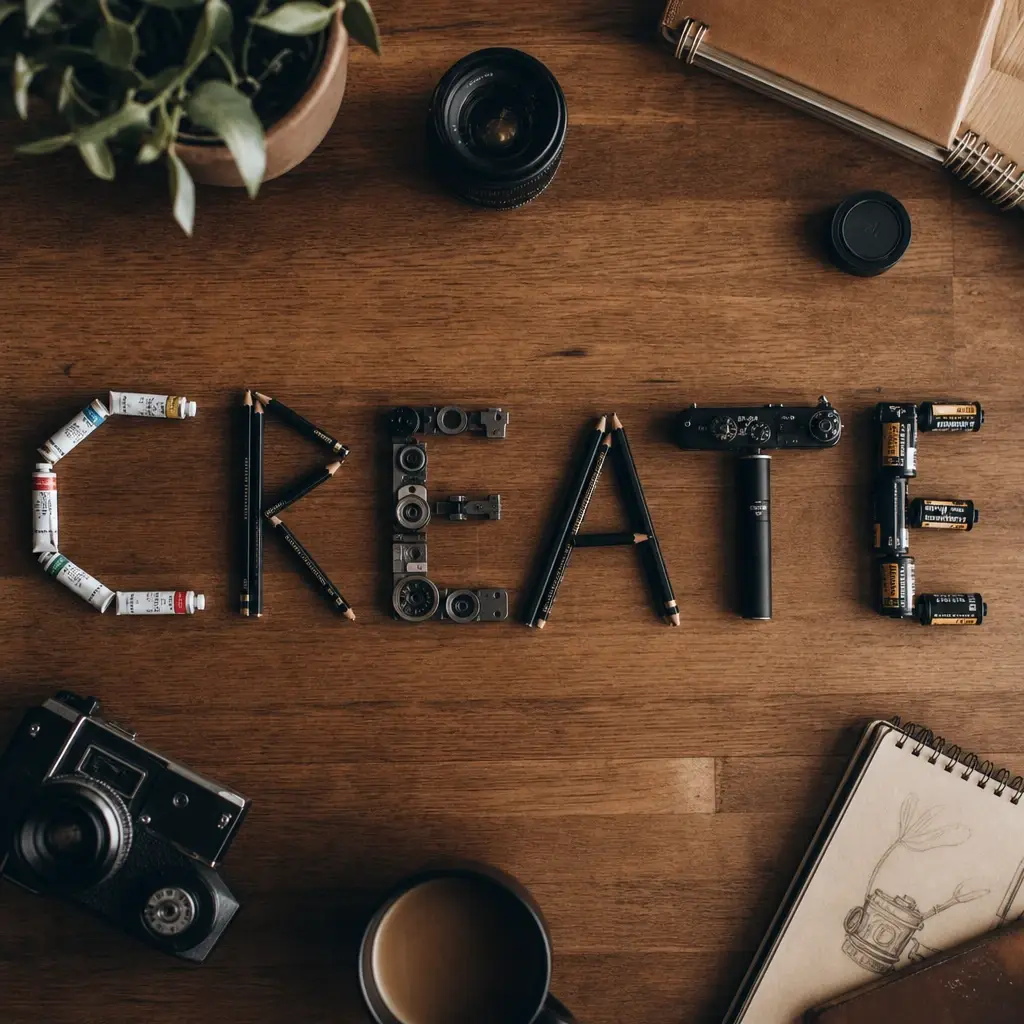
GPT Image 2 is now live on Lovino — the most advanced image model in the Lovino catalog. It's the biggest upgrade in image generation this year, and it's already in your model picker — no separate API key, no juggling credits across providers.
With GPT Image 2, you can render text with industry-leading accuracy across dozens of languages, generate realistic images with authentic human characters, and give complex, detailed instructions for the model to follow.
Every image in this post was generated with GPT Image 2 on Lovino. Here's what it can do.
Marketing graphics: one prompt to complete campaign assets
Combine GPT Image 2's precise text rendering with Lovino's workflow and you can generate a complete marketing campaign in minutes. From infographic designs to social media posters to product shots with real pricing, review and edit everything on one infinite canvas. Start by setting up your Lovino Brand Kit so every asset matches your palette and typography.
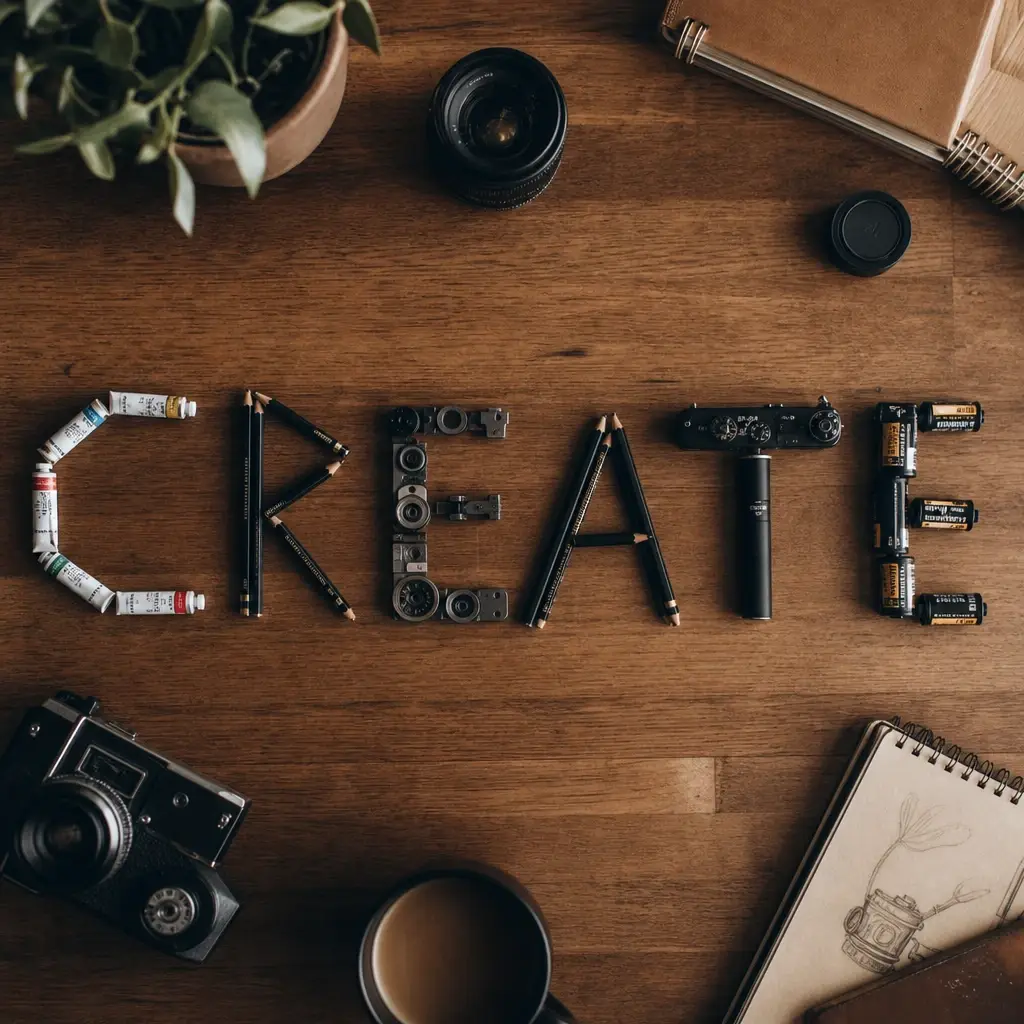
The flat-lay above is a single generation — a clean, deliberate composition with no separate design pass needed afterward. The same precision carries over to dense chart labels, small captions on a product card, and headline typography anywhere in a campaign.
What to try:
- "Quarterly revenue infographic with three bar charts, bold headline '$18M ARR', crisp sans-serif labels, corporate blue and white palette"
- "Square Instagram post announcing 'Summer Sale 50% Off', product in focus with playful serif headline, soft pastel background"
- "UI dashboard mockup for a fintech app, dark mode, with labels 'Balance', 'Transactions', and 'Goals' rendered in medium-weight sans-serif"
Text rendering: poster-size typography without a design pass
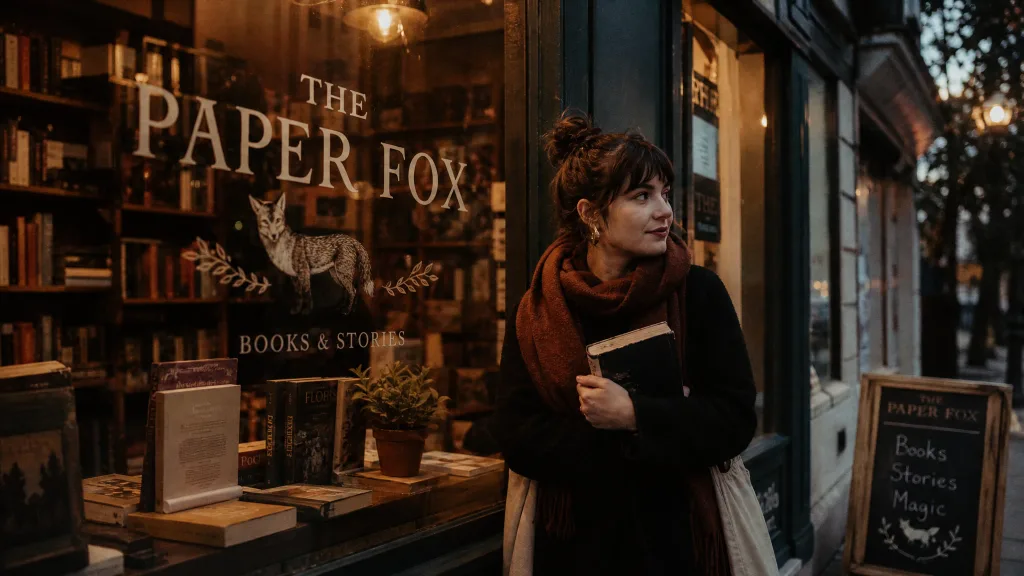
The biggest leap over DALL·E 3 and every open model is text rendering. GPT Image 2 produces dense, legible text — including large display type, small captions, and non-Latin scripts — on the first generation. Infographics, UI mockups, marketing posters with accurate copy: all work-ready out of the box.
The storefront above is a single generation — painted signage lettering rendered correctly and legibly on the first pass. A year ago this would have taken three iterations with manual text-fixing in Figma afterwards; the same reliability carries over to stat callouts, small captions, and multi-line copy in infographics and posters.
What to try:
- "Editorial magazine cover with the headline 'AI IS EATING MARKETING' in bold condensed sans-serif, small byline 'by Lovino · Issue 04', crisp vertical layout"
- "Conference poster: 'OpenAI DevDay 2026' rendered in large display type, small schedule list below, minimal geometric design"
- "Product landing page mockup with a hero headline, three feature bullets, and a pricing table — all rendered as legible UI copy"
E-commerce localization: product listings in four languages, one generation
GPT Image 2's multilingual text capabilities unlock something that used to take an in-house design team: product listings generated for every market in one pass. Titles, subheads, feature callouts, and correctly-formatted prices — all ready to upload.
Generate one product card per target market and GPT Image 2 handles the right typography, the right script, and the right pricing format for each — for example $149.00 for the US, ¥799 for China, ¥19,800 for Japan with a comma thousands separator, or €149,00 for Spain with the comma-decimal convention. Non-Latin scripts (CJK, Arabic, Hebrew, Thai) render with the same fidelity as English — one prompt per market, every market covered.
What to try:
- "Four-panel product grid for a new skincare serum: English, French, German, Japanese. Same minimal photography style, localized headline and price per panel."
- "Arabic right-to-left layout for a perfume bottle on a marble surface, luxe gold-and-white palette, price '٧٤٩ ر.س' rendered correctly"
- "Korean TikTok Shop vertical card, 9:16, with bold Hangul headline and a playful product lockup"
UGC content: realistic avatars and lifestyle photos
GPT Image 2 reproduces the photographic quality of iPhone photos — authentic skin texture, imperfect framing, warm natural light — which means you can generate UGC-style content for your socials with believable scenes. Character consistency across generations means the same creator shows up across a full content series, not a slightly-different face each time.
Chain this with Lovino's video models (Seedance 2.0, Wan 2.2) and you can animate the avatar speaking, walking through a product demo, or reacting to a scene. Lifestyle video from a single photo reference, in minutes.
What to try:
- "Young woman holding a tabby cat in a sunlit kitchen, shot on iPhone, warm morning light, shallow depth of field, candid smile"
- "Same woman, different scene: on a subway platform reading a book, cinematic, golden hour light"
- "Same woman, product shot: holding a skincare bottle at arm's length, bathroom mirror selfie, soft window light"
What sets GPT Image 2 apart
Three capabilities put GPT Image 2 ahead of every other model in the Lovino catalog:
- Text rendering: dense text, small lettering, and complex layouts come out correct the first time. Infographics, UI mockups, and marketing posters no longer need a post-hoc text pass.
- Precise editing: ask the model to change one thing and it changes one thing. Face, pose, lighting, and background stay locked. Send a reference and say "change the hat to red velvet" — that's what happens.
- Character consistency: drop the same person into multiple scenes and they look like the same person. Usable for children's books, storyboards, and multi-image ad campaigns.
How quality tiers work on Lovino
GPT Image 2 exposes three quality levels. On Lovino the credit cost maps directly, and the low tier is free for every user:
- Low — 3 credits — free for everyone — fast drafts, idea exploration
- Medium — 5 credits — Pro — most work, balanced quality and speed
- High — 7 credits — Pro — finals, posters, infographics, anything with readable text
The quality picker sits right next to the aspect-ratio toggle in the studio, so switching between tiers is one click. Free users who click medium or high see an upgrade prompt instead of a silent failure — you always know what's unlocked and what isn't.
Default quality is auto. For free users Lovino pins auto to the low tier server-side so you can never accidentally spend provider cost on a tier you haven't paid for. For Pro users auto flows through to OpenAI's internal heuristic which picks the best tier for the prompt.
Getting better results
A few things we've learned from testing the model across hundreds of generations:
- Be specific. "Add soft coastal daylight" beats "make it better." GPT Image 2 follows instructions literally — give it literal instructions.
- Put text in quotes. For readable copy inside the image, wrap the exact text in quotes and describe the typography: "Bold sans-serif, centered, high contrast."
- Lock what shouldn't change. When editing, explicitly state what must stay the same. "Change only the background, preserve the subject's face, pose, and clothing."
- Iterate with small changes. Start with a base image, then make one adjustment at a time. GPT Image 2 is optimized for this workflow.
- Label your reference images. When composing from multiple inputs, describe how they relate: "Apply the style from image 1 to the subject in image 2."
Pricing and access
GPT Image 2 is free to try for every Lovino user — the low-quality tier (3 credits) sits inside the daily free credits that come with every account. Medium and high tiers unlock with any Lovino Pro plan. No separate OpenAI subscription, no API keys to rotate, no rate-limit surprises.
Try Lovino presets powered by GPT Image 2 and ship a full marketing campaign, localized product listings, poster typography, or realistic UGC content in minutes.
Or jump straight into the studio and start generating.
Every image in this post was generated with GPT Image 2 on Lovino. Your outputs will vary with your own prompts, reference images, and quality tier.



