AI Product Photos for Candle Brands: Scenes, Not Fake Flames
AI product photos for candle brands can place your real jar in cosy seasonal scenes. See the workflow, and which claims a photo must never make for you.
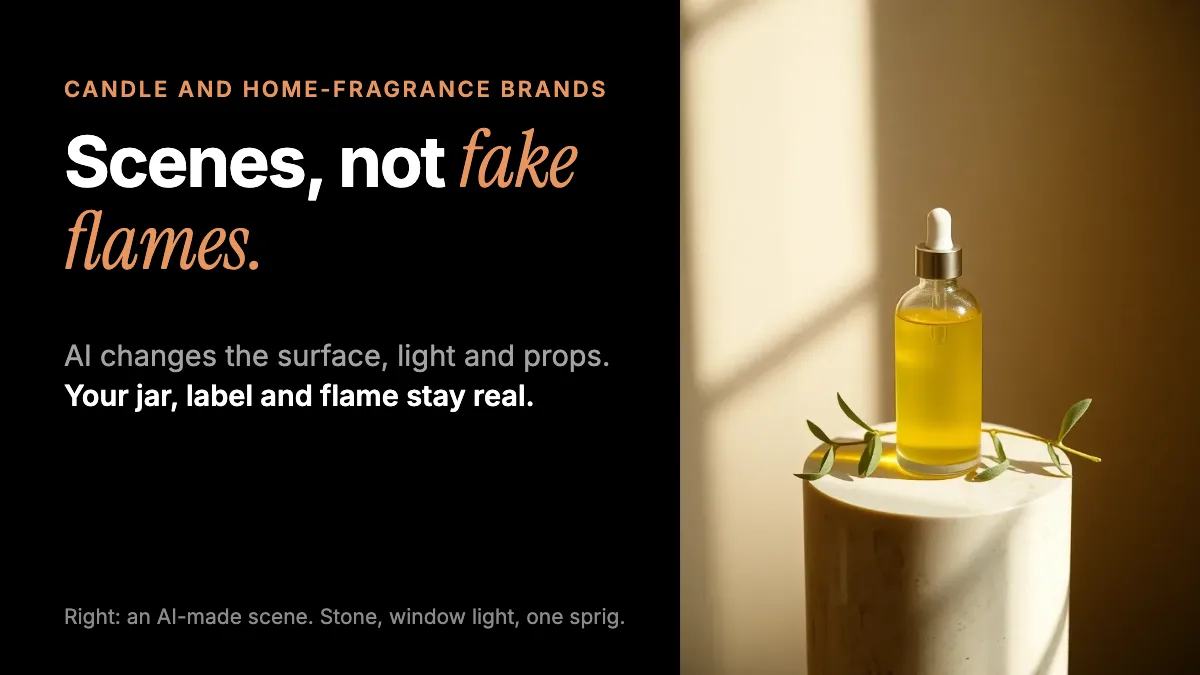
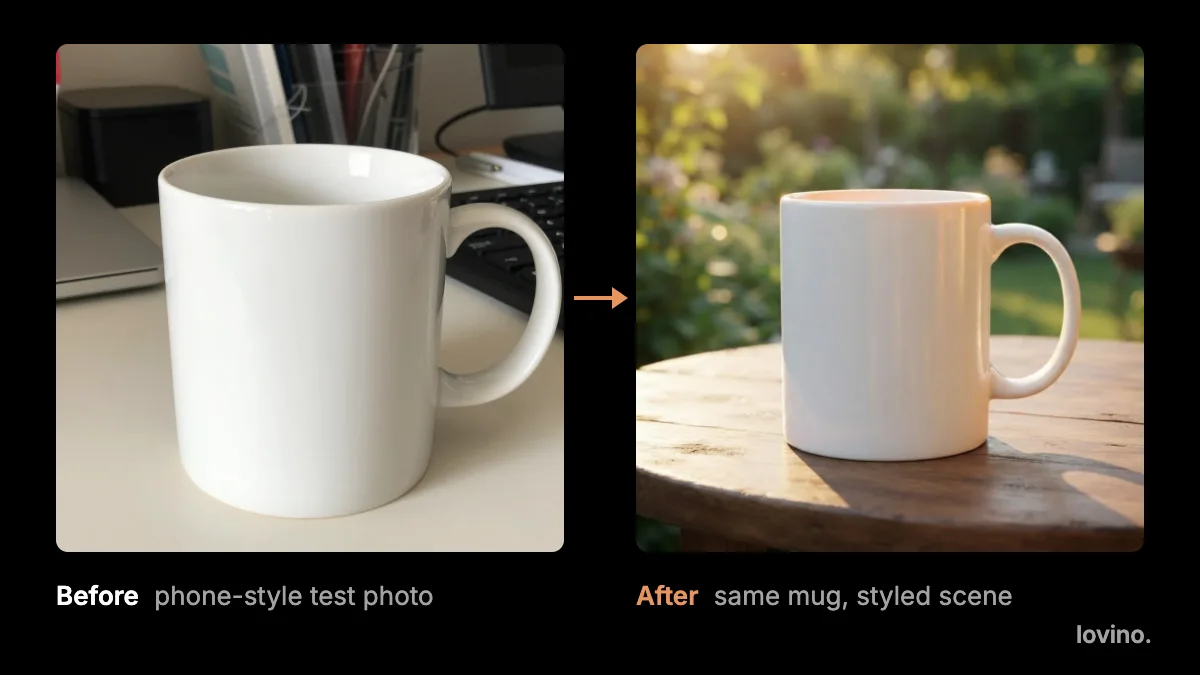
AI product photos for candle brands do one job well: they place your real candle in a believable scene. You photograph the jar once, and AI changes the table, the light and the props around it. What AI must not do is invent the candle. The wax colour, the label, the flame and the burn are the product, and customers will judge them in their own homes.
Here is the workflow for cosy, seasonal candle scenes, and a clear list of what a photo can never promise.
Why are candle photos so hard to get right?
Candles are mostly glow, glass and reflection. Amber glass picks up every window in the room. Labels curve around the jar. A flame is bright enough to blow out the rest of the frame. And your range changes with the seasons, so a single shoot goes out of date quickly.
An AI scene tool helps with the last problem. It can give the same jar an autumn table, a winter shelf and a spring windowsill without a new shoot. It does not fix the first three. A sharp, well-lit photo of the real jar is still the foundation.
How do you make AI product photos for candle brands?
Think of every scene as four parts, and change one at a time.

- Shoot the jar. Use a plain surface and a plain wall. Trim the wick, wipe the glass and face the label towards the camera. Light it from the side with a window.
- Upload it to the Product Photo tool. The AI product photography tool offers six scenes: white, marble, lifestyle, outdoor, kitchen and wooden. For candles, lifestyle and wooden usually feel right.
- Add a short note. Keep it to light and one prop, for example "soft evening window light, a small ceramic dish beside it".
- Check the jar. Compare the label, the wax colour, the lid and the jar shape with the real candle.
- Make a white version too. Many marketplaces want a plain main image, so a clean white-background photo is worth having. Check the rules of yours.
If you work in Studio with your own prompt, borrow the guard sentence the tool uses and adapt it:
Place this exact candle on a stone shelf beside a small stack of ceramic dishes, warm evening window light, as a high-quality product photo. Keep the jar, the label, the wax colour and the lid exactly as they are. Do not add any other text, letters, logos or signage.
The guard sentence protects the label. It is a request, not a guarantee, so you still check the result.
Which scenes suit candles and home fragrance?
| Product | Scene idea | What to check |
|---|---|---|
| Jar candle | Lifestyle table, wooden shelf | Label legibility, glass reflections |
| Pillar or taper | White, marble | Height, proportions, number in the set |
| Reed diffuser | Kitchen or lifestyle shelf | Reed count, bottle label |
| Wax melts and room spray | White, wooden | Pack text and quantity |
| Gift set | Lifestyle | Exactly what is in the box |
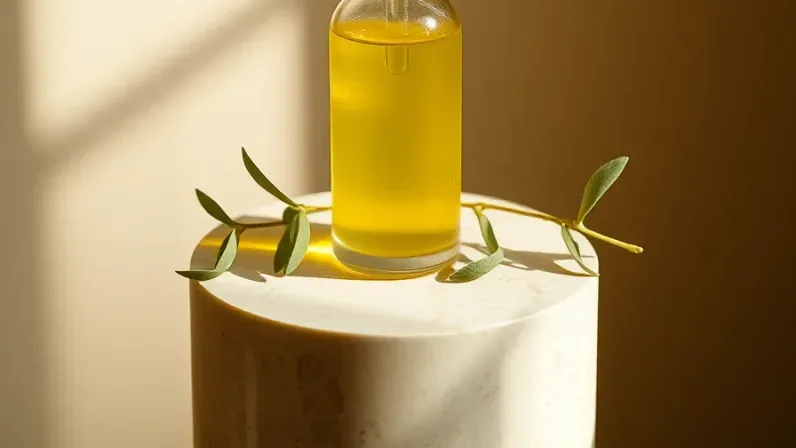
Moody scenes suit evening and winter ranges. Here is a fragrance bottle on wet stone, made with AI, to show the style.
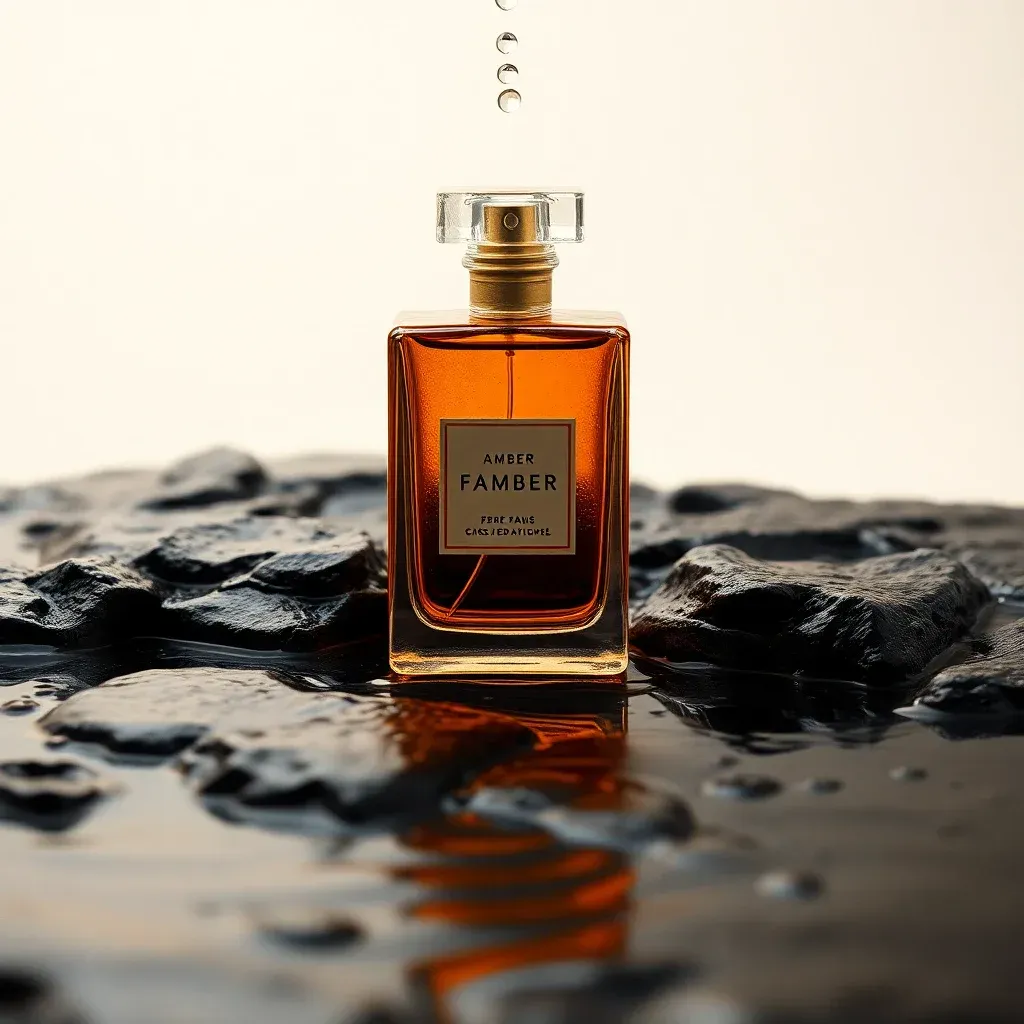
Look at the label. The brand is made up, and the lettering is garbled: the model wrote "FAMBER" and a line of nonsense. That is why your real label must come from your real photo, never from the model.
What should a candle photo never claim?
A photo can set a mood. It cannot prove anything about how a candle performs. Keep these claims out of the picture and in tested words instead.
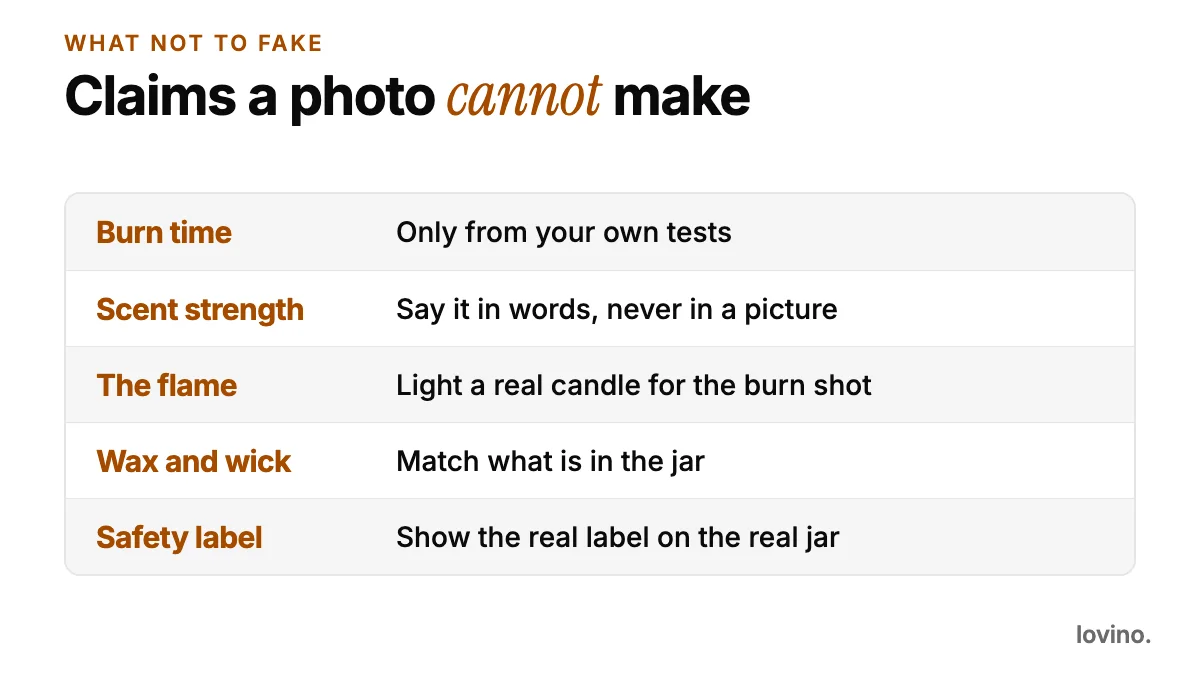
- Burn time. Print a number only if you have tested it. Never imply it with a picture of a half-burnt candle.
- Scent strength. You cannot show scent. Describe it with notes, such as top, middle and base. Do not use heavy haze or steam to suggest a strong throw.
- The flame. An AI flame can look lovely and still be wrong in height, colour or shape. For the burn shot, light a real candle and photograph it.
- Wax and wick. Show the colour and wick you actually pour. If your wax shows frosting or wet spots, do not paint them out of the main photo.
- Safety labels. Warning and hazard wording is set by rules that differ by country. Take the wording from your regulator, your supplier or a compliance adviser, never from an image model. And never let a scene hide or alter the label on the real jar.
What should you not show, even in a styled scene?
Mind the setting as much as the product. Cosy props and open flames do not mix. Look at the right-hand corner of this AI lifestyle scene.
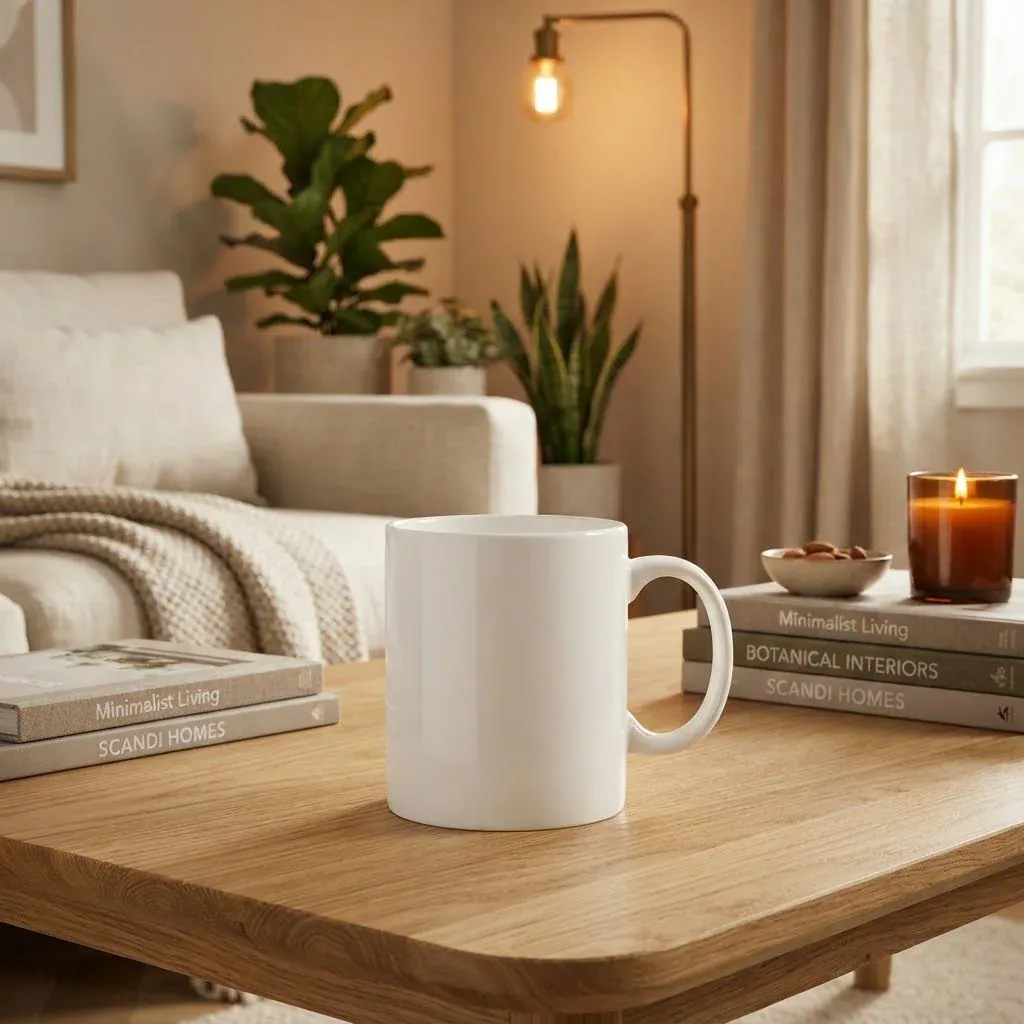
The lit candle sits on a stack of books, a short reach from the curtain. It is fine for a test picture and wrong for a brand. Show a lit candle on a heat-safe tray or a stone coaster, clear of paper, fabric and anything else that burns. A scene that models an unsafe habit sends the wrong message, even to people who never read the warning label.
Can candle scenes move?
Image to video turns a still scene into a short clip, such as a slow push-in on a finished table. Video uses paid credits and clips run a few seconds. Remember that any flicker is invented motion, not a burn test, and fine text on a label can distort as it moves. Use motion for mood, and keep the still photo as your proof.
How do you keep a candle range consistent?
A range looks designed when the photos feel related.
- Pick two scenes and use them across every scent.
- Let the wax colour drive the palette. A sage candle suits linen and wood. A deep red suits stone and dark wood.
- Give each scent one signature prop, such as a branch for cedar or a lemon for citrus.
- Keep the light direction the same, so a shelf of products looks shot on one day.
If you sell on a marketplace, the accurate-representation rules in our guide to AI product photos for Etsy sellers apply to candles too. For broader examples, see AI product photography for e-commerce and product photo prompts.
What are the limits and privacy basics?
- You need an account to generate. Free results carry a watermark, and paid plans remove it. See pricing.
- Everything you generate can be used commercially, free plan included.
- Photos you upload are processed by third-party AI providers that run the models. Do not upload unreleased designs you need to keep private.
- Results vary, so expect to run a scene more than once.
Start with one jar
Photograph your best-selling scent once, in daylight, with the label sharp. Run it through two scenes, check the label and wax colour against the real jar, and keep only what passes. Then shoot one real burn photo and write the burn time from your own tests. That gives you cosy scenes and honest claims. Open the AI product photography tool and upload that first jar.
Questions, answered.
Can AI make product photos for a candle brand?
Yes, for the scene around your real candle. You photograph the jar, and the Product Photo tool places it on a new surface with new light and props. The label, wax colour and jar shape should stay as they are, so check them against the real candle.
Should I show a lit candle in AI scenes?
A lit candle sets the mood, but an AI flame is decoration, not evidence. For a burn shot, light a real candle and photograph it. Show candles on a heat-safe surface, away from paper and fabric.
How do I keep my candle label readable?
Shoot the label sharp and facing the camera, and ask the model to keep printed text exactly as it is. The image is redrawn, so small text can shift. Check every letter before you publish.
Can I put burn time or scent strength in the photo?
No. A photo cannot prove either. State burn time only if you have tested it, and describe scent in words, such as top, middle and base notes.
Can I use the images commercially?
Yes. Everyone who generates on Lovino, including free users, can use the results commercially. Free results carry a watermark, and paid plans remove it.