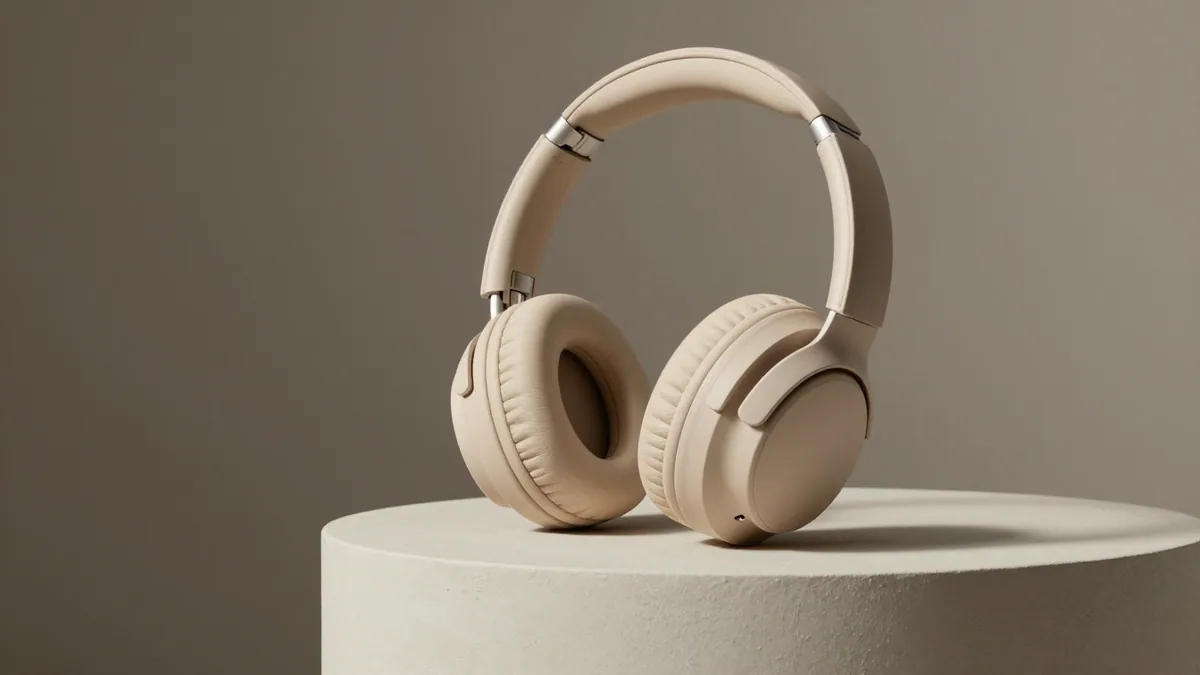
There are two very different jobs hiding behind "AI product photos". One is inventing a product picture from text, which is good for ad concepts and mood boards. The other is editing a photo of your real product, which is the only way to keep your actual shape, colour and label. This page gives you prompts for both, and shows where each one goes wrong.
Product photo prompts at a glance
| Job | Route | Cost on Lovino | Main risk |
|---|---|---|---|
| Concept or mood-board shot | Text prompt to image | Z-Image Turbo, 1 credit | The product is invented, not yours |
| Your real product on a new backdrop | Edit your photo with an instruction | FLUX Kontext Fast, 2 credits | Colour and label drift |
| Selfie-style ad still | Text prompt to image | Z-Image Turbo, 1 credit | The person is not a real customer |
Route one: generate a studio shot from text
The hero image above came from this prompt. It is worth reading slowly, because each clause has one job.
Prompt: Studio product photo of plain sand-coloured headphones with no logo on a plaster plinth, soft editorial light, 85mm lens, main subject in the upper two-thirds of the frame, calm darker lower third left clear for text
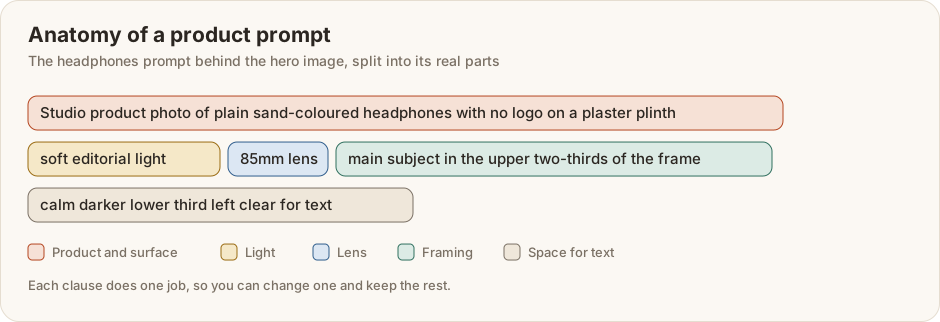
The last two clauses are the useful trick: they ask for the subject in the upper two-thirds and a calm lower third "left clear for text", so a price or headline can sit there later. All the prompts in this section say "plain" or "unbranded" on purpose. A text prompt cannot know your product, so it draws a generic one. Here are two more, both made with Z-Image Turbo.
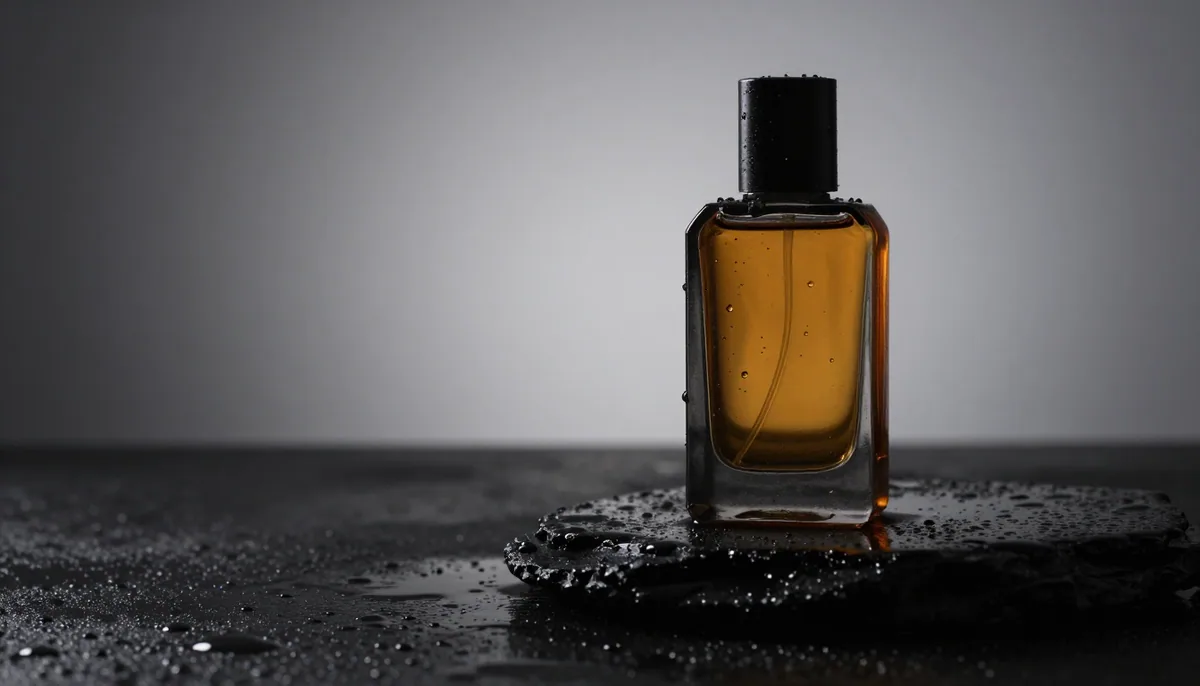
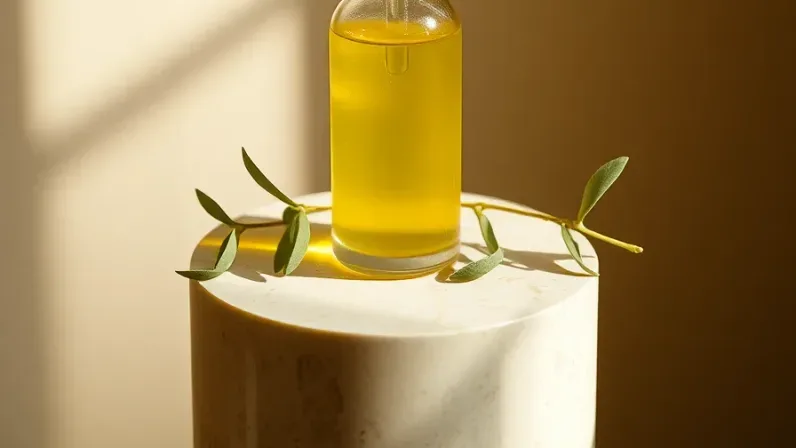
Prompt: No visible text, letters, words, numbers, logos or signage anywhere in the image. Studio product photo of an unbranded amber perfume bottle on wet black stone with water droplets, dramatic side light, 100mm lens, main subject in the upper two-thirds of the frame, calm darker lower third left clear for text
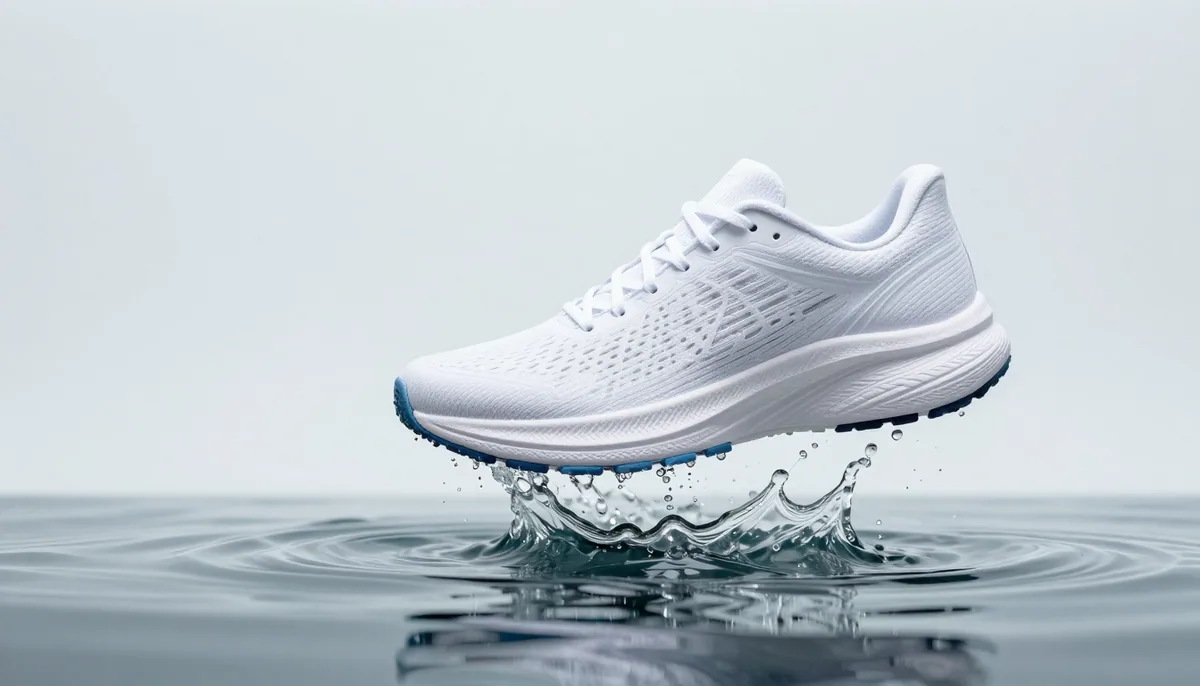
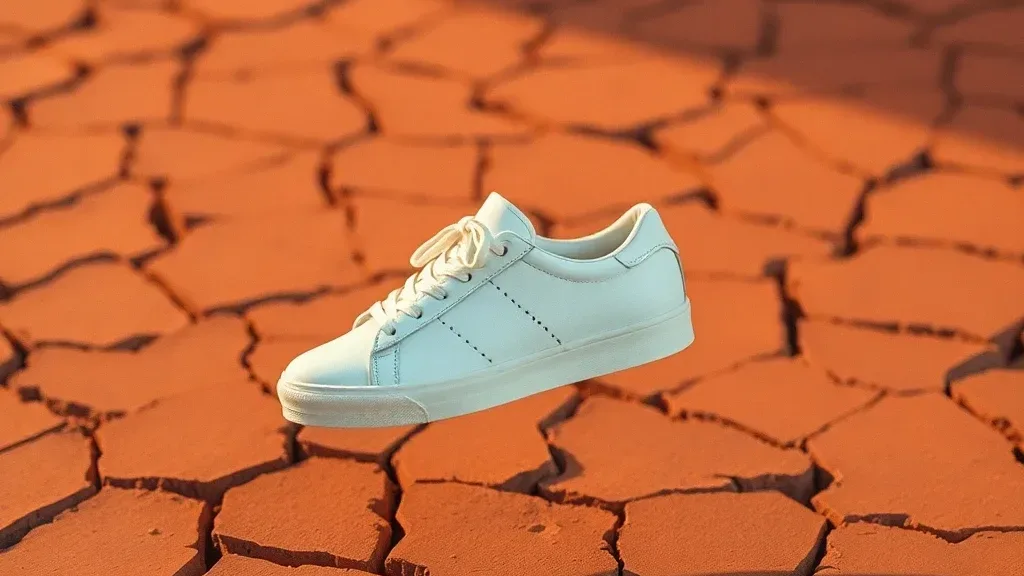
Prompt: Studio product photo of a plain white running shoe with no logo floating above a splash of water, clean pale background, high-speed flash, main subject in the upper two-thirds of the frame, calm darker lower third left clear for text
Route two: edit your own product photo
This is the route for a real SKU. The starting point is one AI-made photo of a sneaker on a cafe table. The middle panel used FLUX Kontext Fast, the right panel Nano Banana 2 Lite.
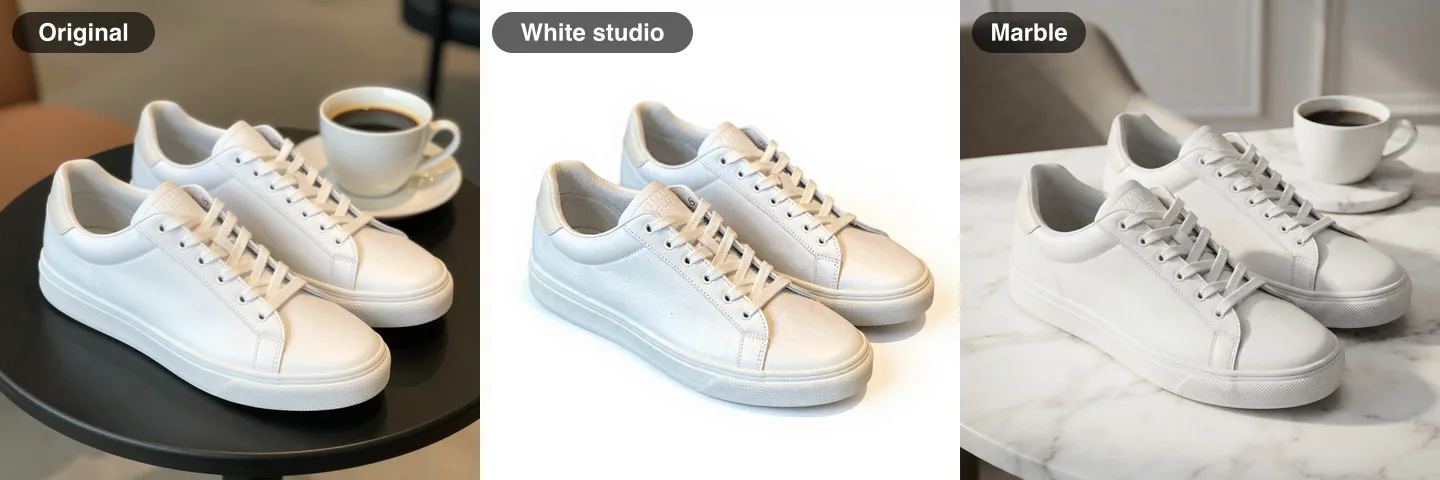
White studio: Replace the background with a clean seamless white studio backdrop and soft studio shadow. Keep the sneaker exactly the same.
Marble: Place this exact product in a white marble surface with soft natural window light, as a high-quality commercial product photo. Keep the product's shape, colours, proportions and any text already printed on it exactly as they are. Do not add any other text, letters, logos or signage.
Compare the two results before you copy either prompt. The white studio version removed the table and the cup and kept the sneaker's shape and cream details. The marble version kept the coffee cup, and it moved the laces and heel tab from cream towards grey, even though the prompt said to keep the colours. That is the check to run on every edit: put the result next to the original and look at colour, proportions and any printed text.
Selfie-style ad stills
Ad creative that looks like a phone photo of a person holding the product is a common format. This one is a prompt for the still.
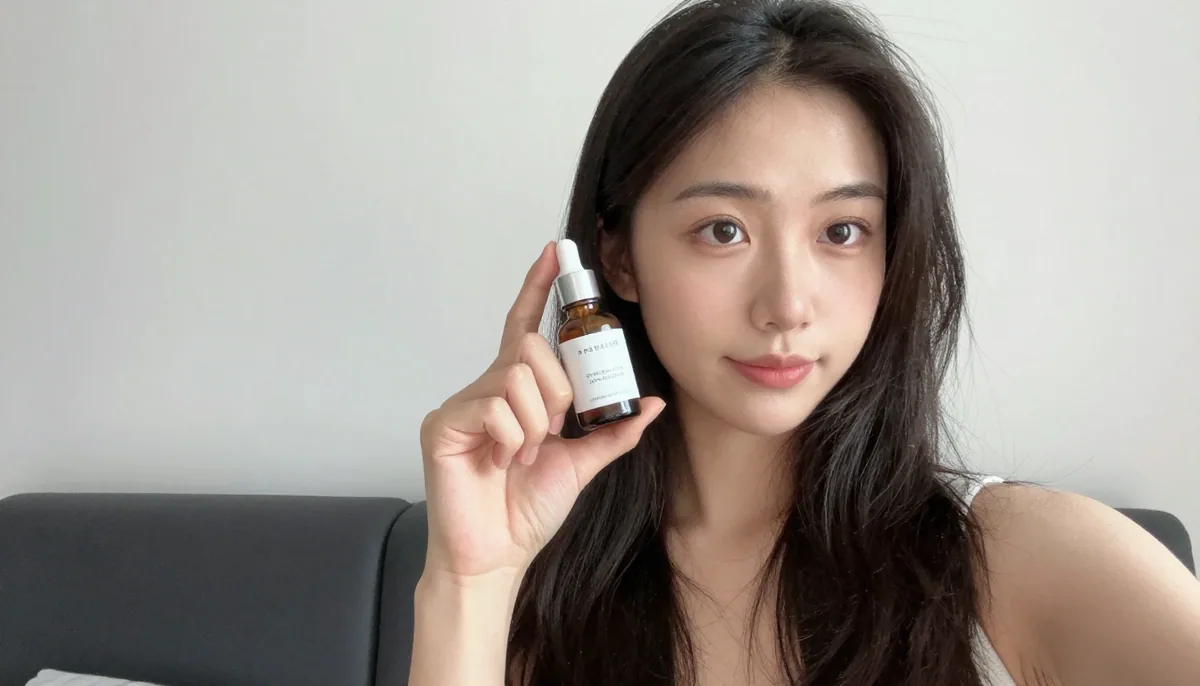
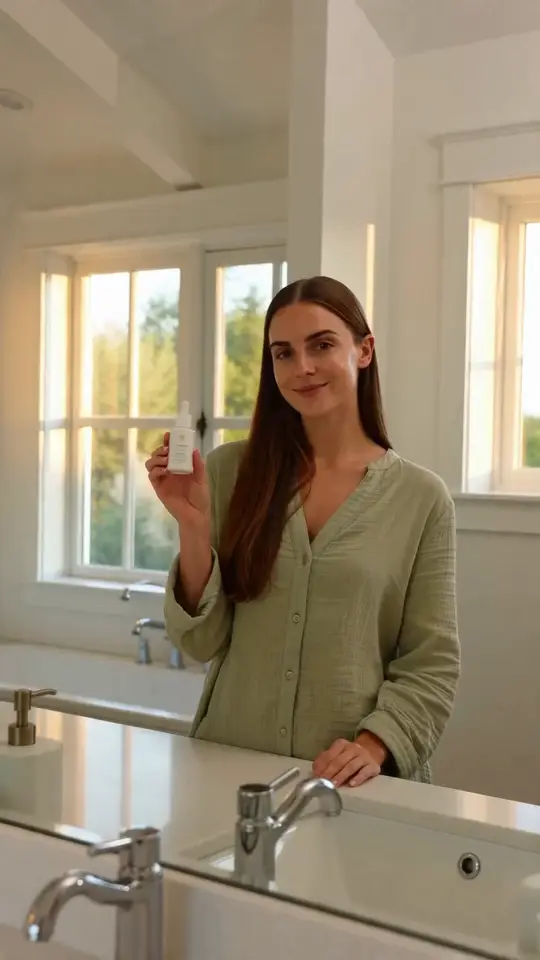
Prompt: Smartphone selfie-style photo of a young woman in her bright bedroom holding up a small unbranded skincare serum bottle to the camera, main subject in the upper two-thirds of the frame, calm darker lower third left clear for text
The woman is generated, not a customer. Do not present a generated person as a real reviewer or as a testimonial, and follow your platform's rules on disclosing AI-made ads.
Template prompts to adapt
These are patterns, not tested prompts. Swap the words in [brackets] and check each result.
- Studio: Studio product photo of a plain [product] with no logo on a [surface], soft editorial light, 85mm lens, main subject in the upper two-thirds of the frame, calm darker lower third left clear for text.
- Water: Studio product photo of a plain [product] floating above a splash of water, clean pale background, high-speed flash.
- Edit, backdrop: Replace the background with a clean seamless white studio backdrop and soft studio shadow. Keep the [product] exactly the same.
- Edit, surface: Place this exact product on [surface] with soft natural window light, as a high-quality commercial product photo. Keep the product's shape, colours, proportions and any text already printed on it exactly as they are.
- Selfie ad: Smartphone selfie-style photo of a [person] in a [room] holding up a small unbranded [product] to the camera.
Test one tricky product before you batch
Pick the hardest product you sell: something reflective, transparent or covered in printed text. Run one edit prompt on it and compare the result with the original for shape, colour and every letter. If it fails, change the prompt or the model and test again. Only batch the catalogue once the hard case passes. It is the same test we recommend for AI fashion photography, where fabric detail is the equivalent of a printed label.
Save one prompt per surface, not one per product. A good marble clause or white-studio clause can be reused across the catalogue, while the product name in the sentence changes.
Before you publish
- Compare with the original. Colour, shape, stitching and printed text.
- Read every label. Generated text can be wrong, and a changed logo can be a legal problem.
- Check marketplace rules. Marketplaces publish their own image requirements, and some ask for plain backgrounds.
- Keep the original file. You will want it when a listing needs an exact match.
What it costs
The Product Photo tool costs 2 credits per image, and the free plan's 3 daily credits (signup required) cover one run. The Background Remover costs 1 credit and returns a cut-out you can place on your own backdrop. Free-plan downloads are watermarked; paid plans start at $9.99 a month for 50 credits, or a pack at $8 adds 50 credits ($0.16 each).
Keep going
For the wider workflow read AI product photography for e-commerce and AI product photos for Shopify. If the product needs to appear in a video ad, see how to make UGC product ads with AI, and the e-commerce solutions page covers catalogue-scale work. Text on packaging is easier with GPT Image 2 prompts.