

One face across every campaign.
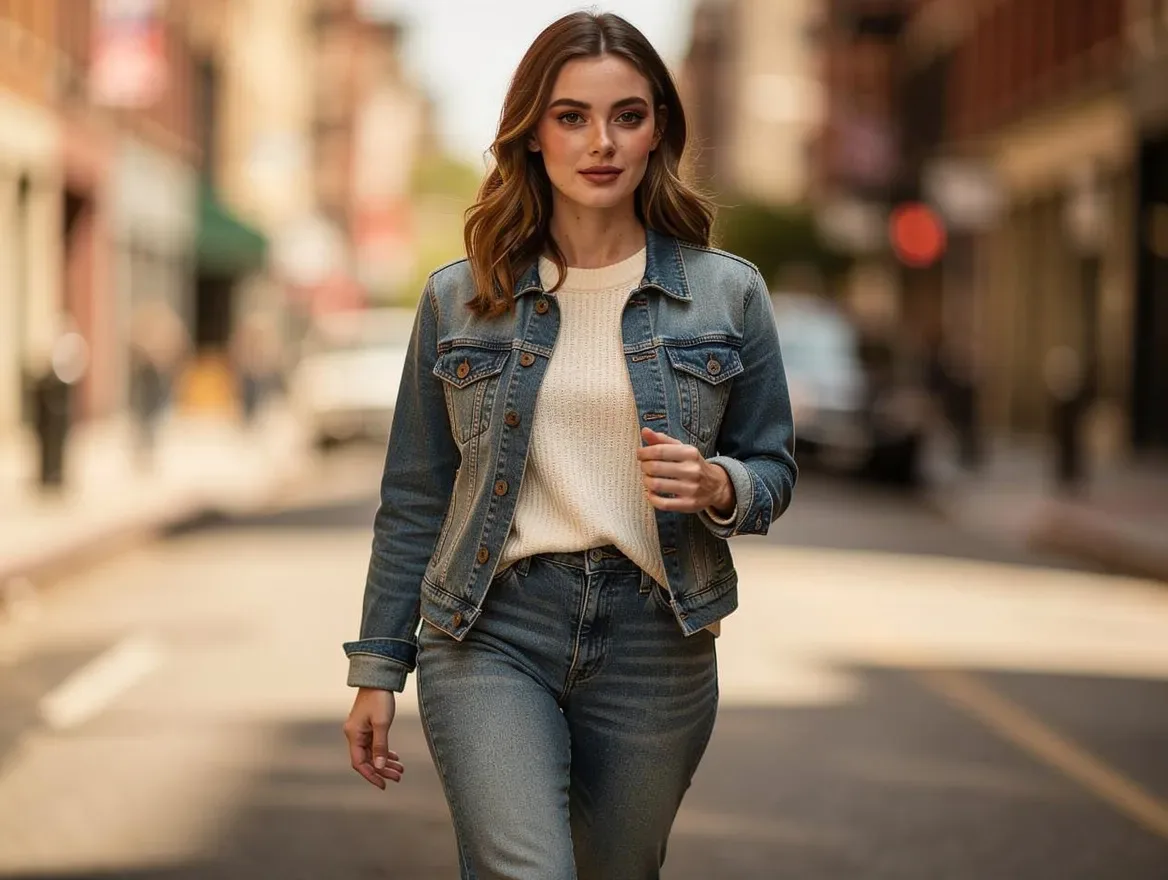
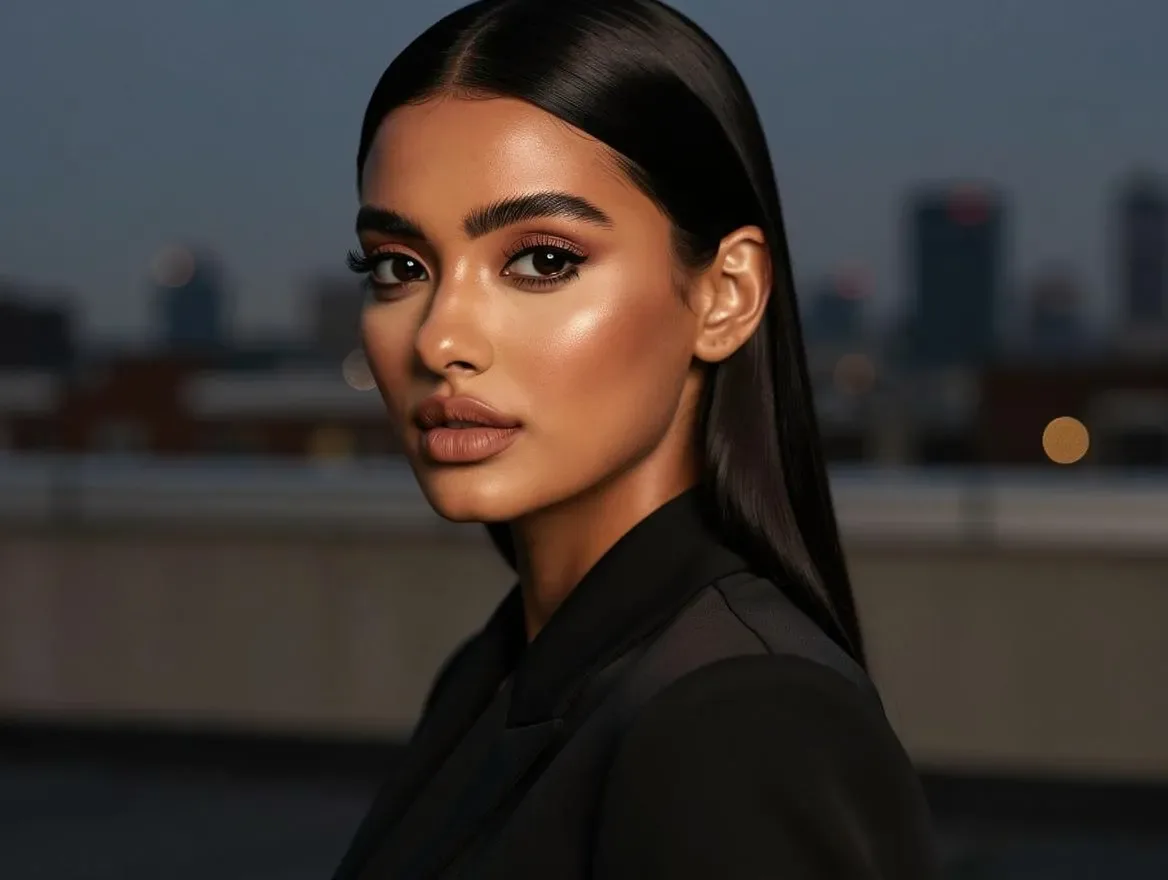
A Lens ID is a saved, reusable character. Shoot the same person in a café, a gym, a rooftop or a studio — as many times as the calendar demands — without booking a single talent day.
- 5 preset characters
- 3 credits per photo
- Free daily preset shoot


Why brand faces are expensive.
Consistency is the whole job of a brand face — and it is exactly the part that traditional production makes hardest.
Every new scene is a new shoot.
A second location, a seasonal outfit, one more platform format — each one means re-booking the talent, the crew and the day.
Generic AI images never match.
Prompt the same description twice and you get two different people. A campaign built that way has no recognizable face at the centre of it.
Talent doesn't scale with the calendar.
Content calendars want dozens of posts a month. Human availability, usage windows and re-shoot costs don't move at that speed.
The Lens ID solution.
Pick a character once. Every generation after that references the same saved face — so the person on the rooftop is the person in the café.
A saved, reusable character
Five preset characters ship at launch — three lifestyle, one fitness, one stylized. Choose one and it stays yours to shoot again and again.
Meet the castPhotoshoots on demand
Describe a scene, an outfit or a pose and get a new photo of the same character — 3 credits each, in the aspect ratio the channel needs.
Animate a photo
Turn any photo of your character into a short video — motion and B-roll, from 3 credits. No lip-sync or speech.
Reference-based, not trained
There is no custom model to train and no waiting on a fine-tune. The character's saved reference set conditions every generation directly.
From brief to campaign.
01
Pick a character
Choose from the five preset Lens IDs. That character becomes the recurring face of the campaign.
02
Describe the shot
Scene, outfit, pose, framing. Scene starters are one tap away, and they compose rather than overwrite.
03
Generate the photo
3 credits produces a new photo of the same character — repeat it for every placement the campaign needs.
04
Animate and ship
Turn a favourite frame into a short video, then take the set straight to social, ads or the site.
Questions, answered.
What exactly is a Lens ID?
A Lens ID is a saved, reusable character. Once you pick one, every photo you generate references the same saved face — so the character stays recognizable across scenes, outfits and poses.
Does this train a custom model on my brand?
No. Lens ID is reference-based, not a custom model or LoRA: the character's saved reference images condition each generation directly, so there is no training step and nothing to wait for.
Can I use my own face or a client's model?
Not yet — there is no photo upload. You can build your own character (pick the look, shuffle until the face is right, save her to your cast), but she is generated from that description, not from a photo of a real person. Bringing your own reference photos is on the roadmap.
What does it cost?
A photo is 3 credits — and with a preset character your unused free daily credits can cover one shoot. Those credits are shared with Lovino's other free tools, so availability depends on what you already created that day. Building your own character costs 5 credits in total (1 per face you preview, 4 to save her). Custom-character photos, video and the Builder use paid credits; video starts at 3 credits and rises with duration and resolution, always shown before you spend it. Paid plans start at $7.99/month, and yearly billing saves 20%.
Can the character talk?
No. Animation produces motion and B-roll only — there is no lip-sync or speech.
Can we use the output commercially?
Yes — anything generated on a paid plan is watermark-free and yours to use commercially, including in client work and paid ads. Shoots covered by free daily credits carry the standard free-tier watermark.
More workflows
- For agenciesGenerate complete destination packs — images, captions, hashtags, SEO metadata — in minutes instead of days. No shoots, no retainers, no design backlog.
- For bloggers & creatorsCompete with AI Overviews by publishing more, better content. Generate hero images, article visuals, and SEO outlines in minutes — not afternoons.
- For hotels & short-term rentalsProperty Pack turns one description into five professional property shots — with SEO descriptions and alt text included — in a single download.
Related guides
- The Complete AI Travel Content Strategy for 2026Build a sustainable content pipeline that combines AI-generated imagery with authentic storytelling to grow your travel brand.
- AI Product Photos for Candle Brands: Scenes, Not Fake FlamesAI product photos for candle brands can place your real jar in cosy seasonal scenes. See the workflow, and which claims a photo must never make for you.
- AI Product Photos for Jewelry Brands: Sparkle Without Faking ItAI product photos for jewelry brands can set a real ring or watch on marble in soft light, but AI redraws the picture. Here is how to keep every stone honest.
Meet your cast.
Pick a character, shoot the first scene, and keep them for every campaign after it.