AI UGC Video Generator: Step-by-Step TikTok Ad Workflow (2026)
Turn a product photo into a TikTok-ready UGC ad. Pick a format and presenter, generate, review, and prepare variants without arranging a shoot.

Paid-social teams need a repeatable way to test creator-style video. An AI UGC video generator replaces the filming step with a reviewable workflow: upload a product image, pick a format, generate a draft, and inspect it before campaign use.
This guide walks through Lovino's AI UGC video generator: format selection, the click path, output review, and the honest limits to plan around. For a market-wide buying comparison rather than a product tutorial, use our AI UGC tools shortlist.
TL;DR
- You need one product image and a one-line brief. The AI Ad Studio handles the actor, the camera, the audio, and the captions.
- Seven UGC formats cover the main ad jobs. Four presenter-led ones (Unboxing, Lifestyle, Testimonial, Hook + Demo) and three product-only ones — pick by funnel stage, not by vibe.
- Check the live studio before generating. Credit requirements vary by duration, resolution, and optional features; the interface is the source of truth.
- Batch ×3 every time you generate. Three variants per request is the right cadence for A/B testing without re-running the brief.
Why "make a UGC ad" became a five-minute job
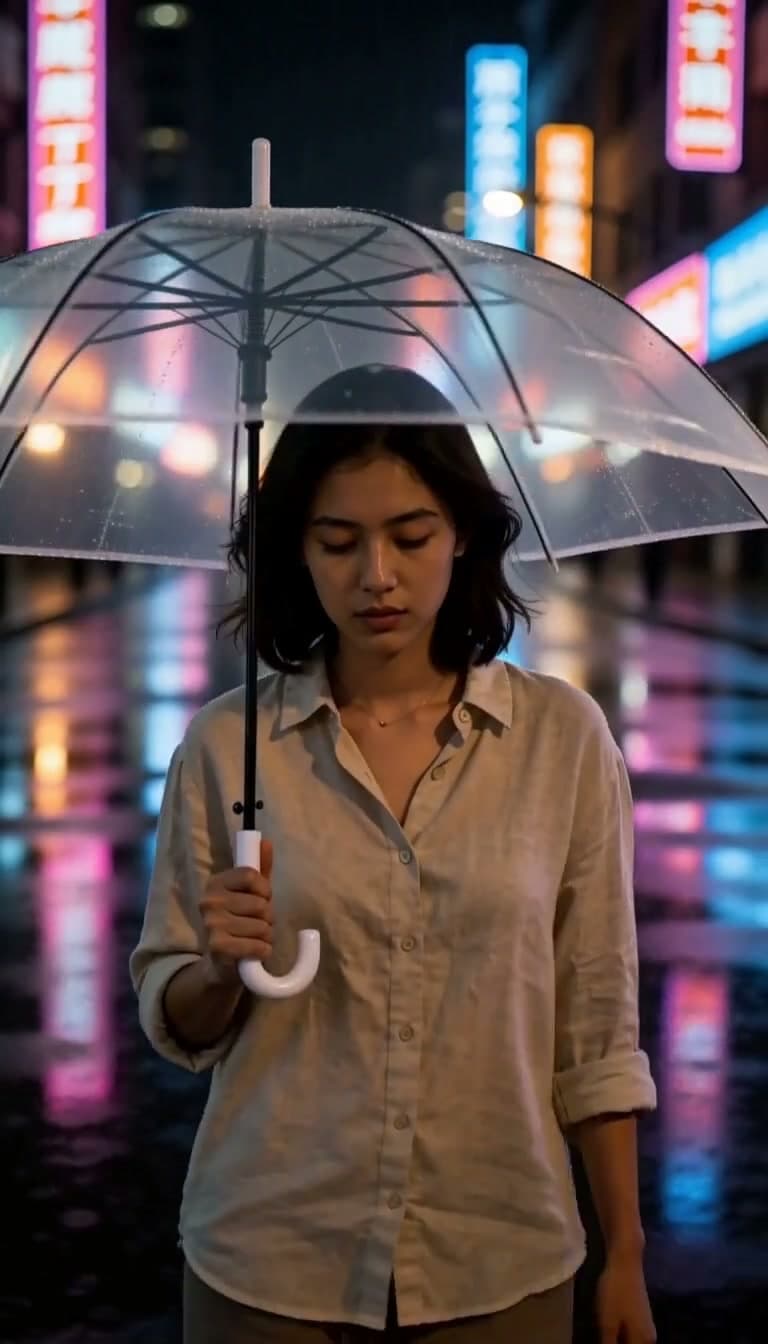
A few years ago, "making a UGC ad" meant briefing a creator, sending product, waiting a week, hoping the angles worked, then editing the cut. The AI version skips all of that and produces a clip that opens with a real-feeling actor, holds your product in frame, and lands the hook in the first second.
The reason this works on TikTok and Reels is the visual grammar. Vertical 9:16, handheld feel, daylight color temperature, eye-line shots, direct address — those signals read as "real person, real opinion" even when the actor is synthetic. AI models like Seedance 2.0 now generate those signals natively, with synchronized audio in the same pass rather than a voice-over stitched on top.
That last part — native audio — is what made AI UGC stop looking obviously AI in 2026. Earlier tools rendered a silent clip and dubbed a voice-over; the lip-sync drifted and viewers caught it. Seedance 2.0 generates dialogue, ambient sound, and lip movement together, so the cut feels like one take.
What the Lovino AI Ad Studio actually gives you
The raw Seedance 2.0 model can generate any video clip from a prompt. The AI Ad Studio wraps the model in a UGC pipeline so you don't have to write a 200-word prompt. The studio gives you:
- Five structured ad formats with the visual grammar baked in
- Direct product-image input — your bottle, your packaging, your hero shot
- An AI actor library with 50+ pre-built faces, voices, and energy levels
- Batch ×3 — three variations per generation request
- Watermark-free MP4 export sized for TikTok and Meta Ads Manager
You pick the format, drop the product image, pick an actor, and hit generate. The studio handles the camera, the lighting, the voice, and the captions.
The UGC formats and when to use them
Each format is a different ad job. Treat the table below as a hypothesis for campaign testing, not a performance guarantee; audience, offer, placement, and execution all change the result.
| Format | Best for | Funnel stage |
|---|---|---|
| Hook + Demo | Cold prospecting on TikTok / Reels | Top of funnel |
| Unboxing | Curiosity-driven discovery, new launches | Top / Mid |
| Lifestyle | Brand-affinity audiences, evergreen ads | Mid |
| Testimonial | Retargeting, social proof | Bottom |
| Hero Shot, Lifestyle Scene, Detail Reveal (product-only, no presenter) | Cart abandoners, feature focus | Bottom |
A few examples:
- A skincare brand launching a new serum runs Hook + Demo to cold audiences ("Why I stopped using my $80 serum") and Testimonial ads to anyone who visited the product page.
- A coffee subscription runs Unboxing at the top of funnel ("This is what showed up at my door") and Lifestyle for retention audiences.
- A SaaS product runs Hook + Demo for cold traffic and a product-only format such as Detail Reveal for free-trial signups who didn't convert.
The format isn't a cosmetic choice — it's a creative-strategy lever. Pick by who's watching, not by which one looks coolest.
How to make a UGC ad in 5 steps
Here's the actual click path on Lovino, start to finish:
- Open the AI Ad Studio and pick one of the seven formats (four presenter-led, three product-only). Hook + Demo is the safest default if you're not sure.
- Upload your product image. A transparent-background PNG composites cleanest, but any regular product photo works. If you don't have one yet, type a one-line description and the pipeline generates a stand-in you can iterate against.
- Pick aspect ratio and duration. 9:16 at 5 seconds is the standard TikTok ad. 10s lets you fit hook + demo + payoff. 1:1 for Instagram feed, 16:9 for YouTube pre-roll.
- Pick an actor and voice from the library — or skip and let the pipeline pick a sensible default for the format. Optionally add the brand kit (logo, colors) so the on-screen captions and end frame stay on-brand.
- Enable batch ×3 and generate. You'll get three variants of the same brief in one request. Pro outputs are watermark-free MP4s ready for Ads Manager.
Render time varies with duration, resolution, queue load, and model availability. Review the completed output in your history before campaign use.
Check cost before you generate
The studio shows the required credits before submission. Duration, resolution, batch size, and optional features can change that total, so this article does not freeze a dollar conversion or competitor subscription price that may quickly become stale. Use the live confirmation for Lovino and each vendor's current pricing page when comparing tools.
Creative practices to test
A working AI UGC pipeline doesn't guarantee converting creative. These are starting hypotheses for a controlled creative test, not claims about guaranteed CPA:
- Hook in the first second. Vertical feeds give you half a second of attention before the thumb-flick. Open with a pattern interrupt — a question, a contradiction, a direct address. Not a logo intro.
- Stay vertical for TikTok and Reels. 9:16 only. Horizontal video on a vertical feed reads as low-effort and gets scrolled.
- Test captions. Captions improve comprehension when sound is unavailable, but measure their effect with your audience rather than assuming a universal lift.
- Use the native audio. Don't generate silent and dub later. Native sync is the differentiator; turning it off makes the cut feel like 2024 AI.
- Batch ×3 every time. One creative concept dies fast. Three variants per generation gives you ad-set variation without re-briefing.
- Match the format to the funnel. Hook + Demo for cold, Testimonial for retargeting, Unboxing for top-of-funnel curiosity. Don't ship the same format across the funnel.
- Watermark-free for paid. Free-tier outputs are watermarked previews. Avoid shipping a watermark into Ads Manager — it can hurt delivery and may be flagged under platform policies.
- Watch creative fatigue. Refresh when frequency and performance data show decline; there is no universal retirement schedule.
Honest caveats — where AI UGC still breaks
This is the part most tutorials skip. AI UGC ads are good enough to test in market today; they're not good enough to replace every human variant, and pretending otherwise will lose you spend.
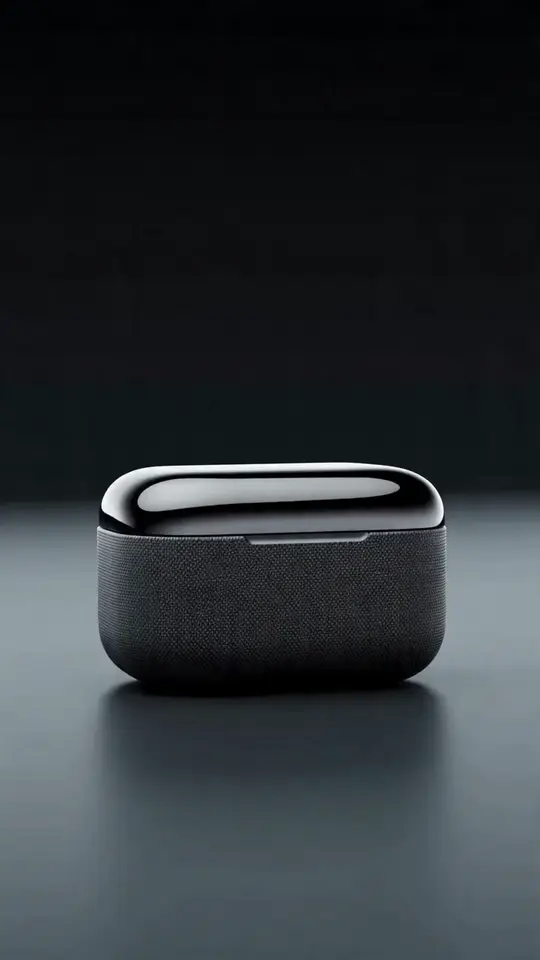
- Small props warp. Rings, earphones, single capsules sometimes deform mid-shot. Use a product-only format and a clean product PNG. Review every output before shipping.
- Branded text drifts. Lettering on packaging is hit-or-miss across all 2026 AI video models. If your label has critical copy, plan to cut to a still of the real product or use Hook + Demo which keeps the product in-hand for shorter visible windows.
- 15-second clips can de-sync. Audio sync is reliable on 5- and 10-second clips. On 15s you'll occasionally see micro-drift between lip movement and dialogue. For longer testimonials, generate two 10-second clips and stitch.
- Batch variants can look too similar. ×3 occasionally returns three near-identical takes. Vary the opening line or actor slightly between batches to force divergence.
- AI policy on platforms. TikTok and Meta both require AI-content disclosure in some cases. Add the platform-native label on the upload screen — it doesn't hurt performance and protects the account.
None of these are dealbreakers. They're guard rails. Treat the first week of running the studio as a calibration period — generate 10–15 variants, look closely at where the model breaks, and write your briefs to avoid those failure modes.
Where to go next
If you're new to Lovino, start with a short Hook + Demo draft on a product image you already have. That gives you a small, reviewable test of whether the workflow fits your brand voice before producing a campaign cut.
For the comparison with Arcads, Creatify, and HeyGen, see Seedance 2.0 vs Arcads, Creatify & HeyGen. For broader video model strategy, see the AI Video Generator Guide.
Selling through TikTok Shop? See How to Make TikTok Shop Ads With AI Without Filming for a workflow built around product listings.
Open the AI Ad Studio and ship your first variant today — or explore all the video tools at /tools/ai-video-generator.
Comparing tools first? See the Arcads alternative and HeyGen alternative pages.
Questions, answered.
How long does it take to make a UGC ad with AI?
Timing varies with the brief, selected duration and resolution, queue load, and how many drafts need review. The studio handles generation asynchronously and saves completed jobs to history.
Do I need a product photo or can I describe my product?
Both work. A transparent-background PNG composites cleanest into the actor's hand or scene, and a regular product photo works almost as well. If you don't have a product image yet, type a one-line description and the pipeline generates a visual stand-in you can iterate on — useful for pre-launch testing before the real product photography is ready.
Which UGC format should I pick for cold TikTok prospecting?
Hook + Demo is a sensible first hypothesis because it opens with the problem and keeps the product visible. Test it against Lifestyle or Unboxing with the same offer and audience; Lovino does not claim one format universally outperforms another.
How much does one AI UGC video cost?
The studio displays the required credits before you submit. Duration, resolution, batch size, and optional features can change the total, so check the live confirmation rather than relying on an article for current pricing.
Can I use AI UGC videos for paid TikTok and Meta ads?
Yes. Pro-tier outputs are watermark-free MP4s sized for TikTok, Meta, and YouTube Shorts upload, ready to drop into Ads Manager. Review the current AI-content disclosure rules on each platform and add the native AI label on the upload screen — it doesn't hurt performance and protects the ad account from policy strikes.
How is this different from filming with a real creator?
Real creators retain lived experience and community trust that synthetic presenters cannot reproduce. AI UGC is useful for generating reviewable variations without coordinating a shoot. Compare total workflow time, revision effort, output quality, and campaign results with your own data.