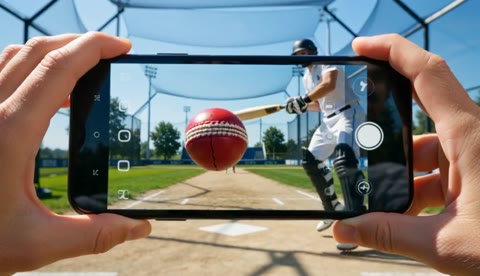
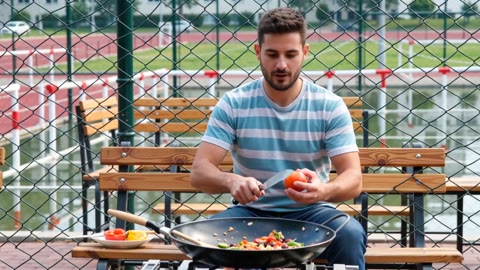
Character Replacement Motion Graphic

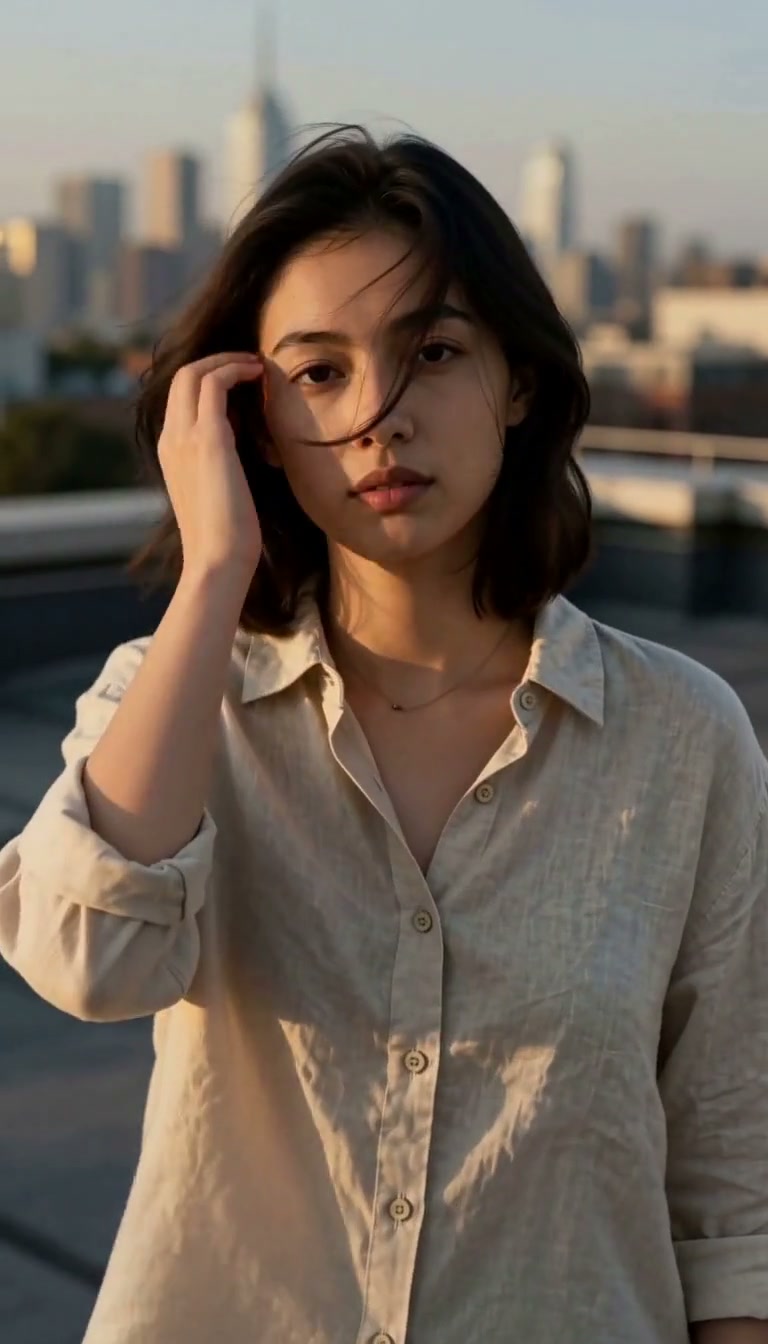
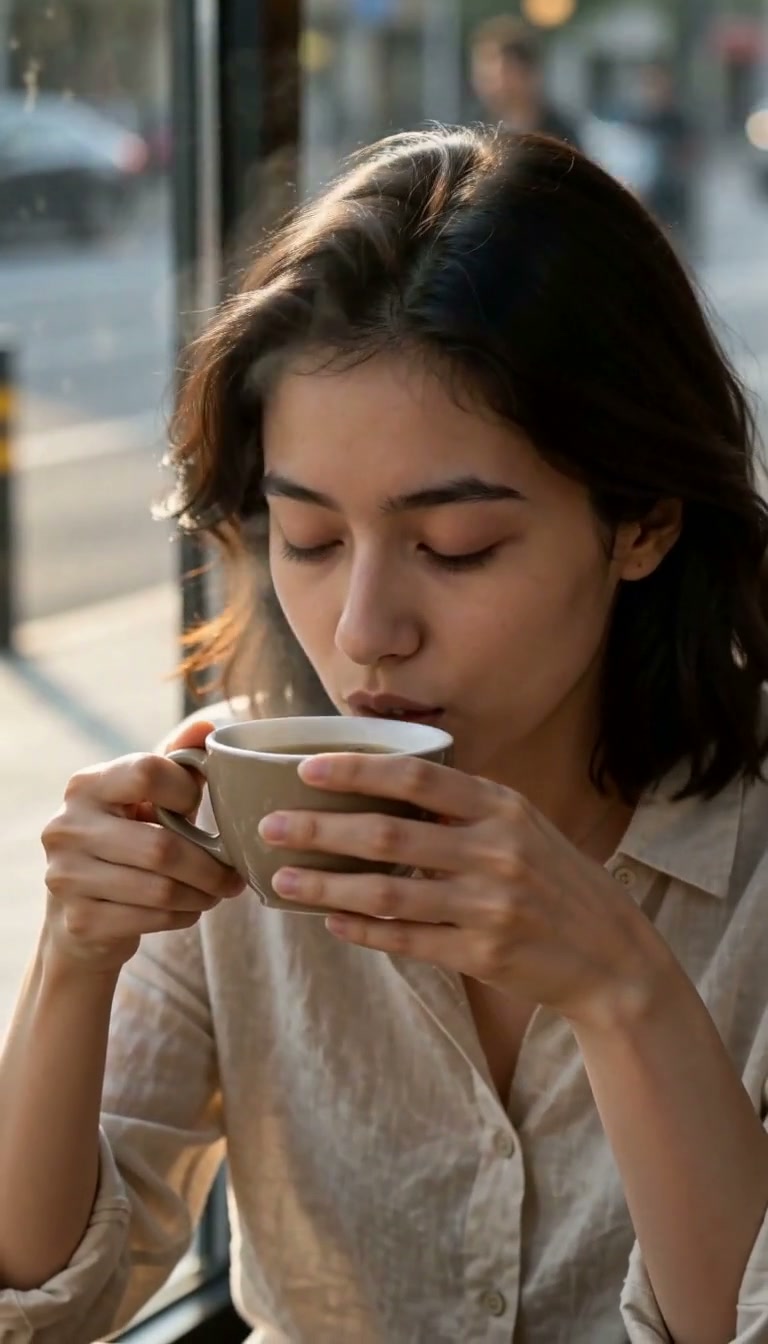
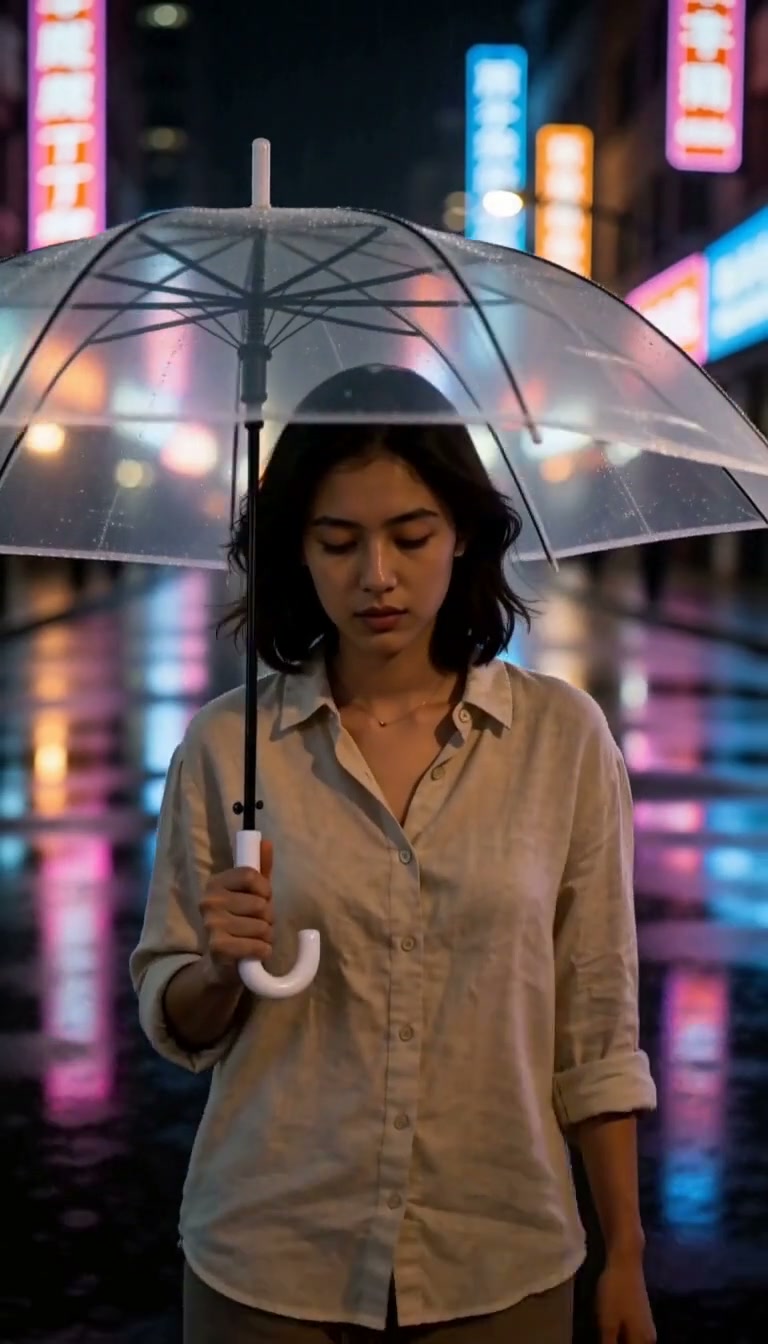
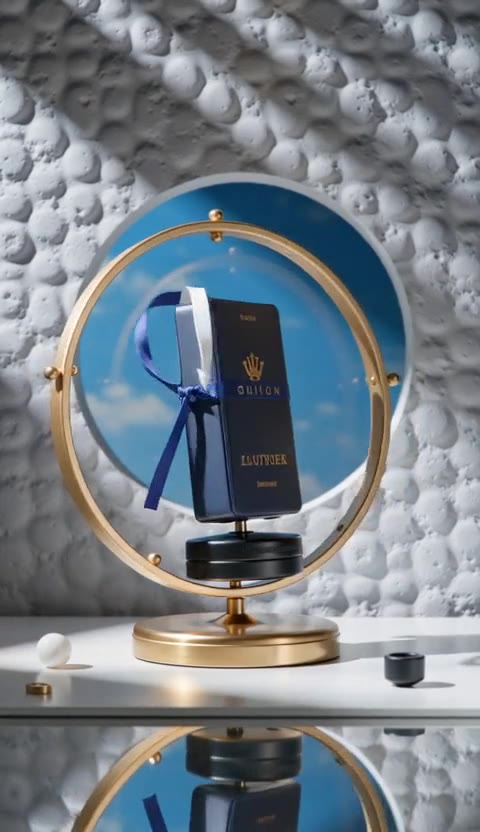
A sleek dark UI showcases character replacement with smooth transitions and glowing effects on a dark background.

Prompt

A sleek dark UI motion graphic showing how character replacement works in video. First, a short video clip of a person walking plays on the left labeled "Source Video". Then a character portrait image slides in from the right labeled "Character Image". A glowing magic wand effect sweeps across both, merging them together. The result plays as a new video where the original person is replaced by the character, labeled "Result". Smooth transitions, dark background (#0a0a0f), purple/violet accent gl
Model
Wan 2.5
Length
5s
Resolution
720p

About this template

How it works

  1. Press "Use this template". Lovino asks you to sign in or sign up first.
  2. Edit the prompt. Replace the subject with your own words and keep the style.
  3. Check the settings that load with the template, such as model and aspect ratio.
  4. Generate the video, then download it or try another version.

What you get

One AI video from the "Character Replacement Motion Graphic" template, made with the Wan 2.5 model, 5 seconds long, 720p resolution.

Good for

  • Short clips for Reels, TikTok and Shorts
  • Animated story moments
  • Looping visuals for sites and ads

Questions

Can I change the prompt?
Yes. The prompt is shown on this page, so you can read it first. Keep the style words and swap the subject.