

 Lovino for iPhoneAvailable on the App Store
Make somethingworth posting.
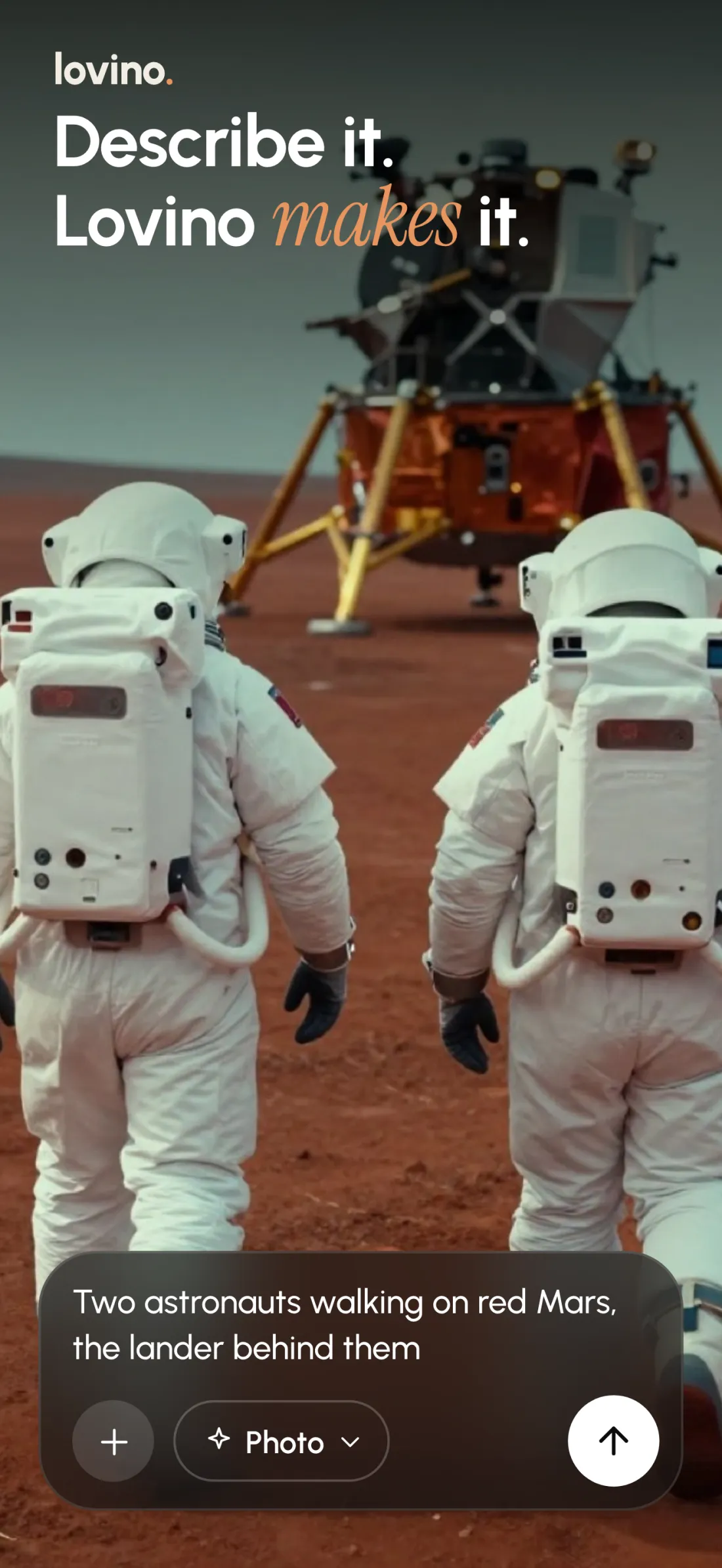
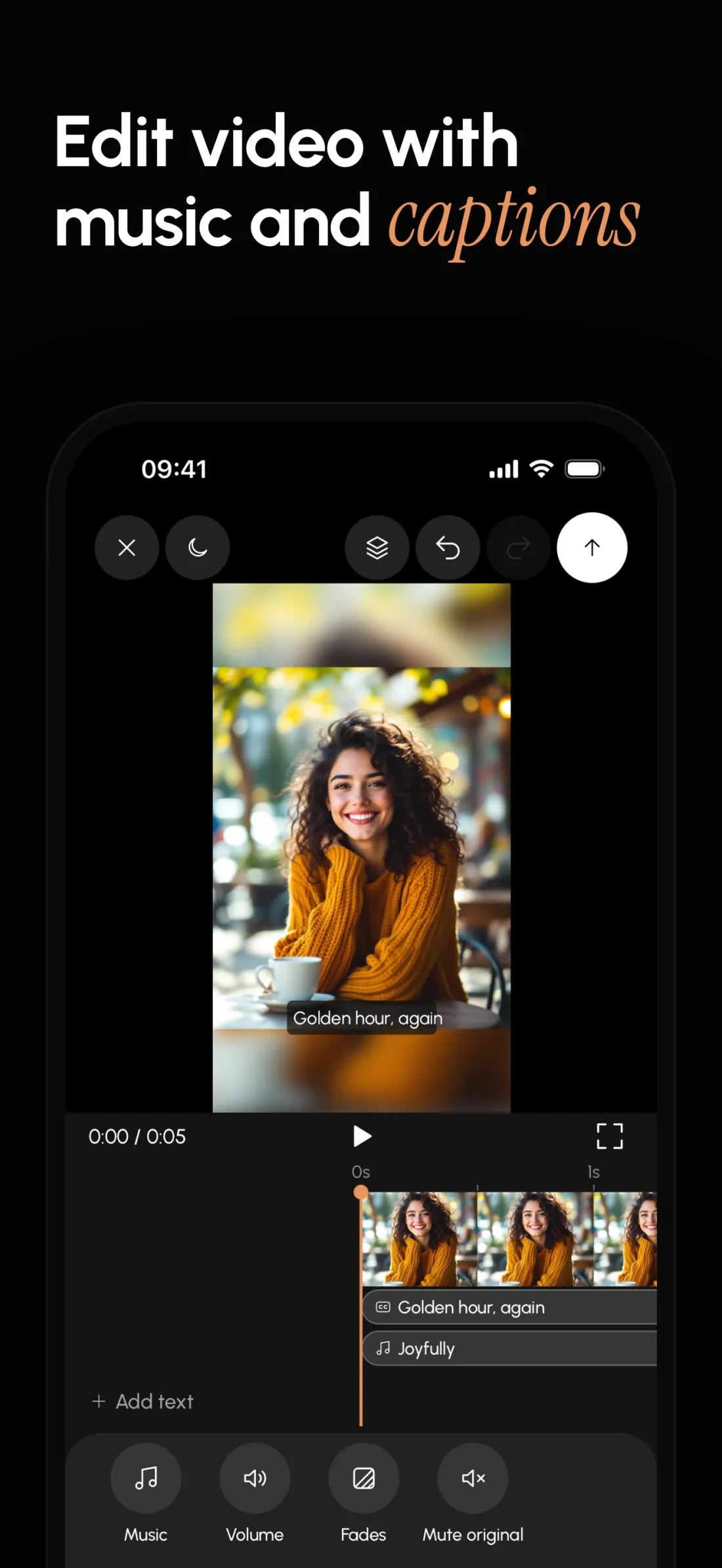
Describe an idea or start with your photos. Lovino makes AI pictures, carousels and short reels you can edit, caption and save, all on your iPhone.

Scan with your iPhonelovino.ai/download

Free to download, with in-app purchases. iPhone, iOS 16.4 or later. Ages 16 and up.
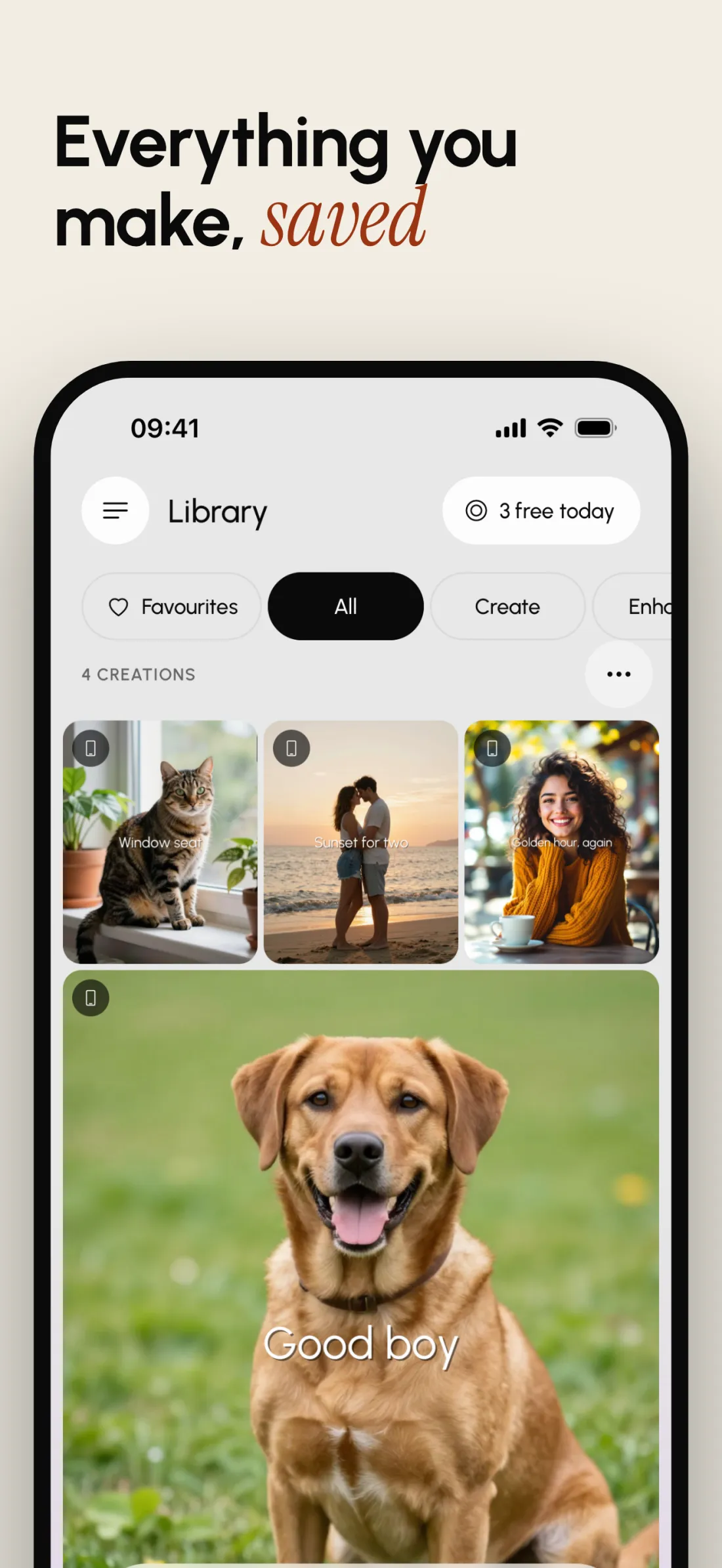
Posts that swipe.
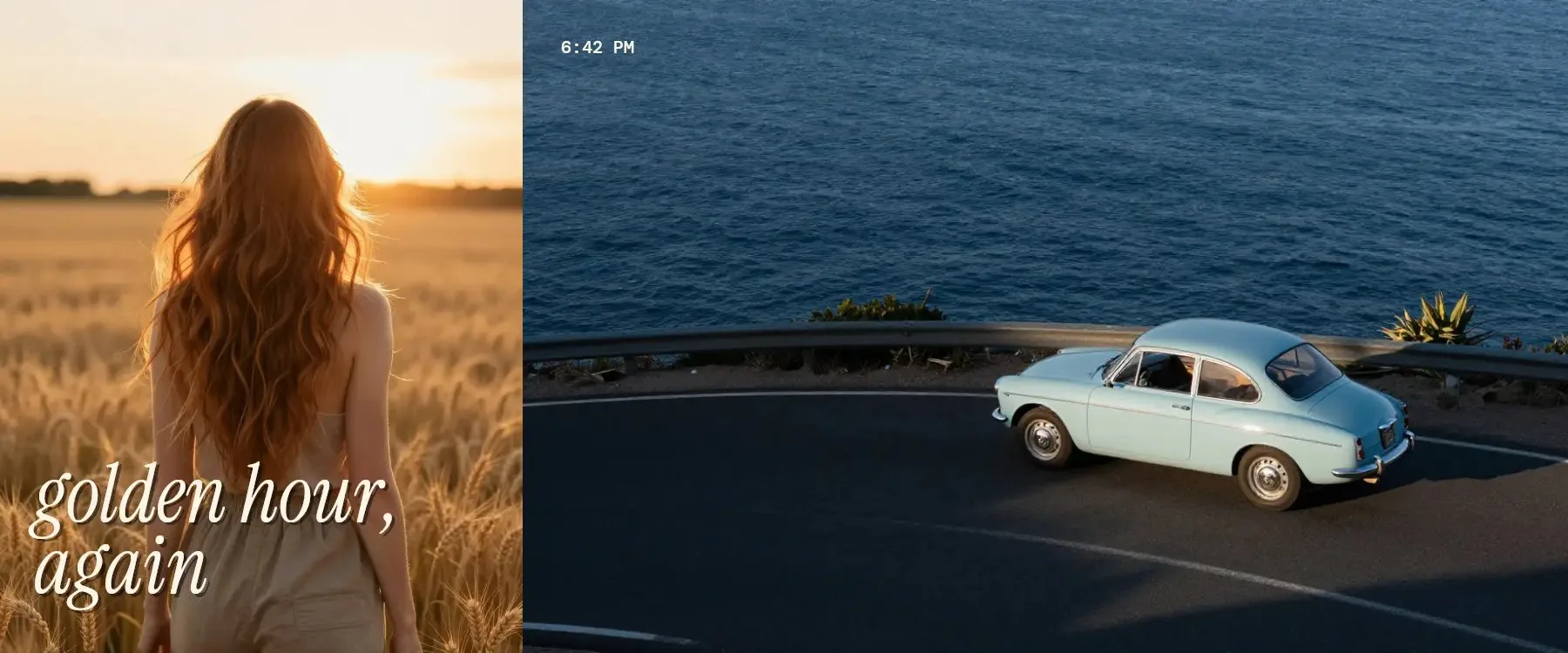
Start from a template or a blank page, add your photos, text and stickers, then save every slide to Photos.
 1/32/33/3
 1/32/33/3
Sample posts from two Lovino carousel templates. The pictures are AI-made.
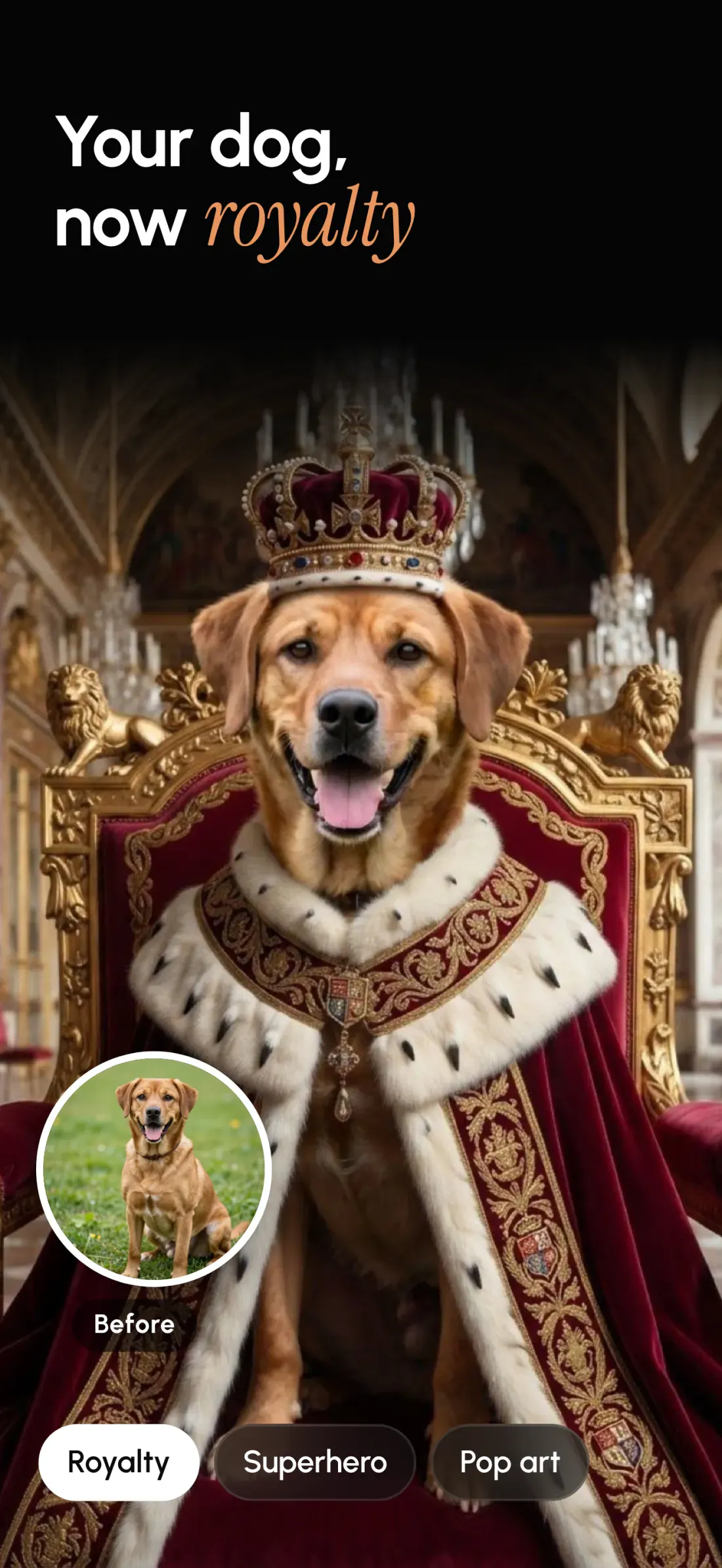
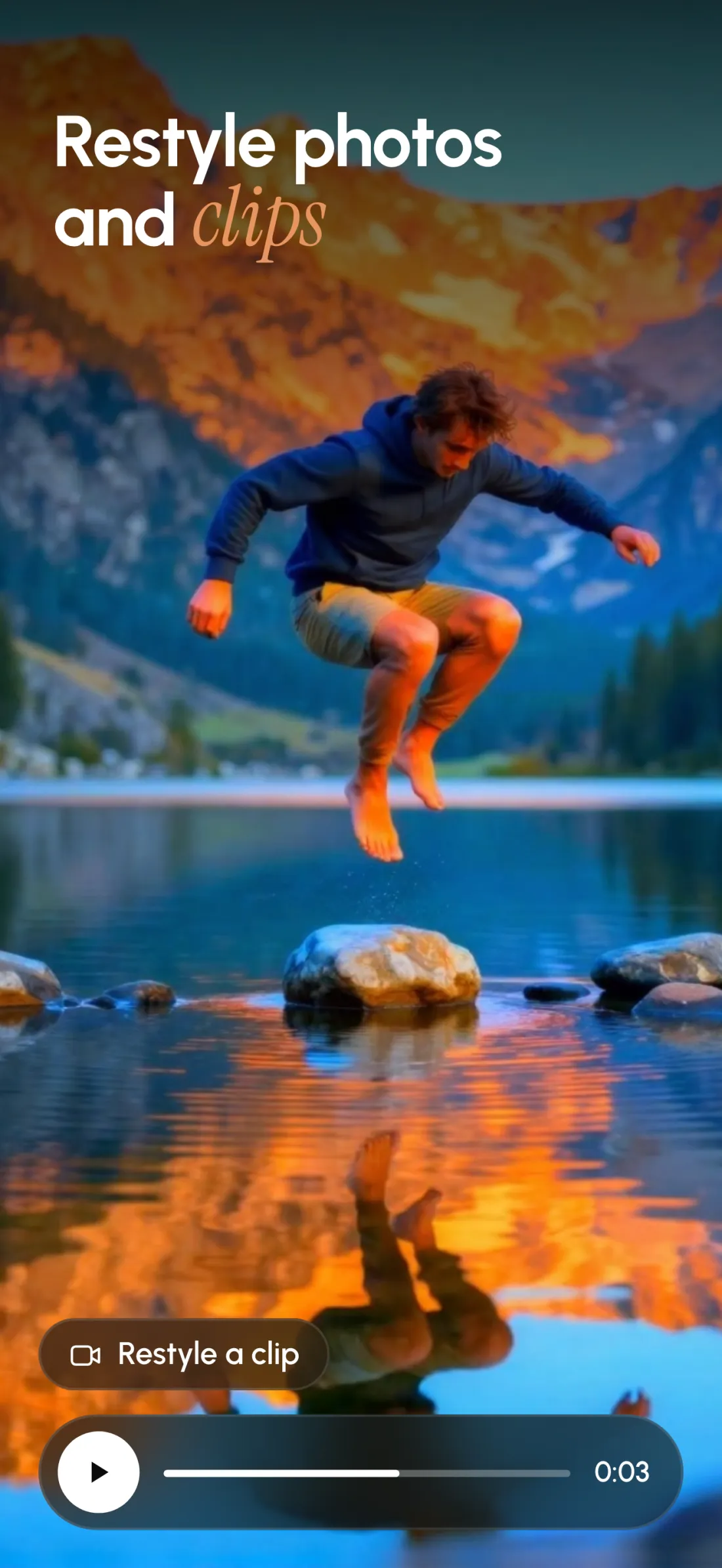
Your photo, restyled.
Choose a look, then drag the line to see your photo before and after.



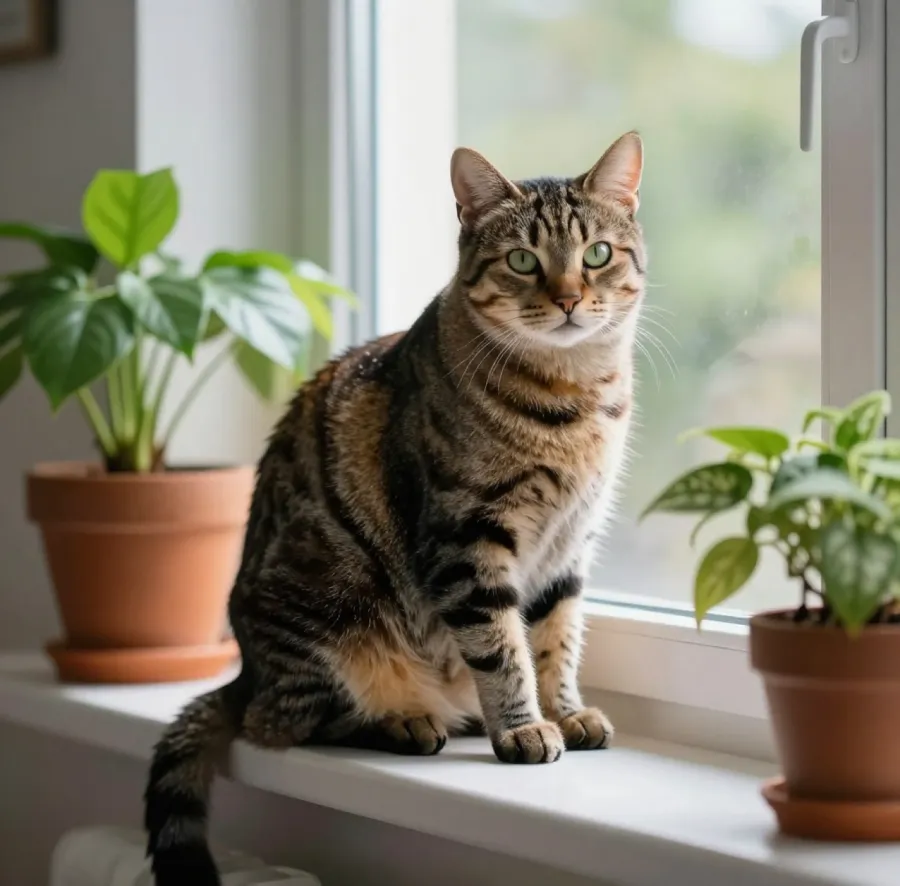
Sample photos are AI-made.
One account. Web and phone.
Sign in to the app with the Lovino account you already use on lovino.ai.
- Account
- Same as on lovino.ai
- Credits
- They work in both places
- Price
- Free to download, with in-app purchases
| Feature | On the web | In the app |
|---|---|---|
| AI pictures and videos | Included | Included |
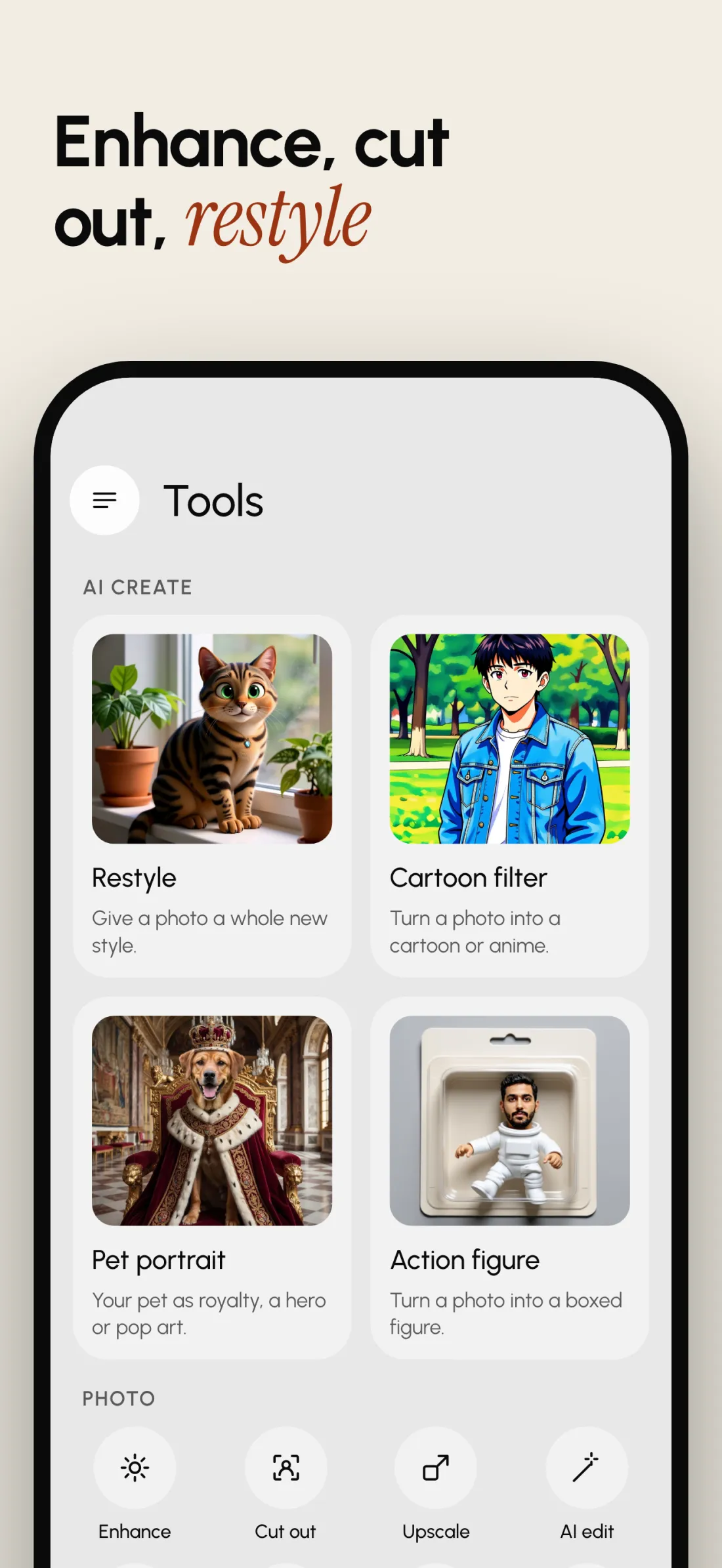
| Photo looks and AI tools | Included | Included |
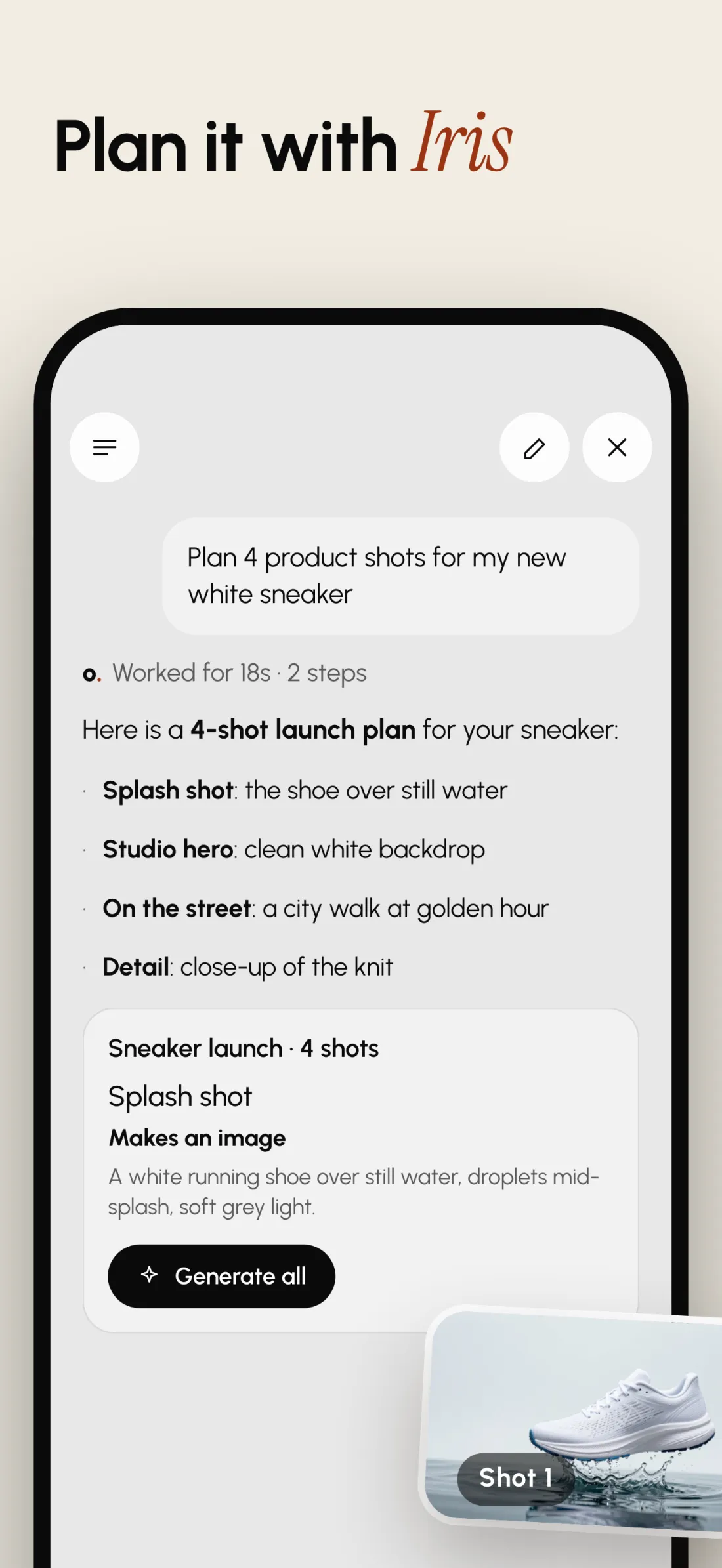
| Iris, your planning assistant | Included | Included |
| Carousel maker | Not on the web | Included |
| Reels and video editor | Not on the web | Included |
Good to know.
Something else? Write to us.
Is Lovino for iPhone free?
It's free to download, with in-app purchases. Free accounts get a few credits every day to make pictures. Video needs paid credits.
Which iPhones does it work on?
Lovino for iPhone needs iOS 16.4 or later. It's made for iPhone, so there's no separate iPad version.
Do I need an account?
Yes. You sign in with Apple, Google or email, and you need to be 16 or older. It's the same Lovino account as on lovino.ai.
Do my web credits work in the app?
Yes. Credits belong to your account, so they work on lovino.ai and in the app.
Will Iris spend credits without asking?
No. Iris shows a card first with what it will make, the tool, the settings and the credits it needs. It only starts when you say yes.
What's different from the website?
Same account, same credits. Carousels and the video editor live in the app. Pictures from a prompt, the AI tools and Iris work in both.
Are the pictures on this page real?
The sample photos in the carousel posts and the before and after pictures are AI-made, including the "Original" photos, so they don't show real people or pets.
Ready when you are.
Lovino for iPhone is free to download, with in-app purchases.
Get Lovino for iPhoneScan with your iPhonelovino.ai/download