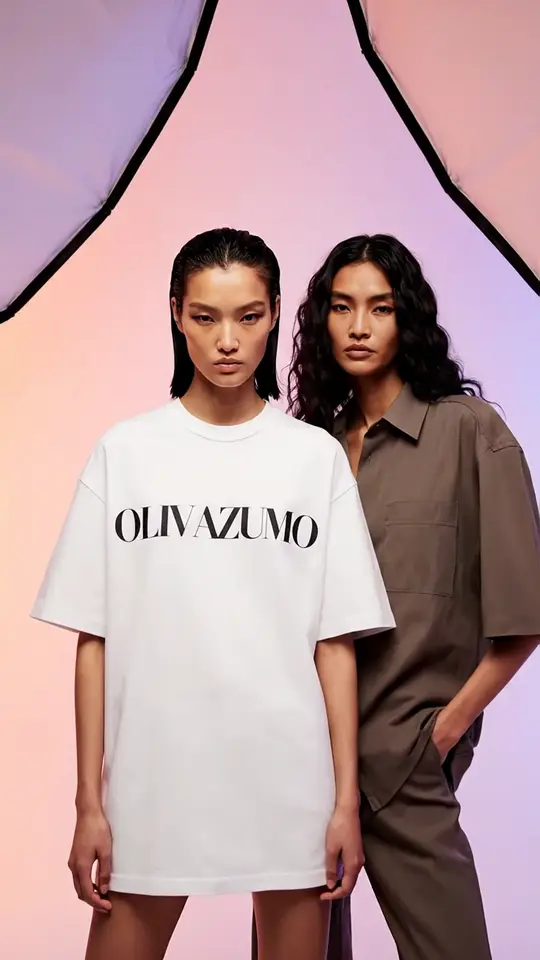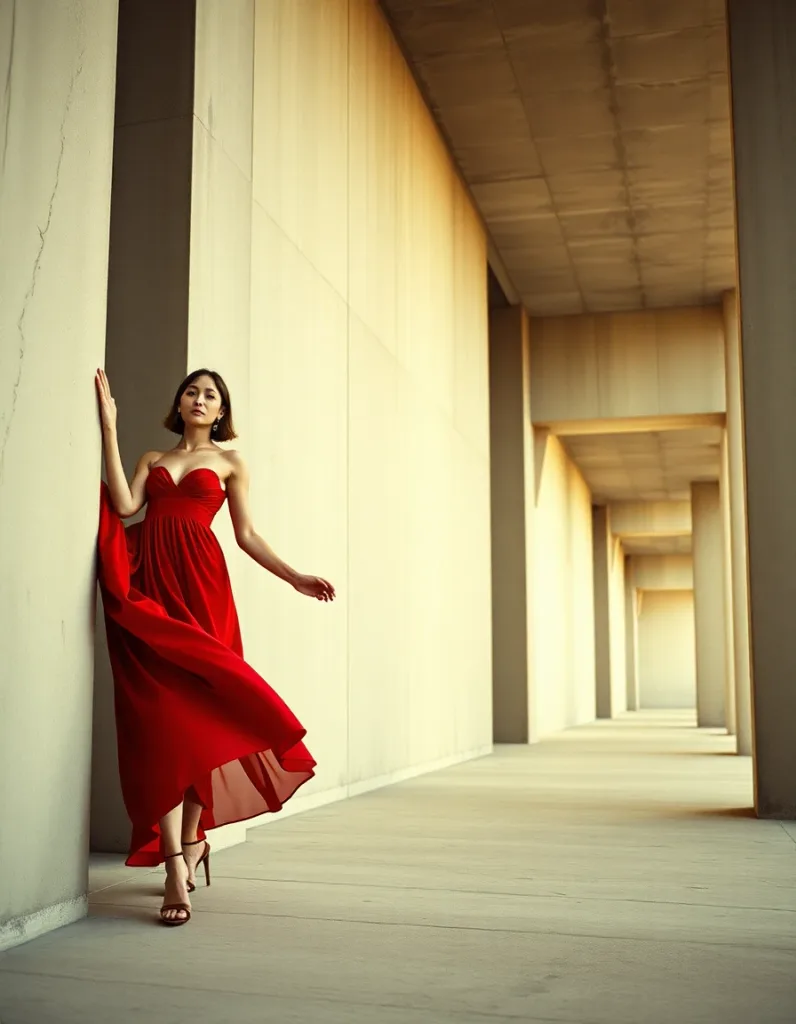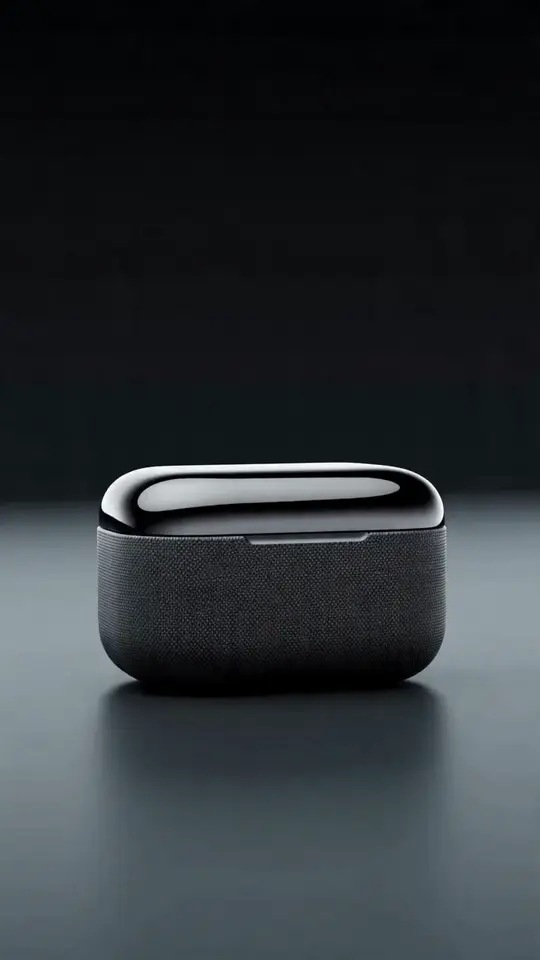
UGC-style ads work because they don't look like ads. A believable person, an ordinary room, a product used the way people actually use it. The catch is volume: performance creative burns out fast, and the answer is always more variants — more hooks, more angles, more formats.
Filming that at scale is expensive and slow. Booking creators, briefing them, waiting on delivery, discovering the hook didn't land, going back for reshoots. Meanwhile a fully generated ad with a different face in every variant has the opposite problem: nothing accumulates, and nothing feels like a person.
A consistent AI creator sits between the two. One saved character, as many variants as you care to shoot — the same recognizable person across every hook, product, and format.
Why consistency is the whole game in UGC
Swap the face between variants and you lose the two things that make UGC work:
- Familiarity. Repeat exposure to one face is what turns a stranger into "that person who reviews skincare." Recognition is a compounding asset; a new face each ad resets it to zero.
- Credibility. A creator who exists across many posts reads as a person with a life. One who appears once reads as stock footage.
That's the practical case for locking the identity before you scale: a saved character (a Lens ID in Lovino) that anchors every generation to the same face instead of inventing a new one each time. No custom model training, no LoRA, no dataset — you save the character and start producing.
The production loop
1. Cast your creator. Build a fictional character that fits the audience, not your taste. A supplement brand for weekend runners wants someone who reads as a weekend runner. Write the brief — age, look, energy, wardrobe — then generate and save the character.
Casting rule: your creator must be invented. Don't build an ad persona on a real person's likeness without their explicit consent, and never on a public figure or celebrity.
2. Storyboard the ad, not the image. UGC creative is a sequence of beats: hook, problem, product moment, proof, call to action. Write those as scenes before you generate anything.
3. Shoot the scenes. Now generate with the character locked, varying only the world:
- Bathroom mirror, morning light, product on the counter.
- Kitchen table, product in hand, mid-sentence expression.
- Outdoors, casual, product visible in a bag.
- Clean studio flat-lay with the creator's hands.
The Studio's one-tap scene templates give you a head start here — the product category ships ready-made "Skincare moment," "Unboxing," and "Product in hand" scenes, and the lifestyle set covers the surrounding feed that makes the creator believable between ads.
4. Cast the creator with the actual product. For the hero asset — your creator holding your product — use the built-in Cast a creator flow rather than describing the product in a prompt. You pick the saved character and add a product image; Lovino generates an ad still of the creator holding or using that exact product, conditioned on both the character's reference images and your product shot. The casting still costs 4 credits, and you approve the frame before any video spend — then it's animated into a short clip at normal UGC video pricing. Two checkpoints, no leap of faith.
5. Add motion. Beyond the cast clip, pick the strongest frame per beat and animate it — a reach for the product, a small camera push, a natural gesture. This is image-to-video motion, so scope it accordingly: Lovino doesn't do lip-sync or synthetic voice today. Build clips as B-roll, then carry the message with on-screen captions, text hooks, or a voiceover added in your editor. Plenty of high-performing short-form ads are cut exactly this way.
6. Fan out variants. This is where the consistent creator pays for itself. Keep the character and the product fixed; vary the hook, the setting, the framing, the aspect ratio. Ten hooks against three settings is thirty test assets from a single cast — with the same face throughout, so what you learn about the creative isn't confounded by a new person in every cell.
7. Test, keep, kill. Ship them, read the results, and re-generate around whatever wins. The whole reason to remove the shoot day is that the feedback loop can now run in an afternoon.
What it does and doesn't replace
Be honest about the boundaries:
- It doesn't replace real creator partnerships where the value is the creator's actual audience and credibility. It replaces the production problem when the creative is the bottleneck.
- It doesn't replace real product footage in every case. Texture, application, and unboxing often still want a camera. Many teams mix generated creator scenes with a few real product clips.
- Performance results vary. Anyone quoting you a guaranteed lift from AI creative is selling something. What's reliably true is that you can produce and iterate on far more variants per week — and volume of testing is what usually moves performance.
Disclose it
If your ad implies a real person's endorsement and that person doesn't exist, say so. Label the creator as AI-generated in the ad or its description, and keep any claims made about the product truthful and substantiated. In many markets, advertising regulators expect synthetic endorsements to be disclosed, and rules are still moving — check what applies where you run the ad. A disclosure line costs you nothing.
Getting started
Cast one creator. Build one ad's worth of beats. Fan out five hooks. Ship them, and let the data tell you what to make next week — with the same face.
Create your consistent creator in Lovino and produce your first batch.